 ProMapRanker
Best DevSecOps Tools for Cloud Security in 2026

Key takeaways
- The strongest setups pair code scanning with cloud posture checks, so a fix in a pull request does not become a live misconfiguration later.
- Snyk and GitLab suit teams that want security inside the developer workflow, while Wiz, Orca Security and Prisma Cloud suit teams that need a full view of live cloud accounts.
- Enterprise cloud platforms in this list mostly use quote-based pricing, so budget planning should start with a trial or a sales call and a clear count of workloads.
- Open source scanners and free tiers can cover small projects well, but they need someone to triage findings and keep rules current.
Quick comparison
| Pick | Great for | Pricing starts at | Free tier | |
|---|---|---|---|---|
 Snyk | Developer-first code and dependency scanning | Free | Yes | Visit |
 Wiz | Cloud risk prioritisation across accounts | See website | No | Visit |
 Orca Security | Agentless cloud visibility | See website | No | Visit |
 Prisma Cloud | Broad enterprise cloud protection | See website | No | Visit |
 Aqua Security | Container and Kubernetes security | See website | No | Visit |
 Checkmarx | Deep enterprise application scanning | See website | No | Visit |
 Sysdig | Container runtime defence | See website | No | Visit |
 Lacework by Fortinet | Anomaly detection in cloud workloads | See website | No | Visit |
 GitLab | All-in-one DevSecOps platform | See website | Yes | Visit |
The best DevSecOps tools for cloud security
We compared official feature pages, pricing pages and public documentation, and we focused on tools that connect code, pipelines and live cloud accounts rather than tools that only check one layer.
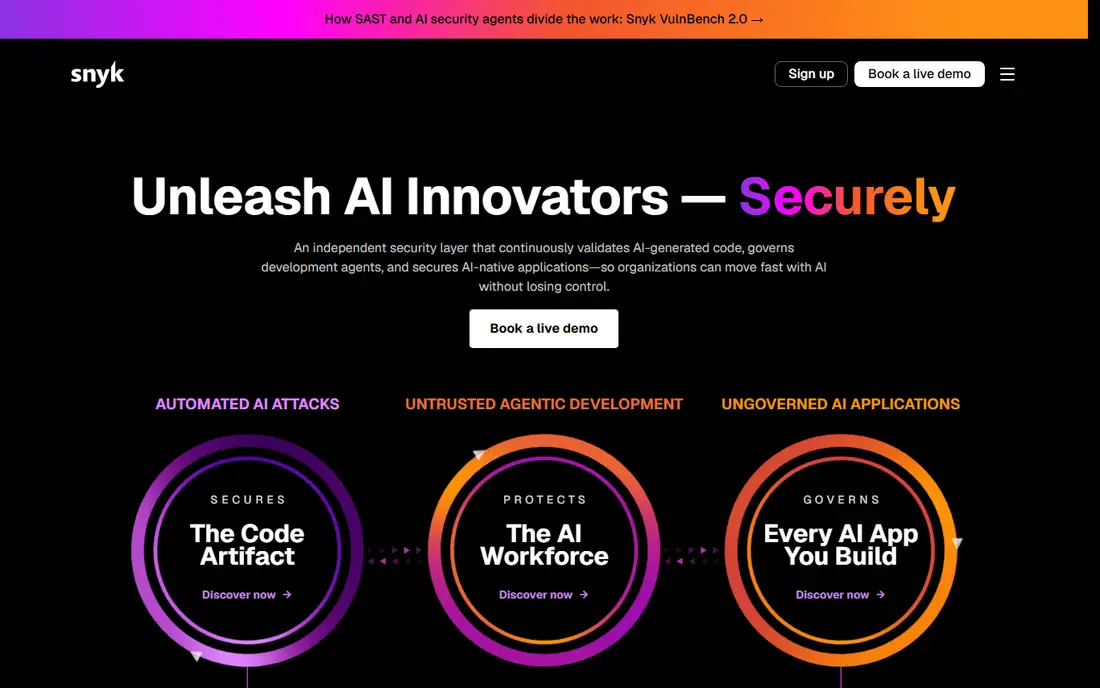
Snyk fits teams that want security feedback where developers already work. It scans open source dependencies, first-party code, containers and infrastructure templates, and it presents fixes in a form a developer can act on without switching to a separate security console. That placement matters, because a warning that arrives late in a release cycle is far more likely to be deferred.
The trade-off is scope. Snyk is strong at the build and code end of the pipeline, but a team that also needs deep runtime context across many cloud accounts will probably pair it with a cloud platform from this list. Start with the free tier on a real repository, check how many findings are actionable, and only then judge the paid tiers.
- Finds issues in code, dependencies, containers and infrastructure as code
- Fixes can be applied inside pull requests
- Free tier suits small projects
- Full enterprise features need a paid plan
- Cloud posture depth is narrower than dedicated cloud platforms
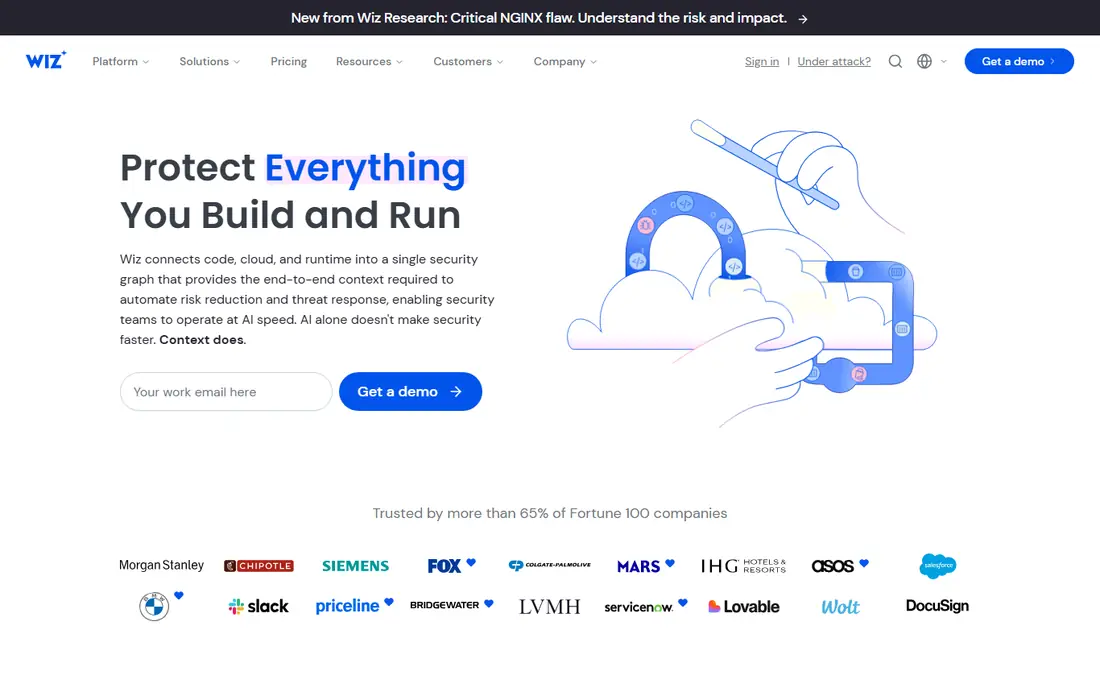
Wiz is built around a simple question: which cloud risks can an attacker actually reach. Instead of handing teams a long list of isolated findings, it links identities, network exposure, vulnerabilities and misconfigurations into paths that show how a problem could be used. That context helps small security teams spend their week on a handful of serious issues rather than hundreds of low-value alerts.
The catch is commercial rather than technical. Wiz does not publish a simple price list, so a small company should ask early about how pricing scales with workloads and which modules are included. It is best suited to teams with several cloud accounts and a real need to rank risk across all of them.
- Agentless scanning gives fast visibility across cloud accounts
- Attack-path views help teams fix what is actually reachable
- Broad cloud coverage
- Quote-based pricing makes early budgeting harder
- Smaller teams may find the platform larger than they need
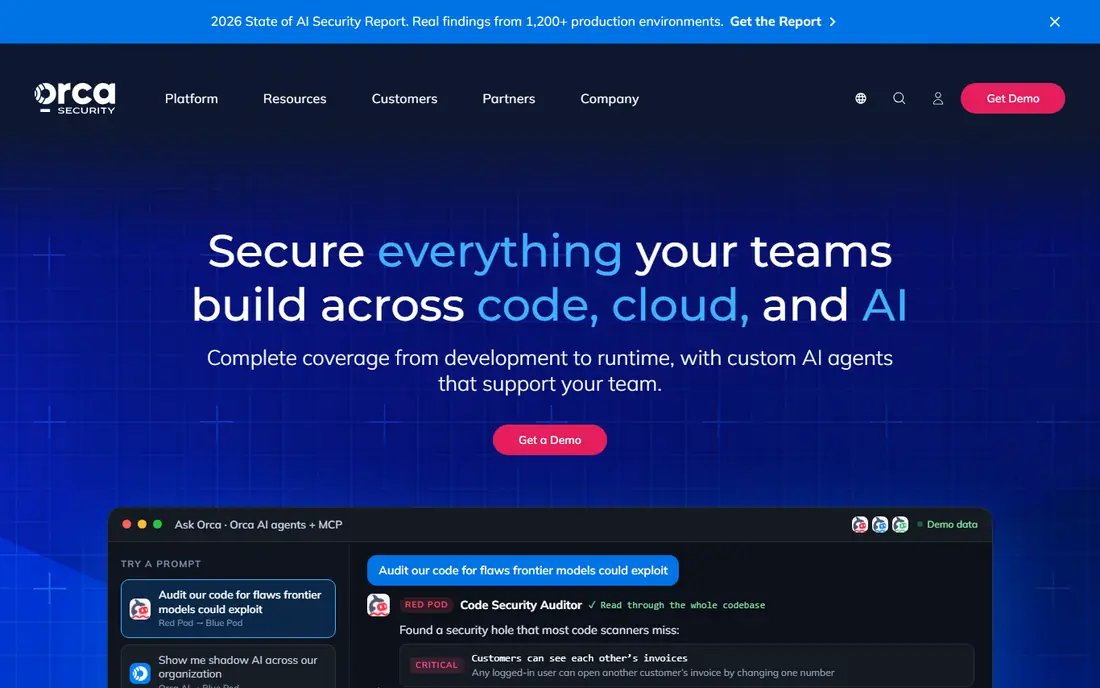
Orca takes a different route to the same goal as Wiz: it scans cloud workloads from the side, using cloud snapshots and APIs, rather than asking teams to deploy agents on every machine. For organisations with many accounts or short-lived workloads, that approach can cut onboarding time a lot. It also helps surface assets that a team did not know existed, which is a common source of cloud incidents.
Buyers should still plan for a proper evaluation. Agentless scanning is convenient, but runtime defence and deep code fixes may need companion tools. Ask how Orca prices short-lived workloads before signing, and run it against a representative set of accounts rather than a single tidy test account.
- SideScanning reads cloud workloads without installing agents everywhere
- Covers code, cloud and identity risks in one view
- Fast initial coverage
- Quote-based pricing
- Large ephemeral workloads can raise costs
Prisma Cloud, from Palo Alto Networks, aims to be the single cloud security platform for large organisations. It checks code and infrastructure templates before deployment, monitors cloud posture after deployment, and adds workload and network protection for running systems. Teams that already use other Palo Alto products may get extra value from shared policies and data.
The main drawback is complexity. With many modules and a credit model, it is easy to buy more than a team can use in the first year. A phased rollout works better: start with posture and code checks, prove value on one cloud, and add runtime modules once the team has the staff to respond to their alerts.
- Covers code, posture, workloads and network security in one platform
- Strong compliance reporting
- Deep Palo Alto Networks integration
- Credit-based pricing can be hard to forecast
- Breadth can feel heavy for small teams
Aqua Security focuses on the cloud-native stack: container images, Kubernetes clusters and the software supply chain around them. Its Trivy scanner is widely used as a standalone open source tool, which gives teams a low-cost way to test Aqua's scanning quality before buying the full platform. In the paid product, image assurance, runtime controls and Kubernetes policy checks sit together.
That focus is also its limit. A company with few containers will get less from Aqua than a team shipping containerised services every day. For Kubernetes-heavy teams, though, the combination of build-time scanning and runtime enforcement is a practical reason to shortlist it.
- Strong container image and Kubernetes controls
- Trivy gives a well-known open source scanner
- Runtime policies suit cloud-native teams
- Best value is for container-heavy teams
- Pricing needs a sales discussion
Checkmarx One brings together static analysis, software composition analysis, API security and related checks for large application portfolios. It is designed for organisations that need consistent rules across many teams and languages, with audit trails that compliance teams can review. When tuned well, it can catch risky code patterns before they reach production.
Tuning is the honest catch. Out of the box, any deep static analysis tool can produce noise, and Checkmarx is no exception. Teams should budget time for rule tuning and for training developers to read results. It is a strong pick for enterprises, and a heavier pick than most startups need.
- Mature static analysis for many languages
- Broad application security coverage including APIs
- Strong enterprise reporting
- No public pricing
- Setup and tuning take experienced staff
Sysdig stands out at runtime, the stage where a workload is actually running and an attacker could act. It traces system calls and container activity, which helps teams see unusual behaviour that a static scan cannot predict. Its vulnerability handling also tries to cut noise by highlighting packages that are loaded in use, not just present in an image.
That depth only pays off if someone watches it. A small team without on-call security cover may prefer to start with posture and code scanning, then add Sysdig when runtime alerts have a clear owner. For container platforms with real production risk, it is one of the most capable runtime options here.
- Deep runtime visibility for containers and Kubernetes
- Vulnerability checks focus on packages actually in use
- Strong incident investigation tools
- Quote-based pricing
- Runtime depth needs staff who can respond to alerts
Lacework, now part of Fortinet, looks for behaviour that does not fit the normal pattern of a cloud account or workload. That approach can catch problems that signature-based checks miss, such as a normally quiet service suddenly reaching out to an unusual destination. It also covers cloud posture and container security, so it can serve as a central cloud platform for some teams.
Anomaly detection always needs a settling-in period. Early alerts may include legitimate new behaviour, so teams should expect tuning work in the first weeks. Once baselines are stable, though, the behavioural view is a useful second opinion beside posture and code findings.
- Behaviour-based detection highlights unusual cloud activity
- Covers cloud, containers and Kubernetes
- Fortinet backing for enterprise buyers
- Quote-based pricing
- Anomaly alerts need tuning to avoid alert fatigue
GitLab suits teams that want fewer tools, not more. Its Ultimate tier adds static analysis, dependency scanning, secret detection, dynamic scanning and compliance pipelines to the same place where code is reviewed and shipped. Findings appear in merge requests, which keeps security work close to the change that caused it.
The compromise is depth. A specialist such as Checkmarx or Sysdig may find more in its own area, and GitLab will not replace a dedicated cloud posture platform for a large multi-cloud estate. For many small and mid-sized teams, though, the coherence of one platform, with a free tier to start, is worth more than best-in-class depth in every single category.
- Security scanning sits inside the same platform as code and CI
- One pipeline for SAST, dependency and secret scanning
- Free tier for small teams
- Specialist scanners may go deeper in one area
- Advanced security features need a paid tier
How we picked these
We compared official product pages, pricing pages and public documentation for tools that cover at least two stages of the DevSecOps pipeline, from code to live cloud. We favoured tools with current, supported products in October 2026, clear cloud coverage, and a realistic fit for either developer workflows or security operations. We left out tools that are archived, deprecated or limited to a single narrow check, and we marked prices as See website where the vendor does not publish a price list.
What to check before you buy
Start with your own estate, not the vendor demo. Count your cloud accounts, container clusters and repositories, and note which clouds matter most. A tool that shines on one cloud and lags on another will create blind spots that are easy to miss in a sales call.
Next, run a pilot on a real service, not a demo project. Check how many findings are actionable, how fixes reach developers, and who owns alerts at runtime. If findings pile up with no owner, the tool will not improve security, however good its dashboard looks. Finally, confirm pricing in writing for your workload count, and ask what happens when you add accounts or clusters mid-year.
Frequently asked questions
What is DevSecOps for cloud security?
DevSecOps means building security checks into software delivery, from code review to cloud deployment and runtime. For cloud security, it adds posture checks, container scanning and identity checks to the usual code scanning, so a risky change is caught before it becomes a live exposure.
Should small teams buy a cloud platform or start with code scanning?
Start with code and dependency scanning, plus the native security tools of your cloud provider. Add a dedicated cloud platform when you have several accounts, production workloads that matter, or compliance duties that need central reporting.
Is agentless scanning enough for cloud security?
Agentless scanning gives fast, broad visibility and is a strong starting point. It does not always replace runtime sensors for deep process-level detection, so teams with high-risk workloads often combine agentless posture checks with runtime protection.
How much do DevSecOps tools for cloud security cost?
Costs vary widely. Developer tools may start free or at a low per-developer price, while enterprise cloud platforms are usually quote-based and scale with workloads. Ask for a quote based on your real workload count, and check whether code scanning, posture and runtime modules are priced separately.
Can one tool cover code, cloud and runtime?
Some platforms try, and Prisma Cloud, Wiz and Orca come closest in this list. Even then, most large teams keep a specialist for deep code analysis or runtime defence, and use the platform as the central view rather than the only control.
Sources
See where you really rank - block by block
ProMapRanker scans Google Maps across a grid of your service area. Simple monthly plans from $19, white-label on every plan.
Start freeKeep reading
 zscaler alternatives
Best Zscaler Alternatives in 2026
Looking for zscaler alternatives? We compare 9 SASE and zero trust platforms on architecture, data protection, pricing, and fit for your network and team.
Read → zapier alternatives free
Best Zapier Alternatives Free in 2026
Nine automation tools for zapier alternatives free in 2026, all with genuinely free tiers, plus free plan limits, starting prices and upgrade paths explained.
Read → which platform is best for online reputation
Which Platform Is Best for Online Reputation in 2026
Wondering which platform is best for online reputation? We compare 8 review, listing, and response tools for small and multi-location businesses and agencies.
Read →