 ProMapRanker
Best DevSecOps Services for Cloud in 2026

Key takeaways
- Snyk, GitLab, and GitHub Advanced Security fit developer-first teams, because security checks sit inside the pipeline developers already use.
- Wiz, Prisma Cloud, Orca Security, and Sysdig add cloud context, so teams can prioritize risks that are actually exposed in production.
- Aqua Security and Checkmarx cover container and application scanning depth, while Aikido suits smaller teams that want several scans in one tool.
- No single service covers code, containers, cloud posture, and runtime alone, so most teams combine a pipeline scanner with a cloud platform.
Quick comparison
| Pick | Great for | Pricing starts at | Free tier | |
|---|---|---|---|---|
 Snyk | Developer-first scanning | Free | Yes | Visit |
 Wiz | Cloud exposure prioritization | See website | No | Visit |
 Prisma Cloud | Code-to-cloud platform | See website | No | Visit |
 GitLab | Built-in DevSecOps pipeline | Free | Yes | Visit |
 GitHub Advanced Security | GitHub code security | See website | Yes | Visit |
 Aqua Security | Container and cloud-native security | See website | Yes | Visit |
 Sysdig | Runtime container security | See website | Free trial | Visit |
 Orca Security | Agentless cloud assessment | See website | No | Visit |
 Checkmarx | Application security suite | See website | No | Visit |
 Aikido Security | All-in-one scanning for smaller teams | See website | Yes | Visit |
The best devsecops services for cloud
We compared code scanning, dependency and container scanning, cloud posture, runtime context, pipeline integration, and pricing. These ten are live services and platforms used for DevSecOps in cloud environments, from developer tools to enterprise cloud platforms.
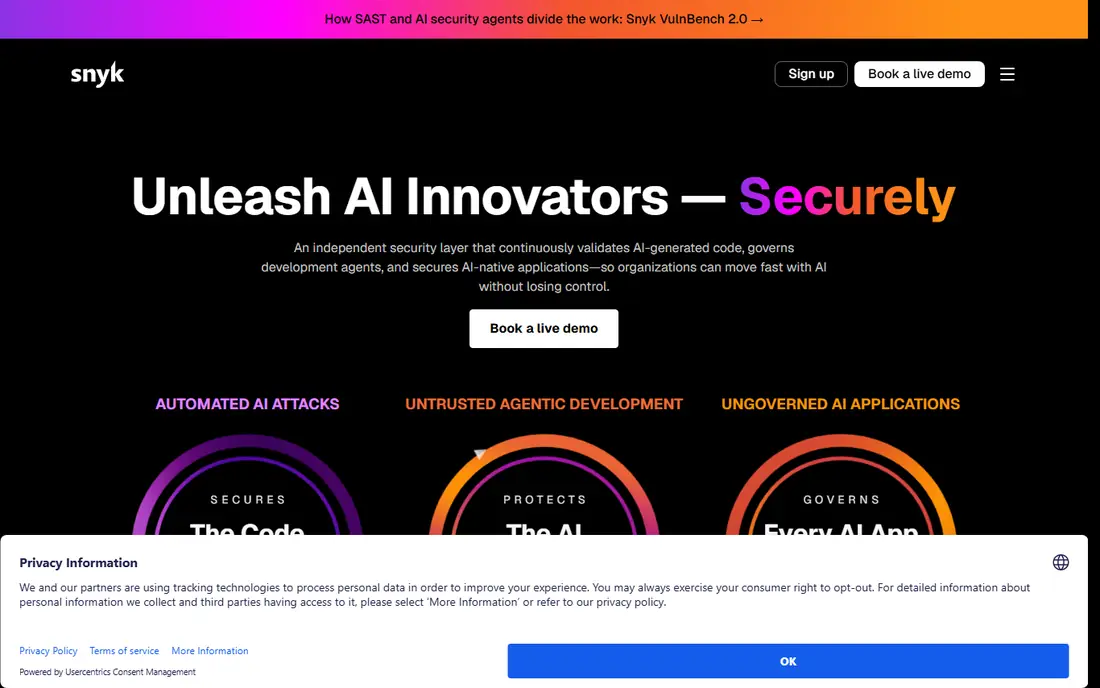
Snyk fits teams that want security findings where developers work, with scans for code, open source dependencies, containers, and infrastructure as code. It gives fix guidance and pull request support, which helps developers fix issues without leaving their normal workflow. A free tier lets small teams start, while Team plans are commonly listed from $25 per developer per month.
The limit is runtime context. Snyk can show what is vulnerable, but a dedicated cloud platform may be better at showing what is exposed and running in production. For a developer-first DevSecOps base, Snyk is still our pick for most people, especially when paired with a cloud posture tool later.
- Code, dependency, container, and IaC scanning
- Fix guidance in developer workflows
- Free tier
- Team pricing is per developer
- Runtime depth is lighter than dedicated runtime tools
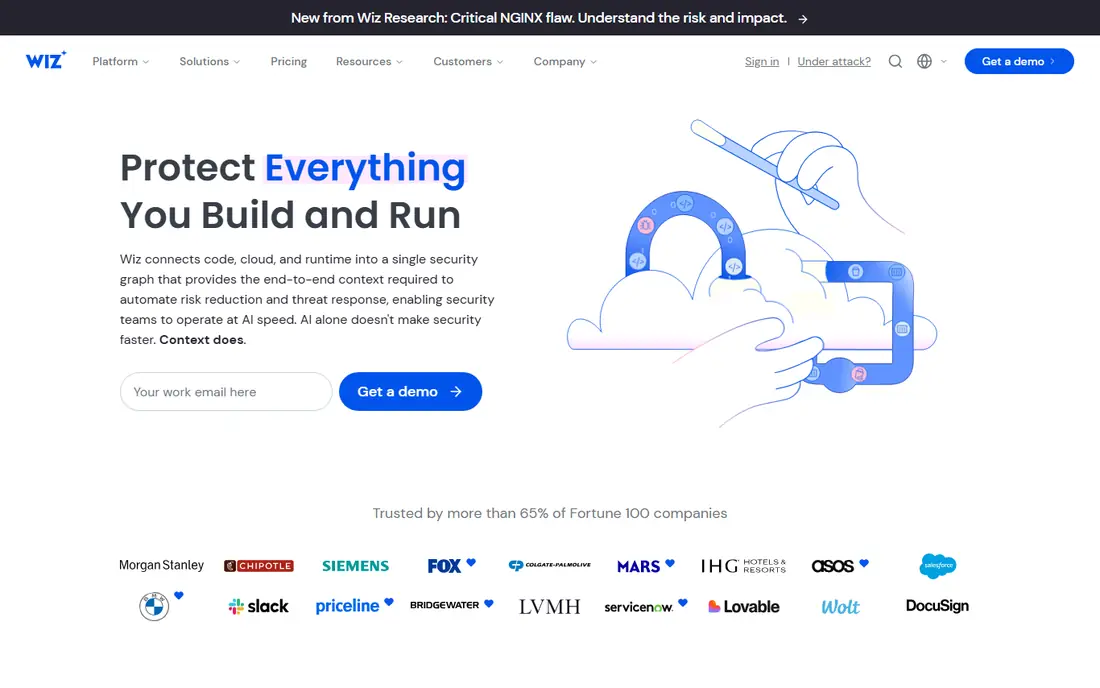
Wiz helps security teams answer a harder question than what is vulnerable: what can an attacker actually reach. Its security graph links cloud resources, identities, vulnerabilities, and exposure paths, so teams can fix the riskiest issues first. Agentless scanning covers cloud workloads without installing agents everywhere, while added modules cover code and runtime detection.
Pricing is quote-only and enterprise-oriented, with published comparisons citing entry figures around $24,000 per year for a set workload count. That puts Wiz out of reach for tiny teams. For a mid-size or large cloud estate, the prioritization value can justify the cost over a flat vulnerability list.
- Cloud security graph and attack paths
- Agentless scanning
- Code-to-cloud context
- Quote-only enterprise pricing
- Can be costly for small cloud footprints
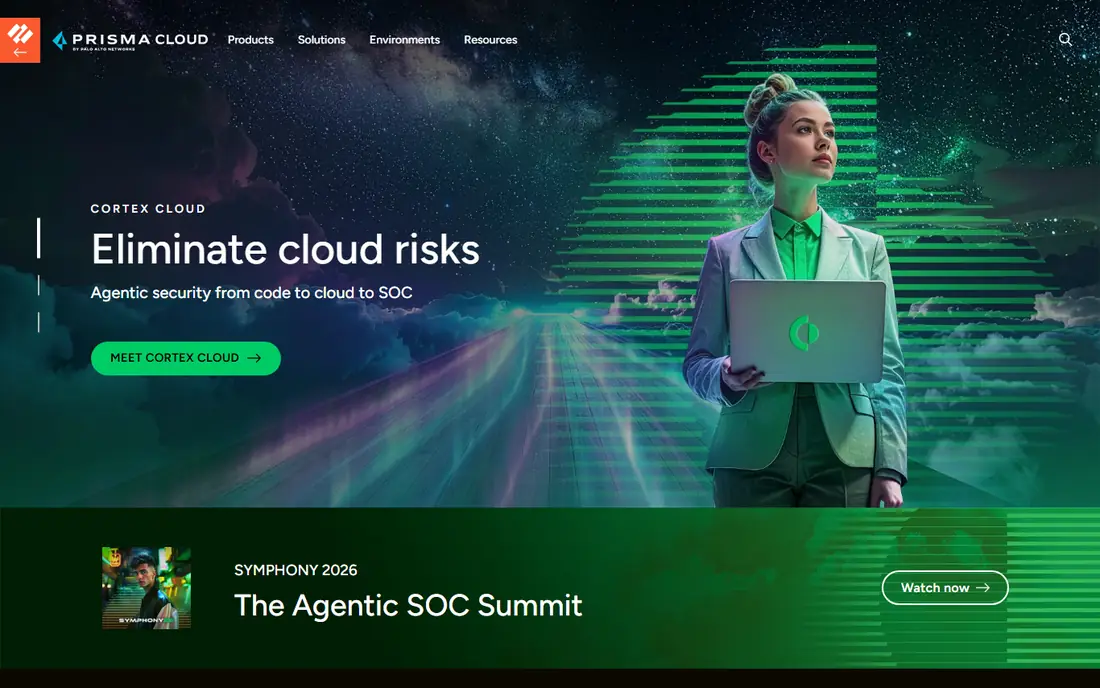
Prisma Cloud, now part of the Palo Alto Networks Cortex Cloud family, aims to cover security from code through cloud posture to runtime protection. It scans code and infrastructure, checks cloud configuration, and protects workloads and containers, with context that links a code issue to a running resource. Large organisations that already use Palo Alto Networks tools get added integration value.
The main drawback is pricing clarity. Credit-based pricing depends on modules and protected resources, so teams need a full asset count before a quote means much. Smaller teams may find a developer scanner plus a lighter cloud tool cheaper. For a large multi-cloud estate that wants one platform, Prisma Cloud remains a leading option.
- Code, cloud posture, workload, and runtime coverage
- Palo Alto Networks integration
- Broad cloud support
- Credit-based pricing is hard to estimate
- Can be costly for smaller organisations
GitLab is attractive because security scanning is part of the same platform teams use for code, pipelines, and releases. It covers static analysis, dependency and container scanning, secret detection, and infrastructure checks, with results inside merge requests. A free tier covers basic use, while Premium and Ultimate tiers add deeper security and compliance features.
The catch is tier gating. The most useful security dashboards and compliance controls sit on higher plans, so a team must price the tier that matches its needs, not the free tier alone. For a team already on GitLab, turning on built-in scanning is the fastest DevSecOps win available.
- Security scanning built into CI pipelines
- Free tier
- Broad DevSecOps coverage in one platform
- Advanced security features need higher tiers
- Depth varies by scanner type
GitHub Advanced Security adds code scanning with CodeQL, secret scanning with push protection, and dependency review to repositories hosted on GitHub. For public repositories, many features are free, while private repositories need a paid plan or add-on. Findings appear in pull requests, which helps developers fix issues before merge.
The limit is platform scope. It excels at code and dependency security inside GitHub, but cloud posture and runtime protection need a separate cloud platform. For a GitHub-first team, it is the natural first security layer, and it pairs well with Wiz, Prisma Cloud, or Sysdig for cloud context.
- CodeQL code scanning
- Secret scanning and push protection
- Dependency alerts in GitHub
- Full features need a paid add-on
- Best value stays inside GitHub
Aqua Security focuses on cloud-native workloads, with container image scanning, Kubernetes controls, and runtime protection. Its open source Trivy scanner is widely used for vulnerability and misconfiguration checks in pipelines, which gives small teams a free starting point. The commercial platform adds policy, runtime enforcement, and cloud posture features for larger estates.
Aqua is less of a general application security suite than Checkmarx or Snyk, because its strength is containers and cloud-native runtime. Teams that run heavy Kubernetes workloads will get the most value. For a container-first cloud team, Aqua is a strong and focused DevSecOps choice.
- Container and Kubernetes security
- Trivy open source scanner
- Runtime controls
- Pricing is partly quote-based
- Full platform needs planning
Sysdig stands out for runtime insight, because it can show which vulnerable packages are actually loaded and used in running containers. That in-use filtering cuts noise from long vulnerability lists and helps teams fix what matters first. It also covers cloud posture, container scanning, and detection for Kubernetes environments.
The platform is more complex than a simple pipeline scanner, and pricing is tiered rather than fully public. Published comparisons have cited cloud security pricing around $72 per unit per month with a minimum unit count. For teams drowning in container findings, the runtime filter alone can justify a trial.
- Runtime visibility for containers and Kubernetes
- In-use package filtering
- Cloud posture options
- Pricing is tiered and needs a quote for larger use
- Learning curve for runtime policy
Orca Security scans cloud workloads without agents, using a SideScanning approach that reads cloud resources and flags misconfigurations, vulnerabilities, and risky combinations. Its contextual scoring helps teams prioritize issues that combine exposure, sensitive data, and known vulnerabilities, rather than treating every finding equally. That approach suits security teams that need broad cloud coverage fast.
Pricing is quote-only, and published comparisons have cited small-workload figures around $7,000 per month, which rules out most small teams. For a larger cloud estate that wants agentless coverage and clear prioritization, Orca is a credible alternative to Wiz and Prisma Cloud.
- Agentless cloud scanning
- Contextual risk scoring
- Broad cloud workload coverage
- Quote-only pricing
- Reported entry costs are high for small teams
Checkmarx is a long-running application security suite covering static code analysis, open source dependencies, API security, and infrastructure checks. It suits enterprises that need deep scanning across many languages and a single queue for application findings. Policy and triage workflows help security teams manage large codebases and compliance needs.
The downside is cost and complexity. Pricing is quote-only, and tuning rules for a large codebase takes time and expertise. Smaller teams may prefer Snyk or GitLab built-in scanning. For an enterprise AppSec program that needs depth and control, Checkmarx remains a top-tier option.
- Static and software composition scanning
- Broad language support
- Enterprise AppSec workflows
- Quote-only pricing
- Setup and tuning need security expertise
Aikido Security bundles code, dependency, container, cloud, and domain scanning into one platform aimed at smaller and mid-size teams. That consolidation helps a team that cannot buy and run five separate scanners, because one dashboard covers the common DevSecOps checks. A free tier lets teams test core scanning before paying.
Enterprise depth, compliance workflows, and runtime controls are thinner than the largest platforms, so a regulated enterprise may still need a dedicated cloud platform. For a startup or small engineering team that wants broad coverage at a manageable price, Aikido is a practical and modern pick.
- Several scanners in one platform
- Free tier
- Startup-friendly pricing
- Less enterprise depth than large suites
- Newer vendor than Checkmarx or Palo Alto Networks
How we picked these
We compared official feature pages, pricing pages, documentation, and public reviews, and we kept only services that are live and fit DevSecOps for cloud workloads in October 2026. We weighed pipeline integration, code and container scanning, cloud posture, runtime context, and pricing transparency. We did not claim hands-on testing, and we used See website where pricing is quote-only or credit-based.
What to check before you choose
Start with the floor, not the platform. Add free or low-cost scanning to pipelines first, using tools such as Trivy, GitLab built-in scans, or GitHub code scanning, and fix new findings before they merge. That step alone catches many issues before a cloud platform is needed.
Next, add cloud context when volume becomes the problem. If your team cannot tell which findings are exposed in production, a cloud platform such as Wiz, Prisma Cloud, Orca, or Sysdig will help more than another scanner. Measure fix rate, not finding count, because a tool that produces a longer list without more fixes is not improving security.
Finally, check ownership and workflow. Security tools fail when developers ignore them, so pick the tool whose findings appear in the pull request, ticket system, or dashboard developers already open. Confirm data residency, audit logs, and support for your cloud providers before signing an enterprise contract.
Frequently asked questions
Which DevSecOps service is best for cloud?
There is no single winner, because code security and cloud security solve different problems. Snyk or GitLab built-in scanning suits developer pipelines, while Wiz, Prisma Cloud, or Orca Security suits cloud posture and exposure prioritization. Most mature teams use one of each.
What is the best DevSecOps service for a small cloud team?
Snyk, GitLab, GitHub Advanced Security, and Aikido Security suit small teams, because they offer free tiers and pipeline-first workflows. Start with pipeline scanning, then add a cloud platform only when production exposure becomes hard to judge. Avoid an enterprise quote until you know your asset count.
Do we need both a scanner and a cloud security platform?
Many teams do, because a scanner finds code and dependency issues while a cloud platform shows which issues are running and exposed. A scanner alone can flood teams with findings that pose little production risk. A cloud platform alone can miss code issues before deployment. The pair gives both prevention and prioritization.
How much do DevSecOps cloud services cost?
Costs range from free tiers on Snyk, GitLab, GitHub, Aqua Trivy, and Aikido to quote-only enterprise pricing on Wiz, Prisma Cloud, Orca, and Checkmarx. Published comparisons cite wide ranges, so get a quote based on developers, workloads, and modules. Model the next year of growth, not only the first month.
What is the difference between CNAPP and ASPM?
A cloud-native application protection platform, often called CNAPP, covers cloud posture, workloads, and runtime in production. An application security posture management platform, often called ASPM, aggregates code and pipeline findings and prioritizes them by risk. Many vendors now blend both, so check coverage by feature rather than by label.
Should we self-host any DevSecOps tools?
Self-hosting suits teams with strict data rules or a strong open source stack, using tools such as Trivy or self-hosted runners. It adds upkeep for updates and databases, so cloud hosting is faster for most teams. Choose self-hosting when control outweighs the extra maintenance work.
Sources
See where you really rank - block by block
ProMapRanker scans Google Maps across a grid of your service area. Simple monthly plans from $19, white-label on every plan.
Start freeKeep reading
 zscaler alternatives
Best Zscaler Alternatives in 2026
Looking for zscaler alternatives? We compare 9 SASE and zero trust platforms on architecture, data protection, pricing, and fit for your network and team.
Read → zapier alternatives free
Best Zapier Alternatives Free in 2026
Nine automation tools for zapier alternatives free in 2026, all with genuinely free tiers, plus free plan limits, starting prices and upgrade paths explained.
Read → which platform is best for online reputation
Which Platform Is Best for Online Reputation in 2026
Wondering which platform is best for online reputation? We compare 8 review, listing, and response tools for small and multi-location businesses and agencies.
Read →