 ProMapRanker
Best Desktop Accounting Software in 2026


Complete desktop accounting for small firms · Pricing starts at: See website
Key takeaways
- Desktop software suits owners who want their books on their own computer, offline access, and control over backups.
- Sage 50 and QuickBooks Desktop Enterprise are the most complete desktop options for small businesses with inventory or payroll needs.
- GnuCash and Manager offer capable free desktop bookkeeping for owners comfortable with accounting basics.
- AccountEdge Pro remains a strong Mac-first desktop choice, while Moneydance suits smaller books and personal finance crossover.
- Desktop tools need your own backup routine and update plan, since there is no cloud vendor doing it for you.
Quick comparison
| Pick | Great for | Pricing starts at | Free tier | |
|---|---|---|---|---|
| Sage 50 | Complete desktop accounting for small firms | See website | Free trial | Visit |
 QuickBooks Desktop Enterprise | Larger small businesses on desktop | See website | Free trial | Visit |
 AccountEdge Pro | Mac-first desktop accounting | See website | Free trial | Visit |
 Moneydance | Smaller books on Mac and Windows | See website | Free trial | Visit |
 GnuCash | Free double-entry desktop books | Free | Yes | Visit |
 Manager | Free desktop books with a clean interface | Free | Yes | Visit |
 MYOB AccountRight | Australian and New Zealand small businesses | See website | Free trial | Visit |
 Express Accounts | Simple desktop invoicing and books | See website | Free trial | Visit |
The best desktop accounting software
We compared desktop products that install on Windows or Mac, store data locally, and are live in October 2026. This article covers desktop software only, and it takes a different angle from cloud accounting: control, offline use and local data, rather than browser access and automatic updates. This article is general information only, not tax or accounting advice.
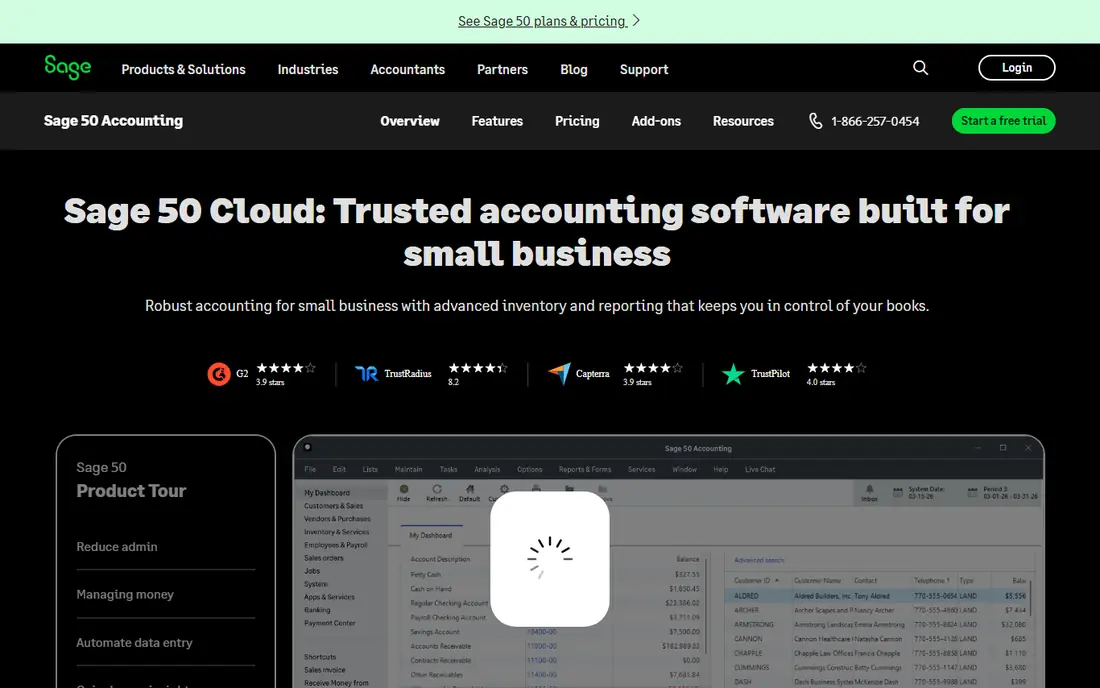
Sage 50 is the desktop workhorse for small businesses that want a full ledger on their own machine. It covers invoicing, bill payment, inventory, job costing and reporting, with a payroll module available for firms that need it. For a business with stock, multiple price levels or job-based work, that depth is the reason to stay on desktop rather than move to a lighter cloud tool. The surprise for buyers who expect a one-time purchase is that Sage 50 is now sold as a subscription licence, so you pay annually even though the data sits locally. The interface also shows its age next to Xero or QuickBooks Online. If you want completeness, local control and Sage reporting, those trade-offs are acceptable. If you want a modern look and browser access, a cloud tool will feel easier.
- Invoicing, inventory, job costing and payroll-ready features
- Strong reporting for small firms
- Long desktop track record
- Subscription licence even for desktop use
- Interface feels dated next to cloud tools
QuickBooks Desktop Enterprise
Great for: Larger small businesses on desktop
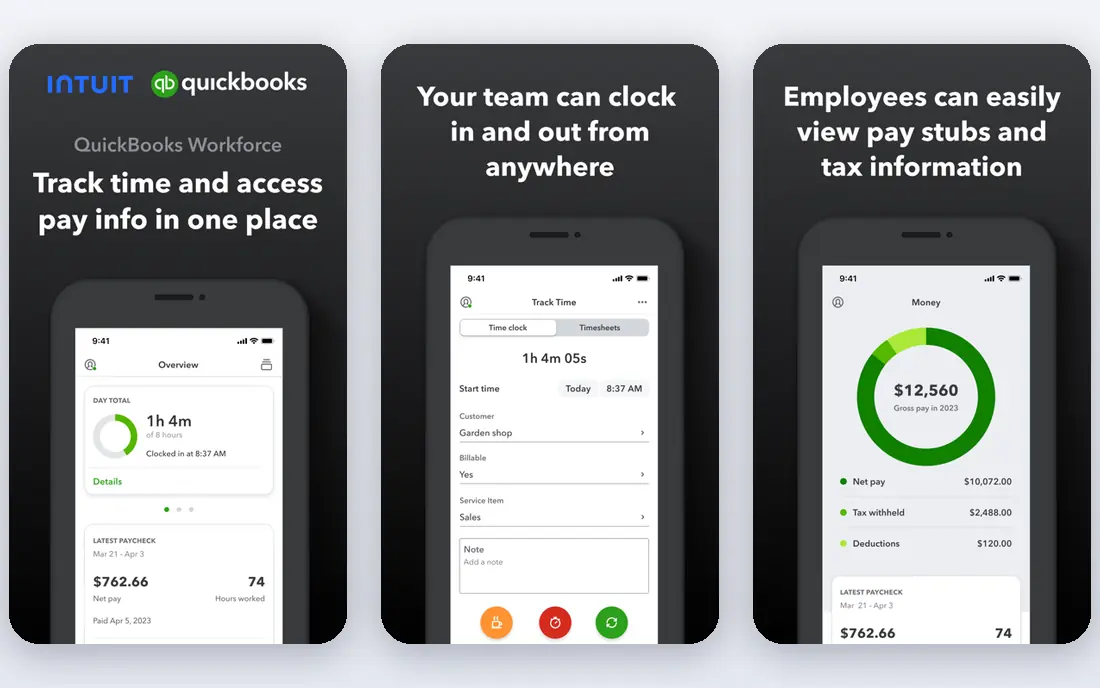
QuickBooks Desktop Enterprise is the desktop option Intuit still sells for businesses that need more than a basic ledger. It handles larger item lists, advanced inventory, job costing and detailed permissions, and accountants who know QuickBooks can step into it without relearning a new system. For a distributor, contractor or manufacturer with complex stock, Enterprise remains a practical desktop base. The catch is direction of travel. Intuit has discontinued its smaller desktop Pro and Premier editions for new sales in recent years and now focuses new buyers on QuickBooks Online, so Enterprise is the remaining desktop path and it is priced for larger firms. A solo owner will find it expensive and oversized. A growing firm that needs desktop depth and is willing to pay for it should still shortlist Enterprise, with a clear view of the annual cost.
- Deep inventory and job costing for growing firms
- Familiar QuickBooks workflow for accountants
- Advanced reporting and user permissions
- Priced for larger firms, not solos
- Intuit has steered new buyers toward QuickBooks Online
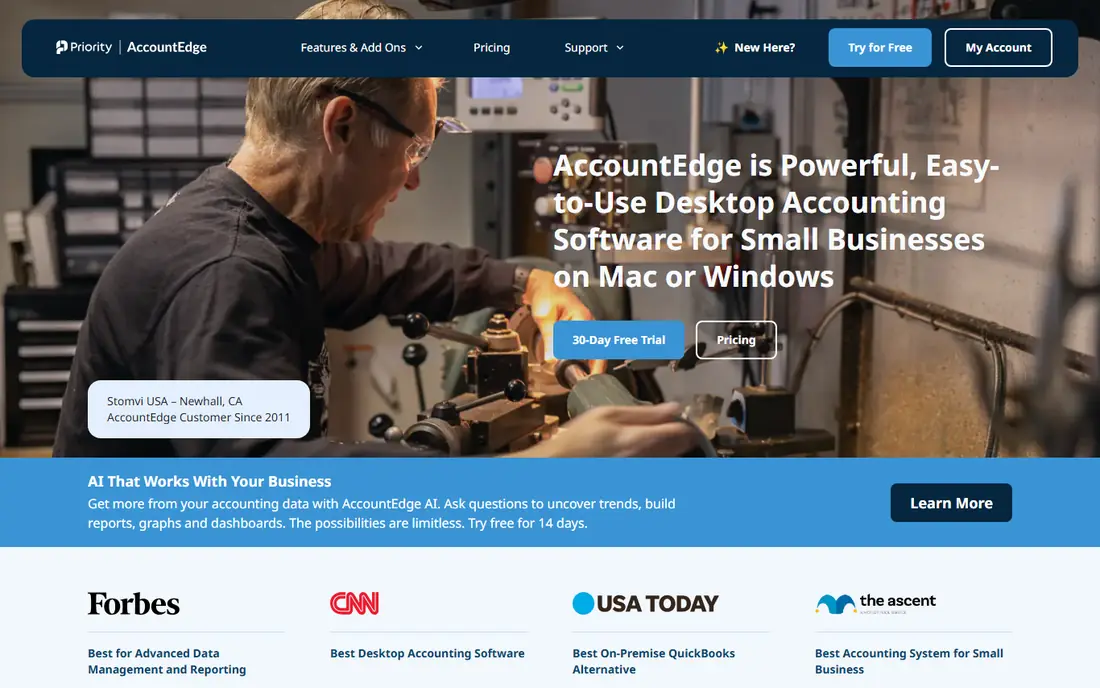
AccountEdge Pro is one of the few desktop accounting products that treats Mac users as first-class citizens rather than an afterthought. It covers invoicing, expenses, payroll, inventory and time billing in a single desktop program, with data stored locally. For a Mac-based small business that wants a complete ledger without a browser subscription, AccountEdge is the most direct fit on this list. The limit is ecosystem size. You will find fewer third-party integrations and fewer accountants who use AccountEdge daily than you will for QuickBooks or Sage, so check that your accountant can work with its exports. Mobile and cloud access are also limited by design, since the product is desktop-first. If local Mac accounting is the priority, those limits are the price of the choice, and many owners accept them gladly.
- Full desktop accounting on Mac and Windows
- Payroll, inventory and job tracking included
- One-time style desktop workflow with local data
- Smaller ecosystem than QuickBooks
- Cloud and mobile access are limited
Moneydance is a desktop finance program that works well for smaller business books, especially where the owner also tracks personal finances in the same style of tool. It handles accounts, transactions, budgets, bank downloads and basic invoicing, with a calm interface that does not demand accounting training. For a freelancer or a micro-business with simple income and expenses, Moneydance keeps the books tidy without a monthly fee. The honest limit is scale. Moneydance is not a full inventory, payroll and job-costing system, so a product business with stock control needs will outgrow it. Think of it as a capable small-books desktop tool, not a Sage replacement. If your books are simple and you value a one-time desktop licence and offline access, Moneydance is a low-friction choice.
- Clean desktop interface for Mac and Windows
- Bank downloads, budgeting and investment tracking
- No subscription required for the desktop licence
- Better for small books than for inventory-heavy firms
- Business features are lighter than Sage or QuickBooks
GnuCash is free, open source desktop accounting that takes double-entry bookkeeping seriously. It handles multiple currencies, investment accounts, scheduled transactions and detailed reports, and it runs on Windows, Mac and Linux without a subscription. For an owner who understands accounting basics and wants full control of local data at zero licence cost, GnuCash is remarkably capable. The trade is polish and support. The interface is functional rather than friendly, setup asks you to understand accounts and double entry, and help comes from community documentation rather than a support phone line. A beginner who wants guided setup will find QuickBooks or Sage easier, even at a price. An owner who values free, local and open software, and who is willing to learn, will find GnuCash hard to beat on value.
- Free and open source double-entry accounting
- Multi-currency and investment tracking
- Runs on Windows, Mac and Linux
- Steeper learning curve for beginners
- Support comes from community docs and forums
Manager offers a free desktop edition that is unusually complete for a no-cost tool, covering invoicing, expenses, inventory, bank reconciliation and multi-currency in a clean interface. It suits a small business that wants proper double-entry books on a local machine without paying for a licence, and it feels more modern than GnuCash to many new users. The desktop edition is single-user, so a team that needs simultaneous access will need the paid cloud or server edition instead. Support is also mainly through guides and forums on the free edition. For a solo owner or a single-bookkeeper business, Manager is one of the best free desktop options available. Test the desktop edition with a month of real transactions before you decide whether you need the paid multi-user version.
- Free desktop edition with full accounting features
- Clean, modern interface for a free tool
- Invoicing, inventory and multi-currency included
- Desktop edition is single-user by design
- Paid cloud and server editions add multi-user access
MYOB AccountRight is a desktop accounting product with deep roots in Australia and New Zealand, where it handles local payroll, tax and reporting requirements that US tools do not cover in the same way. It offers desktop software with cloud-connected features for backup and access, plus invoicing, inventory and job tracking for small firms. For a business in its home market, AccountRight is a mainstream, accountant-friendly choice. US buyers should be cautious. AccountRight is not positioned as a US accounting product, and its tax and payroll features are built for Australian and New Zealand rules. It earns a place here because desktop buyers search globally and because its model shows what a mature regional desktop product looks like, but a US business should choose Sage 50, QuickBooks Desktop Enterprise or AccountEdge instead. Region fit matters more than feature count in accounting.
- Strong fit for Australian tax, payroll and reporting needs
- Desktop software with cloud-connected features
- Long history with small firms in its home market
- Best value is in Australia and New Zealand, not the United States
- Pricing and plans are region-specific
Express Accounts, from NCH Software, is a straightforward desktop program for invoicing, quotes, payments and basic bookkeeping. It suits a very small business that mainly needs to bill customers, record payments and track income and expenses, without learning a full accounting suite. Setup is quick, the screens are plain, and the price of entry is low compared with Sage or QuickBooks Desktop Enterprise. The limit is depth. Reporting, payroll and inventory features are lighter than in the full suites on this list, so a growing firm will hit a ceiling. Express Accounts is best seen as a first desktop step: tidy, local and simple, with an easy move to a larger tool when the business needs it. If your books are simple and you want to work offline, it is a sensible low-cost start.
- Simple desktop invoicing, quotes and payments
- Low learning curve for a first accounting tool
- Windows and Mac versions available
- Lighter reporting than full accounting suites
- Limited payroll and inventory depth
How we picked these
We compared desktop accounting products that install locally, store data on the owner's computer, and are live in October 2026. We excluded cloud-only tools and invoice-only apps, and we kept a mix of complete suites, Mac-first options and free tools, so desktop buyers can compare like with like. We noted where a desktop product is now sold by subscription, since that surprises buyers who expect a one-time purchase.
Choosing the right desktop tool
Start with your operating system and your team size. A Mac-only owner has fewer full desktop choices than a Windows owner, and a single-user desktop edition will frustrate a team that needs simultaneous access. Check payroll and inventory needs early, because those two features separate the full suites from the small-books tools, and adding them later often means switching products. Plan backups as part of the purchase, not as an afterthought. Desktop data lives on your machine, so set up an automatic local backup plus an off-site copy, and test restoring a backup before you depend on it. Also plan updates: desktop vendors release tax and payroll updates on a schedule, and skipping them can leave your forms out of date. A short monthly routine, reconcile, back up, check for updates, keeps desktop books safe. Finally, confirm accountant compatibility. Ask your accountant which desktop formats they accept, and test an export during your trial. A desktop tool that your accountant cannot open easily will cost more in billable hours than any licence saving. If no desktop tool fits your accountant and your team, a cloud tool may still be the better business choice, even if you prefer local software in principle.
Frequently asked questions
Is desktop accounting software still available in 2026?
Yes, though the market is smaller than the cloud market. Sage 50, QuickBooks Desktop Enterprise, AccountEdge Pro and several free tools remain live and supported. Some vendors have discontinued smaller desktop editions, so confirm the exact edition is still sold to new buyers before you commit.
Can I use desktop accounting software without the internet?
Yes, for day-to-day bookkeeping, since data sits on your computer. You will still need internet access for bank downloads, software updates, tax form updates and any cloud backup or connected features. Offline use is a real advantage for owners with unreliable connections.
Is desktop software cheaper than cloud software?
Not always. Some desktop tools are now sold by annual subscription, and payroll and tax updates can add cost. Free desktop tools like GnuCash and Manager cost nothing for the licence, but you pay with your time for setup and learning. Compare total annual cost, including updates and support.
How do I back up desktop accounting data?
Use the built-in backup feature on a regular schedule, keep a copy on an external drive, and keep another copy off site, such as encrypted cloud storage. Test restoring a backup at least once, since a backup you have never restored is only a hope, not a plan.
Can my accountant access my desktop books?
Your accountant can work from a backup file, an export, or an accountant copy where the vendor supports one, but they cannot log in from a browser as they can with cloud tools. Agree the handover method before year end, and allow extra time for file transfer.
What happens if my computer fails?
If you have a tested backup, you can restore your books on a replacement machine and continue with little data loss. If you have no backup, local desktop data can be lost entirely, which is why a backup routine matters more for desktop users than for cloud users.
Sources
See where you really rank - block by block
ProMapRanker scans Google Maps across a grid of your service area. Simple monthly plans from $19, white-label on every plan.
Start freeKeep reading
 what’s the best risk software for enterprises
What Is the Best Risk Software for Enterprises in 2026
We compared what’s the best risk software for enterprises on risk registers, controls, third-party risk, and reporting, with pricing notes for large teams.
Read → what's the best pam software for enterprises
What is the Best PAM Software for Enterprises in 2026
Find what's the best pam software for enterprises, with vaulting, session recording, just in time access and pricing compared for large enterprise IT teams.
Read → what’s the best grc software
What Is the Best GRC Software in 2026
We compared what’s the best grc software on risk, compliance, audit and vendor risk, so teams can pick a platform that fits their frameworks and budget.
Read →