 ProMapRanker
Best Design to Code Tools in 2026

Key takeaways
- Anima and Locofy are the most direct Figma to code converters for teams that already design in Figma.
- Builder.io Visual Copilot fits teams with an existing component library that generated code must match.
- Figma Dev Mode and Zeplin are handoff tools first, so they suit teams that still want developers to write the final code by hand.
- Clean Figma files with auto layout and named layers produce better output from every converter on this list.
- Free plans are useful for a trial, but credit or generation limits usually push regular users to a paid plan.
Quick comparison
| Pick | Great for | Pricing starts at | Free tier | |
|---|---|---|---|---|
 Anima | Figma designs with interactive states | See website | Yes | Visit |
 Locofy | Guided, full-page Figma conversion | See website | Yes | Visit |
 Builder.io Visual Copilot | Matching an existing codebase | See website | Yes | Visit |
 Figma Dev Mode | Developer handoff inside Figma | See website | No | Visit |
 TeleportHQ | Small websites from visual design | See website | Yes | Visit |
 DhiWise | Full-stack apps from Figma | See website | Yes | Visit |
 Framer | Marketing sites with motion | See website | Yes | Visit |
 Supernova | Design system tokens and export | See website | Yes | Visit |
 Zeplin | Design delivery and specs | See website | Yes | Visit |
The best design to code tools
These tools turn a design file into code a developer can use, rather than a picture of a page. We compared them on output frameworks, how much cleanup the code needs, and how they fit into a normal design to development workflow.
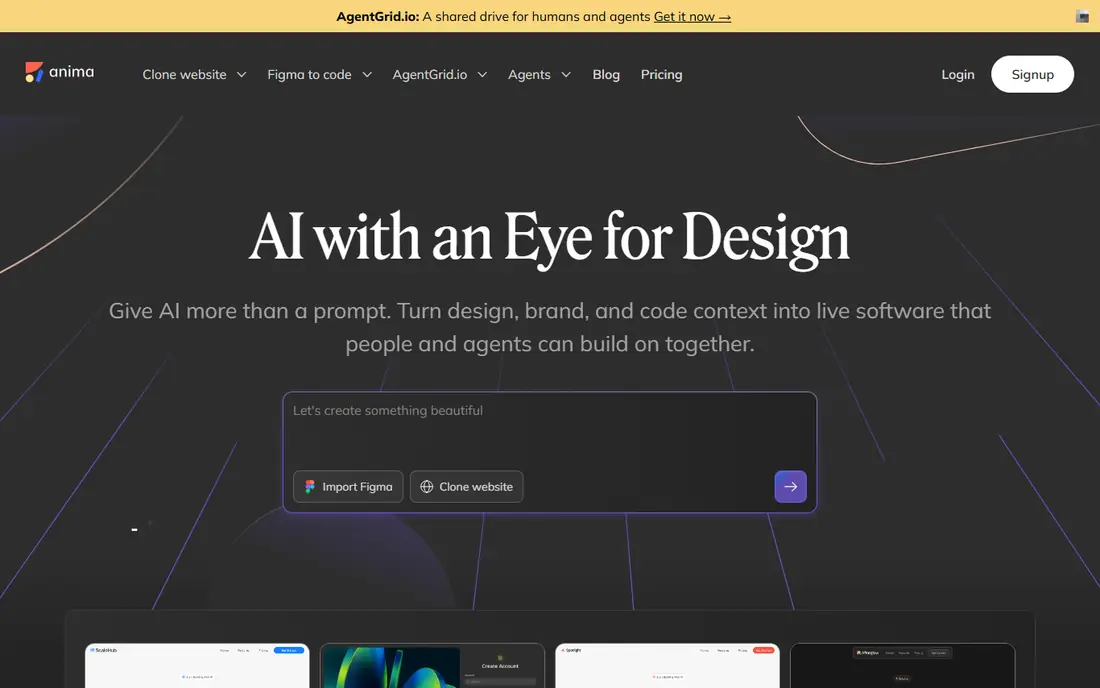
Anima is a good first stop when a team already works in Figma and wants code quickly. It converts frames and components into front-end code, and it keeps more of the interactive behavior than a plain export. Hover states, transitions, and linked screens carry over better than with a simple style guide, which makes a prototype feel closer to the finished product.
The trade-off is cleanup. Our reading of official documentation and user reports suggests developers often tidy the output before it ships, especially for complex components. That is still faster than writing every screen from scratch, but it is not a one-click production build. Teams should treat Anima output as a strong starting point and budget review time for it.
- Works inside Figma
- Exports React, Vue, and HTML
- Handles interactive states and animations
- Generated code can be wordy
- Pricing changes often, so check the current page before buying
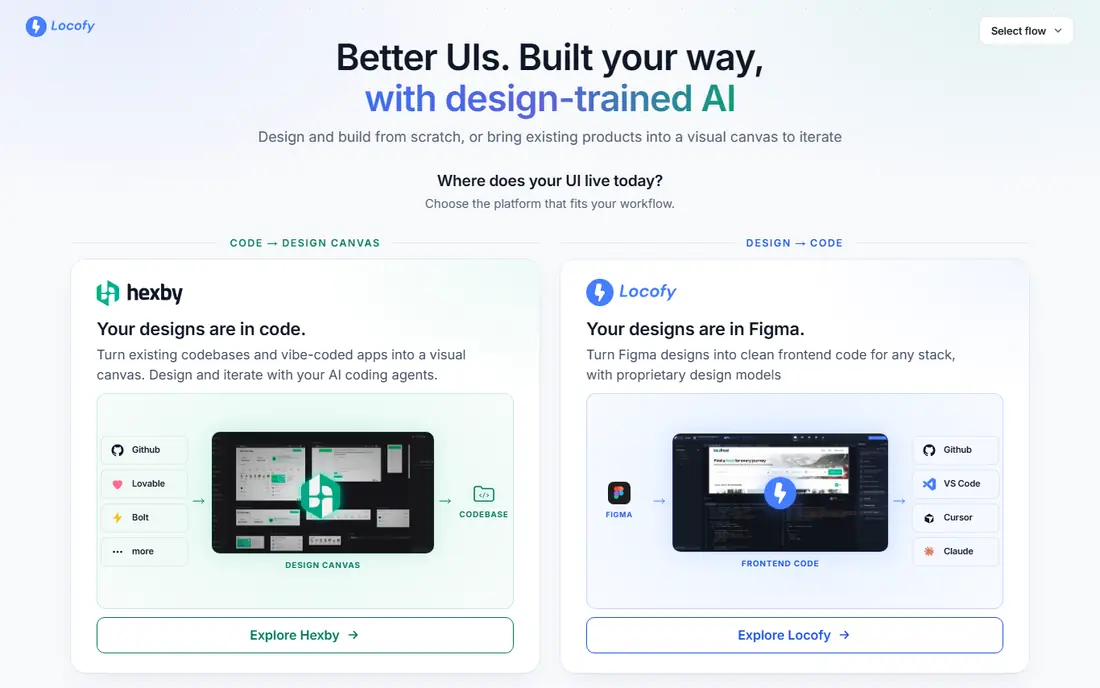
Locofy gives teams two ways to work. Lightning mode converts a design in one pass, while Classic mode walks through tagging and mapping step by step. That choice matters, because a rushed one-click conversion of a messy file will disappoint, while a guided pass gives a developer more control over naming and structure.
Framework breadth is the other reason Locofy stands out. React and Next.js teams are well served, and Vue, Angular, HTML, React Native, and Flutter output widen the audience. The catch is on the design side: files built without auto layout and consistent naming need fixing first. Teams that clean their files before conversion get the most from it.
- Wide framework support including React, Next.js, Vue, and Flutter
- Two conversion modes
- GitHub sync
- Needs disciplined auto layout in Figma
- Advanced use can take time to learn
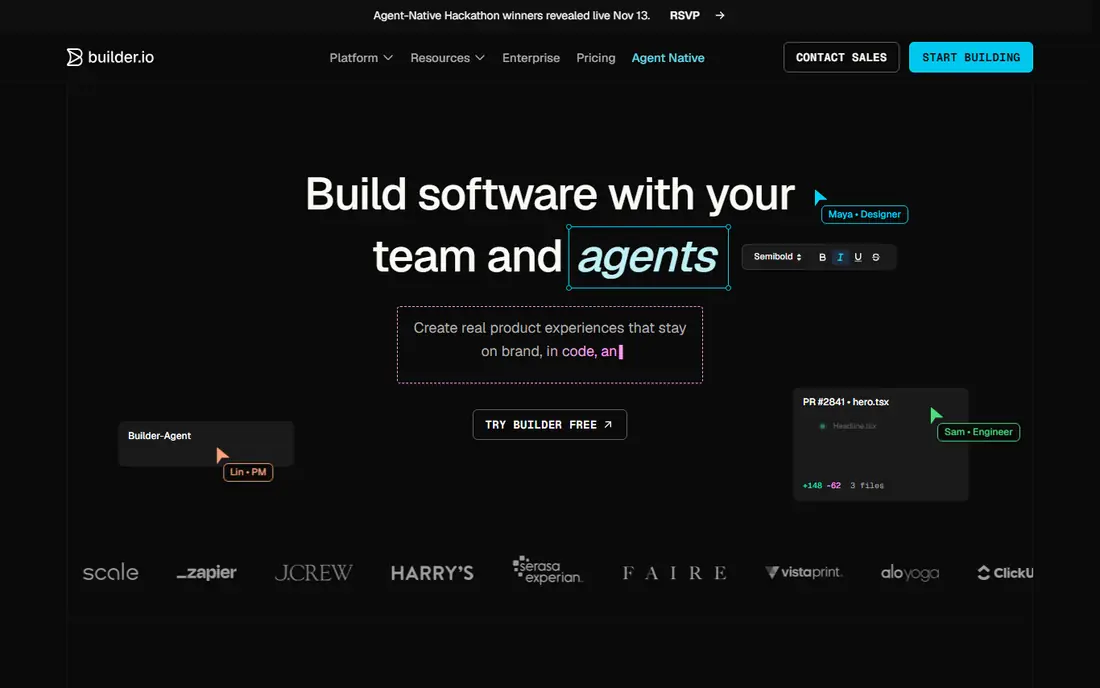
Builder.io Visual Copilot is aimed at teams that already have a codebase and a component library. Instead of generating generic components every time, it can learn existing patterns and reuse components a team already maintains. That makes the output easier to review, because it looks like code the team would have written.
The price of that fit is setup. A small team with no existing library may find a simpler plugin faster, and adding another dashboard to the stack is a real cost. For larger teams, though, that setup pays off when new pages follow house conventions instead of creating one-off components. Check the current credit model before committing, since pricing is usage based.
- Maps generated code to existing components
- Supports React, Vue, Angular, and more
- Strong for teams at scale
- Needs its own dashboard
- Setup is heavier than a simple plugin
Figma Dev Mode is not a page generator, and that distinction matters. It gives developers measurements, spacing, colors, typography, and code snippets for selected layers, plus a place to track which designs are ready for development. For teams that prefer hand-written code, that is often enough.
Its strength is that nothing leaves Figma. Designers do not need to export files, and developers do not need to learn a new tool. Its limit is scope: a developer still writes the page, the state logic, and the data handling. If a team wants finished code, pair Dev Mode with a converter on this list rather than expecting it to do that job alone.
- Built into Figma
- Gives specs, tokens, and code snippets
- No extra plugin to install
- It inspects designs rather than generating full pages
- Full access needs a paid Figma plan
TeleportHQ suits freelancers and small teams building marketing sites and landing pages. A designer can build visually, edit the generated code, and export it for hosting elsewhere. That export matters, because it avoids locking a site into one builder forever.
Complex applications are a weaker fit. TeleportHQ handles pages and components well, but teams building dashboards with heavy data logic will want a tool built for app code. For a brochure site, a portfolio, or a campaign page, it is a practical and low-cost route from design to a live page.
- Visual builder with code export
- Supports several frameworks
- Good for static sites and landing pages
- Less suited to complex app logic
- Advanced features are limited compared with code-first tools
DhiWise goes further than a front-end converter by generating app scaffolding, screens, and back-end connections from a Figma file. That appeals to teams building a minimum viable product, because the first version arrives as a working app structure rather than a set of static pages.
That breadth also brings risk. Generated back-end logic, authentication, and data models need careful review before they touch real users. Treat DhiWise as a fast scaffold, not a finished product, and keep a developer in the loop for security and data handling. For a prototype or an internal tool, the speed gain is clear.
- Generates front-end and back-end code
- Supports React, Flutter, and Next.js
- Includes app scaffolding
- Full-stack output needs developer review
- Pricing for larger use is quote based
Framer started as a prototyping tool and now covers design, building, and publishing for websites. Designers can add motion, scroll effects, and interactions without writing code, then publish the site directly. That makes it a strong pick for marketing teams that need a polished site fast.
It is less useful for native mobile apps or complex web applications. Code export exists in spirit through its React foundation, but Framer is really a website builder, not a general converter. Teams should choose it when the deliverable is a website, and choose a converter above when the deliverable is code for an existing app.
- Design and publish in one tool
- Strong animation and interaction options
- React based output
- Best for websites, not native apps
- Deeper code control is limited
Supernova solves a different problem from the converters above. It takes design tokens, colors, typography, spacing, and component definitions, and exports them in code form for web, iOS, and Android. A design system team can keep one source of truth and push consistent values to every platform.
That focus is also its limit. Supernova will not turn a marketing page mockup into a finished page. It is a companion tool: use it to keep tokens consistent, and use a converter for page code. Teams with a growing design system will value it most, while a team with one small site may not need it yet.
- Centralizes design tokens
- Exports to web, iOS, and Android
- Strong for design system teams
- Not a page converter
- Enterprise pricing is quote based
Zeplin has long been the handoff tool teams reach for when developers need exact specs without digging through a design file. It organizes screens into flows, shows measurements and styles, and lets teams export assets and add notes. That documentation habit helps larger teams and agencies where several developers pick up the same designs.
Like Figma Dev Mode, Zeplin does not generate a full working page. Its value is clarity: fewer questions about spacing, colors, and asset versions, and a shared record of what changed. Teams that want finished code should pair it with a converter, while teams that want clean handoff may find Zeplin alone is enough.
- Clear specs, assets, and flows for developers
- Works beyond Figma
- Good documentation habits
- Produces specs and snippets, not full pages
- Paid plans scale with seats
How we picked these
We compared official feature pages, pricing pages, and framework documentation for tools that convert or support the move from design to code, and we left out tools that only produce images or mockups. We favored tools that still work in October 2026, that support common frameworks such as React and HTML, and that a small team can try without a sales call. We did not claim hands-on testing, and we marked prices as See website where vendor pricing was unclear or changed during our research.
What to check before you pick a design to code tool
Start with your deliverable. If you need a website, a site builder such as Framer or TeleportHQ may finish the job. If you need code for an existing app, a converter such as Anima, Locofy, or Builder.io Visual Copilot is the better fit. If you need clean handoff only, Figma Dev Mode or Zeplin will do, and you can skip generation altogether.
Clean the design first
Converters read structure, not intent. Use auto layout, name layers clearly, and reuse components instead of copying loose shapes. A tidy file converts faster and needs less cleanup, and the same file also makes handoff easier for a human developer. Budget an hour to fix a messy file before judging any tool, because the tool is often blamed for problems the file created.
Test with one real screen
Pick a screen with a form, a card list, and a responsive breakpoint, then run it through two tools. Check how the code handles spacing, text sizes, and component reuse, and ask a developer to review it. A tool that looks good on a hero section can struggle with tables and forms, so a real screen is a fairer test than a demo file.
Plan for review and maintenance
Generated code still needs review, testing, and updates when the design changes. Ask who owns that review, how changes flow back into the design file, and what happens when a plan limit is hit mid-project. The cheapest tool is not the cheapest choice if every export needs a full rewrite, so weigh code quality and team fit above the headline price.
Frequently asked questions
Which design to code tool is best?
The best design to code tool depends on the job. Anima and Locofy are strong general converters from Figma, Builder.io Visual Copilot fits teams with an existing component library, and Framer fits marketing websites. Start with the deliverable and the framework, then test one real screen before choosing.
What is the best design to code software for React?
Anima, Locofy, Builder.io Visual Copilot, and DhiWise all produce React output, and Locofy also covers Next.js. Check how each one names components and handles state, because that affects how much cleanup a developer must do. A short trial with a real screen will show the difference faster than a feature list.
Do design to code tools produce production-ready code?
They produce a strong starting point, but most teams still review, test, and tidy the output before shipping. Simple pages may need little work, while complex screens with forms, data, and edge cases need more. Treat generated code as draft code with a human owner, not as a finished release.
Is Figma Dev Mode a design to code tool?
Figma Dev Mode is a handoff feature inside Figma, not a full page generator. It gives specs, tokens, and snippets that help developers write code by hand. Teams that want finished pages should use a converter alongside it, or instead of it.
Can I convert a design without Figma?
Yes, for websites. Framer and TeleportHQ let teams design and build visually without a Figma file, and DhiWise can scaffold apps from designs in other formats. For Figma files specifically, Anima, Locofy, and Builder.io Visual Copilot are the direct routes.
Sources
See where you really rank - block by block
ProMapRanker scans Google Maps across a grid of your service area. Simple monthly plans from $19, white-label on every plan.
Start freeKeep reading
 zscaler alternatives
Best Zscaler Alternatives in 2026
Looking for zscaler alternatives? We compare 9 SASE and zero trust platforms on architecture, data protection, pricing, and fit for your network and team.
Read → zapier alternatives free
Best Zapier Alternatives Free in 2026
Nine automation tools for zapier alternatives free in 2026, all with genuinely free tiers, plus free plan limits, starting prices and upgrade paths explained.
Read → which platform is best for online reputation
Which Platform Is Best for Online Reputation in 2026
Wondering which platform is best for online reputation? We compare 8 review, listing, and response tools for small and multi-location businesses and agencies.
Read →