 ProMapRanker
Design Project Management Software in 2026
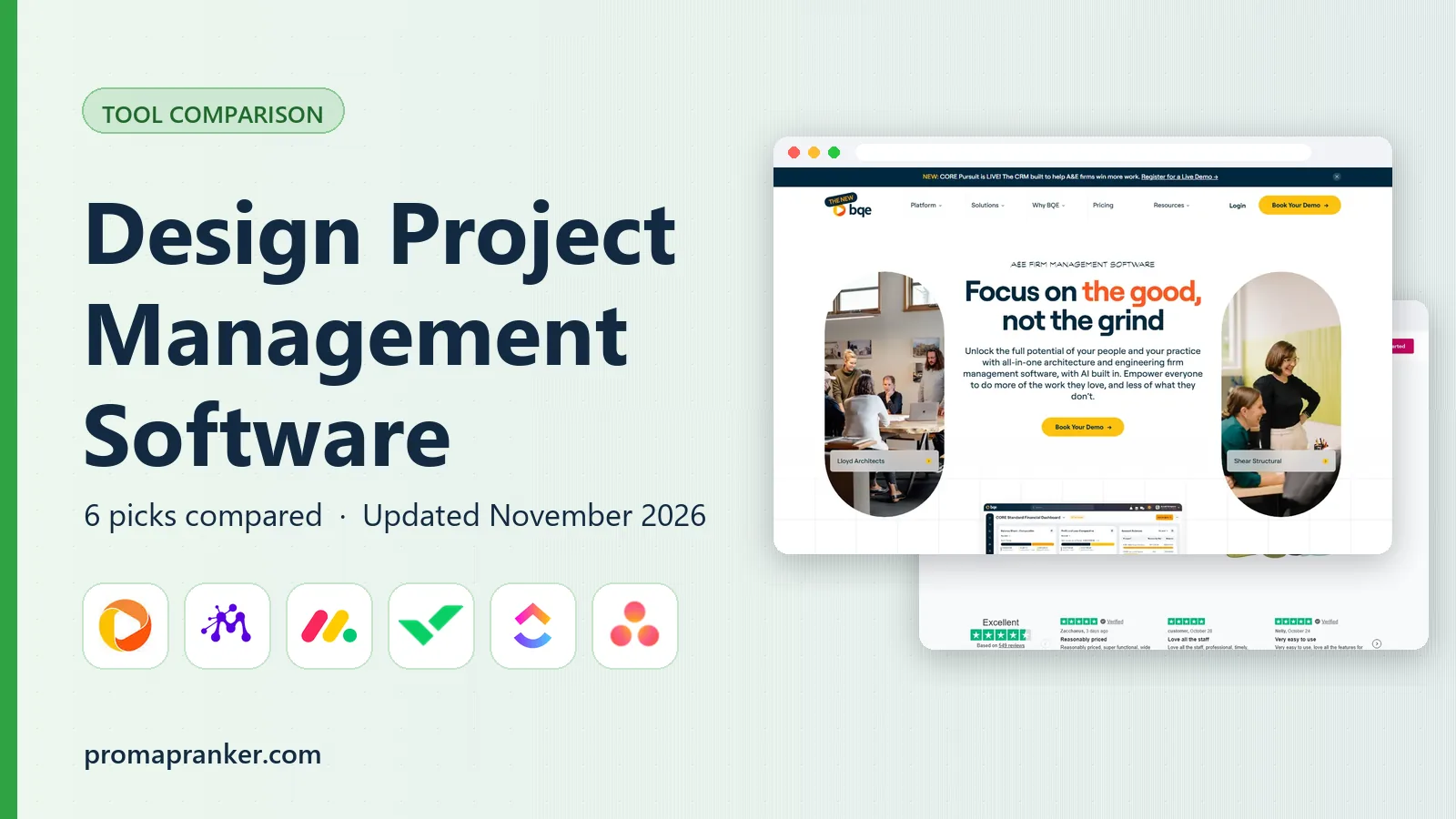

Architecture, engineering and design businesses that require project accounting · Pricing starts at: See website (quote-based; pricing not published)
Key takeaways
- BQE Core sits first on this list: architecture, engineering and design firms that require project accounting.
- What to know about Wrike first: the Team plan caps at 15 users.
- The lowest published monthly entry price here is $7/user/month, from ClickUp.
- Asana is the one to check for design teams that want quick, clean project tracking.
- monday.com, Wrike, ClickUp, Asana: these are the 4 tools out of 6 that offer a free plan.
Direct answer
If you need architecture, engineering and design businesses that require project accounting, BQE Core is the first tool to look at here. Moxie fits small studios and freelancers that want projects plus invoicing in one tool; monday.com fits visual teams that handle design work on boards. The remaining 3 options are covered below with prices and limits.
Quick comparison
| Pick | Great for | Pricing starts at | Free tier | |
|---|---|---|---|---|
| BQE Core | Architecture, engineering and design businesses that require project accounting | See website (quote-based; pricing not published) | Unverified | Visit |
 Moxie | Small studios and freelancers that want projects plus invoicing in one tool | $10/month (Starter plan, billed yearly; $12 month-to-month) | Free trial (14 days) | Visit |
 monday.com | Visual teams that run design work on boards | $9/seat/month (Basic plan, billed yearly) | Yes | Visit |
 Wrike | Design teams with formal review and approval cycles | $10/user/month (Team plan, billed annually, 2 to 15 users) | Yes | Visit |
 ClickUp | Design teams that want proofing, docs and whiteboards in one cheap seat | $7/user/month (Unlimited plan, billed yearly) | Yes | Visit |
 Asana | Design teams that want quick, clean project tracking | $10.99/user/month (Starter plan, billed yearly) | Yes | Visit |
Design Project Management Software compared in detail
ProMapRanker compared 6 tools for design project management software. The goal is a practical shortlist: published prices, free plan facts, best-fit use cases and honest limits for every entry.
BQE Core
Great for: Architecture, engineering and design businesses that require project accounting

Choose BQE Core for architecture, engineering and design businesses that require project accounting. BQE Core is the grown-up choice for design businesses where projects have budgets, phases and profitability targets. More specifically, the main limit is opacity.
Pricing is quote-based, implementation is a project in itself, and small studios will find it heavy. Worth adding: architecture and engineering businesses with 20-plus staff use it as their operating system. Pricing for BQE Core is not stated here, so ask the vendor for current figures. As for free access: unverified).
Honest limits: Overkill for small studios that just need task tracking.
- Cost tracking and profitability per project
- True project accounting with budgeting
- No published pricing, so evaluation needs a sales process
Moxie
Great for: Small studios and freelancers that want projects plus invoicing in one tool
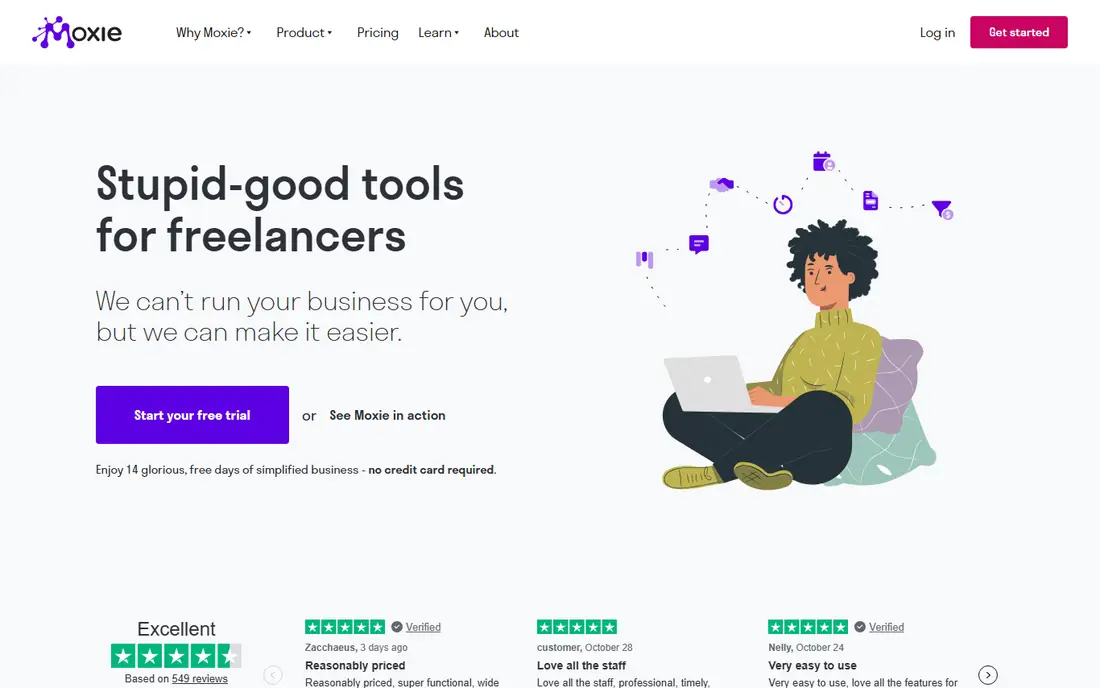
Pick Moxie if this describes you: small studios and freelancers that want projects plus invoicing in one tool. Task dependencies, Gantt charts and portfolio reporting are thinner than Wrike or monday.com.
Solo designers should price this against a free PM plan plus Wave's free invoicing. Moxie takes a different approach: rather than charging per seat, it charges $10 a month for the business and bundles the entire studio workflow. Moxie cost at the entry level: $10/month. As for free access: Free trial (14 days).
What to check first: Project management depth is lighter than dedicated PM systems.
- Designed for freelancers and small studios
- Not per seat
- No permanent free plan

For visual teams that handle design work on boards, monday.com is a natural candidate. Boards display every design project as cards with image thumbnails, and status columns make it obvious which projects are in concept, in review or approved. Beyond that, at $9 per seat a month, Basic is budget-friendly for small studios.
In daily use, files attach to tasks with previews, so designers do not hunt through drives for the latest version. For studios that want a beautiful, adaptable board system and deal with approvals through comments, monday.com gives. On cost, monday.com starts like this: $9/seat/month. monday.com has a free plan.
Limits to weigh: Per-seat costs add up quick for bigger studios.
- Highly visual boards that suit design workflows
- Large template library including creative project templates
- Proofing depth is thinner than Wrike's
Wrike makes the most sense for design teams with formal review and approval cycles. The free plan includes entry-level tasks without proofing. The price is mid-range at $10 per user per month, but the 15-user Team cap pushes expanding studios to higher tiers.
What to check first: The interface takes longer to learn than more straightforward boards.
Proofing lets stakeholders comment straight on a mockup or video frame rather than describing changes in email, and approval workflows route work through the right sign-offs with an audit trail. Beyond that, for studios where "final_final_v3" is a recurring joke, that structure pays for itself. On cost, Wrike starts like this: $10/user/month. Free access exists with Wrike.
- Request forms that structure incoming design briefs
- Video and documents
- The Team plan caps at 15 users
ClickUp
Great for: Design teams that want proofing, docs and whiteboards in one cheap seat
ClickUp serves design teams that want proofing, docs and whiteboards in one cheap seat. The cost is complexity. ClickUp's adaptability means someone has to design the workspace, set conventions and keep it tidy, or designers drown in choices.
Proofing with annotations, collaborative whiteboards for ideation, docs for brand guidelines and time tracking all live in one $7-per-user workspace. More specifically, ClickUp hands design teams the most features per dollar. For budget-conscious studios willing to invest setup time, it is the value leader. ClickUp cost at the entry level: $7/user/month. You can start on ClickUp without paying.
Watch-outs: The interface can feel cluttered for designers used to minimal tools.
- Goals and time tracking in the same workspace
- Highly configurable task views
- Configuration overhead is high
Where Asana fits: design teams that want quick, clean project tracking. Asana is the refined choice. Portfolios collect related design projects, timelines display dependencies across them, and integrations with Figma and Adobe Creative Cloud link the work where it happens.
Beyond that, the 2-user free plan fits freelancers. The interface is the least intimidating here, which matters when half the team would rather be designing than managing. As for the details, at $10.99 per user a month, Starter is the priciest entry point, and serious review workflows still need comments and attachments instead of true markup. Asana starts at: $10.99/user/month. You can start on Asana without paying.
Drawbacks to consider: Proofing and asset review are lighter than Wrike's.
What Asana does well: Solid integrations with Figma.
- Portfolios group design projects with shared status
- Clean interface designers actually enjoy using
- Highest starter price on this list
How the list was put together
ProMapRanker used vendor pricing pages and product documentation as the base, then compared plans, free access and documented limits for 6 tools. Seat minimums, billing terms and add-ons can move the real cost, so the starting prices here are a guide and not a quote. We ordered the tools by general fit, then by how clearly pricing is shown, then by free access. A buyer with unusual needs may reorder them.
Questions to settle before buying
- Get a written quote from BQE Core; the list shows no starting price for them.
- Look at free plan limits closely: monday.com, Wrike, ClickUp and Asana have one, and the caps decide whether it is usable for real work.
- Take the trial from Moxie and push a live task through it before you pay.
- Before choosing BQE Core, weigh its main limit: no published pricing, so evaluation needs a sales process.
- Ask Asana which support channels and response times come with the plan you would buy.
- Run a one or two week pilot of ClickUp with the people who will use it every day.
Frequently asked questions
Which options for design project management software have a free plan?
On this list, monday.com, Wrike, ClickUp and Asana include a free plan. Caps on seats, usage or features are common, so test the free plan against your real workload. One other tool offers a trial instead.
What is the cheapest option for design project management software in this list?
On published monthly entry prices, ClickUp is the lowest here at $7/user/month. Entry price is only part of the cost, because seats, add-ons and billing terms can change the total.
How are the tools for design project management software ordered?
BQE Core sits first and Asana last because the order follows typical fit for design project management software, then price clarity and free access. It is a judgement call, so read each profile for fit and limits.
Do these tools publish their prices?
Not all of them. BQE Core publishes no starting price, so expect a quote request for it. The rest, Moxie included, show a starting price, though seats and billing terms still change the final cost.
Sources
See where you really rank - block by block
ProMapRanker scans Google Maps across a grid of your service area. Simple monthly plans from $19, white-label on every plan.
Start freeKeep reading
 zscaler alternatives
Best Zscaler Alternatives in 2026
Looking for zscaler alternatives? We compare 9 SASE and zero trust platforms on architecture, data protection, pricing, and fit for your network and team.
Read → zapier alternatives free
Best Zapier Alternatives Free in 2026
Nine automation tools for zapier alternatives free in 2026, all with genuinely free tiers, plus free plan limits, starting prices and upgrade paths explained.
Read → which platform is best for online reputation
Which Platform Is Best for Online Reputation in 2026
Wondering which platform is best for online reputation? We compare 8 review, listing, and response tools for small and multi-location businesses and agencies.
Read →