 ProMapRanker
Best Deployment Tools in 2026

Key takeaways
- Deployment tools split into pipeline tools that build and test code and delivery tools that release it to servers or Kubernetes.
- GitHub Actions and GitLab CI/CD suit teams already in those platforms, while Jenkins suits teams that need maximum control.
- Octopus Deploy and Harness suit governed releases across many environments, while Argo CD and Flux-style GitOps suit Kubernetes teams.
- Open source tools cost $0 in licences but need engineering time, while cloud tools charge by minutes, users, targets or parallel runs.
- Our pick for most teams is to start with the CI/CD tool built into your code host, then add a dedicated delivery tool only when releases get complex.
Quick comparison
| Pick | Great for | Pricing starts at | Free tier | |
|---|---|---|---|---|
 GitHub Actions | GitHub-native pipelines | Free | Yes | Visit |
 GitLab CI/CD | All-in-one DevOps | Free | Yes | Visit |
 Jenkins | Maximum customisation | Free | Yes | Visit |
 CircleCI | Fast cloud pipelines | Free | Yes | Visit |
 Octopus Deploy | Governed multi-environment releases | $10 per target per month | Free trial | Visit |
 Argo CD | Kubernetes GitOps | Free | Yes | Visit |
 Azure Pipelines | Microsoft-stack teams | Free | Yes | Visit |
 Harness | Enterprise delivery platform | See website | Yes | Visit |
 Spinnaker | Multi-cloud delivery | Free | Yes | Visit |
 AWS CodePipeline | AWS-native delivery | $1 per active pipeline per month | Yes | Visit |
The best deployment tools
We compared vendor pricing pages, documentation and public comparisons for tools that are live in October 2026, and we focused on how each tool handles real releases.
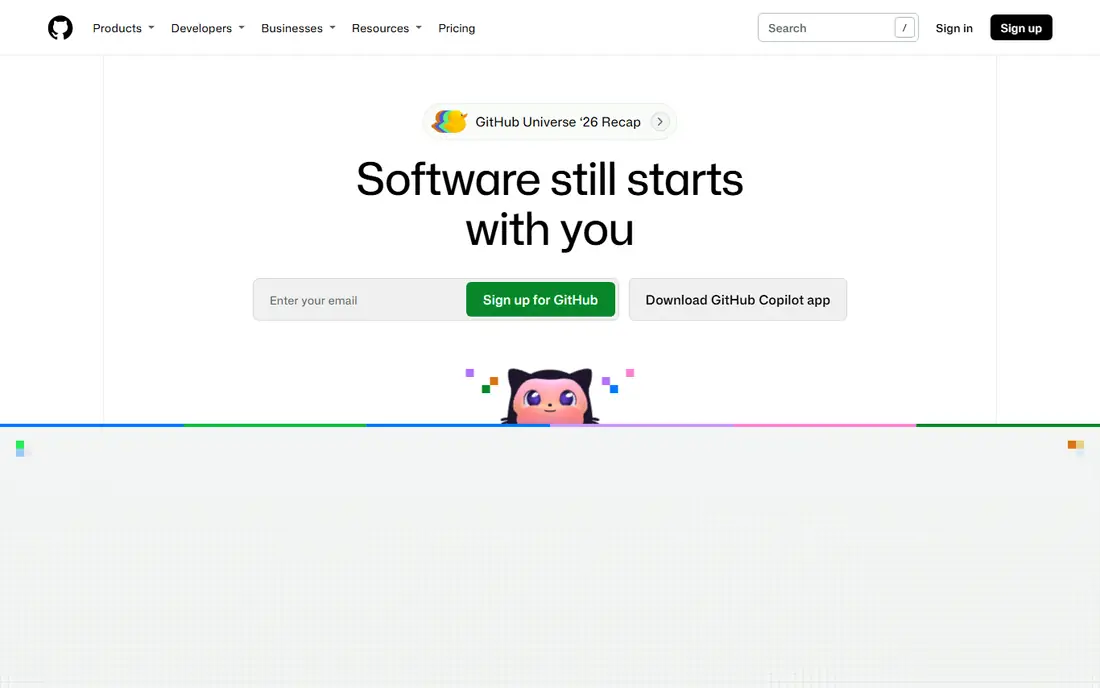
GitHub Actions is the obvious pick for teams whose code already lives on GitHub. Workflows trigger on commits, pull requests and releases, and the marketplace offers ready-made actions for building, testing and deploying to most clouds. Secrets, environments and approvals are built in, so small teams can ship safely without a separate tool.
Minute-based pricing is the thing to watch. Free plans include 2,000 minutes per month for private repos, while Team starts at $4 per user per month with more minutes, and macOS runners cost far more than Linux. Keep workflows lean, cache dependencies and split slow jobs, or minutes will grow faster than your team.
- Built into GitHub with a huge marketplace of actions
- Free minutes for public repos and 2,000 minutes per month for private repos on free plans
- Team plan from $4 per user per month
- Costs rise with minutes and larger runners
- Complex pipelines can be hard to debug
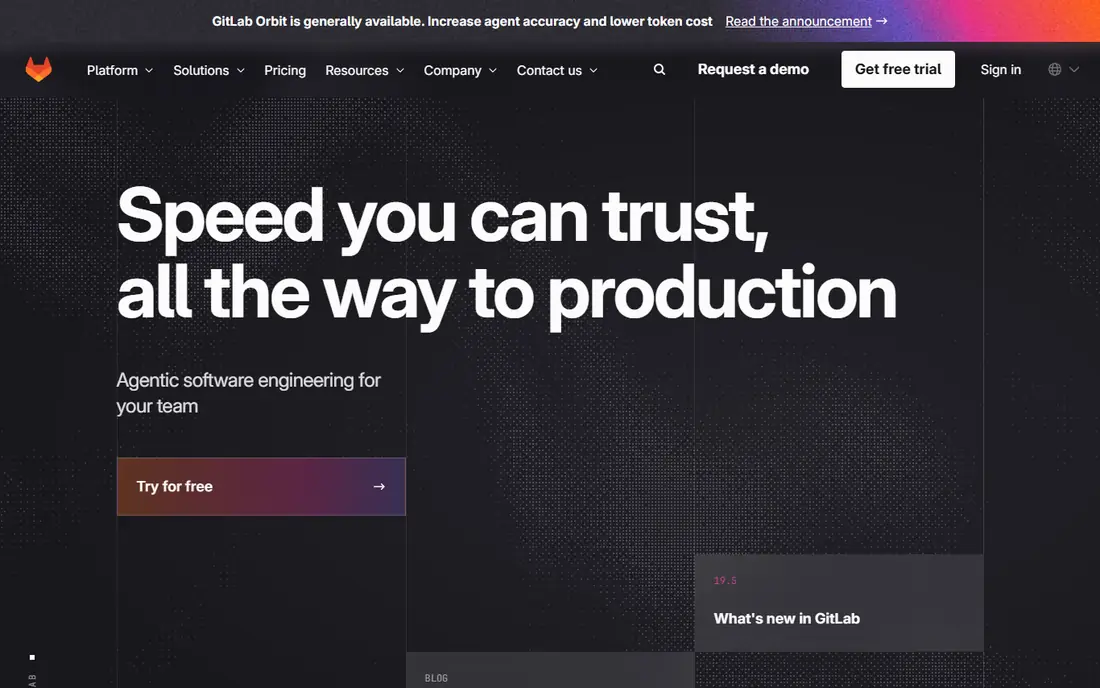
GitLab CI/CD suits teams that want source control, pipelines, container registries and security scanning in one place. Pipelines are defined in YAML, runners work on Linux, Windows, macOS and Kubernetes, and environments track what is deployed where. Self-hosting is available for teams that need control over runners and data.
The free tier includes 400 CI/CD minutes per month, which suits small projects, but larger teams will need Premium at $29 per user per month billed annually for more minutes and features. If you already use GitLab for code, its CI/CD is the lowest-friction path to automated deployment.
- Pipelines, registries, security scanning and environments in one platform
- Free tier with 400 CI/CD minutes per month
- Self-hosted option
- Premium at $29 per user per month is a jump from free
- Interface can feel dense for small teams
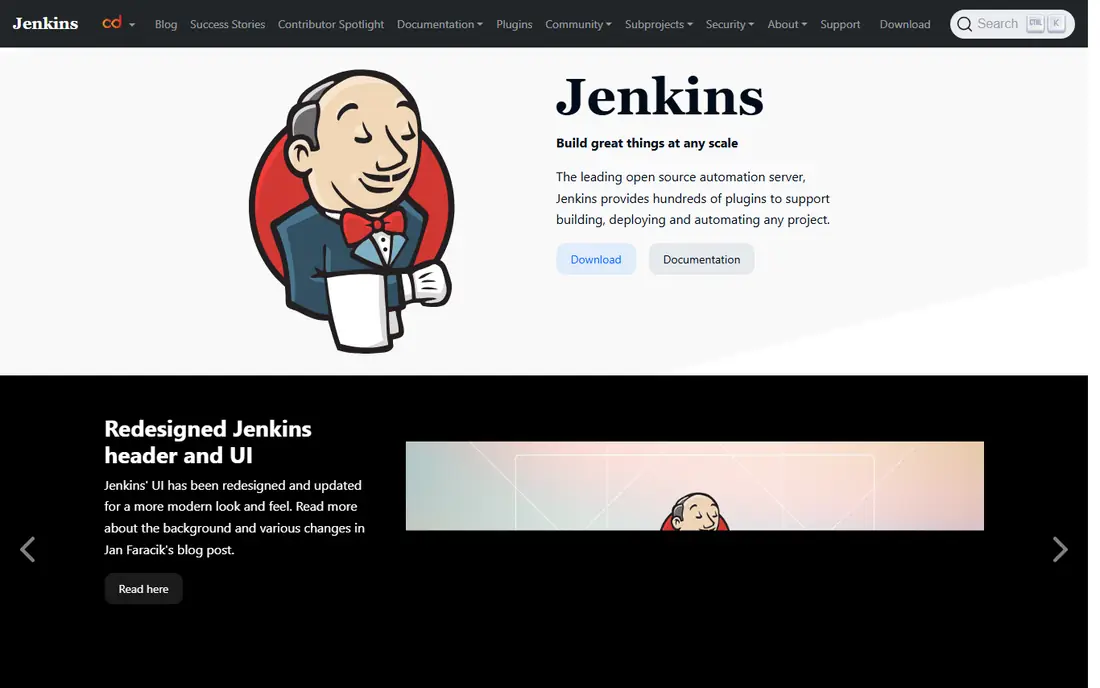
Jenkins remains the most flexible deployment tool for teams that need full control. Its plugin library covers almost every build, test and deploy target, pipelines are defined as code, and you can run it on your own servers, in the cloud or in a hybrid setup. That freedom is why large enterprises still standardise on it.
Freedom costs effort. You own server maintenance, security patches, plugin updates and scaling, and a neglected Jenkins install becomes slow and fragile. Jenkins is best for teams with platform engineers who can maintain it, not for teams that want a managed service.
- Free and open source
- Huge plugin library
- Pipeline-as-code with Jenkinsfiles
- Runs anywhere
- Setup, upgrades and plugin maintenance take real engineering time
- Interface feels dated
CircleCI is built for cloud-native teams that want fast pipelines without managing servers. Caching, parallelism and test splitting cut build times, orbs package common setups for Docker, Node, Python and other stacks, and the dashboard shows pipeline reliability clearly. A free plan with credits lets small teams start without paying.
Credit pricing needs care. The free plan includes credits each month, while paid plans start at $15 per month with more credits, and larger machines and macOS runners consume credits much faster than Linux. Measure credit burn per build before scaling, or a fast pipeline can become an expensive one.
- Fast cloud runners with caching and test splitting
- Free plan with credits
- Reusable orbs for common setups
- Credit use varies by machine size, so costs are harder to predict
- MacOS runs burn credits fast
Octopus Deploy is a delivery tool, not a build tool, and it excels at governed releases. You promote the same release package from dev to staging to production, with approvals, environment-specific variables, scheduled deployments and a full audit trail. Multi-tenancy suits agencies and SaaS vendors serving many customers from one platform.
Pricing is per deployment target, starting at $10 per target per month, so a fleet of many servers or tenants will cost more than a simple per-user tool. You also still need a CI tool such as GitHub Actions or Jenkins to build and test code before Octopus deploys it, so budget for both halves.
- Clear promotion across dev, staging and production
- Approvals, variables and audit history
- Strong multi-tenancy
- $10 per target per month adds up with many servers
- Needs a CI tool for building and testing
Argo CD is the standard GitOps tool for Kubernetes teams. You store the desired state of your cluster in Git, Argo CD syncs the cluster to match it, and the UI shows which applications are healthy, out of sync or degraded. Automatic rollback on health failure and multi-cluster support help teams run many services safely.
It only handles Kubernetes, so teams deploying to virtual machines, serverless platforms or traditional servers need another tool. You also need a CI pipeline to build container images before Argo CD can deploy them, and the team needs Kubernetes skills to run it well. For Kubernetes-only teams, though, it is hard to beat.
- Free and open source
- GitOps model keeps clusters in sync with Git
- Visual UI for applications and sync status
- Kubernetes only
- Needs a separate CI tool for building images
- Setup needs Kubernetes knowledge
Azure Pipelines suits enterprise teams already invested in Microsoft tools. It offers multi-stage YAML pipelines, approvals and gates, hosted and self-hosted agents, and deep integration with Azure services and repos. The first 5 users are free, with 1,800 hosted minutes per month included, which covers small teams.
Costs spread across several lines, including extra users, extra hosted jobs at around $40 per month each, and storage beyond the free allowance, so total cost is harder to predict than a single subscription. Teams outside the Microsoft stack may find GitHub Actions or GitLab simpler for the same job.
- First 5 users free with hosted minutes included
- Multi-stage YAML or classic pipelines
- Strong Azure integration
- Pricing spreads across users, jobs and storage
- Interface can feel complex outside Microsoft stacks
Harness is a full delivery platform for larger teams that need more than a pipeline. It combines CI and CD with deployment verification, automated rollback, approvals, feature flags and cost management, so platform teams can standardise delivery across many services. A free tier with credits lets small teams try it.
Quote-based enterprise pricing is the drawback for budgeting, since costs depend on modules, developers and usage. Smaller teams may find GitHub Actions or GitLab enough, but enterprises that need verification, policy and audit across many teams will value what Harness adds.
- Unified CI and CD with approvals, verification and rollback
- Feature flags and cost tools in the same platform
- Free tier for small teams
- Enterprise pricing is quote-based
- Per-module billing can add up across a large platform
Spinnaker, originally built at Netflix, is designed for multi-cloud delivery at scale. It supports canary deployments, blue-green releases, automated rollbacks and pipelines across AWS, Google Cloud and Azure, which suits large organisations that cannot standardise on one cloud. Its pipeline model handles complex, multi-service releases well.
Operational burden is the well-known catch. Running Spinnaker reliably needs a dedicated platform team, and smaller teams often find it more complex than the value it adds. Choose Spinnaker only if multi-cloud delivery is a hard requirement and you have the engineers to run it.
- Free and open source
- Multi-cloud deployments across AWS, GCP and Azure
- Canary and blue-green strategies built in
- High operational burden
- Needs a dedicated platform team to run reliably
AWS CodePipeline suits teams whose whole stack lives in AWS. It automates build, test and deploy stages on every code change, connects to CodeBuild, CodeDeploy, Lambda, ECS and other AWS services, and charges $1 per active V1 pipeline per month after one free pipeline. V2 pipelines use action-minute pricing with a free tier of 100 minutes.
The AWS-only focus is the limit. Teams deploying to other clouds or on-premises servers need a second tool, and V2 minute pricing can be confusing next to per-pipeline pricing. For AWS-native teams, though, CodePipeline is the simplest managed path from commit to production.
- Fully managed AWS delivery service
- V1 pipelines at $1 per active pipeline per month with one free pipeline
- Integrates with CodeBuild and CodeDeploy
- AWS-only focus
- V2 pricing by action minutes is harder to compare
- Less flexible than general CI/CD tools
How we picked these
We compared vendor pricing pages, documentation and recent public comparisons for deployment tools that are live in October 2026. We covered pipeline tools, delivery platforms, GitOps tools and cloud-native services, so teams at different sizes and on different infrastructure can find a fit. We did not claim hands-on testing, and we based our picks on published features, pricing models and fit for real release workflows.
How to choose a deployment tool
Start with where your code lives and where it runs. GitHub teams should start with GitHub Actions, GitLab teams with GitLab CI/CD, Microsoft teams with Azure Pipelines, and AWS teams with CodePipeline, since the built-in tool removes integration work. Add a delivery tool only when releases need approvals, multi-environment promotion or GitOps sync that the pipeline tool handles poorly.
Then check the pricing unit against your scale. Minutes, users, targets, parallels and action minutes all behave differently as you grow, so model cost at your real pipeline count, server count and build frequency. Finally, trial with a real service, including a failed deployment and a rollback, since a tool that deploys well but rolls back badly will cost you in production.
Frequently asked questions
What are the best deployment tools?
GitHub Actions and GitLab CI/CD are the best starting points for most teams, Jenkins suits teams that need maximum control, and Octopus Deploy, Harness, Argo CD and Spinnaker suit governed or Kubernetes-heavy delivery. The best tool depends on your code host, your infrastructure and how complex your releases are.
What is the best software deployment software for small teams?
GitHub Actions or GitLab CI/CD, since both are built into the code host, have free tiers and need no server maintenance. Small teams should avoid self-hosted tools such as Jenkins or Spinnaker until release complexity clearly demands them.
What is the best deployment platform for Kubernetes?
Argo CD is our pick for Kubernetes GitOps, since it syncs clusters from Git, shows sync health clearly and is free and open source. Spinnaker suits multi-cloud Kubernetes delivery at larger scale, while Flux-style GitOps tools suit teams that prefer composable controllers.
Is Jenkins still a good deployment tool in 2026?
Yes, for teams that need its flexibility and have engineers to maintain it. Jenkins remains widely used in enterprises with complex, custom pipelines, but teams without platform capacity will ship faster with a managed tool such as GitHub Actions, GitLab CI/CD or CircleCI.
How much do deployment tools cost?
Open source tools such as Jenkins, Argo CD and Spinnaker are free to use, while cloud tools charge by minutes, users, targets or pipelines. Entry prices in this guide range from free tiers to $10 per target per month for Octopus Deploy and $1 per active pipeline per month for AWS CodePipeline, with enterprise platforms quoted on request.
What is the difference between CI and CD tools?
Continuous integration builds and tests code on every change, while continuous delivery and deployment release that code to staging and production. Many tools on this list cover both, while Octopus Deploy, Argo CD and Spinnaker focus mainly on the delivery half and pair with a CI tool for building and testing.
Sources
See where you really rank - block by block
ProMapRanker scans Google Maps across a grid of your service area. Simple monthly plans from $19, white-label on every plan.
Start freeKeep reading
 who has the best home internet service
Who Has the Best Home Internet Service in 2026
Who has the best home internet service in 2026? Compare fiber, cable, and 5G providers on speed, price, data caps, and availability at your address today.
Read → visio alternatives
Best Visio Alternatives in 2026
Compare 9 Visio alternatives for flowcharts, org charts, and network diagrams, with free plans, pricing, and the best pick for teams and solo users in 2026.
Read → top 10 logistics software
Top 10 Logistics Software in 2026
We compared the top 10 logistics software tools for transport, warehousing, visibility and shipping, for shippers, carriers and 3PL teams in 2026 today.
Read →