 ProMapRanker
Best Demo Trading App in 2026

Key takeaways
- TradingView is the best free starting point for chart-based practice, while Webull suits mobile paper trading without a brokerage approval wait.
- thinkorswim paperMoney is best for options practice, and NinjaTrader suits futures practice with session replay.
- Demo results do not promise real results, because demo trading cannot copy slippage, partial fills, or the pressure of real money.
- This is not financial advice, and demo trading uses virtual money only, with no promised returns.
Quick comparison
| Pick | Great for | Pricing starts at | Free tier | |
|---|---|---|---|---|
 TradingView | Chart-based paper trading | Free | Yes | Visit |
 Webull | Mobile paper trading | Free | Yes | Visit |
 thinkorswim paperMoney | Options practice | Free | Yes | Visit |
 Interactive Brokers | Global paper trading | Free | Yes | Visit |
 moomoo | Mobile practice with real-time quotes | Free | Yes | Visit |
 eToro Demo | Social and copy practice | Free | Yes | Visit |
 TradeStation Simulator | Backtesting and active trading | Free | Yes | Visit |
 NinjaTrader Simulation | Futures practice and replay | Free | Yes | Visit |
 MarketWatch Virtual Stock Exchange | Learning games and groups | Free | Yes | Visit |
 MetaTrader Demo | Forex practice | Free | Yes | Visit |
The best demo trading app
These apps and platforms let you place simulated trades with virtual money against real market prices. We compared official feature pages, pricing pages, and public reviews, with a focus on access requirements, data, asset coverage, and practice tools. This is not financial advice, and demo trading uses virtual money only, with no promised returns.
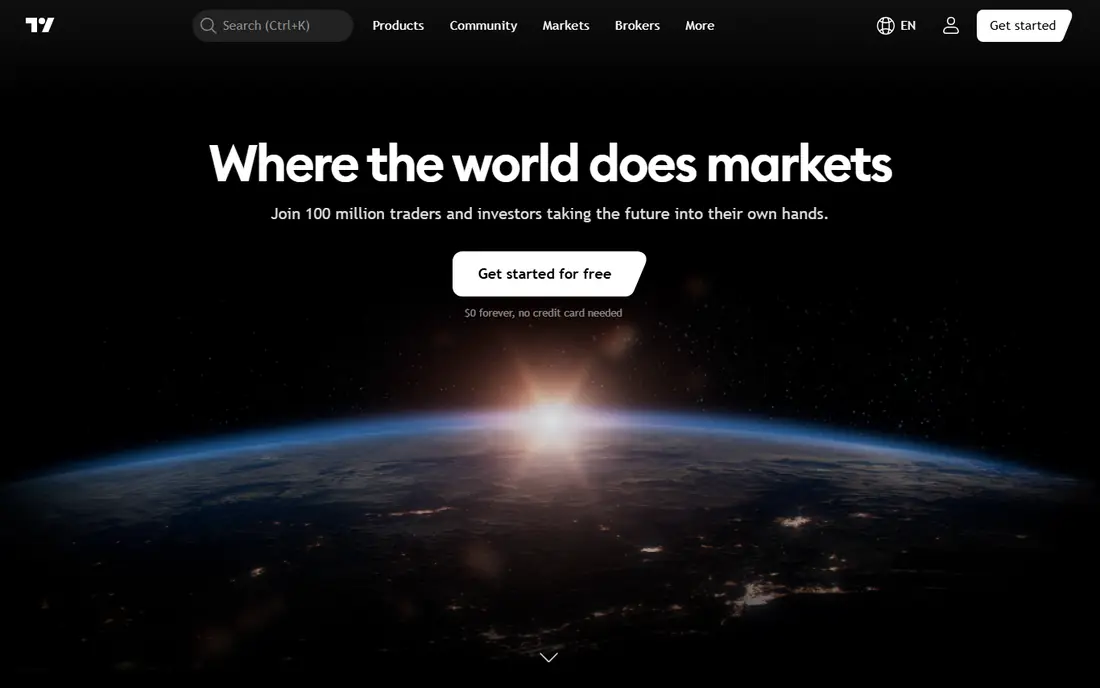
TradingView is our pick for most beginners because paper trading is free for every user and runs on the chart you already use to study markets. You get a virtual account, often listed at $100,000, place simulated orders from the chart, and track positions and performance without opening a brokerage account. That low barrier makes it easy to practice chart reading, order types, and risk sizing before you risk real money.
The limit is realism at the broker level. TradingView practice does not copy every broker execution detail, and advanced charting, alerts, and data feeds sit behind paid plans. For learning technical analysis and trade mechanics, though, it is the fastest start here. Use it to test a process over many trades, not to judge a single winning week as proof of a strategy.
- Paper trading free on every plan
- Strong charts and indicators
- No brokerage account needed to start
- Advanced chart features need paid plans
- Execution practice is chart-based, not a full broker platform
- Some data feeds need paid access
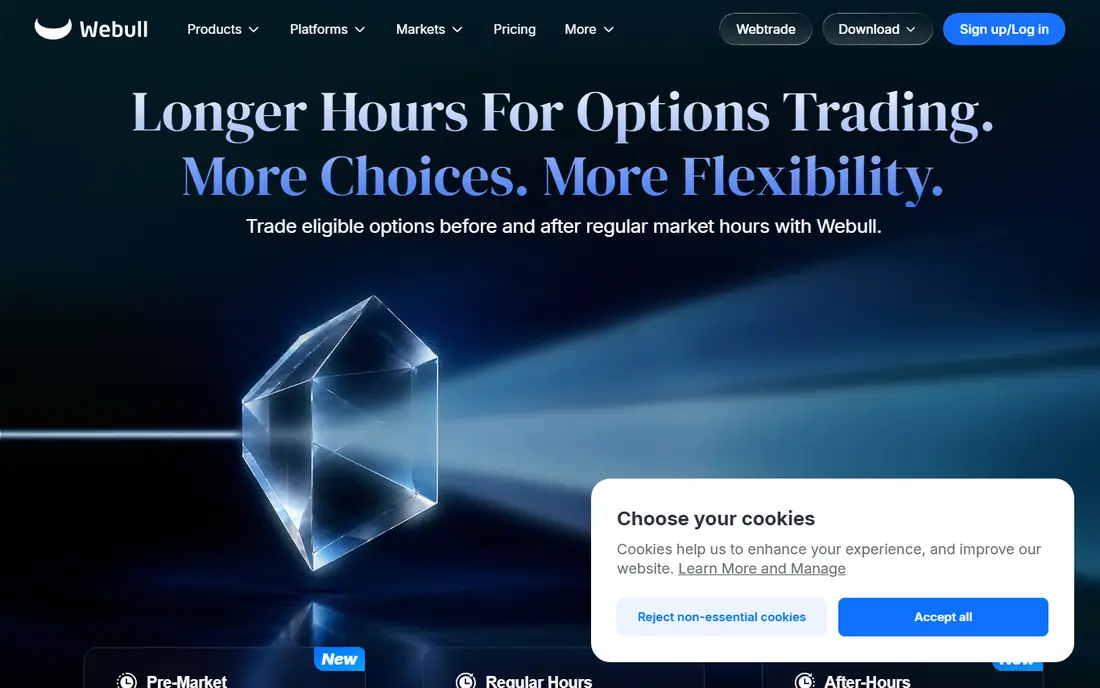
Webull paperTrade suits mobile-first learners who want a full trading app feel without real money. You can practice stocks, options, and futures in published summaries, with extended-hours practice, charts, and a virtual balance that can be reset. The app is free to use for paper trading, and it does not require the same approval wait as some broker paper accounts.
The risk is size. A large virtual balance makes it easy to practice with position sizes you would never use with real money, which can teach bad habits. Set your own virtual balance to a realistic amount, use the same risk rules you would use live, and track losses as seriously as wins. For a mobile practice account that feels like a real broker app, Webull is a strong pick.
- Free paper trading on mobile and desktop
- Real-time data in published summaries
- No pattern day trading cap on paper in some summaries
- Full broker features need an account
- Options and futures practice depth varies
- Virtual balance can encourage oversized trades
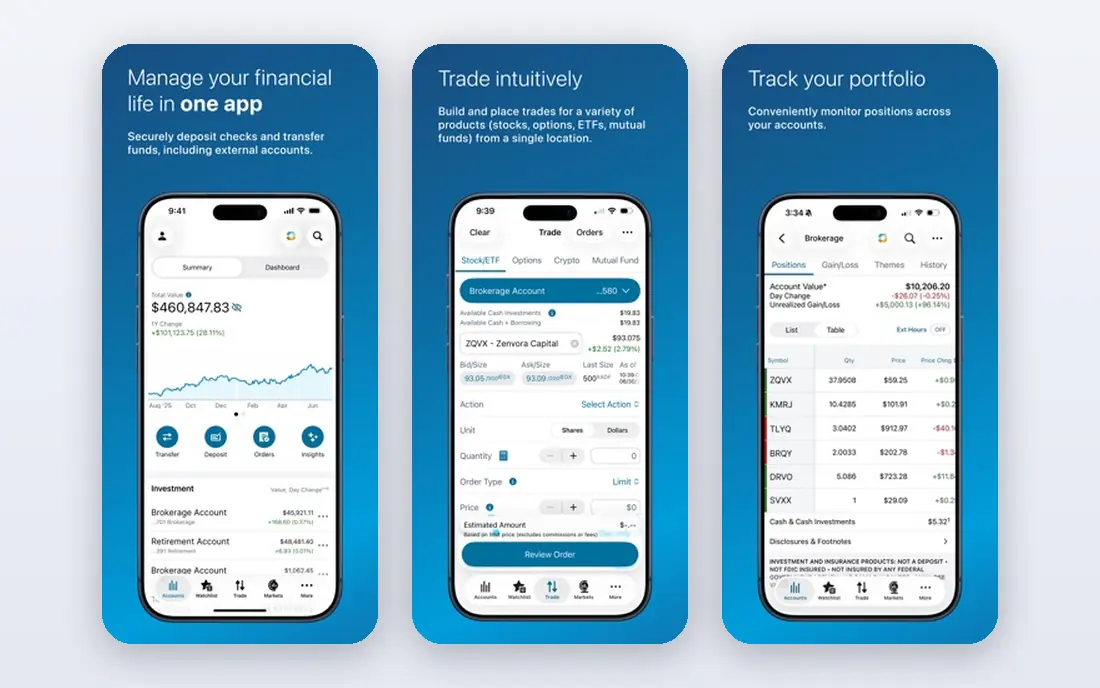
thinkorswim paperMoney, from Charles Schwab, is the best choice for serious options practice. The paper account mirrors the live platform, with advanced charting, options chains, strategy analysis, and OnDemand replay that lets you trade a past market day as if it were live. The virtual balance is often listed at $100,000, and you can practice complex options strategies without risking real capital.
The downside is complexity. New traders may feel lost among studies, scanners, and options tools, and the platform rewards study time. Start with simple stock orders, then add one options strategy at a time, and use OnDemand to practice the same setup across different market days. If options are your focus, no other free demo here matches paperMoney depth.
- Near-clone of the live thinkorswim platform
- OnDemand historical replay
- Advanced options analysis
- Platform can overwhelm beginners
- Schwab account context needed for full use in some summaries
- Learning curve is steep
Interactive Brokers paper trading suits advanced traders who want global stocks, options, futures, forex, bonds, and crypto practice in one account. Published summaries list a $1,000,000 virtual account, with a same-day free trial on delayed data and a full paper account once a live application is approved. That breadth is unmatched for traders who follow markets outside the United States.
The access step is the catch. If you want instant practice with no application, TradingView or Webull will be faster. Interactive Brokers also uses a professional platform that takes time to learn. For experienced traders who want to test global strategies, order types, and portfolio tools, it is the most complete demo here, once access is set up.
- Wide global markets and asset classes
- Professional Trader Workstation
- $1,000,000 virtual account in published summaries
- Full paper account may need a live application approval
- Interface is complex
- Free trial data can be delayed
moomoo is a strong mobile alternative to Webull for paper trading stocks, options, and ETFs. Published summaries note real-time quotes and a $1,000,000 virtual balance for practice, without requiring a brokerage account to start paper trading. The app includes charts, screeners, and paper portfolios, which help beginners learn order types and position tracking on a phone.
As with Webull, the large virtual balance is a trap if you do not set your own limits. Practice with a realistic balance and a written risk rule, such as a maximum loss per trade, and review your paper journal weekly. For mobile learners who want real-time data and a clean app, moomoo is a practical free start.
- Real-time quotes in published summaries
- $1,000,000 virtual practice balance
- No brokerage account needed for paper in some summaries
- Virtual balance can encourage oversized trades
- Full broker features need an account
- Options depth varies by region
eToro demo suits investors who want to practice long-term investing and copy trading without real money. You get a virtual portfolio, often listed at $100,000, and you can practice buying stocks and crypto, following other traders, and testing copy strategies. The interface is simpler than a professional broker platform, which helps absolute beginners.
The limit is speed and depth. eToro demo is not built for scalping or complex options practice, and asset availability varies by country. Copy trading practice also needs care: a copied trader past virtual return does not promise a future return, and demo copy results ignore some real-world costs and risks. For learning investing basics and copy mechanics, eToro demo is a low-pressure start.
- Virtual portfolio for stocks and crypto
- Copy trading practice
- Simple interface for beginners
- Better for investing practice than fast day trading
- Crypto and stock availability varies by region
- Copy results do not promise future returns
TradeStation simulator suits active traders who want to backtest a strategy and then practice it live in simulation. The platform offers advanced charting, strategy testing, and simulated orders for stocks, options, and futures, with real-time data in published summaries. That combination helps traders who want to test rules over history before they trade them in real time.
Access is the question to check. Some summaries note that full TradeStation use needs a funded account, while the simulator itself is free, so confirm current access terms before you plan around it. The platform also assumes more trading knowledge than Webull or eToro. If backtesting matters to your process, TradeStation is worth the learning time. If you are just starting, begin with TradingView or Webull first.
- Strong backtesting and strategy tools
- Real-time data in published summaries
- Stocks, options, and futures practice
- Full use may need a funded account in some summaries
- Platform learning curve
- Less beginner-friendly than Webull
NinjaTrader simulation is the best pick for futures practice. The platform offers a free simulation mode with professional charting, order tools, and market replay, so you can practice futures and forex setups on past sessions at your own pace. That replay feature is especially useful for day traders who want to repeat a morning session several times and refine entries and exits.
The focus is also the limit. NinjaTrader is not a general investing app, and its futures depth will not help a long-term stock investor as much as eToro or TradingView. Live brokerage features and some data feeds need an account, so check current terms. For futures learners who want realistic practice and replay, NinjaTrader simulation is the strongest free tool here.
- Professional futures tools
- Simulation mode free
- Session replay for practice
- Futures focus, not general stock investing
- Platform learning curve
- Live data and brokerage features need an account
MarketWatch Virtual Stock Exchange suits beginners, students, and groups who want to learn stock investing through a game. You create or join a game, get virtual cash, trade stocks, and compare portfolios with classmates or friends. The simple interface removes broker complexity, which helps a first-time learner focus on diversification, news, and patience.
The game framing is also a weakness. Leaderboards can encourage risky trades that would be unwise with real money, and order types and asset coverage are thinner than a broker simulator. Use it as a learning game, with a rule to discuss why each trade was made, not just who won. For a classroom or family introduction to investing, it is a friendly, free start.
- Free stock games for individuals and groups
- Simple interface
- Good for classes and beginners
- Limited order and asset depth
- Game framing can encourage risk-taking
- Not a broker platform
MetaTrader demo accounts, for MetaTrader 4 and 5, suit forex learners who want the platform most forex brokers use. You can open a demo with a broker, practice currency pairs and CFDs, test indicators, and run expert advisors in a simulated account. That familiarity helps when you later compare live brokers, because the platform stays the same across many of them.
Broker demo terms vary, including balance, expiry, and data, so read the terms for the broker you choose. Demo fills also do not copy live slippage, spreads, or partial fills, so a demo profit does not promise a live profit. For forex-specific practice, MetaTrader demo is the standard starting point, and it pairs well with a general chart tool like TradingView for analysis.
- Industry-standard forex platform
- Demo accounts from many brokers
- Expert advisors and backtesting
- Forex and CFD focus
- Broker terms vary
- Demo fills do not copy live slippage and costs
How we picked these
We compared official feature pages, pricing pages, and public reviews, and we kept only demo accounts and simulators that still operate in October 2026 and truly use virtual money with real market prices. We included chart tools, broker simulators, futures tools, social practice, learning games, and forex platforms, so readers can match the tool to asset type and skill level. Where access terms differed across summaries, we noted the condition rather than inventing a single rule.
How to practice without learning bad habits
Set a realistic virtual balance, write down your risk rule before your first trade, and journal every trade with entry reason, exit reason, and lesson. Practice for at least several weeks across different market conditions, and review losses as carefully as wins. Demo trading cannot teach you how real losses feel, so do not judge a strategy by one good week, and never move to real money based on demo results alone.
What demo trading cannot teach you
Demo accounts cannot copy slippage, partial fills on thin stocks, wider spreads at news events, or the emotional weight of real money. They also cannot promise that a strategy will work live, because live costs, taxes, and liquidity change results. Treat demo trading as a test of process, order mechanics, and discipline, not as a preview of profit. This is not financial advice, and you should consider your own financial situation before trading with real money.
Frequently asked questions
What is the best demo trading app for beginners?
TradingView is the best starting point for most beginners because paper trading is free, needs no brokerage account, and runs on strong charts. Webull and moomoo are strong mobile alternatives, while eToro demo suits long-term investing practice. Start with one app, learn order types, and practice a simple process before adding complexity.
How long should I paper trade before trading with real money?
There is no single safe period, and demo success does not promise live success. Many traders practice for several weeks to months, across different market conditions, while journaling trades and following a written risk rule. Use demo time to prove you can follow a process, not just to chase a virtual profit, and consider your own finances before risking real money.
Is demo trading really free?
Yes, paper trading on TradingView, Webull, thinkorswim, Interactive Brokers, moomoo, eToro, TradeStation, NinjaTrader, MarketWatch, and MetaTrader demo accounts is free in published summaries, though paid plans may add chart, data, or platform features. Some broker paper accounts need an application or a funded account for full access, so check terms before you rely on a specific feature.
Can I practice options and futures in a demo account?
Yes, thinkorswim paperMoney is best for options practice, NinjaTrader simulation is best for futures practice, and Webull, TradeStation, and Interactive Brokers also support simulated options or futures in published summaries. Check asset coverage for each platform, because some demo accounts limit options, futures, or forex by region or account type.
Does a good demo result mean I will profit with real money?
No, demo results do not promise real results. Demo trading uses virtual money only, cannot copy slippage, partial fills, or real-money pressure, and ignores some live costs. Treat demo profit as evidence that you followed a process in simulation, not as a forecast, and remember that trading carries risk of loss.
Sources
See where you really rank - block by block
ProMapRanker scans Google Maps across a grid of your service area. Simple monthly plans from $19, white-label on every plan.
Start freeKeep reading
 zscaler alternatives
Best Zscaler Alternatives in 2026
Looking for zscaler alternatives? We compare 9 SASE and zero trust platforms on architecture, data protection, pricing, and fit for your network and team.
Read → zapier alternatives free
Best Zapier Alternatives Free in 2026
Nine automation tools for zapier alternatives free in 2026, all with genuinely free tiers, plus free plan limits, starting prices and upgrade paths explained.
Read → which platform is best for online reputation
Which Platform Is Best for Online Reputation in 2026
Wondering which platform is best for online reputation? We compare 8 review, listing, and response tools for small and multi-location businesses and agencies.
Read →