 ProMapRanker
Best Delivery Route Planning Software in 2026

Key takeaways
- Routific is our pick for small delivery teams that want clean routes without a long setup, with a free tier for up to 100 orders a month.
- OptimoRoute suits route-heavy teams that need multi-day planning, workload balancing and driver skill matching.
- Onfleet and Route4Me fit larger or more complex operations, where dispatch, tracking and proof of delivery matter as much as the route itself.
- Pricing models differ sharply, so compare cost at your real stop volume and driver count, not just the headline monthly price.
- A free trial with your own addresses is the best test, because route quality depends on your stops, time windows and vehicle limits.
Quick comparison
| Pick | Great for | Pricing starts at | Free tier | |
|---|---|---|---|---|
 Routific | Small delivery teams | $150 per month | Yes | Visit |
 OptimoRoute | Multi-day route planning | $35.10 per driver per month | Free trial | Visit |
 Circuit | Solo drivers and micro teams | $100 per month | Free trial | Visit |
 Upper | Small fleets with dispatch | $40 per user per month | Free trial | Visit |
 Onfleet | High-volume delivery operations | $619 per month | Free trial | Visit |
 Route4Me | Complex multi-constraint routing | See website | Free trial | Visit |
 Zeo Route Planner | Solo drivers and small teams | Free | Yes | Visit |
 Track-POD | Proof-of-delivery operations | $49 per driver per month | Free trial | Visit |
 Detrack | Budget dispatch and tracking | $29 per driver per month | Free trial | Visit |
The best delivery route planning software
Route planning software should do more than draw a line on a map. The tools below optimise stop order, respect time windows and vehicle capacity, and help dispatchers and drivers stay in step during the day. We compared official pricing pages, feature pages and public reviews to sort them by team size and workload.

Routific is the easiest starting point for a small team moving from manual planning or spreadsheets. Upload stops, set time windows and vehicle limits, and it returns routes that a dispatcher can adjust by dragging stops between drivers. That hands-on editing matters, because local knowledge often beats a pure algorithm on tricky addresses.
The free tier covers up to 100 orders a month, which lets a small business test real routes before paying. Paid plans scale by order volume, so costs rise with delivery count rather than driver count. Teams above a few hundred daily deliveries, or teams that need live re-optimisation all day, may outgrow it and should compare Onfleet or Route4Me.
- Clean interface and drag-and-drop route editing
- Free tier for up to 100 orders a month
- Customer notifications and proof of delivery
- Dynamic re-routing is limited
- Enterprise integrations are thinner than larger platforms
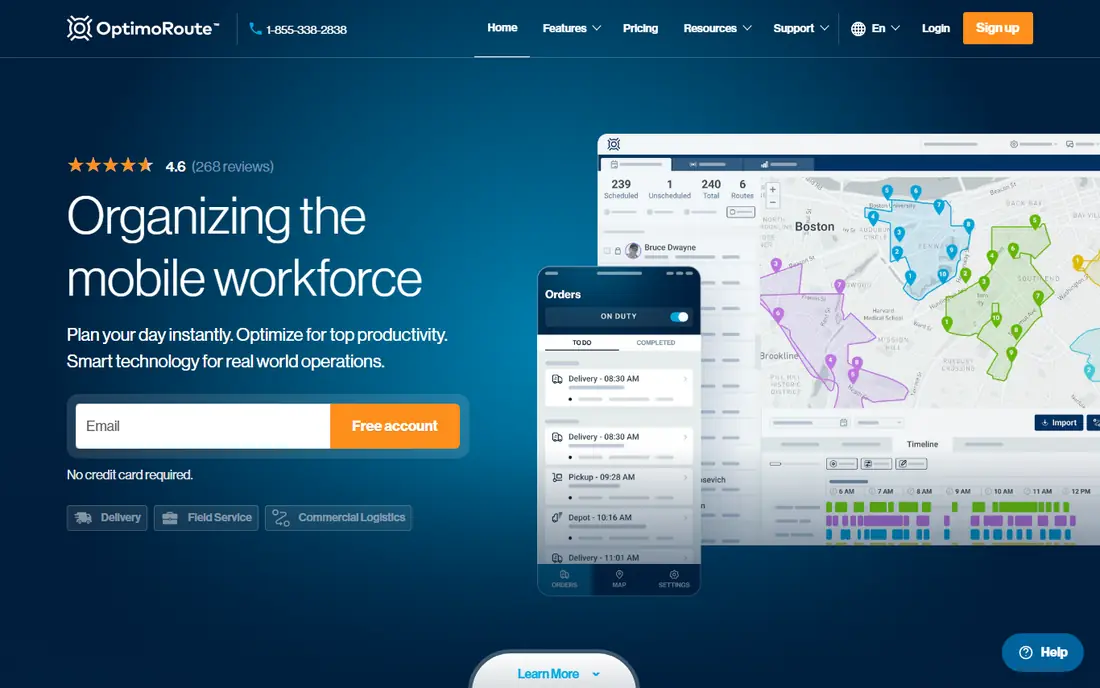
OptimoRoute fits teams where routes repeat across days and weeks, such as field service, regular delivery rounds and scheduled collections. It balances workload across drivers, respects skills and vehicle limits, and plans several days ahead instead of treating each day as a fresh puzzle. That structure helps managers spot overloaded drivers and uneven territories early.
Pricing is per driver, billed annually on the entry tier, with higher tiers adding live tracking and proof of delivery. Seasonal teams should check how that model works when driver numbers change through the year. For stable teams with complex weekly patterns, the planning depth is worth the setup time.
- Multi-day planning and workload balancing
- Driver skills and vehicle constraints
- 30-day free trial
- Setup takes more care than simpler tools
- Per-driver pricing can add up for seasonal teams
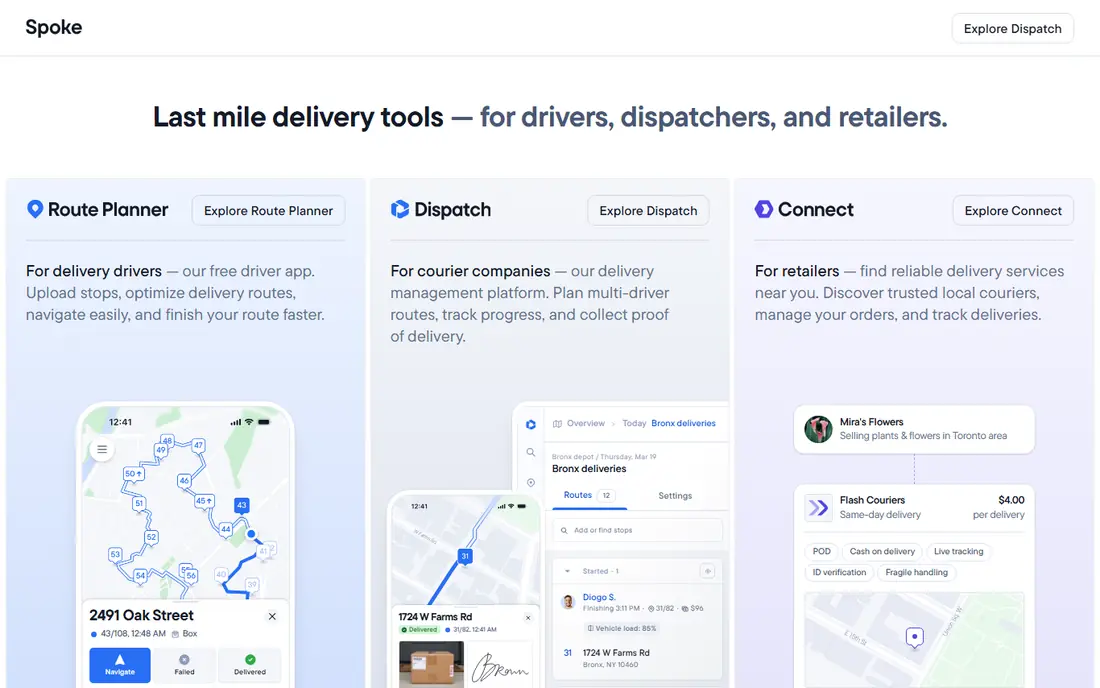
Circuit started with individual drivers, and that focus still shows in its design. The mobile app is clear, stop lists are easy to reorder, and proof of delivery is built in rather than bolted on. A solo courier or a two-person team can start in an afternoon without training a dispatcher.
Larger teams should look closely at the plan limits. Circuit charges by stops on its team plans, so a busy fleet can face a higher bill than a per-user tool. For micro teams and solo drivers, though, the simplicity and the driver app are a strong match.
- Simple mobile-first design
- Proof of delivery with photos and signatures
- Easy stop import
- Less dispatch depth than fleet platforms
- Costs rise with stop volume on higher tiers
Upper packages the full delivery workflow in one place: optimise routes, dispatch them to drivers, track progress live, collect proof of delivery and notify customers. That single workflow saves a small fleet from stitching together separate tools for planning, tracking and customer updates.
The entry price is per user per month on annual billing, with a minimum seat count on some plans, so check the total monthly bill for your team size. Also note that features such as live tracking and proof of delivery may need a mid-tier plan. For fleets of roughly five to fifty drivers, Upper is a balanced middle ground between a solo driver app and an enterprise platform.
- Route optimisation plus dispatch, tracking and proof of delivery
- Transparent per-user pricing
- Customer notifications
- Some core features sit on higher tiers
- Route quality on very long routes draws mixed comments in reviews
Onfleet is built for operations that run hundreds or thousands of tasks. Dispatchers can auto-assign work, watch drivers live, and give customers a tracking page without manual updates. Integrations with ordering systems help high-volume teams move work from checkout to driver without retyping addresses.
The starting price reflects that scale, so a small team with a few dozen daily stops will find cheaper options here. For restaurants, grocery, pharmacy and courier operations at volume, the dispatch depth and reliability matter more than the entry price, and a 14-day trial is the right way to test it on real orders.
- Strong dispatch and driver app for high volumes
- Customer tracking pages
- Integrations with ordering and commerce tools
- High starting price for small teams
- Overkill for a handful of daily stops
Route4Me suits teams with awkward constraints: mixed vehicle types, territories, recurring visits and rules that change by customer. Its marketplace of add-on modules lets you add GPS tracking, territory tools or analytics without switching platforms. An API also helps teams that want routing inside their own dispatch or ordering system.
The catch is pricing transparency. Route4Me uses custom quotes, so you cannot compare it on headline price alone, and you should get a written quote for your stop volume before shortlisting it. Simple teams may find Routific or Upper faster to set up, while complex operations will value the configurability.
- Extensive routing options and add-on modules
- Territory management
- API for custom workflows
- Pricing is quote-based, so comparison takes a sales conversation
- The feature set can feel sprawling for simple routes
Zeo is a low-risk way to start route planning. The free basic plan handles short routes, which suits a solo driver or a small team testing whether optimisation helps at all. Fleet plans add more stops, driver management and extra features as the team grows, with pricing per driver on annual billing.
Check which tier holds the features you need before committing. Proof of delivery, customer notifications and API access sit on higher tiers, so a team that needs the full workflow should compare the total tier price with Upper or Routific rather than the free plan alone.
- Free basic plan for up to 15 stops per route
- Fleet plans for growing teams
- Simple route optimisation
- Proof of delivery and notifications sit on higher tiers
- Dispatch features are thinner than fleet tools
Track-POD is the pick when proof matters as much as the route. Delivery teams can build custom proof templates with photos, signatures, barcodes and forms, which helps in logistics, field service and regulated deliveries where a simple signature is not enough. Route optimisation and live tracking sit alongside that proof workflow.
The entry tier requires a three-driver minimum, so solo drivers should look at Circuit or Zeo instead. For teams of three or more where customers or auditors ask for detailed delivery evidence, Track-POD gives that evidence without a separate app.
- Customisable proof-of-delivery templates
- Route optimisation and live tracking
- Forms for compliance-heavy work
- Three-driver minimum on the entry tier
- Interface is more functional than polished
Detrack keeps the core job simple: dispatch work, track drivers live, collect proof of delivery and share tracking with customers. At a low per-driver price, it is one of the cheapest ways to give a small fleet live visibility without paying for enterprise planning features.
Route optimisation is present but less deep than Routific or OptimoRoute, so teams with tight time windows and complex constraints should test route quality on their own stops. For straightforward delivery rounds where dispatch and proof matter most, Detrack offers good value.
- Low starting price
- Live tracking and proof of delivery
- Simple dispatch dashboard
- Route optimisation is less deep than specialist planners
- Fewer advanced integrations
How we picked these
We compared official pricing pages, feature pages and public reviews for delivery route tools that work for US teams in October 2026. We kept tools with real route optimisation, not just map plotting, and we looked for a spread of team sizes, from solo drivers to high-volume fleets. Prices shown are starting prices from vendor and comparison sources; where a vendor uses custom quotes, we write See website rather than guessing.
How to choose the right delivery route planner
Start with your daily reality, not the feature list. Count your stops, drivers and time windows on a busy day, and note whether routes repeat weekly or change every morning. A solo driver with twenty stops needs a different tool from a fleet with two hundred stops, five depots and strict delivery windows.
Next, test route quality with your own addresses. Import a real week of stops into two or three trials and compare drive time, stop order and how much manual fixing each route needs. Pay attention to proof of delivery, customer notifications and tracking too, because those features save dispatcher time every day, even when the route itself looks fine.
Finally, model the full cost. Per-driver, per-order and flat monthly pricing behave very differently as volume grows, and key features sometimes sit on higher tiers. Add the cost of the tier that actually includes tracking and proof of delivery, then compare that total across tools before you sign a yearly plan.
Frequently asked questions
What is the best delivery route planning app for small teams?
Routific is our pick for small teams, with a free tier for up to 100 orders a month and a clean editor for adjusting routes by hand when local knowledge matters.
What is the best delivery route planning software for multi-day routes?
OptimoRoute suits multi-day planning best, because it balances workload across drivers and plans several days ahead while respecting skills and vehicle limits.
How much does delivery route planning software cost?
Costs range from free for short solo routes to several hundred dollars a month for high-volume fleets, and pricing may be per driver, per order or flat monthly, so model cost at your real volume.
Does route planning software include proof of delivery?
Many tools here include proof of delivery with photos or signatures, with Track-POD offering the most customisable templates and Circuit and Upper covering the basics well.
Can I try delivery route software before paying?
Yes, most tools here offer a free plan or a free trial, and testing with your own addresses for a full week gives a far better read than a demo with sample data.
What is the difference between route planning and dispatch software?
Route planning works out the best stop order, while dispatch software assigns work, tracks drivers live and updates customers, and the stronger tools here combine both jobs.
Sources
See where you really rank - block by block
ProMapRanker scans Google Maps across a grid of your service area. Simple monthly plans from $19, white-label on every plan.
Start freeKeep reading
 zscaler alternatives
Best Zscaler Alternatives in 2026
Looking for zscaler alternatives? We compare 9 SASE and zero trust platforms on architecture, data protection, pricing, and fit for your network and team.
Read → zapier alternatives free
Best Zapier Alternatives Free in 2026
Nine automation tools for zapier alternatives free in 2026, all with genuinely free tiers, plus free plan limits, starting prices and upgrade paths explained.
Read → which platform is best for online reputation
Which Platform Is Best for Online Reputation in 2026
Wondering which platform is best for online reputation? We compare 8 review, listing, and response tools for small and multi-location businesses and agencies.
Read →