 ProMapRanker
Best Deepfake Apps in 2026: 9 Tools Compared

Key takeaways
- Only use photos or video of yourself or people who gave permission, and never create non-consensual imagery of real people.
- Reface and Magic Hour suit quick social and creator face swaps, while DeepSwap and Akool suit longer or multi-face work.
- FaceFusion and DeepFaceLab are free and run locally, which suits creators who want control and privacy.
- HeyGen, Synthesia, and D-ID suit marketing and training avatars, not casual face swaps.
- Free tiers are useful for testing, but paid plans are usually needed for clean exports without watermarks.
Quick comparison
| Pick | Great for | Pricing starts at | Free tier | |
|---|---|---|---|---|
 Reface | Quick mobile face swaps | See website | Yes | Visit |
 DeepSwap | Browser video face swaps | $9.99 per month | Free trial | Visit |
 FaceFusion | Free local face swaps | Free | Yes | Visit |
 DeepFaceLab | Pro-grade custom models | Free | Yes | Visit |
 Magic Hour | All-round creator face swaps | $12 per month | Yes | Visit |
 Akool | Batch and multi-face pro work | $12 per seat per month | Free trial | Visit |
 HeyGen | Realistic marketing avatars | $24 per month | Yes | Visit |
 Synthesia | Training and business avatars | $18 per month | Yes | Visit |
 D-ID | Budget photo avatars and API | $4.70 per month | Free trial | Visit |
The best deepfake apps
We compared only legitimate creative tools for face swaps, film, and marketing avatars, and we excluded tools marketed for undressing people or non-consensual imagery. Our pick for quick mobile swaps is Reface, and our pick for creator work on the web is Magic Hour. Consent warning: only use photos or video of yourself or people who gave permission, and never create non-consensual imagery of real people.
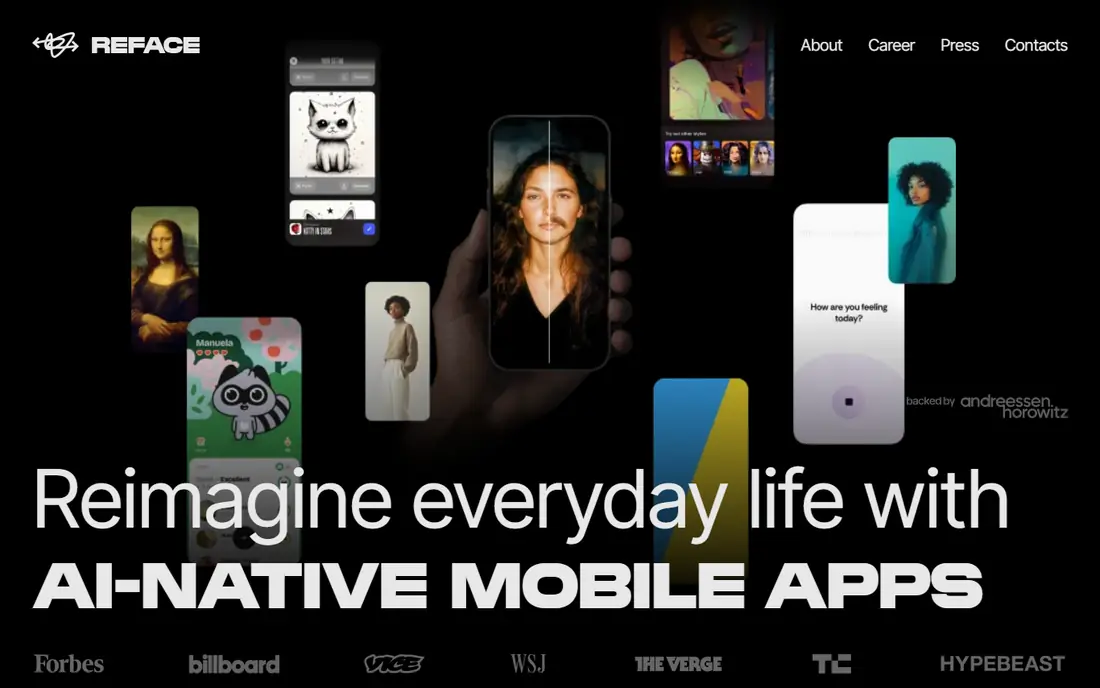
Reface is the easiest starting point for a fun, consensual face swap. Pick a template, confirm your own face, render a short clip, and share it. The whole loop takes under a minute on a phone, which is why it remains popular for memes and social posts made with your own photos.
The limits are quality and pricing clarity. Results look best at phone size, and hairlines, glasses, and side profiles can look waxy on closer inspection. App store pricing and web pricing also differ, so check the exact surface you plan to use before paying. Use it for your own face and for friends who agreed, not for strangers.
- Fast template-led swaps on mobile
- Short clips and GIFs
- Easy sharing
- App and web pricing differ
- Quality falls apart on side profiles and glasses in some clips
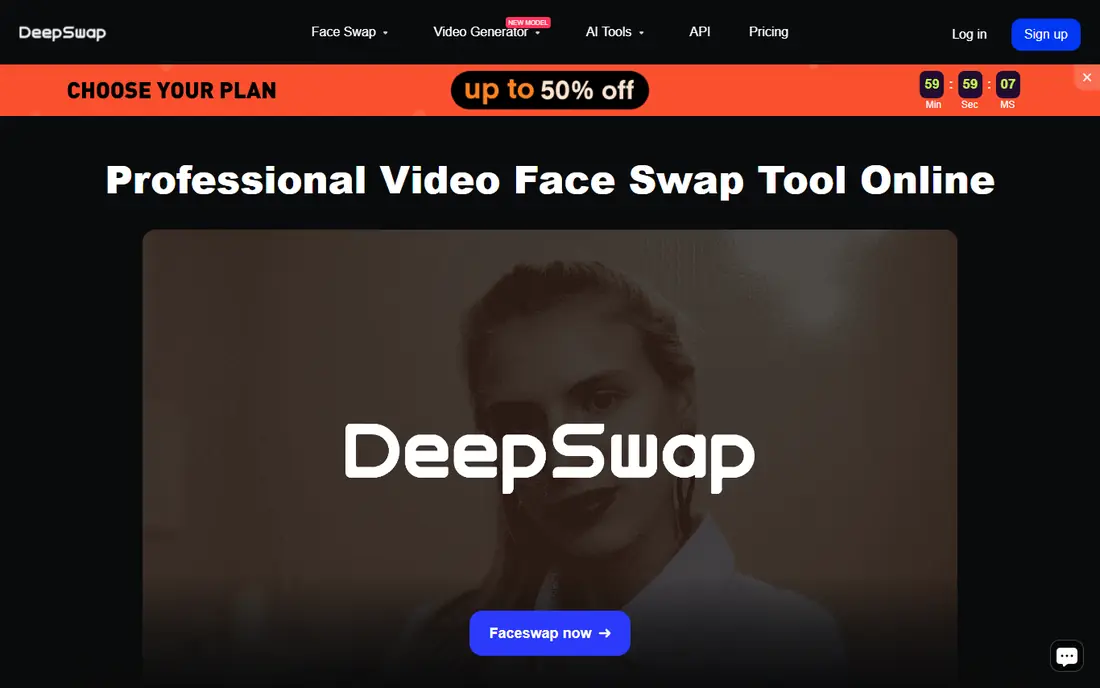
DeepSwap is the browser workhorse for creators who do not want to install software. It handles photo, GIF, and video swaps, supports up to six faces in a group shot, and shows the credit cost of each action before you spend it. A fifteen-second video clip costs one credit in its published model, which makes budgeting clearer than with vague credit packs.
The cost adds up on longer work. A multi-minute video needs many credits, and retries also consume credits unless a render fails and is refunded. For regular short swaps, DeepSwap is convenient and honest on pricing. For long film work, a local tool such as FaceFusion may be cheaper.
- No install needed
- Up to six faces in one clip
- Clear credit pricing per action
- No permanent free tier
- Longer videos consume many credits
FaceFusion gives creators full control without a subscription. It runs on Windows, Mac, and Linux, handles stills and clips, and keeps processing on your own machine, which helps privacy. For a creator who swaps faces often, or who works with sensitive footage of consenting people, local processing is a real advantage.
The trade-off is hardware and setup. FaceFusion needs a capable GPU for fast results, and installation takes more effort than opening a website. It is not a casual phone app. For a creator willing to set it up, it is the best free option in this guide.
- Free and open source
- Runs locally on your own hardware
- Photo and video swaps with multi-face support
- Needs a capable computer
- Setup is harder than a web app
DeepFaceLab is the professional-grade open source choice for film and VFX work. It lets a creator train a custom model on footage they have the right to use, then produce swaps with far more control than a template app. That depth is why it remains a standard tool for serious face-swap projects.
It is not a beginner tool. Training takes time, hardware, and patience, and results depend on the quality and consent status of the source footage. Use it only with footage of yourself or people who gave clear permission for that use. For a film project with consenting actors, DeepFaceLab offers the most control for no licence cost.
- Free and open source
- Custom model training for film work
- High control over quality
- Steep learning curve
- Needs strong hardware and time for training
Magic Hour suits a creator who wants face swap plus editing in one place. It offers photo and video swaps, talking photos, and other video tools, so a swap does not need to move between apps. The free credit allowance lets a creator test quality before paying, and the paid plan starts at about twelve dollars per month when billed annually.
Free exports are the limit. Video and GIF outputs on the free tier carry watermarks, so a creator who publishes regularly will need a paid plan. For a creator who already edits in Magic Hour, the face swap integration is convenient and the price is fair.
- Face swap inside a wider video workspace
- Free credits to start
- Photo, GIF, and video support
- Free outputs carry watermarks on video and GIFs
- Paid plan needed for clean exports
Akool is built for marketing teams and production work rather than casual memes. It handles batch swaps, multi-face clips, and high-resolution output, and higher plans add API access for automated workflows. A team that needs many swaps for ads or personalised video will find Akool more scalable than a phone app.
The price rises fast with resolution and credits. The Starter plan starts at twelve dollars per seat per month when billed annually, but Pro and Business plans cost far more for 4K output and larger credit pools. Small creators should start with Magic Hour or DeepSwap, while teams with batch needs will see Akool as a production tool.
- Batch face swaps
- Multi-face support
- High-resolution output on higher plans
- API access
- Higher plans are pricey
- Free trial is limited and watermarked at lower quality
HeyGen is an avatar platform, not a casual face-swap app. It creates realistic presenters from text, translates existing video into many languages while keeping the speaker voice, and supports longer marketing videos. For a brand that needs a consistent presenter across languages, HeyGen is the strongest pick here.
The billing needs care. Edits that re-render a scene can spend credits again, so a team should plan scripts before generating. The Creator plan starts at twenty-four dollars per month when billed annually, and business features such as SCORM and single sign-on sit higher. For avatar marketing, HeyGen is worth the price; for a quick meme swap, it is overkill.
- Realistic avatars
- Video translation into many languages
- Longer videos on paid plans
- Credits are spent again on re-renders in some cases
- Business features sit on higher plans
Synthesia is the enterprise training pick. It turns scripts into presenter videos, supports many languages, and gives business teams governance, permissions, and audit features that casual apps lack. The free Basic tier lets a team test the format before paying, and Starter starts at eighteen dollars per month when billed annually.
The credit model is the learning curve. Video minutes are metered through credits, and a team should map minutes per month before choosing a plan. SCORM export for learning systems is also gated to Enterprise, which matters for training teams. For internal training and compliance videos, Synthesia is the most controlled option here.
- Strong governance for business training
- Many languages
- Free Basic tier for testing
- Credit system needs learning
- SCORM export sits on Enterprise
- Stock avatars can feel synthetic
D-ID suits a team that wants talking photo avatars on a budget. It animates a photo with speech, supports an API for developers, and starts at four dollars and seventy cents per month when billed annually on its Lite plan. That price makes it easy to test avatar video without a large commitment.
Quality is the trade-off. For short presenter clips and product explainers, D-ID works well. For long, realistic marketing videos, HeyGen or Synthesia give a more natural result. D-ID is the right pick when budget and API access matter more than top realism.
- Low entry price
- Photo avatars from a single image
- API for developers
- Trial is short
- Avatar quality is less realistic than HeyGen for long videos
How we picked these
We compared official pricing pages, platform type, and legitimate use cases, and we kept only tools for consensual creative work: your own face, faces of people who gave permission, film work with consenting actors, and marketing avatars. We excluded tools marketed for undressing people or for non-consensual imagery of real people, and we did not list any such product. Prices come from vendor pages or recent vendor-checked pricing, and we wrote See website where app and web pricing differ.
What to check before you buy
Start with consent, not features. Only use photos or video of yourself or people who gave permission for that exact use, and never create non-consensual imagery of real people. Non-consensual deepfakes, especially sexualised ones, are illegal in a growing number of places and banned by major platforms. Keep written permission for any face that is not your own.
Next, match the tool to the job. Phone memes need Reface, web swaps need DeepSwap or Magic Hour, film work needs FaceFusion or DeepFaceLab, and business avatars need HeyGen, Synthesia, or D-ID. Finally, test exports. Check watermarks, resolution, and how credits are spent on retries, since those three factors decide the real cost.
A safe workflow for creators
Use only footage you own or have permission to edit. Label synthetic video clearly when you publish it, so viewers are not misled. Store source footage and permission records together. Delete face data from apps you no longer use, and check each app privacy policy for how long biometric data is kept.
Frequently asked questions
What is the best deepfake app?
For quick mobile swaps with your own photos, Reface is our pick. For web creator work, Magic Hour is our pick. For film work with consenting actors, FaceFusion or DeepFaceLab give the most control. For business avatars, HeyGen suits marketing and Synthesia suits training.
What are the best deepfake tools for video?
DeepSwap, Magic Hour, Akool, FaceFusion, and DeepFaceLab all handle video swaps. DeepSwap is easiest on the web, Magic Hour adds editing, Akool suits batch work, and FaceFusion and DeepFaceLab suit local film work with more control.
What is the best deepfake app for photos?
Reface, Magic Hour, DeepSwap, and D-ID all handle photo swaps or photo avatars. Reface is fastest on mobile, Magic Hour and DeepSwap suit web creators, and D-ID suits talking photo avatars for business use. Use only photos you own or have permission to edit.
What is the best deepfake software for film?
DeepFaceLab is the strongest film option here, since it supports custom model training and high control. FaceFusion is a strong free local alternative for stills and clips. Both need capable hardware and time, and both require consent for every face used.
What is the best app for deepfake on a budget?
FaceFusion and DeepFaceLab are free, while D-ID starts at four dollars and seventy cents per month when billed annually. Reface and Magic Hour also offer free tiers, though free outputs may carry watermarks. Budget tools still require the same consent rules as paid tools.
Is it legal to make a deepfake of someone else?
It depends on consent, purpose, and local law, and non-consensual imagery of real people can be illegal and is banned by major platforms. Only use photos or video of yourself or people who gave permission, label synthetic media clearly, and do not create imagery that misleads, harasses, or harms a real person.
Sources
See where you really rank - block by block
ProMapRanker scans Google Maps across a grid of your service area. Simple monthly plans from $19, white-label on every plan.
Start freeKeep reading
 zscaler alternatives
Best Zscaler Alternatives in 2026
Looking for zscaler alternatives? We compare 9 SASE and zero trust platforms on architecture, data protection, pricing, and fit for your network and team.
Read → zapier alternatives free
Best Zapier Alternatives Free in 2026
Nine automation tools for zapier alternatives free in 2026, all with genuinely free tiers, plus free plan limits, starting prices and upgrade paths explained.
Read → which platform is best for online reputation
Which Platform Is Best for Online Reputation in 2026
Wondering which platform is best for online reputation? We compare 8 review, listing, and response tools for small and multi-location businesses and agencies.
Read →