 ProMapRanker
Best Day Trade Platforms in 2026


Active and global traders · Pricing starts at: $0 per trade
Key takeaways
- Interactive Brokers is our pick for active traders who want broad markets, per-share pricing, and deep market data.
- Charles Schwab thinkorswim suits traders who want advanced charting at $0 stock and ETF commission.
- Webull and moomoo suit mobile-first traders who want low-cost options and Level 2 data at a lower price.
- Fidelity suits traders who want strong execution and research inside one large broker.
- This is not financial advice. Day trading carries risk, and most active traders lose money, so practice with paper trading first.
Quick comparison
| Pick | Great for | Pricing starts at | Free tier | |
|---|---|---|---|---|
| Interactive Brokers | Active and global traders | $0 per trade | Yes | Visit |
 Charles Schwab thinkorswim | Advanced charting | $0 per trade | Yes | Visit |
 Fidelity | All-in-one broker | $0 per trade | Yes | Visit |
 Webull | Mobile-first active trading | $0 per trade | Yes | Visit |
 E*TRADE | Options and research | $0 per trade | Yes | Visit |
 tastytrade | Options day traders | $0 per trade | Yes | Visit |
 TradeStation | Scanning and strategy automation | $0 per trade | Yes | Visit |
 moomoo | Low-cost mobile trading | $0 per trade | Yes | Visit |
 Lightspeed | High-volume traders | See website | No | Visit |
The best day trade platforms
We compared stock and ETF commissions, options fees, charting, market data, and paper trading. Our pick for most active traders is Interactive Brokers, while thinkorswim is our pick for charting depth at a large broker.
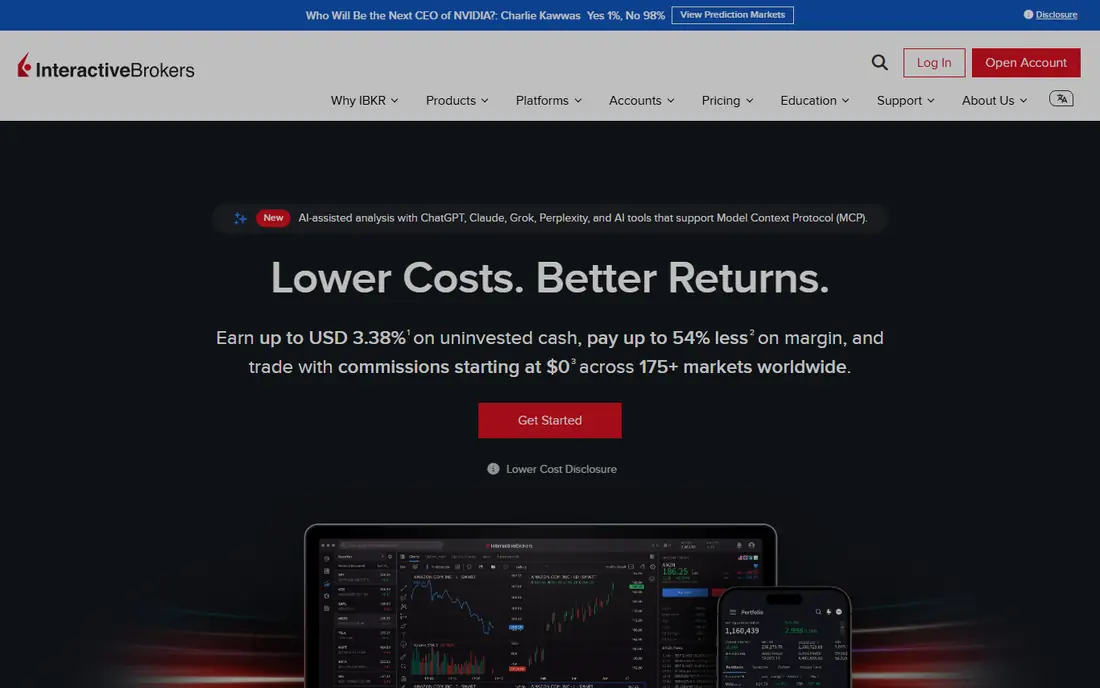
Interactive Brokers suits traders who trade often and care about costs beyond the headline commission. Lite gives $0 stock and ETF trades, while Pro gives per-share pricing that can suit high-volume traders. The platform also covers stocks, options, futures, forex, and many global markets from one account.
The cost is complexity. Trader Workstation is powerful but not friendly on day one, and Level 2 data such as Nasdaq TotalView is an added subscription. If you trade occasionally, a simpler broker may serve you better. If you trade daily, the depth and pricing options justify the learning curve.
- IBKR Lite offers $0 stock and ETF trades
- Pro offers per-share pricing
- Very broad global market access
- Trader Workstation has a steep learning curve
- Market data subscriptions add cost
- Interface feels dense for beginners
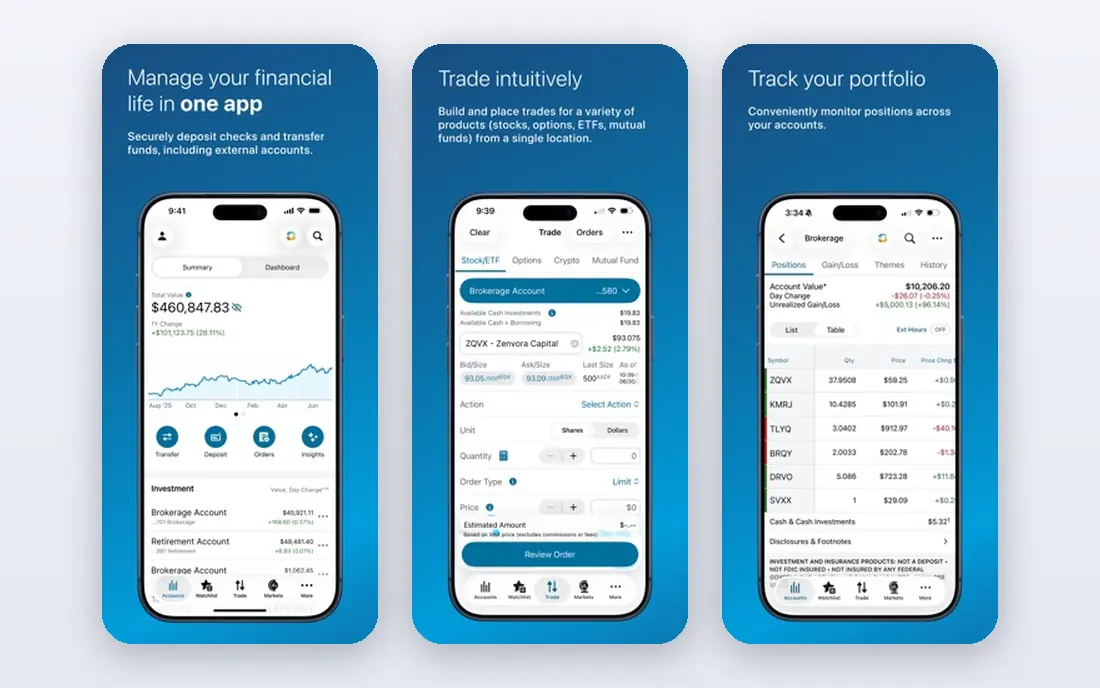
thinkorswim has long been a favorite for technical traders, and Schwab now offers it to Schwab clients. You get advanced charts, studies, options analytics, and a paper trading account for practice. Stock and ETF trades cost $0 in commission, which keeps the headline cost low.
Options traders pay $0.65 per contract, plus exchange and regulatory fees that apply across brokers. That fee matters if you trade many contracts each day. For stock day traders who live in charts, thinkorswim remains one of the strongest free platforms available.
- Thinkorswim charting and options analytics at no extra platform fee
- $0 stock and ETF commission
- PaperMoney practice account
- Options cost $0.65 per contract
- Platform can feel complex for new traders
- Futures fees apply per contract
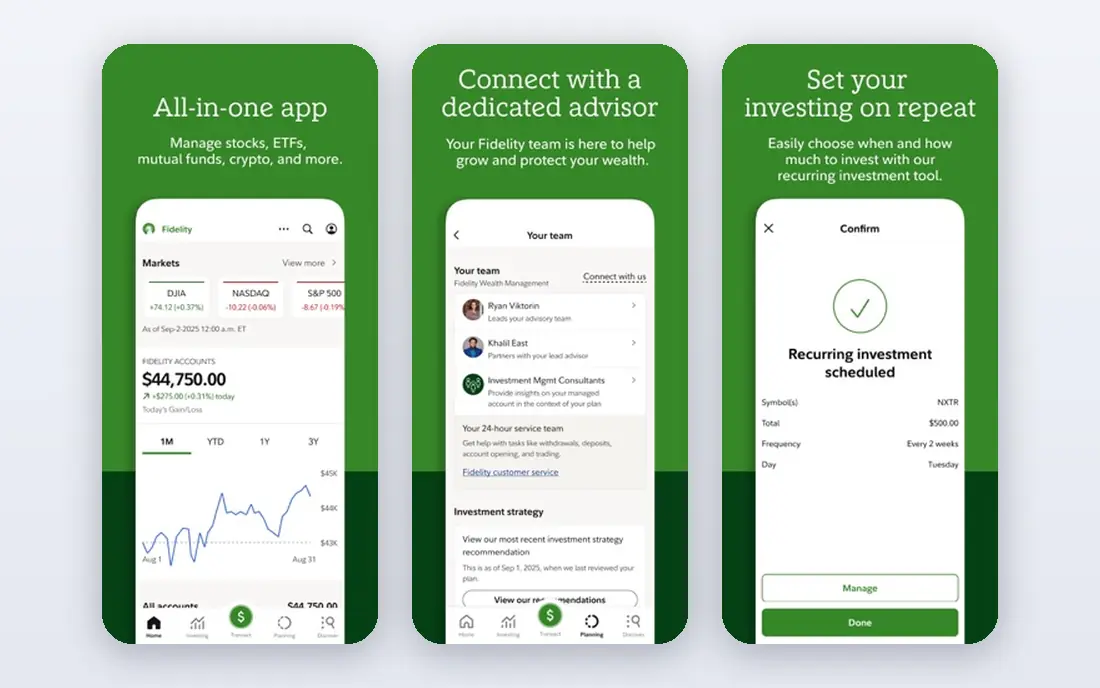
Fidelity suits traders who want one broker for investing and active trading. Active Trader Pro gives a desktop workspace with charts, watch lists, and order tools, while the main Fidelity app covers research and account management. Execution quality and research depth are consistent strengths.
Day traders who need futures will need a second broker, since Fidelity does not offer them. Options fees also match the standard $0.65 per contract. If you want a large, stable broker with good tools and service, Fidelity is a safe choice.
- $0 stock and ETF commission
- Strong research and customer service
- Active Trader Pro for desktop trading
- Options cost $0.65 per contract
- Futures are not offered
- Platform is less specialized than thinkorswim for some traders
Webull suits traders who trade mainly from a phone and want low costs. The mobile app offers charts, Level 2 data options, and paper trading, with $0 stock and ETF commission. Options traders benefit from $0 contract fees in many cases, though regulatory and exchange fees still apply.
The trade-off is support and research depth. Webull does not match Fidelity or Schwab on analyst research or branch service. If you are self-directed and mobile-first, that may not matter. Check margin rates and data fees in your account before you trade on margin.
- $0 stock and ETF commission
- $0 options contract fees in many cases
- Low-cost Nasdaq TotalView subscription
- Research is lighter than Fidelity or Schwab
- Margin rates need checking
- Customer service is more limited than large brokers
ETRADE, part of Morgan Stanley, gives active traders two routes: the main app for general trading and Power ETRADE for charting and options tools. You get $0 stock and ETF commission, research, and a paper trading option. That mix suits traders who want tools without leaving a large broker.
Options pricing is standard at $0.65 per contract, with a lower rate for high-volume active traders. New users may need time to learn which platform fits their style. For options traders who also want banking and research in one group, E*TRADE is a solid pick.
- $0 stock and ETF commission
- Power E*TRADE for active traders
- Paper trading and research tools
- Options cost $0.65 per contract, $0.50 for active traders at volume
- Platform choice can confuse new users
- Transfer-out fees apply
tastytrade is built for options traders first. Opening options cost $1 per contract, with closing trades at $0 and a $10 cap per leg, which helps traders who trade multi-leg spreads. The platform also offers futures and a clear options-focused workflow, plus education content for options strategies.
Stock-only day traders may prefer thinkorswim or Webull for broader charting and research. tastytrade also charges more per options contract than $0 options brokers, though the cap changes the math for spread traders. If options are your main market, tastytrade deserves a close look.
- $0 stock and ETF commission
- Options capped at $10 per leg on opening trades
- Strong options education and tools
- Options cost $1 to open per contract
- Stock tools are less broad than thinkorswim
- Futures and crypto coverage is narrower than Interactive Brokers
TradeStation suits traders who build and test ideas, not just place manual trades. Its scanning tools help you find setups, and EasyLanguage lets you code and backtest strategies before you risk capital. Futures trading is also available, which Fidelity does not offer.
Fees vary by plan and asset, so read the current schedule for stocks, options, and futures before you commit. The platform rewards traders who invest time in learning it. If you want automation and scanning depth, TradeStation is one of the best specialist choices here.
- $0 stock and ETF commission
- Strong scanning, backtesting, and EasyLanguage scripting
- Futures trading available
- Options and futures fees vary by tier
- Platform learning curve is real
- Data and routing fees need checking
moomoo is a mobile-first rival to Webull, with $0 stock and ETF trades and a polished app for charts and Level 2 data. Paper trading lets you test strategies without capital, and the app presents market data clearly for active traders. That combination suits traders who trade from a phone each day.
Options pricing varies, so check the tier that applies to your account. Support and research do not match Schwab or Fidelity. If low mobile costs and Level 2 access matter most, moomoo is a credible alternative to Webull.
- $0 stock and ETF commission
- Free Level 2 data in many cases
- Paper trading and strong mobile charts
- Options fees vary by tier
- Research is lighter than large brokers
- Margin and data terms need checking
Lightspeed is built for professional and high-volume traders, not casual investors. Its platforms focus on speed, order routing, and short selling, with per-share pricing that can suit traders who move large share counts each day. That focus sets it apart from free retail apps.
Beginners should not start here. Costs, data fees, and platform complexity reflect a professional audience. If you trade high volume and need routing control, request a Lightspeed quote and compare total costs with Interactive Brokers Pro before you switch.
- Per-share pricing for high-volume traders
- Fast execution and short-sale tools
- Professional-grade platforms
- Pricing is quote-based for many traders
- Not suited to beginners
- Platform and data fees apply
How we picked these
We compared official fee schedules, platform pages, and published 2026 broker guides. A platform made this list only if it offered active trading tools, $0 or low stock commission, and a current US retail account. We treated $0 commission as a starting point, not a total cost, since options, futures, data, and margin fees still apply.
We also flagged the pattern day trader rule change. FINRA replaced the $25,000 pattern day trader rule on June 4, 2026, but brokers may phase the change in until October 20, 2027, so confirm the rules your broker applies before you trade. This is not financial advice, and day trading carries risk of loss.
What to check before you open a day trading account
Start with total cost, not headline commission. Add options fees, futures fees, Level 2 data, margin rates, and transfer fees for your actual trading style. A broker that looks free for stocks can cost more for options or data than a rival with a higher headline fee.
Test with paper trading first
Use paper trading to learn order types, charting, and risk controls before you risk real money. Set a position size rule, a daily loss limit, and a plan for when you stop trading for the day. Paper results do not guarantee real results, but they expose platform problems before capital is at stake.
Check margin, data, and account rules
Margin amplifies losses as well as gains, so read margin rates and maintenance rules carefully. Confirm which market data feeds are included, which are paid, and whether your account type faces day trading limits. Ask support in writing if the rule change above affects your account.
Keep records and taxes in mind
Active trading creates many transactions, so check tax reporting tools and export options. Keep a trading journal with entry reasons, exits, and lessons, separate from the broker statement. Good records help at tax time and help you judge whether a strategy works over months, not days.
Frequently asked questions
What is the best app to day trade on?
Interactive Brokers suits most active traders, while thinkorswim suits chart-focused traders and Webull suits mobile-first traders. The best app depends on whether you trade stocks, options, or futures, and how much you trade each day.
What are the best apps to day trade on for beginners?
Webull, Fidelity, and thinkorswim all offer paper trading and $0 stock trades, which help beginners learn without high commissions. Start with paper trading, learn order types, and avoid margin until you understand the risks.
Is day trading free on these platforms?
Stock and ETF trades cost $0 in commission at most platforms here, but options, futures, market data, and margin still cost money. Exchange and regulatory fees also apply on options trades, even where the broker charges $0 per contract.
Do I need $25,000 to day trade?
FINRA replaced the $25,000 pattern day trader rule on June 4, 2026, but brokers may phase the change in until October 20, 2027. Confirm the rules your broker applies to your account before you trade, since limits can still apply.
What is the best platform to day trade on for options?
tastytrade suits options spread traders because of its $10 per leg cap, while Webull and moomoo suit traders who want low or $0 options contract fees. thinkorswim suits traders who want deep options analytics and charting.
Is day trading risky?
Yes. Day trading carries risk, and prices can move fast against a position. Use position sizing, stop rules, and paper trading first, and never trade with money you cannot afford to lose. This is not financial advice.
Sources
See where you really rank - block by block
ProMapRanker scans Google Maps across a grid of your service area. Simple monthly plans from $19, white-label on every plan.
Start freeKeep reading
 zscaler alternatives
Best Zscaler Alternatives in 2026
Looking for zscaler alternatives? We compare 9 SASE and zero trust platforms on architecture, data protection, pricing, and fit for your network and team.
Read → zapier alternatives free
Best Zapier Alternatives Free in 2026
Nine automation tools for zapier alternatives free in 2026, all with genuinely free tiers, plus free plan limits, starting prices and upgrade paths explained.
Read → which platform is best for online reputation
Which Platform Is Best for Online Reputation in 2026
Wondering which platform is best for online reputation? We compare 8 review, listing, and response tools for small and multi-location businesses and agencies.
Read →