 ProMapRanker
Best Database Software Pricing Options in 2026


Teams that want a free, powerful relational database · Pricing starts at: Free
Key takeaways
- Open-source engines such as PostgreSQL and MySQL cost nothing for the software itself, while managed cloud plans charge for compute, storage, or usage.
- Supabase Pro at 25 dollars per month and PlanetScale from 5 dollars per month give clear starting points for small apps.
- Snowflake, Firebase, and Neon bill by usage, so a workload test matters more than a headline price.
- Per-seat pricing, as with Airtable-style tools, is a different model from the database engines in this list and should not be compared directly.
- Free tiers are useful for prototypes, but storage, row, and compute limits decide when a paid plan is needed.
Quick comparison
| Pick | Great for | Pricing starts at | Free tier | |
|---|---|---|---|---|
| PostgreSQL | Teams that want a free, powerful relational database | Free | Yes | Visit |
 MySQL | Web apps that want a widely used open-source database | Free | Yes | Visit |
 MongoDB Atlas | Teams building on flexible document data | Free | Yes | Visit |
 Supabase | Startups that want Postgres plus auth and storage | $25 per month | Yes | Visit |
 Snowflake | Analytics teams that need a cloud data warehouse | See website | Free trial | Visit |
 Firebase | Mobile and web apps already using Google Cloud | Free | Yes | Visit |
 Microsoft SQL Server | Enterprises standardized on Microsoft and .NET | See website | Yes | Visit |
 Oracle Database | Large organizations with mission-critical workloads | See website | Yes | Visit |
 PlanetScale | MySQL teams that want branching and safe schema changes | $5 per month | No | Visit |
 Neon | Developers who want serverless Postgres that scales to zero | $5 per month | Yes | Visit |
The best database software pricing options
We compared ten database options by pricing model, with a focus on free tiers, paid entry points, usage billing, and who each model suits. Prices are from vendor pricing pages and recent comparisons, and See website is used where a vendor does not publish a clear starting price.
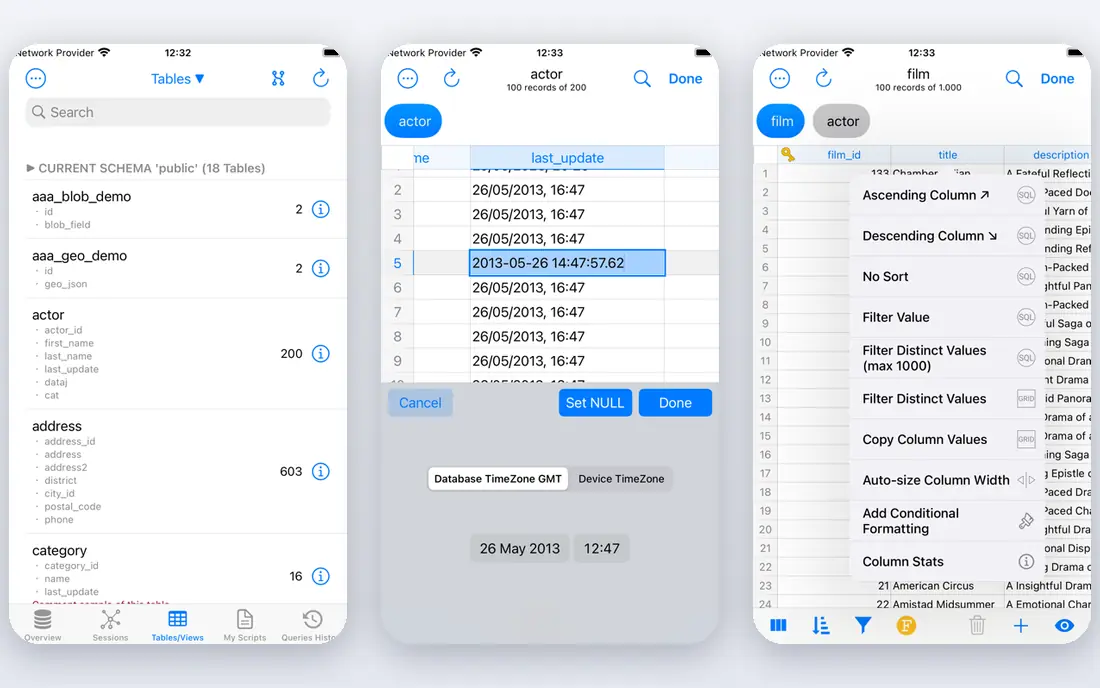
PostgreSQL is a strong option in this list. PostgreSQL is a free, open-source relational database with wide extension support and a large community. Its reliability and extension ecosystem make it a default choice for web apps, analytics, and custom software.
In our view, the main trade-off is this: self-hosting needs backups, updates, and monitoring, so teams that want managed hosting should price a cloud provider on top. That matters most when your volume, team size, or budget changes, so test the setup you will use every week before you commit.
- Free open-source relational database
- Wide extension support
- Strong community and tooling
- Self-hosting needs database care
- Managed hosting costs extra
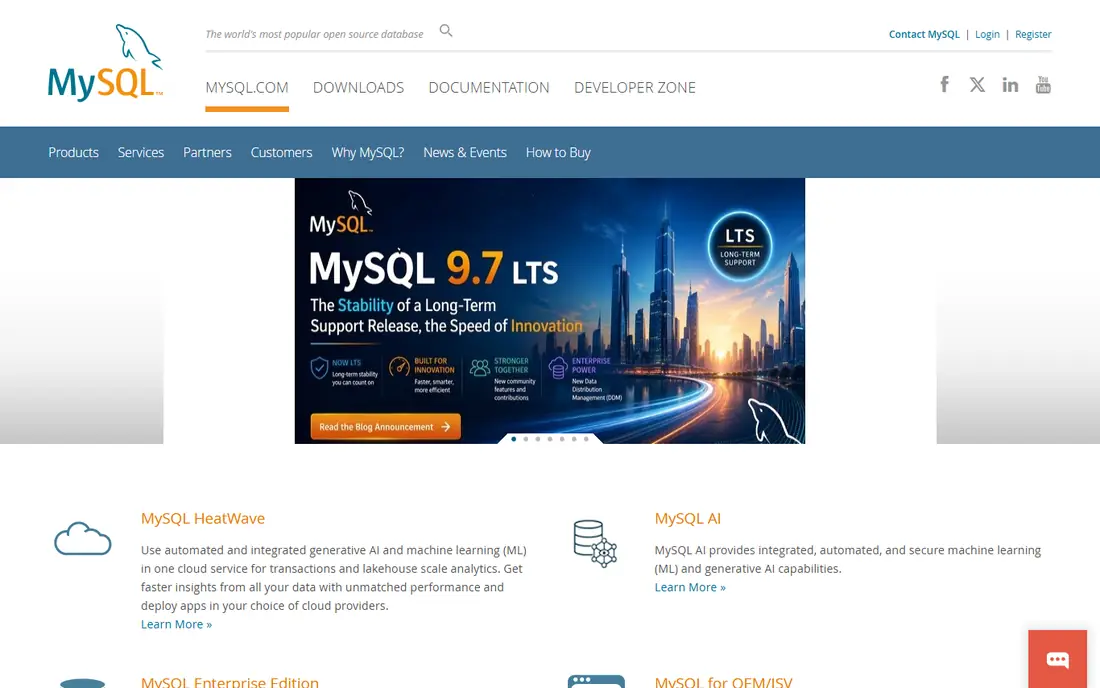
For many buyers, MySQL is a practical place to start. MySQL Community Edition is free and widely used for web apps, content systems, and agency work. Its broad hosting support means most platforms and tools already work with it, which lowers setup friction.
The honest catch is enterprise features need a paid edition, and managed hosting costs extra, so compare the full hosting bill, not only the license. Before you sign up, run one real task through it and check the result against your current process.
- Free Community Edition
- Widely deployed for web apps
- Many hosting and tool options
- Enterprise features need a paid edition
- Managed hosting costs extra
MongoDB Atlas takes a different approach in this category. MongoDB Atlas is the managed cloud service for MongoDB, starting with a free shared tier for prototypes. Its document model suits data that changes shape often, and paid tiers add dedicated clusters, search, and vector features.
We would weigh this point carefully: dedicated cluster pricing rises with data size and region, so test with a realistic data set before choosing a tier. A short trial with your own data tells you more than a feature page, so use it before you move a whole workflow across.
- Free M0 shared tier
- Flexible document model
- Search and vector features on paid tiers
- Dedicated clusters cost more as data grows
- Pricing varies by cluster size and region
Supabase deserves a close look before you decide. Supabase pairs managed Postgres with auth, storage, edge functions, and instant APIs. Its bundled backend tools suit startups that want a working app backend without building auth and storage from scratch.
In our view, the main trade-off is this: the Pro plan costs 25 dollars per month even for a small app, and free tier limits apply, so check storage and user limits early. That matters most when your volume, team size, or budget changes, so test the setup you will use every week before you commit.
- Postgres with auth, storage, and APIs
- Free tier with 500 MB database in comparisons
- Realtime features
- Pro plan is 25 dollars per month even for small apps
- Limits apply on the free tier
Snowflake is a strong option in this list. Snowflake is a cloud data warehouse priced by credits, suited to analytics rather than a small app database. Its separation of storage and compute helps analytics teams scale queries without managing warehouse hardware.
The honest catch is credit pricing needs careful modeling with real query workloads, since a busy analytics month can cost far more than a quiet one. Before you sign up, run one real task through it and check the result against your current process.
- Cloud data warehouse with credit billing
- Data sharing across clouds
- Scales for analytics workloads
- Credit pricing needs careful modeling
- Not a low-cost app database
For many buyers, Firebase is a practical place to start. Firebase offers a free Spark plan and a pay-as-you-go Blaze plan for mobile and web apps. Its auth, realtime sync, and hosting links suit apps that already live in Google Cloud.
We would weigh this point carefully: usage billing rises with document reads, writes, and storage, so a popular app needs usage monitoring from day one. A short trial with your own data tells you more than a feature page, so use it before you move a whole workflow across.
- Free Spark plan with no-cost quotas
- Blaze pay-as-you-go
- Auth, sync, and hosting links
- Usage billing can rise with reads and writes
- Vendor lock-in inside Google Cloud
Microsoft SQL Server takes a different approach in this category. Microsoft SQL Server suits enterprises standardized on Microsoft, Azure, and .NET development. Its Express and Developer editions give a free starting point, while paid editions cover production and enterprise needs.
In our view, the main trade-off is this: licensing needs careful planning by core and edition, so enterprises should confirm the exact license model before budgeting. That matters most when your volume, team size, or budget changes, so test the setup you will use every week before you commit.
- Enterprise relational database
- Express and Developer editions free
- Deep Azure and .NET links
- Licensing needs careful planning
- Full editions are enterprise-priced
Oracle Database deserves a close look before you decide. Oracle Database serves large organizations with mission-critical, compliance-heavy workloads. Its free edition suits learning and small use, while paid editions cover high availability, security, and large-scale production.
The honest catch is pricing is complex and enterprise-level, so licensing needs expert review rather than a simple monthly comparison. Before you sign up, run one real task through it and check the result against your current process.
- Enterprise database with strong compliance tools
- Free edition for learning and small use
- Cloud and on-premises options
- Pricing is complex and enterprise-level
- Licensing needs expert review
PlanetScale is a strong option in this list. PlanetScale offers MySQL with database branching, so teams can test schema changes like code branches. Its non-blocking schema changes help teams that deploy often without taking a database offline.
We would weigh this point carefully: it has no free tier in the recent comparisons we read, and high-availability tiers cost more, so small teams should price the exact tier they need. A short trial with your own data tells you more than a feature page, so use it before you move a whole workflow across.
- Database branching like code branching
- Non-blocking schema changes
- Usage-based plans
- No free tier in recent comparisons
- Higher tiers cost more for high availability
For many buyers, Neon is a practical place to start. Neon offers serverless Postgres that scales to zero when idle, with database branching for development. Its model suits apps with bursty traffic, since you pay for active compute rather than an always-on server.
In our view, the main trade-off is this: usage costs vary with compute hours and storage, so a steady, always-on workload may cost more than a fixed server plan. That matters most when your volume, team size, or budget changes, so test the setup you will use every week before you commit.
- Serverless Postgres with scale-to-zero
- Database branching
- Usage-based Launch plan
- Usage costs vary with compute and storage
- Branching needs care at scale
How we picked these
We compared official pricing pages and recent database comparisons. We kept only database options that are still offered in October 2026 and that publish a clear pricing model or free tier. We used See website where a vendor does not publish a clear starting price. We did not claim hands-on testing, and we weighed pricing model, free tier limits, and scaling costs more than feature lists alone.
How to compare database pricing without a surprise bill
Start with your workload, not the price page. Estimate rows, reads, writes, storage, and peak query load for a real month, then ask each vendor what that month would cost. Check what counts toward billing: compute hours, credits, reads, writes, storage, or seats, and whether idle time, failed queries, or full refreshes add charges. Test a free tier with a realistic data set, since a prototype with tiny data hides scaling costs. Finally, check exit costs: data export, backup formats, and how hard it is to move to another database if pricing changes.
Frequently asked questions
What is the cheapest database software?
PostgreSQL and MySQL Community Edition are free as software, which makes them the cheapest starting point. Managed hosting, backups, and support still cost money, so the total depends on where you run them.
What does usage-based database pricing mean?
It means you pay for what you use, such as compute hours, credits, reads, writes, or storage, rather than a fixed monthly fee. Usage pricing suits variable workloads, but it needs monitoring to avoid surprise bills.
Is a free tier enough for a real app?
A free tier can cover a prototype or a small app, but storage, row, compute, and user limits apply. Check those limits before launch, and plan the paid tier you will move to when you hit them.
How is Snowflake pricing different from Supabase pricing?
Snowflake prices by credits for warehouse compute and storage, which suits analytics. Supabase charges a monthly Pro fee plus usage, which suits app backends. They solve different jobs, so compare them by workload, not only by price.
Should I pick open-source or managed database pricing?
Open-source pricing gives control and no license fee, but you handle hosting and care. Managed pricing adds a monthly or usage fee, but the vendor handles hosting, backups, and scaling. Pick based on team time, not only on software cost.
Sources
- https://www.postgresql.org
- https://www.mysql.com
- https://www.mongodb.com
- https://www.supabase.com
- https://www.snowflake.com
- https://firebase.google.com
- https://www.microsoft.com/sql-server
- https://www.oracle.com/database
- https://www.planetscale.com
- https://www.neon.tech
- https://rankite.com/blog/best-database-software-pricing-options
See where you really rank - block by block
ProMapRanker scans Google Maps across a grid of your service area. Simple monthly plans from $19, white-label on every plan.
Start freeKeep reading
 worlds best local seo company
8 Worlds Best Local SEO Companies for Map Pack Growth in 2026
Compare the worlds best local seo company options for Google Business Profile work, citations, reviews, and multi-location rankings and reporting in 2026.
Read → world's best web hosting company
World's Best Web Hosting Company in 2026
Searching for the world's best web hosting company? We compared 10 hosts on price, renewal rates, speed, and support to help you choose well today in 2026.
Read → who's got the best nanny tax services
Who's Got the Best Nanny Tax Services in 2026
We answer who's got the best nanny tax services, comparing full filing, back taxes, software, and pricing so families can handle nanny taxes correctly.
Read →