 ProMapRanker
6 Database Software for Integration Options Ranked for 2026


Developers who want backend services in one place · Pricing starts at: Free tier; dedicated databases from $10/month
Direct answer
For developers who want backend services in one place, Appwrite is where this list starts. For a different need, MongoDB Atlas covers teams with document-shaped data at scale and Airtable covers no-code teams wiring up business apps. All 6 tools are compared below on price, free plan and limits.
Key takeaways
- Appwrite sits first on this list: developers who want backend services in one place.
- Appwrite, MongoDB Atlas, Airtable, NocoDB, Supabase: these are the 5 tools out of 6 that offer a free plan.
- Before buying Directus, weigh this: cloud pricing jumps from trial straight to $499 a month.
- The cheapest monthly starting price in the list is $12/seat/month, offered by NocoDB.
Quick comparison
| Pick | Great for | Pricing starts at | Free tier | |
|---|---|---|---|---|
| Appwrite | Developers who want backend services in one place | Free tier; dedicated databases from $10/month | Yes | Visit |
 MongoDB Atlas | Teams with document-shaped data at scale | Free (M0 cluster); dedicated clusters pay-as-you-go | Yes | Visit |
 Airtable | No-code teams wiring up business apps | $20/user/month (Team, billed annually) | Yes | Visit |
 Directus | Organizations that require an API plus an admin UI | $499/month (Cloud Team, annual); self-host free | Free trial (14 days) | Visit |
 NocoDB | Teams that want Airtable without the lock-in | $12/seat/month (Plus, billed yearly) | Yes | Visit |
 Supabase | Developers who want Postgres with instant APIs | $25/month (Pro) | Yes | Visit |
Database Software for Integration profiles
Choosing database software for integration usually comes down to price, fit and limits. This ProMapRanker guide sets 6 tools side by side on those three points, with the facts kept short and checkable.
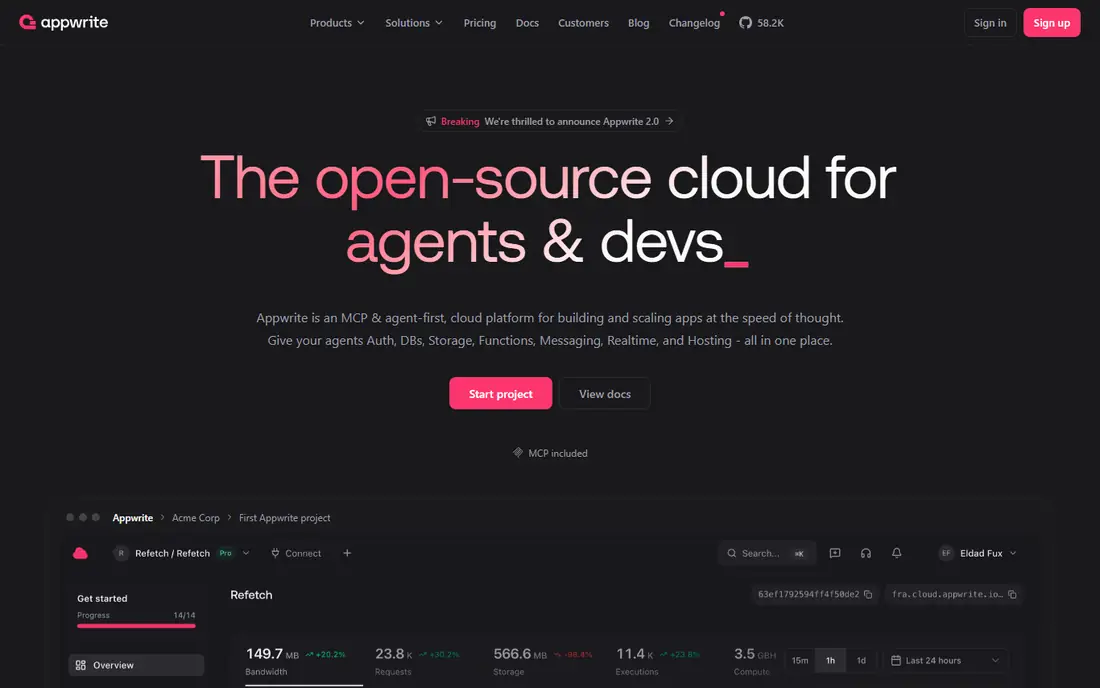
Appwrite is aimed squarely at developers who want backend services in one place. Appwrite is an open-source backend system that puts databases, authentication, storage, functions, messaging and realtime behind one API. It supports TablesDB, its default database, plus Postgres and MySQL on dedicated compute, and every project bundles $10 per month in compute credits.
Honest limits: TablesDB abstraction is Appwrite-specific instead of plain Postgres.
Beyond that, the tradeoff is abstraction: TablesDB is Appwrite's own data layer, so you trade some portability for convenience. From a buyer's view, the pricing model is adaptable. Entry price for Appwrite: Free tier. Appwrite includes a free tier.
- Open source and self-hostable
- Databases, auth, storage
- Realtime and messaging add complexity for straightforward use cases
Where MongoDB Atlas fits: teams with document-shaped data at scale. Data federation lets you query data across clusters and cloud object storage, which fits firms whose data is already scattered. On top of that, the document model is a genuine advantage when your data is hierarchical or changes shape commonly, product catalogs and content systems being classic cases.
Limits to weigh: Document modeling takes discipline to avoid messy schemas.
It is a weaker fit when your data is naturally relational and your integrations expect SQL, which is where Supabase wins. More specifically, the free M0 cluster is enough for learning and small projects. In practice, MongoDB Atlas is the managed cloud version of the most widely used document database, and its integration story is about breadth. More specifically, the Atlas system bundles full-text search, vector search for AI features, stream processing for event data, and connectors for BI tools like Tableau and Power BI. Price to start with MongoDB Atlas: Free. MongoDB Atlas has a free plan.
- Global clusters with multi-cloud choices
- Adaptable document model takes care of varied data well
- Usage-based pricing is hard to predict
Airtable is aimed squarely at no-code teams wiring up business apps. Airtable looks like a spreadsheet and behaves like a database, which is why non-technical teams adopt it quick. The built-in automations can move data between tables on triggers.
Points against: Per-seat pricing gets costly as teams grow.
The REST API is well documented for the cases where you need custom code. In practice, at $20 per user a month on the Team plan, a 10-person team pays $200 per month before doing anything sophisticated. Beyond that, for integration work, its strength is the ecosystem: native connectors for the tools a business already uses, plus Zapier and Make coverage that extends to thousands more. The free plan caps at 1,000 records per base, premium plans top out around 50,000 to 125,000, and API rate limits mean it cannot back a customer-facing product. Also, the honest limit is scale. Airtable cost at the entry level: $20/user/month. A free plan is available with Airtable.
- Clean REST API with webhooks
- Native integrations with hundreds of apps plus Zapier and Make support
- API rate limits and record caps make it a poor app backend
Choose Directus for organizations that require an API plus an admin UI. For a funded team that needs a governed, team-friendly data layer without building one, Directus is worth the price. The pricing is the catch.
Where it falls short: Smaller teams must self-host to make the math work.
For everyday use, the Open Innovation Grant softens this for businesses under $5M revenue and 50 employees, and self-hosting is free on every level. From a buyer's view, Directus Cloud goes from a 14-day trial to Team at $499 per month (annual) or $599 monthly, with no middle tier. Directus starts at: $499/month. On free options: Free trial (14 days).
Highlights: Native MCP server for AI agents.
- Wraps any SQL database with REST
- Granular role-based access control
- Cloud pricing jumps from trial straight to $499 per month
NocoDB works best for teams that want Airtable without the lock-in. NocoDB is the open-source answer to Airtable, and its integration story is about ownership. The cloud pricing is straightforward: free for up to 3 users, Plus at $12 per seat a month billed yearly with unlimited seats available at a flat $108 per month.
Also, for teams that want a familiar interface over data they completely control, NocoDB is hard to beat. You can point it at an existing Postgres or MySQL database and get a spreadsheet interface, REST APIs and webhooks on top, or use its hosted database. The integration ecosystem is smaller than Airtable's, so expect to use the API and webhooks instead of one-click connectors. Entry price for NocoDB: $12/seat/month. Free access exists with NocoDB.
Downsides: Cloud Plus plan drops external database connections.
- REST APIs and webhooks on every table
- Connects to your own Postgres or MySQL
- Smaller ecosystem than Airtable for external integrations
For developers who want Postgres with instant APIs, Supabase is a natural candidate. Pro at $25 per month adds $10 in compute credits and raises the quotas.
The pricing wrinkle is that compute is per project. So each staging or preview environment is a separate line item beginning at $10 per month. Supabase pricing: $25/month. Supabase has a free plan.
Where it falls short: Compute is billed per project, so staging environments add up.
- Full Postgres database, so your data stays portable
- Ample free level with auth and storage included
- No built-in push notifications or analytics suite
How these tools were picked
ProMapRanker looked at what each vendor publishes: pricing, plan limits, feature coverage for database software for integration and stated drawbacks. No hands-on testing is claimed. Where a price is missing, the vendor does not list one publicly or ties it to a quote. Always confirm before budgeting. Position on the page reflects fit for a typical buyer first, with price clarity and free access breaking ties. Treat it as a guide, not a ruling.
Questions to settle before buying
- Check the vendor page for the current price: NocoDB starts at $12/seat/month here, and seats or billing terms can move it.
- Check what the free option really includes: Appwrite, MongoDB Atlas, Airtable and others offer a free plan, and usage caps differ.
- Run a trial of Directus with real work before paying for a year; your own workflow is the best test.
- Before choosing Appwrite, weigh its main limit: TablesDB abstraction is Appwrite-specific instead of plain Postgres.
- Confirm that Airtable connects to the apps your team already uses, on the plan you would actually buy.
- Check how data leaves Appwrite: formats, limits and whether exports are available on every plan.
Frequently asked questions
Which options for database software for integration have a free plan?
Appwrite, MongoDB Atlas, Airtable, NocoDB and Supabase offer a free plan in this list. Free plans usually cap users, projects or features, so check the limits on the vendor page. One other tool offers a trial instead.
Can I try these tools before paying?
Often, yes. Appwrite, MongoDB Atlas, Airtable and others have a free plan and Directus offers a free trial. Use your own data and a real task during the test, and check what the free tier or trial limits before you rely on it.
Is Appwrite the right pick for everyone comparing database software for integration?
No single tool suits every team. Appwrite comes first because it fits developers who want backend services in one place, while MongoDB Atlas suits teams with document-shaped data at scale and Airtable suits no-code teams wiring up business apps. Match the tool to your own size, budget and workflow before deciding.
What is the cheapest option for database software for integration in this list?
On published monthly entry prices, NocoDB is the lowest here at $12/seat/month. Entry price is only part of the cost, because seats, add-ons and billing terms can change the total.
Sources
See where you really rank - block by block
ProMapRanker scans Google Maps across a grid of your service area. Simple monthly plans from $19, white-label on every plan.
Start freeKeep reading
 zscaler alternatives
Best Zscaler Alternatives in 2026
Looking for zscaler alternatives? We compare 9 SASE and zero trust platforms on architecture, data protection, pricing, and fit for your network and team.
Read → zapier alternatives free
Best Zapier Alternatives Free in 2026
Nine automation tools for zapier alternatives free in 2026, all with genuinely free tiers, plus free plan limits, starting prices and upgrade paths explained.
Read → which platform is best for online reputation
Which Platform Is Best for Online Reputation in 2026
Wondering which platform is best for online reputation? We compare 8 review, listing, and response tools for small and multi-location businesses and agencies.
Read →