 ProMapRanker
Best Database Software Deployment Strategy Tools in 2026

Key takeaways
- There is no single product called a deployment strategy; these tools put strategies such as versioned migrations, expand and contract, and staged rollout into action.
- Flyway and Liquibase suit teams that want versioned SQL in source control, while Bytebase and Atlas add review, approval, and drift checks.
- Expand and contract tools such as pgroll reduce downtime for large tables, but they need discipline in application code as well.
- Always test a migration on a copy of production data and keep a rollback plan before applying it to live databases.
Quick comparison
| Pick | Great for | Pricing starts at | Free tier | |
|---|---|---|---|---|
 Flyway | Versioned SQL migrations | Free | Yes | Visit |
 Liquibase | Changeset based deployments | Free | Yes | Visit |
 Bytebase | Governed multi environment rollout | Free | Yes | Visit |
 Atlas | Declarative schema as code | Free | Yes | Visit |
 Prisma Migrate | Teams already using Prisma | Free | Yes | Visit |
 Alembic | Python and SQLAlchemy teams | Free | Yes | Visit |
 Sqitch | Dependency based SQL deployments | Free | Yes | Visit |
 dbmate | Lightweight database migrations | Free | Yes | Visit |
 Skeema | Declarative MySQL deployments | Free | Yes | Visit |
 pgroll | Expand and contract Postgres releases | Free | Yes | Visit |
The best database software deployment strategy tools
We compared official documentation and pricing pages for tools that deploy database changes in a repeatable way. The angle throughout is practical: a good strategy is versioned, reviewed, tested, and reversible, and the tool should make each step easier rather than hiding it.
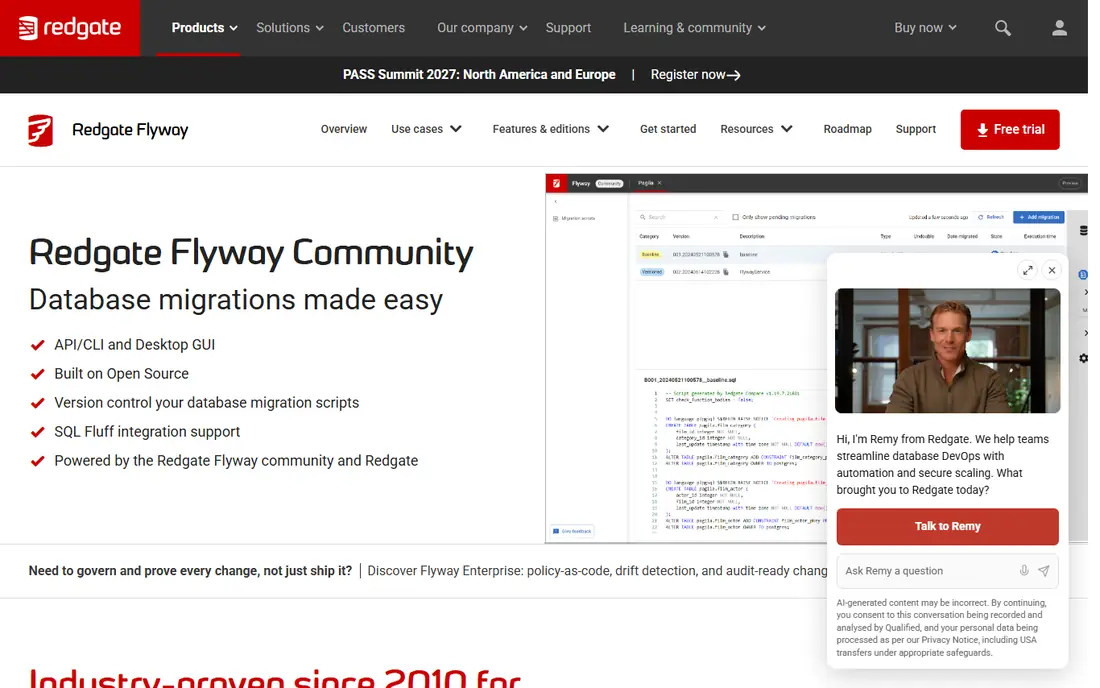
Flyway is the simplest mental model on this list, and that simplicity is its strength. Each migration is a numbered SQL file, stored in source control, applied in order, and recorded in a schema history table. A team that already reviews code can review database changes the same way, and a failed migration blocks the application from starting with a half applied schema.
The limits appear at governance scale. Drift detection, advanced reporting, and some compliance features sit in the paid enterprise tier, which is quote based. Rollback also depends on how you write migrations: a destructive change cannot be undone by the tool alone, so keep backward compatible changes and test them before production.
- Plain SQL migrations in version order
- Broad database support
- Schema history tracking prevents duplicate runs
- Paid enterprise features such as drift detection need a quote
- Rollbacks need careful migration design
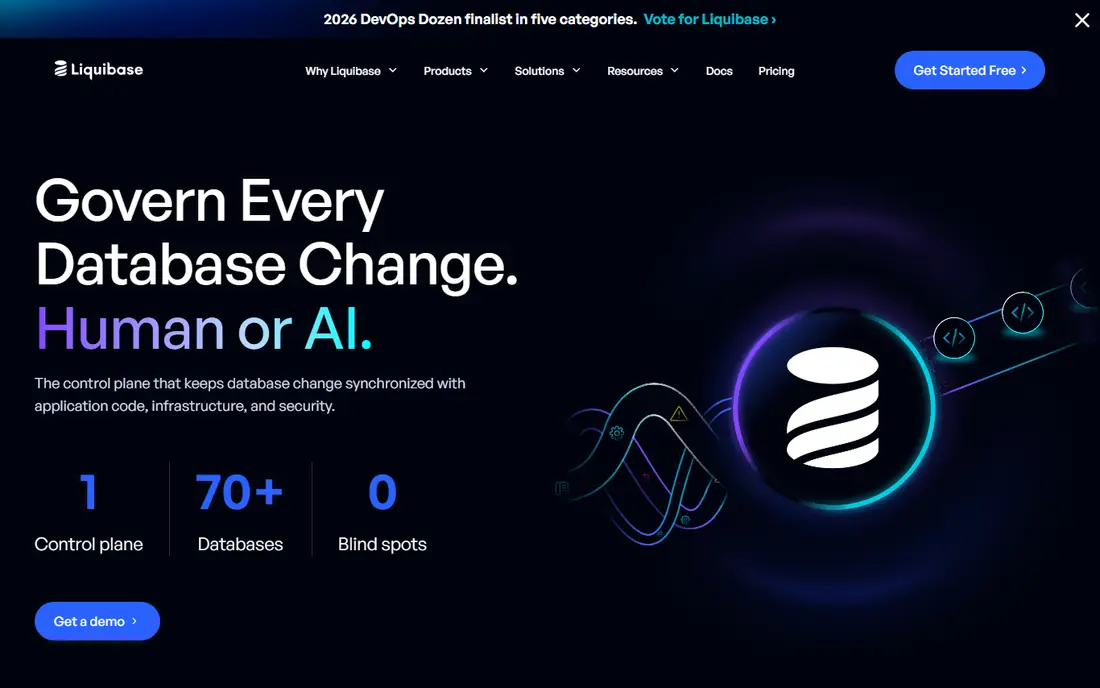
Liquibase takes a different route from Flyway by describing each change as a changeset, which can be written in SQL or in a structured format. That lets teams tag changes for specific environments, roll back selected changes, and generate a changelog from an existing database. For teams with many databases or strict change control, that structure helps auditors follow what ran where.
SQL purists may find the changeset layer extra work at first, especially when a plain SQL file would do. Paid tiers add governance and scale features but are quote based, so budget planning needs a sales conversation. Start with the open source core, and move to a paid tier only when drift checks or enterprise controls become a requirement.
- Changesets support SQL, XML, YAML, and JSON formats
- Broad database coverage
- Rollback and context features for environments
- Paid tiers are quote based
- Learning the changeset model takes time for SQL only teams
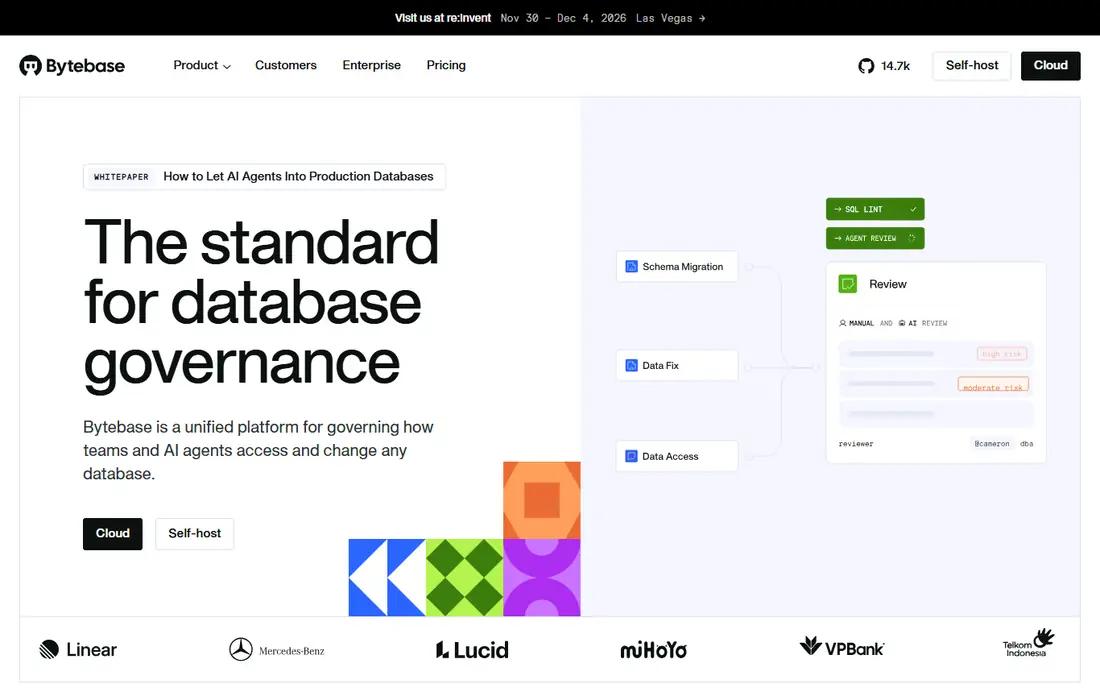
Bytebase sits above migration CLIs as a control plane for database changes. A change can go through SQL review rules, approval, and staged rollout from development to staging to production, with a record of each step. That matters when several teams share databases or when production changes need a second pair of eyes.
A solo developer with one database will find it heavy. The community edition is free for smaller use, while Pro is priced per user per month, so model that cost against team size. Choose Bytebase when approval, audit, and multi environment promotion are already pain points, not as a first migration tool.
- Review and approval flows before a change runs
- Staged rollout across environments
- Audit trail of who approved what
- More machinery than a small team needs for simple migrations
- Paid Pro plan adds per user cost
Atlas lets you define the desired database schema and then computes the migration to reach it, while also supporting versioned migration files when you want explicit control. Its linting flags destructive operations before they run, which catches the kind of change that drops a column still in use. That combination suits teams that like infrastructure as code patterns.
Pricing for Pro is project based, so a fleet with many projects and databases needs a cost model before adoption. The open source CLI covers core diff, plan, and apply work, so a small team can start free and learn the declarative model without a contract.
- Declarative desired state plus versioned migrations
- Schema diff and linting for destructive changes
- Works with SQL or HCL definitions
- Paid Pro pricing is project based and needs modelling for large fleets
- Newer ecosystem than Flyway or Liquibase
Prisma Migrate is the obvious pick for a team that already builds with Prisma. Change the schema model, generate a migration, review the SQL, and apply it through the same tooling as the application. That tight loop reduces the gap between application code and database schema, which is where many deployment bugs start.
The trade off is ecosystem lock in. A team on another ORM or on plain SQL will get little value from it, and database specific features may need raw SQL anyway. Use it when Prisma is already the data layer, and pair it with a review step in CI so generated SQL is checked before production.
- Migrations generated from the Prisma schema
- Integrates with Prisma Client and application code
- Development workflow is fast
- Tied to the Prisma ecosystem
- Less suited to teams that do not use Prisma or TypeScript
Alembic is the standard migration tool for Python teams using SQLAlchemy. It generates migrations from model changes, keeps a revision history, and supports branches when parallel work creates divergent schemas. Because it is open source and library based, it fits into CI pipelines without a separate service or subscription.
It gives you the engine, not the governance. Review, approval, and rollout controls must come from your CI system and team process, and autogenerated migrations should always be reviewed, especially for data migrations that change values rather than just schema. That freedom suits experienced teams and can trip up teams that expect guardrails by default.
- Open source migrations for SQLAlchemy
- Autogenerate from models with manual review
- Branch and revision history support
- No hosted governance layer
- Autogenerated migrations need human review for data changes
Sqitch treats each database change as a deploy script with explicit dependencies on earlier changes, plus revert and verify scripts. That model forces a useful habit: every change states what it needs and how to check it worked. Teams that prefer plain SQL and want control over execution order will like its clarity.
The cost is manual discipline. There is no hosted dashboard, approval flow, or drift dashboard by default, so those controls must come from your pipeline. Sqitch suits teams that already run disciplined CI and want a lightweight, dependency aware tool rather than a platform.
- Plain SQL with explicit change dependencies
- No opinionated framework required
- Works across several databases
- No graphical governance layer
- Deployment scripts and verification need team discipline
dbmate is the small tool for teams that want migrations without a platform. It is a single binary, it uses plain SQL files, and it handles up, down, and status commands for common databases. A small project or a side service can adopt it in an afternoon, and the migration files remain readable by anyone who knows SQL.
Depth is intentionally limited. There is no approval workflow, no hosted audit trail, and no enterprise support contract. That is a fair trade for a small codebase, and a poor fit for a regulated team that needs formal change control. Keep it for services where speed and simplicity matter most.
- Single binary with simple commands
- Plain SQL migrations
- Supports Postgres, MySQL, SQLite, and ClickHouse
- Fewer governance features than larger platforms
- Community support rather than vendor support
Skeema applies the declarative idea to MySQL and MariaDB with unusual care. Your repository holds one file per table, diff shows the DDL needed to reach the desired state, and push applies it. It refuses destructive changes unless you explicitly allow them, and it can integrate online schema change tools for large tables where a plain ALTER would cause downtime.
The limit is scope. Postgres, SQL Server, and other databases are not covered, so a polyglot team needs another tool alongside it. For a MySQL only shop, however, that focus is a strength, because the workflow, safety checks, and diff output are tuned to that database family.
- Declarative schema files for MySQL and MariaDB
- Diff before push
- Refuses unsafe changes unless explicitly allowed
- MySQL and MariaDB only
- Paid Premium CLI adds features such as triggers and seed data
pgroll implements the expand and contract strategy for Postgres, which is the safest way to change a live schema without downtime. First you expand the schema by adding new columns or tables while the old version still works, then you migrate data and switch application code, then you contract by removing the old structures. pgroll manages the versioned views and steps that make that sequence workable.
It demands application discipline as well as tooling. Code must tolerate both schema versions during the rollout, and the team must finish the contract step rather than leaving old columns in place forever. For high traffic Postgres services, that discipline is worth it, because it avoids the downtime and failed deploys that a single big ALTER can cause.
- Expand and contract migrations for zero downtime Postgres changes
- Versioned schemas during rollout
- Open source
- Postgres only
- Application code must handle both old and new schema versions during rollout
How we picked these
We compared official documentation and pricing pages for tools that exist and work in October 2026. We favoured tools that make a deployment strategy concrete: versioned migrations, declarative state, review and approval, staged rollout, or expand and contract releases. Where a tool is open source, we listed it as Free, and where paid tiers are quote based, we wrote See website rather than guessing a price.
What to check before you buy
Start by naming the strategy you will actually follow, because the tool should enforce it. Versioned migrations need a single source of truth in source control and a rule that production only runs reviewed files. Declarative tools need a diff review step so an unintended drop is caught before apply. Expand and contract needs a code plan for the period when both versions exist.
Test every migration on a recent copy of production data, in a staging environment that mirrors production constraints. Check backup and rollback before the change, not after it fails, and record what ran, when, and who approved it. A deployment tool that skips testing, review, or rollback is not a strategy, it is a faster way to make the same mistake.
Frequently asked questions
What is the safest database deployment strategy for production?
Versioned, reviewed, backward compatible migrations with a tested rollback plan are the safest default. Expand and contract is stronger for large or high traffic tables, because it avoids downtime during the change, but it needs application support for both schema versions.
Should I use versioned migrations or declarative schema as code?
Versioned migrations give explicit control over each step and data changes. Declarative tools compute the change from a desired state and are easier to keep in sync. Many teams use versioned migrations for data changes and declarative diffs as a check, rather than choosing one for everything.
How do I roll back a bad migration?
The honest answer is that rollback depends on the change. Additive changes can often be reversed, while dropped columns or transformed data cannot be recovered without a backup. That is why destructive changes need a review step, a backup, and an expand and contract plan.
Do I need a governance tool like Bytebase?
You need governance when more than one team changes shared databases, when approvals are required, or when audits ask who changed what and when. A small team with one database and strong CI review may not need a separate platform yet.
Can these tools deploy to many databases at once?
Some can, with staged rollout and per environment gates, while CLI tools usually run once per target through CI. For a fleet of tenant databases, check fan out handling, failure policy when one target fails, and drift detection across the fleet before you commit.
Sources
See where you really rank - block by block
ProMapRanker scans Google Maps across a grid of your service area. Simple monthly plans from $19, white-label on every plan.
Start freeKeep reading
 what’s the best risk software for enterprises
What Is the Best Risk Software for Enterprises in 2026
We compared what’s the best risk software for enterprises on risk registers, controls, third-party risk, and reporting, with pricing notes for large teams.
Read → what's the best pam software for enterprises
What is the Best PAM Software for Enterprises in 2026
Find what's the best pam software for enterprises, with vaulting, session recording, just in time access and pricing compared for large enterprise IT teams.
Read → what’s the best grc software
What Is the Best GRC Software in 2026
We compared what’s the best grc software on risk, compliance, audit and vendor risk, so teams can pick a platform that fits their frameworks and budget.
Read →