 ProMapRanker
Best Database Design Tool in 2026

Key takeaways
- dbdiagram.io is a strong starting point for many teams, while the other options cover different budgets and work styles.
- Lucidchart suits readers who already use its wider ecosystem or need its particular strengths.
- Free plans are useful for a trial, but paid plans usually add the limits, controls, and support that larger groups need.
- Check pricing on the vendor site before you commit, since plans and limits change during the year.
Quick comparison
| Pick | Great for | Pricing starts at | Free tier | |
|---|---|---|---|---|
 dbdiagram.io | Code-first ER diagrams | See website | Yes | Visit |
 Lucidchart | Visual diagrams for teams | See website | Yes | Visit |
 DrawSQL | Visual SQL schema design | See website | Yes | Visit |
 QuickDBD | Fast typed diagrams | See website | Yes | Visit |
 DbSchema | Connected visual modeling | See website | Free trial | Visit |
 MySQL Workbench | MySQL modeling and admin | Free | Yes | Visit |
 DBeaver | Database client with diagrams | See website | Yes | Visit |
 diagrams.net | Free general diagramming | Free | Yes | Visit |
 ERDPlus | Simple classroom and team diagrams | Free | Yes | Visit |
The best database design tools
We compared official feature pages, pricing pages, and app store listings for this list. The options below cover different budgets, team sizes, and work styles, so start with the fit for your group rather than the longest feature list.
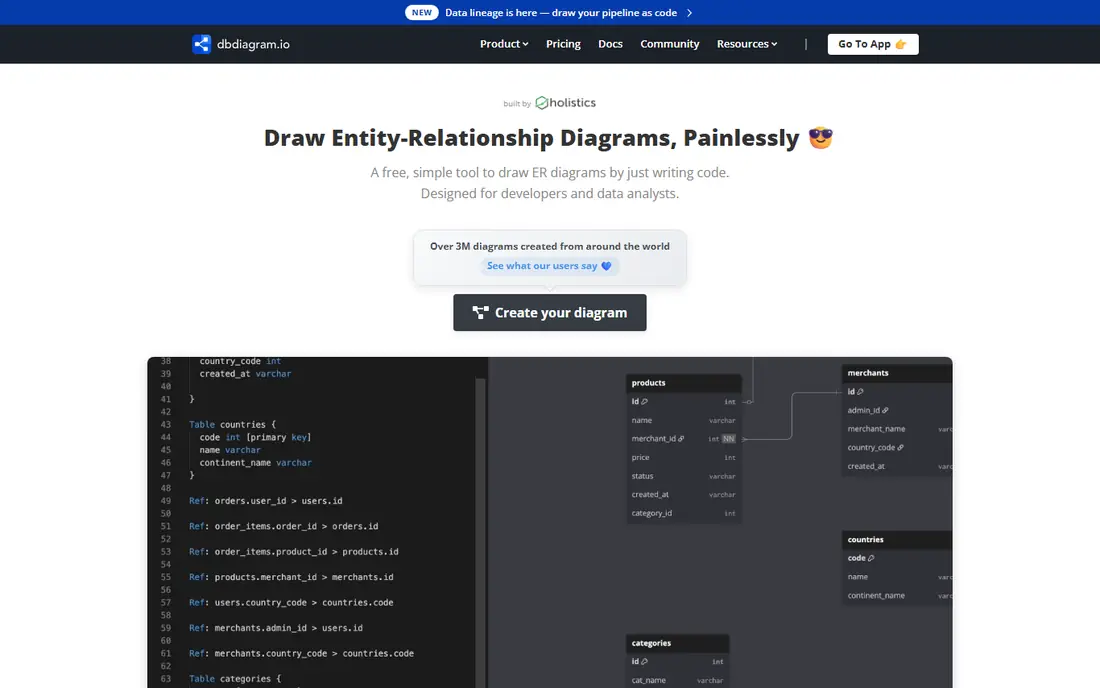
dbdiagram.io suits developers who think in code and want a diagram fast. You type a schema in DBML on one side, and the diagram appears on the other side without dragging boxes around. That speed helps when a design is still changing, since a text edit is often faster than moving shapes by hand.
The main limit is that it does not connect to a live database, so it will not sync changes from a running system. Free diagrams are also public, which matters for private work. For quick design, sharing, and documentation, though, it is one of the fastest starting points.
- Fast DBML workflow
- Import from SQL
- Export to SQL, PDF, and PNG
- No live database connection
- Free diagrams are public
Lucidchart fits teams that need more than a schema diagram, since the same workspace can hold flowcharts, org charts, and ER diagrams. A product manager, an analyst, and a developer can all open the same file, leave comments, and see the same version of the design.
That breadth is also a drawback for a solo developer who only needs a clean ER diagram, since the tool covers many diagram types. Pricing also rises with team features, so check the plan that includes the sharing and import options you actually need.
- Large template set
- Team collaboration
- Database import options
- Paid plans needed for fuller features
- Can feel broad for schema-only work
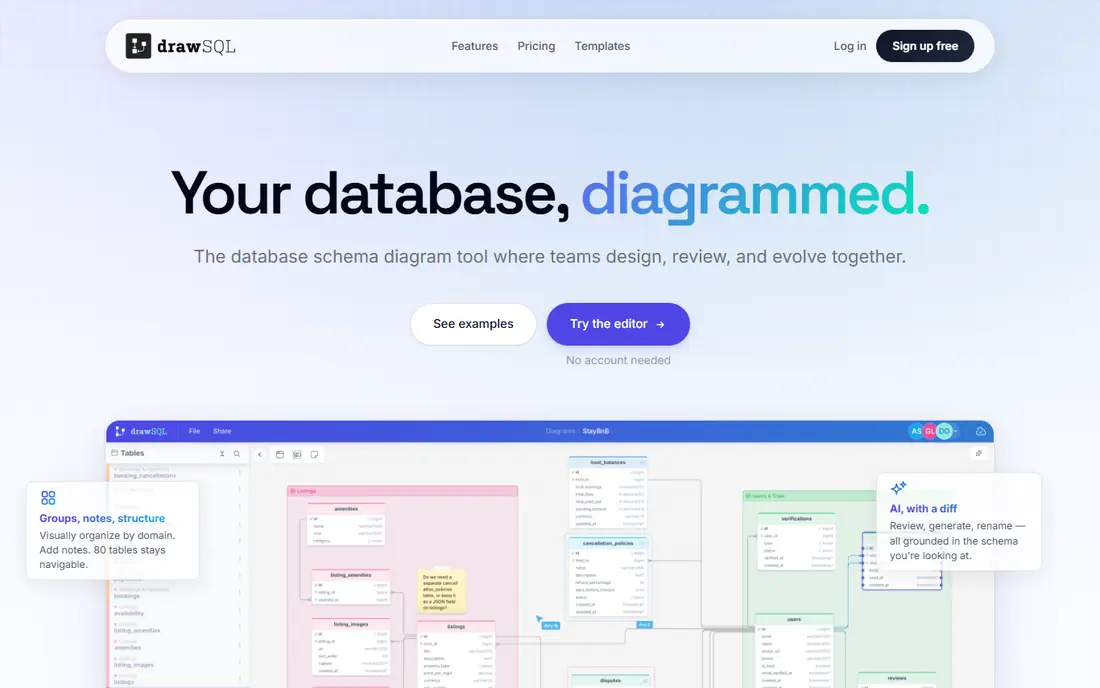
DrawSQL gives a visual canvas for drawing tables and links, then turns that design into SQL and migration files for common frameworks. That link from picture to code saves a step, since a team does not need to rewrite a diagram by hand when building starts.
DrawSQL is lighter than a full modeling suite, so teams that need reverse engineering, version control, and deep change tracking may outgrow it. For a new app, a side project, or a clear client diagram, its simple flow is a real strength.
- Visual canvas
- Export to SQL and migrations
- Shareable diagrams
- Smaller feature set than full modeling suites
- Collaboration limits vary by plan
QuickDBD takes a typed approach, where you write table names and fields and the diagram builds itself. That method suits analysts and developers who want a readable diagram without learning a complex modeling tool or spending time on layout.
The styling options are limited, and there is no live sync with a database, so a diagram can drift from the real schema if no one updates it. Treat QuickDBD as a fast design and communication tool, and keep the database itself as the source of truth.
- Type tables to build diagrams
- Export to SQL and images
- Simple interface
- No live sync
- Visual styling options are limited
DbSchema connects to a database, reads its structure, and turns it into a visual model that a team can edit and document. That reverse engineering step is useful when an existing database has grown without clear docs, since the tool gives a picture of what is really there.
The interface has more controls than a simple diagram tool, so new users should allow time to learn it. A paid license is also needed for full use. For teams that maintain a live schema, that cost can be worth it, since docs stay tied to the real structure.
- Reverse engineering
- Visual design
- HTML and PDF documentation
- Paid license for full use
- Interface takes time to learn
MySQL Workbench is the free, official visual tool for MySQL, covering data modeling, SQL work, and server admin in one desktop app. Forward engineering turns a model into SQL, reverse engineering reads an existing database back into a model, and the SQL editor sits beside both jobs.
The clear limit is scope, since it is built for MySQL and not for other database types. It also needs a desktop install, so it does not suit browser-only teams. For MySQL projects, though, it is a strong free starting point.
- Free for MySQL work
- Forward and reverse engineering
- SQL editor included
- MySQL only
- Desktop install required
DBeaver is first a database client, but it also draws ER diagrams from a live database, which makes it useful for teams that already use it for daily SQL work. A developer can inspect tables, run queries, and view relationships without opening a separate diagram app.
Because diagrams are one part of a larger client, the modeling controls are not as deep as a dedicated design tool. Teams that need polished docs for clients may still want a dedicated tool, while teams that need working diagrams from real data will find DBeaver handy.
- Many database types
- ER diagrams from live data
- SQL tools
- Diagram features are secondary to its client role
- Setup can feel technical
diagrams.net, formerly called draw.io, is a free general diagram tool that also works well for ER diagrams. It runs in a browser, costs nothing, and lets a user store files in a chosen drive or local folder, which suits teams with strict file rules.
The catch is that it is not a database-specific tool, so it will not generate SQL from a model or keep a diagram in sync with a database. Layout is manual, and a large schema takes patience. For a free, flexible diagram, though, it is hard to beat.
- Free and open source
- Works in a browser
- Stores files where you choose
- No database-specific modeling
- Layout is manual
ERDPlus offers a simple visual way to draw entity-relationship diagrams and export SQL, which suits students, small teams, and quick design reviews. The interface stays out of the way, so a new user can build a first diagram without a long tutorial.
The feature set is basic compared with paid modeling suites, and there is no live sync with a database. For teaching, early design, and small projects, that simplicity is a plus. For a large production schema, a connected tool will serve better.
- Free visual ER design
- SQL export
- Simple sharing
- Feature set is basic
- No live database sync
How we picked these
We started with products that exist and work in October 2026 and that fit the topic directly, not products that only touch it in passing. We checked each vendor site for current plans and free tiers, and we left a price as See website where we could not confirm it from the vendor page during this review. We favored a mix of widely used leaders and smaller options with a clear purpose, and we noted an honest drawback for each pick.
We did not claim hands-on testing that did not happen. Our comparison rests on official feature pages, pricing pages, app store listings, and public documentation. That approach keeps the focus on facts a reader can check again before buying, rather than on claims about a private trial.
How to choose a database design tool
Start with the database you actually use, since a tool built for MySQL will not help a Postgres team in the same way. Then decide if you need a picture for discussion, SQL for building, or a live link to a running database, because each need points to a different kind of tool. A simple diagram tool is enough for early design, while a connected tool pays off once a schema is in production.
Next, test the export path before you commit. Draw a small schema, export SQL, and check that the result runs in your database without heavy edits. Also check sharing rules, since a free plan that makes diagrams public may not suit private client work. Finally, name one owner for the diagram, and update it when the schema changes, or the picture will drift from the real system.
Frequently asked questions
What is the best database design software for beginners?
Start with dbdiagram.io if you like typing, or diagrams.net if you prefer dragging shapes. Both are free to start, and both make a readable diagram without a complex setup. Move to a connected tool only when you need to read a live database or track schema changes over time.
What is the difference between an ER diagram and a database model?
An ER diagram shows tables, fields, and links in picture form. A full model adds more detail, such as data types, keys, and rules, and often links to SQL or a live database. A diagram is enough for discussion, while a model is better for building and maintaining a system.
Can a free database design tool handle a real project?
Yes, for many small and mid-size projects, especially when the schema is stable and the team is small. The limits usually appear with private sharing, live sync, and change tracking, so check those points before you rely on a free plan for production work.
Should we use a visual tool or a code-first tool?
Visual tools suit teams that review designs together and need a clear picture for non-technical readers. Code-first tools suit developers who change schemas often and want text they can store with their code. Some teams use both, with code for design and a visual export for reviews.
How do we keep a diagram in sync with the database?
Use a connected tool that can reverse engineer the live schema, and rebuild the diagram after each major change. If you use a drawing-only tool, name an owner for the diagram and update it as part of the same change that alters the database.
Sources
See where you really rank - block by block
ProMapRanker scans Google Maps across a grid of your service area. Simple monthly plans from $19, white-label on every plan.
Start freeKeep reading
 zoro.to alternatives
Best Zoro.to Alternatives in 2026
We compare the best zoro.to alternatives in 2026, listing only legal licensed anime streaming services, from Crunchyroll to free options for fans today.
Read → zip alternatives
Best Zip Alternatives in 2026
We compare the best zip alternatives for buy now, pay later in 2026, covering pay-in-4 plans, fees, spending limits, and credit reporting options today.
Read → yesware alternatives
Best Yesware Alternatives in 2026
Compare the best yesware alternatives for sales email tracking, templates, and sequences, with current pricing and honest tradeoffs for small sales teams.
Read →