 ProMapRanker
Best Data Visualization Tools in 2026

Key takeaways
- Looker Studio is the best free starting point for marketing dashboards, especially for teams already using Google Analytics and Google Ads.
- Power BI offers the strongest value for Microsoft-based teams, with Pro at 14 dollars per user per month.
- Tableau remains the strongest tool for deep, exploratory analysis, but its Creator price of 75 dollars per user per month sets a high bar.
- Metabase and Grafana give small teams and technical teams capable dashboards at zero license cost, with self-hosting as the trade-off.
- Count viewers as well as builders before you buy, since viewer licenses decide the real bill at larger companies.
Quick comparison
| Pick | Great for | Pricing starts at | Free tier | |
|---|---|---|---|---|
 Tableau Tableau | Deep visual exploration | $15 per user per month | Free trial | Visit |
 Microsoft Power BI Microsoft Power BI | Microsoft-based teams | $14 per user per month | Yes | Visit |
 Looker Studio Looker Studio | Free Google marketing dashboards | Free | Yes | Visit |
 Metabase Metabase | Open source team dashboards | Free | Yes | Visit |
 Grafana Grafana | Operational and live metrics dashboards | Free | Yes | Visit |
 Datawrapper Datawrapper | Publication-ready charts and maps | Free | Yes | Visit |
 Flourish Flourish | Animated and interactive stories | Free | Yes | Visit |
 Qlik Sense Qlik Sense | Associative exploration for analysts | See website | Free trial | Visit |
 Zoho Analytics Zoho Analytics | Affordable dashboards for small business | See website | Free trial | Visit |
The best data visualization tools
We compared official pricing pages, feature documentation, and public reviews, focusing on how fast a non-specialist can build a readable chart, which data sources each tool connects to, and what sharing actually costs. The best tool is the one your team will keep using after the first dashboard.
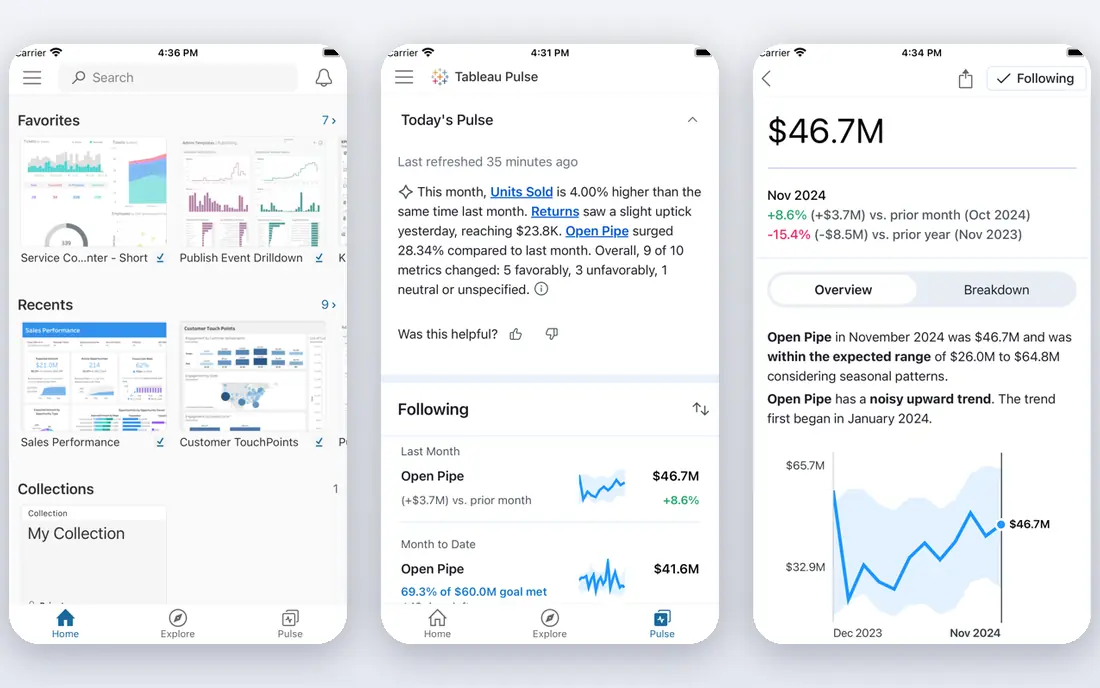
Tableau is still the tool analysts reach for when the question is open-ended. You can drag fields onto a canvas, filter and drill into the result, and follow a pattern you did not expect to find, all without writing a query first. That exploratory feel is what separates Tableau from dashboard tools that only display charts someone else already designed.
Pricing is role-based, which matters for budgeting. Viewer starts at 15 dollars per user per month, Explorer at 42 dollars, and Creator at 75 dollars, billed annually. Most teams need only a few Creators and many Viewers, so model that mix before judging the price. Tableau Public is free, but its workbooks are public, so it is not a substitute for business use.
- Strongest drag-and-drop exploration in this list
- Large community and extension marketplace
- Handles large, messy datasets well
- Creator price of 75 dollars per user per month is steep
- Learning curve grows with advanced calculations
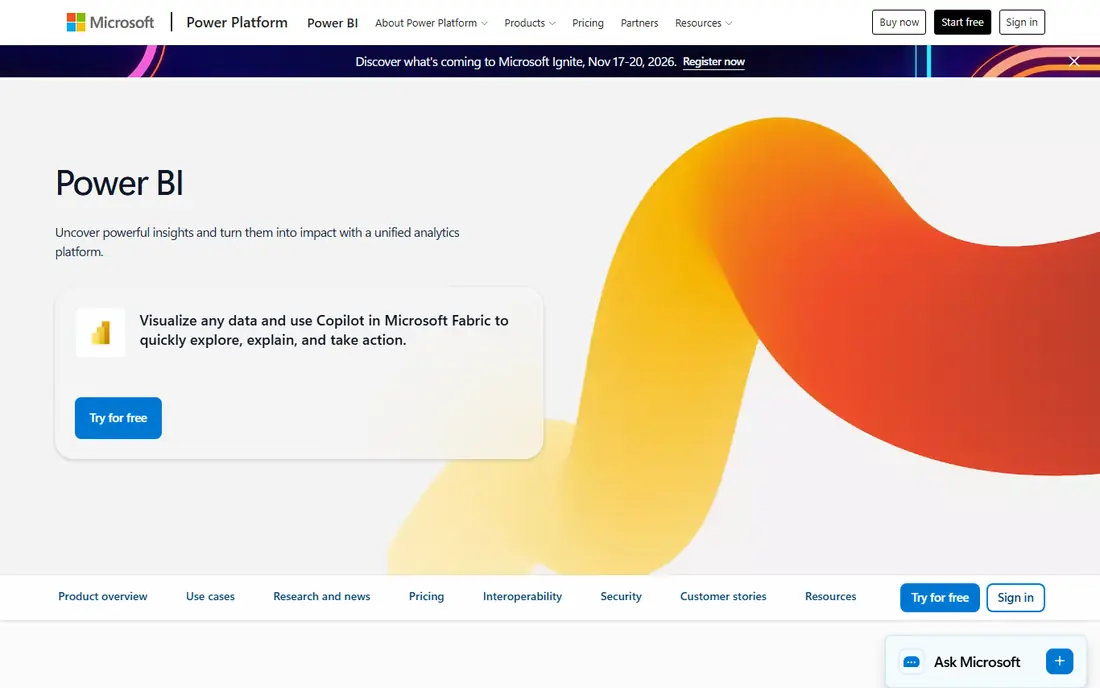
Power BI is the most sensible default for teams already running Microsoft 365. Power BI Desktop is free to download and build with, and Pro, at 14 dollars per user per month billed annually, covers publishing and sharing. Premium Per User, at 24 dollars per user per month, adds larger models and extra features. For a team that lives in Excel and Teams, the fit is immediate.
The learning curve is real once you move past simple charts. DAX, the formula language for measures and calculations, rewards study and punishes guessing. Power BI also feels most at home on Windows, though reports can be viewed widely. If your company already pays for Microsoft tools, Power BI usually wins on total cost and adoption.
- Pro at 14 dollars per user per month is strong value
- Familiar feel for Excel users
- Deep links to Teams, Excel, and Azure
- Desktop app is Windows-focused
- Advanced modeling with DAX takes real learning time
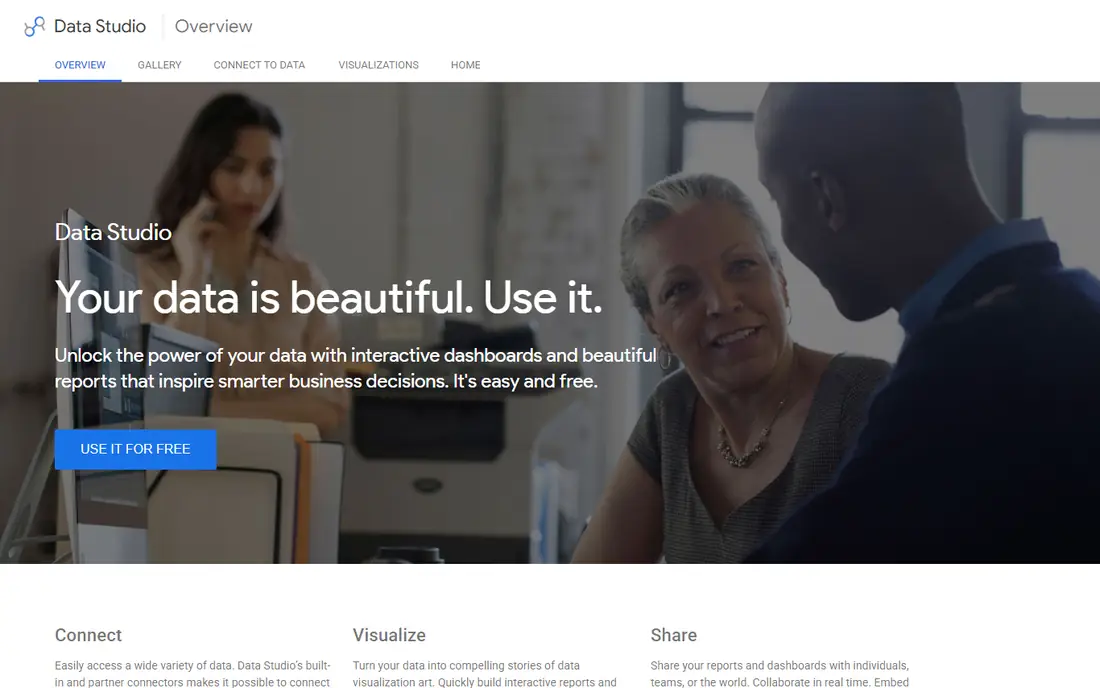
Looker Studio is the best data visualization tool for marketing teams that need a dashboard this week, not next quarter. The core product is free, it connects natively to Google Analytics, Google Ads, Sheets, and BigQuery, and sharing a report is as simple as sharing a document. For a small marketing team reporting on campaigns, that is often enough.
Its limits show up with complex modeling. Data transformation is basic, and teams that need heavy blending or governance will outgrow it. Looker Studio Pro, at 9 dollars per user per project per month, adds team workspaces and admin features, but per-project pricing means costs can climb across many reports. Start free, and pay only when the free version clearly limits you.
- Free core product with full standard features
- Native links to Analytics, Ads, Sheets, and BigQuery
- Easy sharing and collaboration
- Limited data transformation compared with full BI tools
- Pro pricing is per user per project, which can grow fast
Metabase is the friendly open source option, and that friendliness is its main strength. Non-technical users can ask questions through a visual builder, save the result as a chart, and assemble dashboards without writing SQL. Technical users can still drop into SQL when they need to, which keeps one tool useful across a whole team.
The open source version is free if you host it yourself, and paid cloud plans start higher for teams that want hosting and support. Self-hosting saves license fees but adds upkeep, updates, and security work. For startups and small teams with some technical help, Metabase is one of the best-value dashboards available.
- Open source version is free and self-hostable
- Friendly question builder for non-technical users
- Good dashboard and alert features
- Self-hosting needs technical upkeep
- Advanced features sit behind paid plans
Grafana owns a different job from the rest of this list. It excels at live, operational dashboards, such as server health, application performance, and sensor data over time, where charts update constantly and alerts matter. Engineering and operations teams use it to watch systems, not to prepare a monthly marketing report.
The open source core is free and self-hostable, and Grafana Cloud offers paid plans for teams that prefer hosted service. Grafana is less comfortable for static business charts and slide-ready reports, and setting up data sources takes technical skill. If your dashboard needs to show what is happening right now, Grafana is the right starting point.
- Free open source core for live dashboards
- Excellent for servers, apps, and time-series data
- Large plugin and data source library
- Less suited to static business reporting
- Setup and data modeling need technical skill
Datawrapper is built for charts that will be published, not just viewed inside a company. Newsrooms and research teams use it because the default charts look clean, the maps are strong, and the output embeds well in articles and pages. You paste or upload data, pick a chart, adjust labels, and publish, with far less design work than a general BI tool demands.
The free plan covers basic charts, while paid Custom plans are priced for organizations and start at a higher level than small-team tools. Datawrapper will not replace Tableau or Power BI for analysis, and it is not meant to. If your goal is a chart the public can read at a glance, it is one of the best tools for data visualization in this list.
- Clean, readable charts with little design effort
- Strong maps and tables for publishers
- Free plan covers basic publishing
- Custom enterprise pricing starts high
- Not a full BI platform for modeling or blending
Flourish turns a dataset into a story, with animated bar races, interactive maps, and scrollytelling templates that hold a reader attention longer than a static chart. Communications teams, journalists, and marketers use it when the chart itself is part of the message, not just a report appendix. Templates make a polished result possible without design training.
The free plan covers public projects, which suits open publishing but not internal business reporting. Private projects, branding control, and team features sit behind paid plans, so check current Flourish pricing before planning internal use. For public-facing data stories, Flourish is a distinctive and effective pick.
- Animated and interactive charts that engage readers
- Templates for stories, races, and maps
- Free plan for public projects
- Free projects are public
- Paid plans needed for private work and branding control
Qlik Sense takes a different approach to exploration. Its associative engine shows how selections relate across the whole dataset, highlighting values that are connected and graying out those that are not. That helps analysts spot relationships they might miss with a fixed set of filters, and it makes self-service exploration feel more guided.
Pricing is less transparent than Tableau or Power BI, with many plans sold on a quote basis, so check the current Qlik page and request a quote for your team size. Data modeling also takes learning time. For analyst-led teams that value guided exploration over fixed dashboards, Qlik Sense earns its place here.
- Associative engine surfaces related data as you filter
- Strong mobile experience
- Good for self-service exploration
- Pricing is quote-based for many plans
- Learning curve for data modeling
Zoho Analytics suits small businesses that already use Zoho apps or want a single, affordable reporting tool. It connects to spreadsheets, databases, and many business apps, builds dashboards with drag-and-drop tools, and includes an AI assistant for asking questions in plain words. For a small team, that covers weekly sales, marketing, and operations reporting without enterprise complexity.
It is not the pick for a large enterprise BI program, where Tableau, Power BI, or Looker offer deeper governance and modeling. Check the current Zoho pricing page, since plans and user limits change, and confirm the connector for your key app before committing. For small business reporting at a modest price, Zoho Analytics is a practical choice.
- Wide connector library for small business apps
- AI assistant for asking questions in plain words
- Sensible pricing for small teams
- Less depth for large enterprise BI
- Some advanced features need higher plans
How we picked these
We compared official feature pages, pricing pages, and documentation, plus public reviews, for tools that are actively maintained in 2026. We favored tools with a clear free or trial path, a distinct job, and proven use for marketing or business reporting, not just a long feature list. We also weighed total cost, including viewer licenses, since that decides the real bill for most teams.
How to choose the right visualization tool
The best data visualization software is the one that matches your data, your team, and your audience. Start with those three, and the shortlist shrinks fast.
Match the tool to your data sources
List the sources your dashboards must pull from, such as Google Ads, Salesforce, a SQL database, or spreadsheets. Looker Studio wins for Google sources, Power BI for Microsoft sources, and Tableau, Metabase, and Qlik for broader database work. A tool without a native connector for your main source will cost you time on every refresh.
Match the tool to your team skills
A visual builder suits marketers and managers, while SQL and modeling tools suit analysts. Metabase and Looker Studio let non-technical users build charts quickly. Tableau and Power BI reward analysts who invest time in calculations and modeling. Buying an analyst tool for a team with no analysts is a common and expensive mistake.
Decide who needs to see, not just build
Count viewers before you sign. A tool with cheap builders and expensive viewers can cost more than a pricier tool with free viewing, once the whole company needs access. Looker Studio offers free viewing, Power BI needs Pro for sharing in many setups, and Tableau charges per Viewer. Model your real mix of builders and viewers, then compare totals.
Frequently asked questions
What is the best data visualization tool?
Tableau is the best tool for deep, exploratory analysis, while Power BI is the best value for Microsoft-based teams. Looker Studio is the best free tool for marketing dashboards on Google data. The right answer depends on your data sources, team skills, and how many people need to view the results.
Which data visualization platform is the best for marketing?
Looker Studio is the best data visualization tool for marketing in most small and mid-size teams, because it is free and connects natively to Analytics, Ads, and Sheets. Power BI and Tableau also work for marketing, but they cost more and suit larger reporting programs. Datawrapper and Flourish are better when the output is a published chart or story rather than an internal dashboard.
What is the best free data visualization software?
Looker Studio, Metabase open source, and Grafana open source are the strongest free options, each for a different job. Looker Studio suits marketing dashboards, Metabase suits team dashboards on databases, and Grafana suits live operational metrics. Tableau Public is also free, but its workbooks are public, so it does not fit private business use.
Is Tableau or Power BI better?
Tableau is better for open-ended visual exploration and for analysts who need to follow unexpected patterns in data. Power BI is better for Microsoft-based teams and for value, with Pro at 14 dollars per user per month against Tableau Creator at 75 dollars. Many companies choose based on their existing software stack rather than on chart quality alone.
What are the best tools for data visualization without coding?
Looker Studio, Metabase, Datawrapper, and Flourish all let users build charts without code, using visual builders and templates. Power BI and Tableau also offer drag-and-drop building, though advanced work in both benefits from formulas or calculations. Start with a visual builder if your team has no coding background, and add a modeling tool only when simple charts stop answering your questions.
What is the best visual analytics tool for a small business?
Looker Studio is the best free starting point, and Zoho Analytics is a strong low-cost paid option for small business reporting. Metabase open source also works well for small teams with some technical help. Keep the stack simple at first, prove the dashboard gets used weekly, and only then pay for a larger BI platform.
Sources
- https://betteranalyst.com/blog/best-data-visualization-tools
- https://www.firefishsstudios.com/best-data-visualization-tools-in-2026-complete-comparison.html
- https://www.netguru.com/blog/best-data-visualization-tools-for-engineers
- https://mammoth.io/blog/best-data-visualization-tools/
- https://www.darwinapps.com/blog/affordable-data-visualization-tools/
- https://www.flozic.ai/blog/best-data-visualization-tools
- https://www.surowiecki.org/en/bi-tools-comparison/
- https://johnserra.com/blog/data-studio-vs-power-bi-vs-tableau-small-business
See where you really rank - block by block
ProMapRanker scans Google Maps across a grid of your service area. Simple monthly plans from $19, white-label on every plan.
Start freeKeep reading
 zendesk alternatives
Best Zendesk Alternatives in 2026
Compare the best Zendesk alternatives in 2026, from budget help desks to AI-first support tools, with current pricing, free plans, and honest trade-offs.
Read → wordpress alternatives
Best WordPress Alternatives in 2026
Looking for the best WordPress alternatives? We compare 8 free and paid options for blogs, business sites, stores, and developer-led projects in 2026.
Read → which real estate company has the best training
Best Real Estate Company Training in 2026
Compare which real estate company has the best training, from Keller Williams and eXp to Compass and Coldwell Banker, by program, mentor, and fit in 2026.
Read →