 ProMapRanker
Best Data Protection Software in 2026

Key takeaways
- Veeam and Commvault lead for large, mixed environments with virtual machines, cloud, and physical servers.
- Acronis combines backup with endpoint security, which suits small and mid-size teams that want one console.
- Backblaze Business and CrashPlan are the simplest choices for workstation backup with clear per-device pricing.
- Druva and Rubrik suit cloud-first teams that want managed backup without running backup servers.
- Test a restore before you trust any tool, because a backup that cannot restore quickly is not protection.
Quick comparison
| Pick | Great for | Pricing starts at | Free tier | |
|---|---|---|---|---|
 Veeam Data Platform | Large mixed environments | See website | Free trial | Visit |
 Acronis Cyber Protect | Backup plus security | See website | Free trial | Visit |
 Commvault Cloud | Enterprise backup | See website | Free trial | Visit |
 Rubrik Security Cloud | Cloud-first recovery | See website | Free trial | Visit |
 Druva Data Resiliency Cloud | Managed SaaS backup | See website | Free trial | Visit |
 Backblaze Business Backup | Simple workstation backup | $99 per computer per year | Free trial | Visit |
 CrashPlan | Unlimited endpoint backup | $7.33 per user per month | Free trial | Visit |
 IDrive | Low-cost multi-device backup | See website | Yes | Visit |
 Cove Data Protection | MSP and SMB backup | See website | Free trial | Visit |
The best data protection software
Data protection here means backup, recovery, and ransomware resilience for servers, endpoints, and cloud apps, not just file sync. Each tool below covers a different size and style of team.
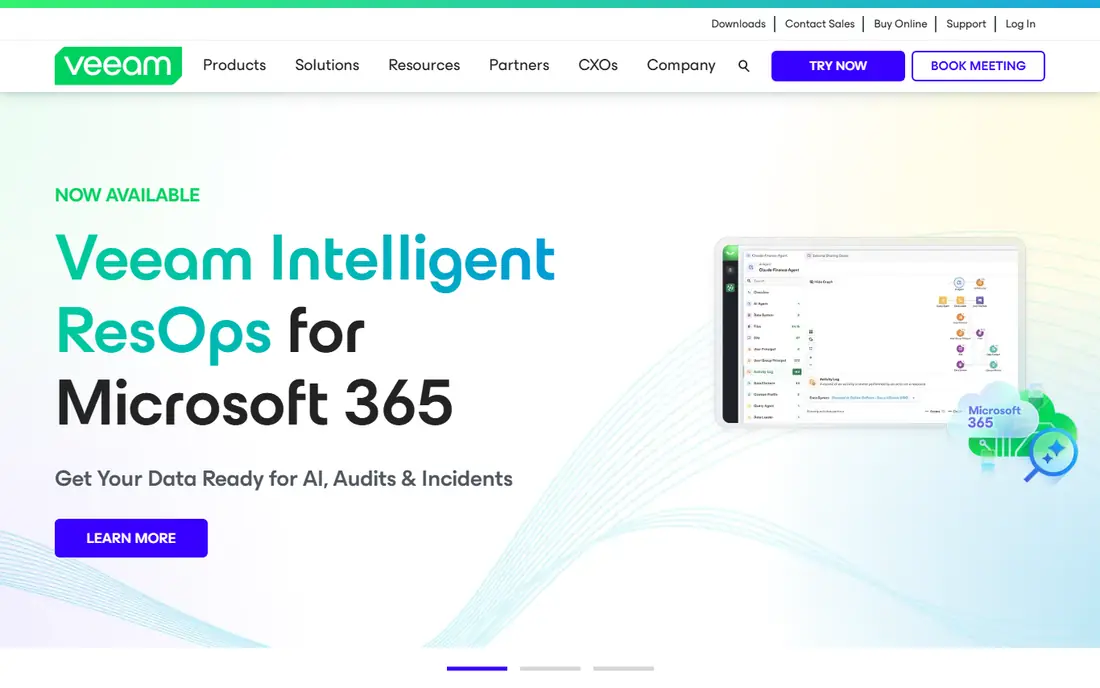
Veeam Data Platform is the standard choice for teams that run a mix of VMware, Hyper-V, cloud, and physical servers. Backup and replication sit in one console, and instant recovery lets you run a virtual machine directly from a backup while a full restore completes. That speed matters during an outage, when every hour of downtime costs money.
The main drawback is licensing. Veeam sells by workload and edition, and the best price often comes through a partner quote. Small teams may find the setup heavier than a simple endpoint tool. For mid-size and large IT teams, the breadth and recovery speed justify the effort.
- Broad coverage for virtual, cloud, Kubernetes, and physical workloads
- Fast instant recovery options
- Large partner and community ecosystem
- Licensing can be complex
- Full pricing usually needs a quote or partner
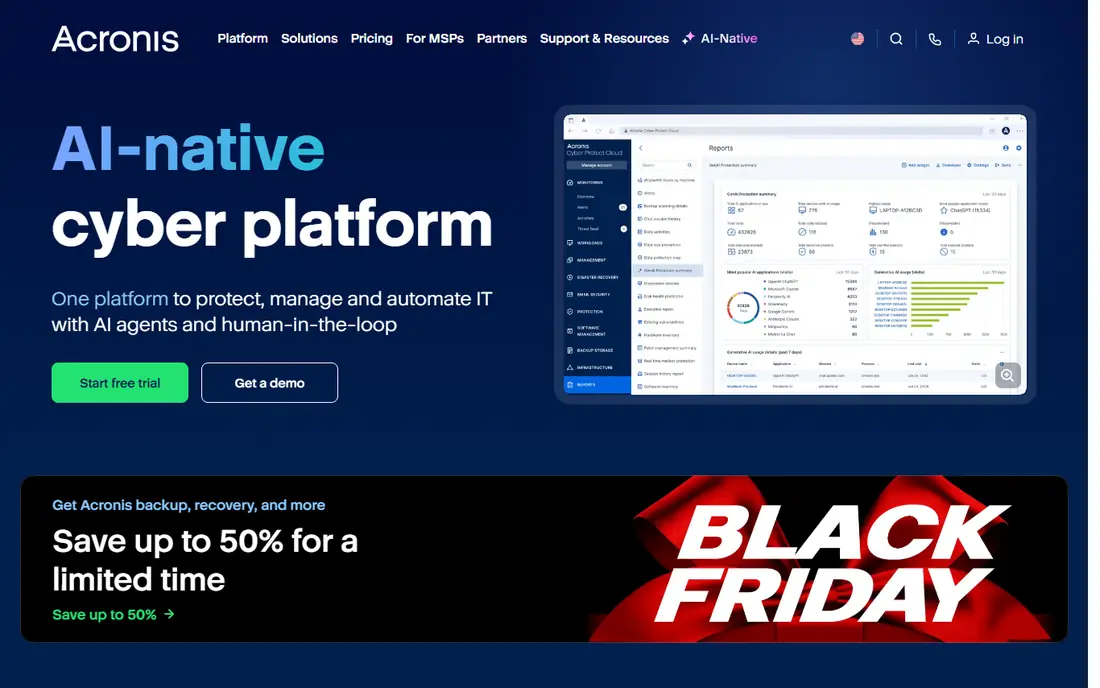
Acronis Cyber Protect combines backup with cybersecurity in a single agent, which appeals to teams that want fewer tools to manage. You get disk imaging, file backup, ransomware protection, and patch and endpoint controls from one console. Managed service providers also use it to protect many small clients from one dashboard.
That combination can duplicate tools you already pay for, such as a separate endpoint security product. Pricing also depends on the type of workload, such as workstation, server, or cloud app, so confirm the total for your exact mix. For small and mid-size teams without a large security stack, the combined approach saves time.
- Backup, anti-malware, and endpoint management in one agent
- Central cloud console
- Good for managed service providers
- Pricing varies by workload and edition
- Security features can overlap with existing endpoint tools
Commvault Cloud is built for large organizations with many systems to protect, from databases and virtual machines to SaaS apps and file servers. Policy-based management helps IT teams apply retention, encryption, and compliance rules consistently across sites. The platform also supports air-gapped and immutable copies, which help after a ransomware attack.
It is not a small-team tool. Pricing is by quote, and the initial setup rewards experienced backup administrators. For enterprises with strict retention rules and many workloads, Commvault gives control that simpler tools cannot match.
- Very broad workload coverage
- Strong policy and compliance controls
- Cloud and on-premises options
- Enterprise pricing by quote
- Setup needs experienced administrators
Rubrik Security Cloud focuses on recovery after a cyberattack, not just routine backup. Backups are stored in immutable form, so ransomware cannot easily alter them, and the platform monitors for threats and anomalies in backup data. Recovery is designed around finding clean data quickly and restoring it to cloud or on-premises systems.
That focus comes with enterprise pricing and a sales-led buying process. Small businesses with a handful of computers will get better value from Backblaze or CrashPlan. For organizations where a ransomware outage is a board-level risk, Rubrik is a strong contender.
- Immutable backups and ransomware monitoring
- Fast search and recovery
- SaaS delivery reduces backup infrastructure
- Enterprise pricing by quote
- Smaller teams may find it more than they need
Druva removes backup infrastructure from the job. As a SaaS platform, it backs up endpoints and cloud apps without requiring you to run backup servers, storage, or maintenance windows. That model suits distributed teams, remote workers, and companies moving to Microsoft 365 and Google Workspace.
The trade-off is control and pricing transparency. Many plans are quoted, and teams that want to manage their own storage or retention hardware may prefer Veeam or Commvault. For teams that want backup handled as a service, Druva is one of the cleanest options.
- Fully managed SaaS backup
- Covers endpoints, Microsoft 365, Google Workspace, and cloud workloads
- No backup servers to run
- Pricing by quote for many plans
- Less control than self-hosted backup for some IT teams
Backblaze Business Backup is the simplest business choice on this list. Each computer costs $99 per year for unlimited backup data, with a central console for admins to manage devices, restores, and retention. Setup is quick, and users can restore files themselves without calling IT for every lost document.
It is not a full enterprise backup suite. Server, database, and complex virtual workloads need a different tool, such as Veeam or Commvault. For offices full of laptops and desktops, Backblaze gives clear pricing and easy restores without a steep learning curve.
- Unlimited backup data per computer
- Central admin console
- Simple pricing
- Focused on computers, not servers or complex databases
- Restore of very large backups takes planning
CrashPlan focuses on endpoint backup for small businesses. The SMB plan costs $7.33 per user per month when billed annually, with unlimited storage for endpoints under that plan. Users can restore their own files, and admins get a console to manage devices and policies.
Server backup is a separate, higher-cost matter, and the interface prioritizes function over design. For teams that mainly need to protect employee laptops, CrashPlan is a strong, predictable choice. For server-heavy environments, pair it with a server backup tool or choose a broader platform.
- Unlimited storage for endpoints on SMB plans
- Self-service restore
- Admin controls for small teams
- Server backup costs more and is quoted separately
- Interface is functional rather than polished
IDrive is a low-cost backup service that covers PCs, Macs, mobile devices, and some servers under one account. A free plan gives a small amount of storage for testing, and paid personal and business plans add storage and device limits. Versioning lets you recover older copies of a file, which helps after accidental edits or ransomware encryption.
The interface is less modern than Backblaze, and storage tiers can confuse first-time buyers. Check the current plan page for the exact storage, device count, and business features you need. For households and small offices that want many devices covered cheaply, IDrive is worth comparing with Backblaze.
- Backs up many devices under one account
- Free plan for basic use
- Versioning and point-in-time recovery
- Interface can feel dated
- Business pricing and storage tiers need careful comparison
Cove Data Protection, from N-able, is popular with managed service providers and the small businesses they serve. It backs up servers, workstations, and Microsoft 365 data to the cloud, with a central console for managing many clients. Recovery options include bare-metal restore and quick file recovery.
Direct pricing is less visible than Backblaze or CrashPlan, because Cove is often sold through partners. If you already work with an MSP, ask whether Cove is part of their service. If you buy direct, get a written quote for your device and data mix before comparing it with other tools.
- Cloud-first backup for servers, workstations, and Microsoft 365
- Central management for many clients
- Fast recovery options
- Pricing is through partners and quotes
- Best value comes through managed service providers
How we picked these
We compared official product pages, pricing pages, and workload coverage for each tool, and we focused on products still sold in October 2026. We included a mix of enterprise platforms, managed SaaS backup, and simple endpoint tools, so readers at different sizes can find a fit. Where pricing is by quote, we wrote See website rather than inventing a number, and we left out tools that are only file sync, not backup and recovery.
How to choose data protection software
Backup is only useful if you can restore quickly, completely, and from a clean copy. Judge tools on recovery, not just on backup speed.
Define what must be protected
List servers, virtual machines, databases, endpoints, and cloud apps such as Microsoft 365 and Google Workspace. A tool that covers laptops well may not cover databases, and a server tool may not cover SaaS apps. Match the tool to the full list, not just the largest item.
Test restores and ransomware resilience
Run a test restore for a file, a folder, and a full system, and time each one. Ask whether backups are immutable or air-gapped, so ransomware cannot delete or encrypt them. A tool that passes a backup job every night but fails a restore test has not protected you.
Check retention, cost, and exit
Retention rules decide how far back you can recover, and longer retention costs more storage. Compare the total price for your data size, not just the per-device price. Also confirm you can export or restore data if you leave the service, because locked-in backups are a risk in themselves.
Frequently asked questions
What is the best data protection software?
Veeam Data Platform is the best all-round choice for large mixed environments, while Backblaze Business is the best simple choice for workstation backup. Acronis suits teams that want backup and endpoint security together, and Druva suits cloud-first teams that want managed backup.
What are the top 10 data protection software tools?
The strongest tools in this category include Veeam, Acronis, Commvault, Rubrik, Druva, Backblaze, CrashPlan, IDrive, and Cove, plus server and cloud backup tools from major cloud providers. The right top 10 for you depends on whether you protect servers, endpoints, or cloud apps.
Is backup the same as data protection?
No. Backup is one part of data protection, which also includes recovery speed, ransomware resilience, retention, encryption, and access controls. A complete tool helps you restore clean data after deletion, hardware failure, or an attack.
How much does data protection software cost?
Simple endpoint backup starts at $99 per computer per year with Backblaze, or $7.33 per user per month with CrashPlan for SMB plans. Enterprise platforms are usually quoted, and the total depends on workloads, data size, and retention.
Do I need data protection if I use cloud apps?
Yes. Cloud providers protect their infrastructure, but they do not always protect you from accidental deletion, overwritten files, or a compromised account. Backup for Microsoft 365, Google Workspace, and other SaaS apps covers gaps that the cloud provider alone does not.
Sources
See where you really rank - block by block
ProMapRanker scans Google Maps across a grid of your service area. Simple monthly plans from $19, white-label on every plan.
Start freeKeep reading
 zscaler alternatives
Best Zscaler Alternatives in 2026
Looking for zscaler alternatives? We compare 9 SASE and zero trust platforms on architecture, data protection, pricing, and fit for your network and team.
Read → zapier alternatives free
Best Zapier Alternatives Free in 2026
Nine automation tools for zapier alternatives free in 2026, all with genuinely free tiers, plus free plan limits, starting prices and upgrade paths explained.
Read → which platform is best for online reputation
Which Platform Is Best for Online Reputation in 2026
Wondering which platform is best for online reputation? We compare 8 review, listing, and response tools for small and multi-location businesses and agencies.
Read →