 ProMapRanker
The 8 Best Data Platforms to Shortlist in 2026

Direct answer
This list puts Amazon Redshift first for analytics inside AWS. Databricks is better for Lakehouse for engineering and AI workloads, and Palantir Foundry is better for operational data with heavy governance. All 8 tools are compared below on price, free plan and limits.
Key takeaways
- The list opens with Amazon Redshift, aimed at analytics inside AWS.
- No starting price is shown for any of the 8 tools, Amazon Redshift and Google BigQuery included, so plan time for sales calls.
- Palantir Foundry comes with a trade-off: enterprise pricing and long implementations.
- Google BigQuery is the only tool of the 8 with a free plan.
- For serverless analytics on Google Cloud, Google BigQuery is worth a look.
Quick comparison
| Pick | Great for | Pricing starts at | Free tier | |
|---|---|---|---|---|
 Amazon Redshift | Analytics inside AWS | See website | Free trial | Visit |
 Databricks | Lakehouse for engineering and AI workloads | See website | Free trial | Visit |
 Palantir Foundry | Operational data with heavy governance | See website | No | Visit |
 Microsoft Fabric | All-in-one analytics on Microsoft | See website | Free trial | Visit |
 Domo | Warehouse plus BI in one subscription | See website | Free trial | Visit |
 Snowflake | SQL analytics at enterprise scale | See website | Free trial | Visit |
 Starburst | Querying data where it lives | See website | Free trial | Visit |
 Google BigQuery | Serverless analytics on Google Cloud | See website | Yes | Visit |
Every option for data platforms explained
Choosing data platforms usually comes down to price, fit and limits. This ProMapRanker guide sets 8 tools side by side on those three points, with the facts kept short and checkable.
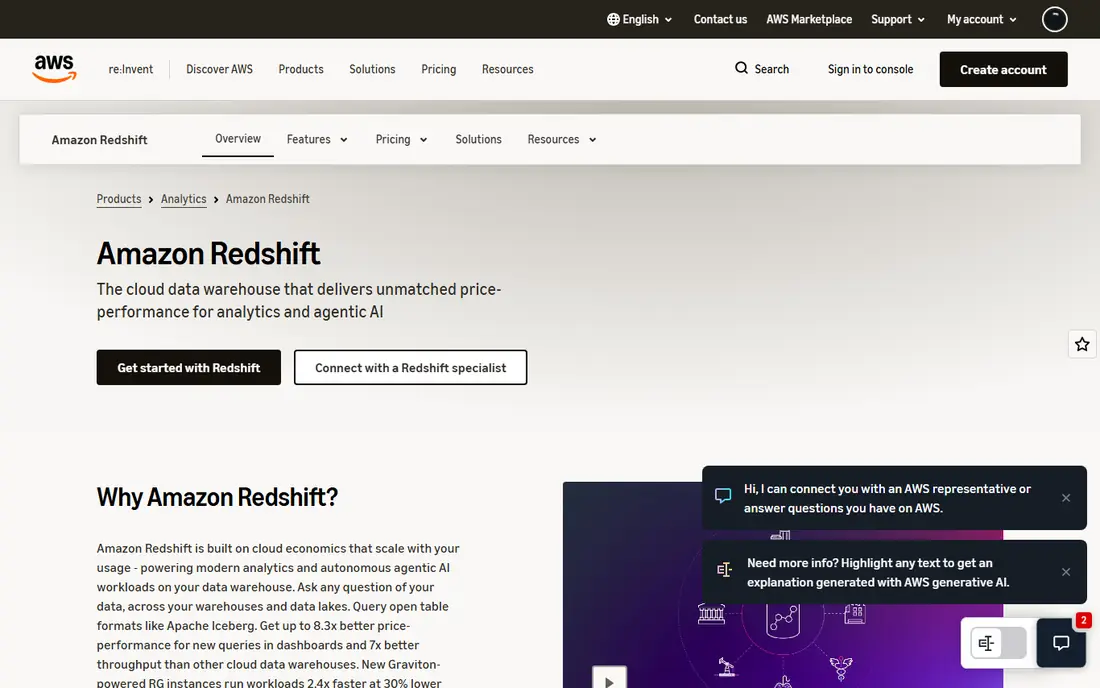
Amazon Redshift works best for analytics inside AWS. Redshift is the incumbent cloud warehouse, and inside AWS-heavy organizations it is commonly the pragmatic choice. Teams choosing fresh tend to compare it against Snowflake and BigQuery on ease of use and find it heavier.
Points against: Admin overhead on provisioned clusters.
More specifically, if your company runs on AWS and your data lives in S3, Redshift keeps everything in one cloud with one bill. As for the details, data already in S3 queries in place, IAM takes care of security. The serverless choice removed the old cluster-sizing headache. This comparison lists no price for Amazon Redshift; ask the vendor. Free options: Free trial.
- Deep integration with the AWS ecosystem
- Serverless choice removes cluster management
- Best value needs AWS commitment
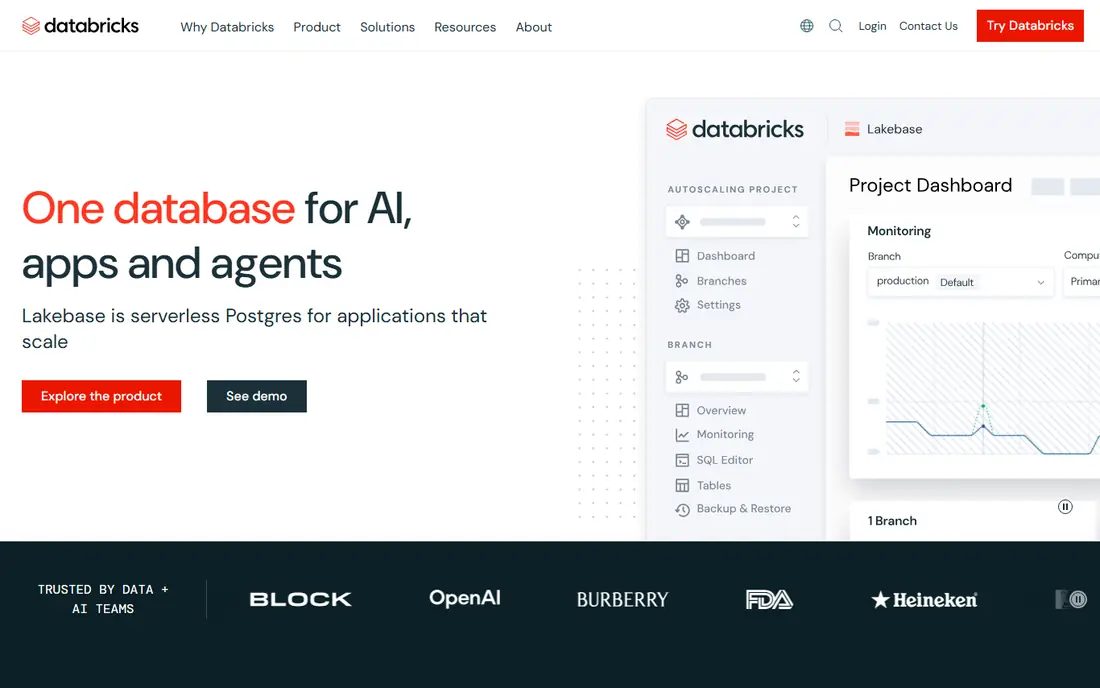
Where Databricks fits: Lakehouse for engineering and AI workloads. The adaptability costs simplicity.
Honest limits: Steeper ramp-up time than pure SQL warehouses.
What works well: Brings together data engineering.
Databricks does not show a starting price in this comparison, so check the vendor site for current pricing. Free options: Free trial.
- Delta Lake brings reliability to data lakes
- SQL analytics and machine learning
- Overkill for straightforward BI reporting
Palantir Foundry was built for operational data with heavy governance. When data decisions carry operational or safety consequences, Foundry's rigor matters. As for the details, governance, lineage and access control are the deepest in the industry, which is why regulated and mission-critical organizations choose it.
More specifically, Foundry is not a warehouse with dashboards. It is an operating system for organizational data, modeling real entities like patients, aircraft or supply chains in an ontology that applications build on. As for the details, the commitment is correspondingly large: enterprise pricing, long implementations and a real organizational change program. It belongs on the shortlist for complicated institutions where data governance is the primary requirement, not for businesses that require dashboards next quarter. No starting price is listed for Palantir Foundry here; confirm pricing on the vendor site. No free plan comes with Palantir Foundry.
The main drawbacks: Overkill for standard BI. Where Palantir Foundry stands out: Ontology models real-world operations.
- Exceptional data governance and access controls
- Proven in defense
- Needs significant organizational commitment
In short, Microsoft Fabric is for all-in-one analytics on Microsoft. Outside the Microsoft ecosystem the value proposition thins substantially. But for the enormous base of businesses running on Microsoft, Fabric is the strategic direction and the integration with tools people already use is a genuine advantage.
Limits to weigh: Newer product still maturing.
The capacity-based pricing model takes study to understand. For organizations standardized on Microsoft 365 and Azure, the pitch is compelling: your Excel and Power BI users get governed data without a separate stack, and copilot features bring natural language querying to business users. It is the newest major product here and still maturing; buyers report rough edges and evolving pricing. No starting price is listed for Microsoft Fabric here; confirm pricing on the vendor site. Trial and free access: Free trial.
- One product from ingestion to Power BI
- Natural fit for Microsoft shops
- Best inside the Microsoft ecosystem
Pick Domo if this describes you: warehouse plus BI in one subscription. For organizations without a data engineering team, that all-in-one character is the entire appeal.
In practice, businesses with dedicated data engineers normally assemble Snowflake or BigQuery plus a separate BI tool and get more control for similar money. This comparison lists no price for Domo; ask the vendor. On free options: Free trial.
Trade-offs to know: Enterprise data teams frequently prefer best-of-breed.
- Merges data system and visualization in one tool
- Huge connector library
- Pricing scales steeply with usage
For SQL analytics at enterprise scale, Snowflake is a natural candidate. The billing model is the thing to respect. Compute charges accrue whenever queries run, and an unoptimized dashboard refreshing every five minutes becomes a line item.
Downsides: Less native support for heavy ML engineering.
Enterprises run everything from finance reporting to customer analytics on it, and the marketplace for sharing data between firms is genuinely handy. Snowflake made the cloud data warehouse boring in the best way: no servers to run, storage and compute billed separately, and SQL that analysts already know. Snowflake shows no starting price here, so confirm the cost on the vendor site. As for free access: Free trial.
- Near-zero administration
- Huge partner and integration ecosystem
- Costs surprise teams that do not govern compute
Starburst was built for Querying data where it lives. Everyone else is normally better served centralizing in a warehouse first.
The main drawbacks: Pricing is enterprise-oriented.
For organizations with data spread across systems that cannot or should not move, federation beats migration. Starburst does not show a starting price in this comparison, so check the vendor site for current pricing. Free options: Free trial.
- Federated SQL across warehouses
- Built on open-source Trino
- Another layer to run
Google BigQuery targets serverless analytics on Google Cloud. There is no warehouse to size, no cluster to tune. The free level (ample monthly allowances for storage and queries) lets small teams run real analytics for nothing.
Watch-outs: Best inside Google Cloud.
Partitioning, clustering and the flat-rate editions exist precisely to control this, but they need knowledge. The on-demand model bills per byte scanned, so a careless SELECT * over terabytes costs real money. Check the vendor site for Google BigQuery pricing; none is listed in this comparison. Google BigQuery offers a free plan.
- Ample free level for getting started
- Truly serverless with no cluster to run
- Data transfer costs need watching
Selection criteria
ProMapRanker used vendor pricing pages and product documentation as the base, then compared plans, free access and documented limits for 8 tools. Treat prices as a snapshot: vendors change plans often, so check the vendor site for the figure that applies today. We ordered the tools by general fit, then by how clearly pricing is shown, then by free access. A buyer with unusual needs may reorder them.
Before you commit
- Confirm the entry price with every vendor: no tool from Amazon Redshift to Google BigQuery shows a fixed starting price.
- Look at the free plan from Google BigQuery closely: its caps decide whether it is usable for real work.
- Run a trial of Amazon Redshift, Databricks, Microsoft Fabric and others with real work before paying for a year; your own workflow is the best test.
- Before choosing Amazon Redshift, weigh its main limit: feels less modern than Snowflake or BigQuery.
- Work out what Palantir Foundry costs with your real seat count, add-ons and usage, not just the entry price.
- Confirm the exact Domo plan that includes your must-have features.
Frequently asked questions
Do I need a data product or just a BI tool?
A BI tool visualizes data; it still needs somewhere to query it from. Small businesses frequently start with the database they have plus a BI tool, and adopt a dedicated data system when queries slow down, data grows, or governance becomes necessary.
Do these tools publish their prices?
No. None of the tools, from Amazon Redshift to Google BigQuery, shows a fixed starting price here, so budget time for quotes.
Which options for data platforms have a free plan?
Google BigQuery is the only tool in this list with a free plan. Free plans usually cap users, projects or features, so check the limits on the vendor page. Several others offer a trial instead.
How much do data platforms cost?
Small teams can start free or under a handful of hundred dollars monthly; enterprise deployments run from tens of thousands to millions annually. For everyday use, always model costs at scale and set up billing alerts from day one.
Can I try these options before paying?
Often, yes. Google BigQuery has a free plan and Amazon Redshift, Databricks, Microsoft Fabric and others offer a free trial. Use your own data and a real task during the test, and check what the free tier or trial limits before you rely on it.
What is a lakehouse?
A lakehouse merges data lake economics (cheap object storage, open formats) with warehouse reliability (transactions, schema enforcement). Databricks pioneered the term with Delta Lake; the major systems have all moved in this direction.
Sources
See where you really rank - block by block
ProMapRanker scans Google Maps across a grid of your service area. Simple monthly plans from $19, white-label on every plan.
Start freeKeep reading
 zscaler alternatives
Best Zscaler Alternatives in 2026
Looking for zscaler alternatives? We compare 9 SASE and zero trust platforms on architecture, data protection, pricing, and fit for your network and team.
Read → zapier alternatives free
Best Zapier Alternatives Free in 2026
Nine automation tools for zapier alternatives free in 2026, all with genuinely free tiers, plus free plan limits, starting prices and upgrade paths explained.
Read → which platform is best for online reputation
Which Platform Is Best for Online Reputation in 2026
Wondering which platform is best for online reputation? We compare 8 review, listing, and response tools for small and multi-location businesses and agencies.
Read →