 ProMapRanker
Best Data Platform in 2026

Key takeaways
- Snowflake suits teams that want a managed, multi-cloud warehouse with strong SQL analytics and data sharing.
- Databricks suits code-first teams that combine data engineering, machine learning and analytics in one lakehouse.
- Google BigQuery suits Google Cloud teams that want serverless SQL analytics without managing clusters.
- Microsoft Fabric suits Microsoft and Power BI teams that want one workspace for data, analytics and reporting.
Quick comparison
| Pick | Great for | Pricing starts at | Free tier | |
|---|---|---|---|---|
 Snowflake | Managed multi-cloud analytics | See website | Free trial | Visit |
 Databricks | Lakehouse and AI workloads | See website | Free trial | Visit |
 Google BigQuery | Serverless Google Cloud analytics | See website | Yes | Visit |
 Microsoft Fabric | Microsoft and Power BI teams | See website | Free trial | Visit |
 Amazon Redshift | AWS-native analytics | See website | Free trial | Visit |
 ClickHouse | Real-time analytics | See website | Free trial | Visit |
 Teradata VantageCloud | Large enterprise warehousing | See website | Free trial | Visit |
 Oracle Autonomous Data Warehouse | Oracle estates | See website | Free trial | Visit |
 Dremio | Open lakehouse analytics | See website | Yes | Visit |
The best data platforms
A data platform stores, processes and serves data for reporting, analysis and AI work. The best choice depends on your cloud, your team skills and whether your main workload is SQL analytics, streaming, machine learning or all three.
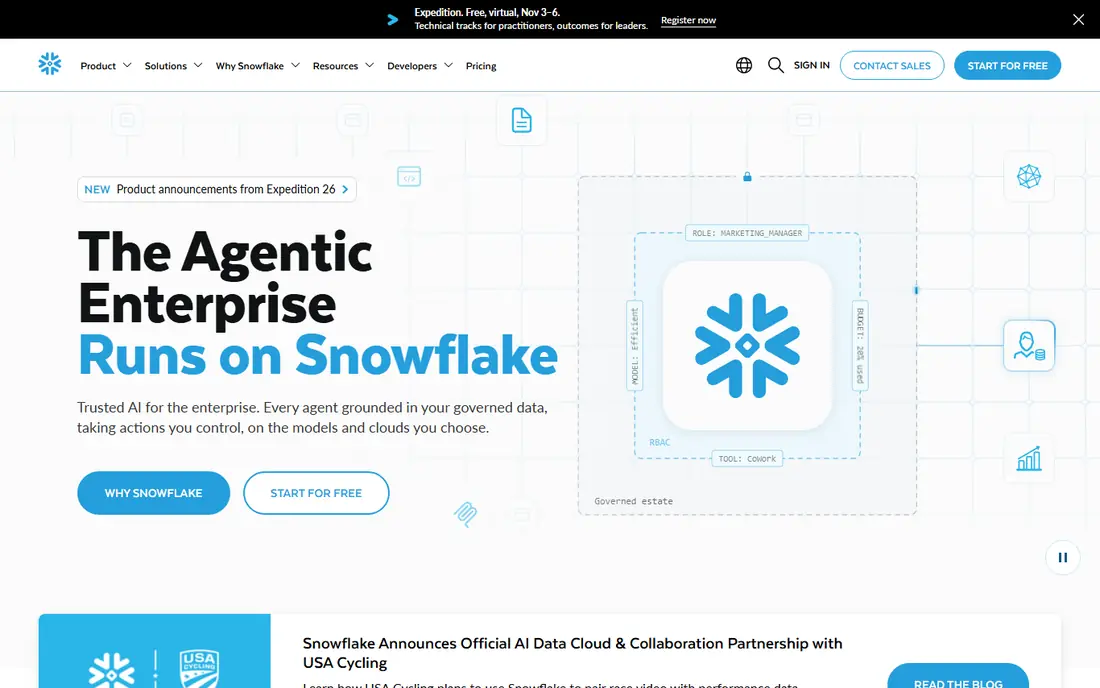
Snowflake is a cloud data platform built around a managed warehouse that separates compute from storage, so teams can scale queries without scaling stored data at the same time. It runs on AWS, Azure and Google Cloud, and its data sharing features let organisations share live tables without copying files. For SQL-first analytics teams, that combination is hard to beat for simplicity.
Pricing is consumption-based, using credits for compute and separate storage charges, so costs depend on workload, warehouse size and query patterns. Teams that set usage limits, monitor queries and clean up idle warehouses get the best value. Snowflake suits companies that want managed analytics without running clusters themselves.
- Managed warehouse with separate compute and storage
- Multi-cloud availability
- Data sharing and marketplace
- Usage-based costs need guardrails
- Advanced features add credit use
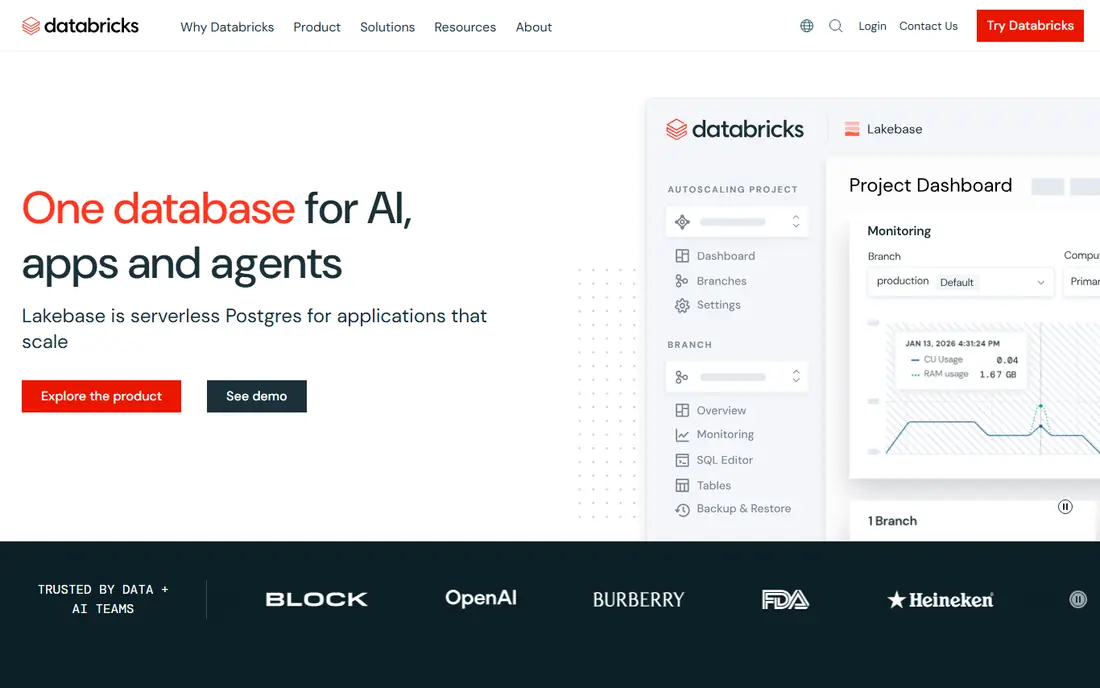
Databricks combines a data lakehouse with data engineering, SQL analytics and machine learning in one platform. Teams can ingest raw data, transform it with Spark and Python, build models and serve dashboards from the same governed data, using Delta Lake as the storage layer. Unity Catalog adds governance, lineage and access control across that work.
That breadth suits code-first teams, but it is less of a turnkey warehouse than Snowflake or BigQuery. Pricing uses Databricks units plus cloud infrastructure costs, so totals vary by workload. Databricks is the strongest pick when AI and data engineering matter as much as reporting, and when the team is comfortable working in notebooks and code.
- Lakehouse architecture
- Strong Spark, Python and ML tooling
- Unity Catalog governance
- Needs engineering skill
- Costs vary by workload and cloud
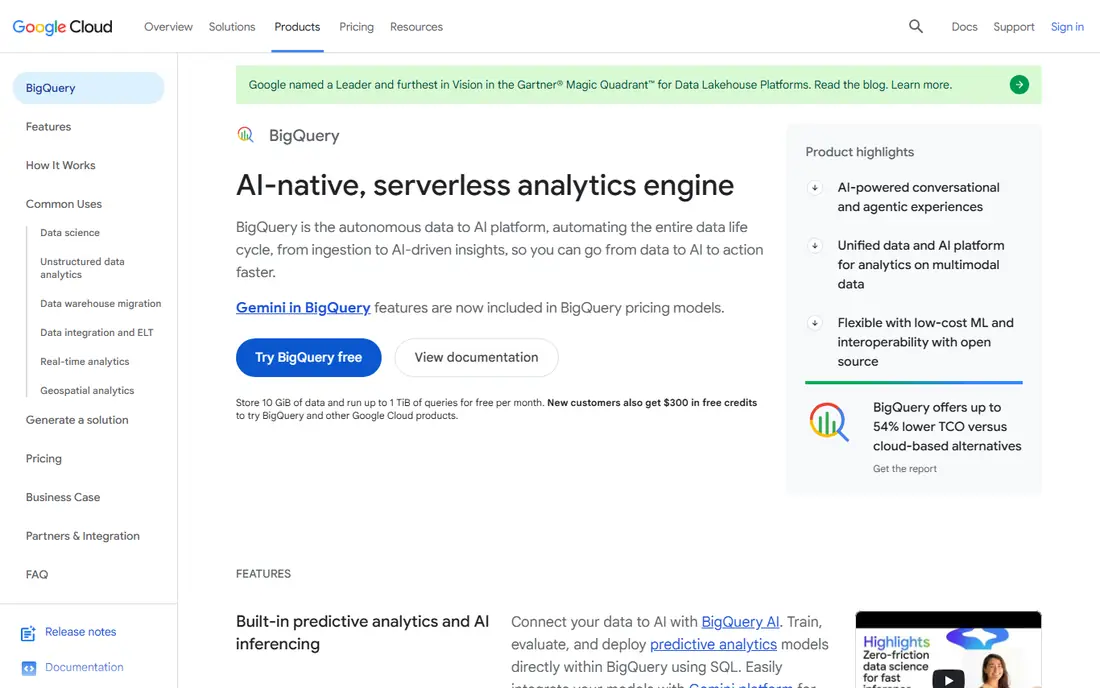
BigQuery is Google Cloud's serverless data warehouse. There are no clusters to size or manage: you load data, run SQL, and pay for queries and storage, with a free tier that covers a monthly allowance of queries and storage. That model suits ad-hoc analysis, fast exploration and teams that want to start without infrastructure decisions.
The catch is query cost control. On-demand pricing charges by data scanned, so poorly written queries on large tables can cost more than expected, and capacity pricing suits steadier workloads better. BigQuery ML adds machine learning inside SQL, which helps analysts build simple models without a separate platform. It is the natural pick for Google Cloud teams.
- Fully serverless SQL analytics
- Free monthly query and storage allowances
- BigQuery ML built in
- On-demand costs rise with scanned data
- Google Cloud centred
Microsoft Fabric brings data engineering, warehousing, real-time analytics and Power BI reporting into one SaaS workspace built on OneLake storage. For organisations already using Microsoft 365, Azure and Power BI, that unity reduces tool sprawl: data, models and reports can live in one governed place with shared capacity.
Pricing is capacity-based, using Fabric capacity units, so teams must size capacity for their combined workloads rather than paying per query alone. That model can be good value for steady Power BI and analytics use, but it needs planning for peaks. Fabric suits Microsoft-first organisations that want one platform for analytics end to end.
- Unified workspace on OneLake
- Power BI integration
- Multiple data workloads in one capacity
- Azure-only SaaS model
- Capacity pricing needs planning
Amazon Redshift is AWS's cloud data warehouse, with provisioned clusters and a serverless option for variable workloads. It integrates closely with S3, Glue, Lake Formation and other AWS services, so AWS-native teams can move data from storage to warehouse to dashboards without leaving the AWS estate. Redshift Spectrum also lets you query S3 data directly.
Being AWS-only is the main limit. Teams on Azure or Google Cloud will find less value here, and provisioned clusters need tuning for concurrency and storage. Serverless pricing, charged by usage units, helps variable teams, but steady high-volume work may suit provisioned pricing better. Redshift is the clear pick for AWS-heavy analytics teams.
- Deep AWS integration
- Provisioned and serverless options
- Strong SQL performance at scale
- AWS-only
- Cost and tuning need AWS skill
ClickHouse is an analytical database built for speed on large event, log and time-series data, with sub-second query times a core strength. It is available as open source for self-managed use and as ClickHouse Cloud for a managed service, with usage-based compute and storage pricing. Teams with high-volume streaming data often use it for dashboards and product analytics.
It is less of a general-purpose platform than Snowflake or Databricks, since machine learning and broad data engineering tooling are narrower. Self-managed use also needs operational skill for scaling and maintenance. ClickHouse suits real-time analytics teams that need fast queries on huge event datasets above all else.
- Very fast analytical queries
- Open source option
- Strong for event and log data
- Less suited to general BI alone
- Operational skill needed for self-managed use
Teradata VantageCloud is a mature enterprise analytics platform for large, governed workloads, running in Teradata Cloud, customer clouds and on-premises environments. It handles high-concurrency SQL, mixed workloads and AI-assisted analytics, with a focus on reliability and governance for large estates. Long-standing Teradata customers often stay for that depth and stability.
Pricing is enterprise and quote-based, and setup is heavier than for a serverless warehouse. Smaller teams will find cloud-native options faster and cheaper to start. Teradata suits large enterprises with complex, governed analytics estates that need proven warehouse performance at scale.
- Mature enterprise warehouse
- Governed analytics at scale
- Multi-cloud and on-premises options
- Enterprise pricing by quote
- Heavier setup than cloud-native rivals
Oracle Autonomous Data Warehouse is a cloud warehouse that automates tuning, patching and scaling, reducing database administration work for Oracle teams. It integrates closely with Oracle applications and databases, and it supports SQL analytics, machine learning and data sharing within Oracle Cloud. Usage-based pricing charges for compute and storage by use.
Outside Oracle estates, the case is weaker, since the main benefits come from Oracle integration and autonomous operations on Oracle Cloud. Pricing varies by region and compute type, so a quote is needed for a real comparison. Oracle Autonomous Data Warehouse is the natural pick for Oracle-centric analytics teams.
- Autonomous tuning and patching
- Strong Oracle integration
- Usage-based cloud pricing
- Oracle-centred
- Less attractive outside Oracle estates
Dremio is an open lakehouse platform that lets teams run SQL analytics directly on data in object storage, using open formats such as Apache Iceberg. That approach avoids moving data into a separate warehouse for every query, and the open source option gives teams a free starting point. A cloud service adds managed features for teams that do not want to run it themselves.
Setup and governance need more engineering work than a fully managed warehouse, and BI tooling is narrower than Snowflake or Databricks. Dremio suits teams that value open formats, want to query lake data directly, and have the engineering skill to run a lakehouse well.
- Open lakehouse on object storage
- SQL analytics without moving data
- Free open source option
- Needs data engineering setup
- Narrower managed BI tooling than larger rivals
How we picked these
We compared vendor product and pricing pages, cloud documentation and independent warehouse comparisons in October 2026. We favoured platforms that are actively offered, cover real analytics workloads, and represent different clouds and architectures, rather than listing many similar tools. Where pricing is usage- or quote-based, we wrote See website rather than presenting a single monthly figure that would mislead readers.
Choosing a data platform
Start with your cloud and your team, not with a feature chart. A platform that fits your existing cloud, identity and BI tools will be adopted faster than a technically stronger platform that sits outside your stack. Then match the platform to your main workload, whether that is SQL reporting, streaming, machine learning or a mix.
Test with a real workload and real costs
Run a proof of concept on your own data, queries and dashboards, and track actual cost for a month of realistic use. Usage-based platforms can look cheap on a demo and costly on a messy query, while capacity platforms can look costly until steady use fills the capacity. Cost guardrails, query limits and monitoring should be part of the test, not an afterthought.
Check governance, security and data sharing
Confirm access controls, audit logs, lineage and data sharing options before you commit, especially for customer or regulated data. A platform that makes governance easy will save time as more teams and more data join it. Also check how you can export data and models if you later move platforms, since lock-in is a real cost.
Plan for AI and streaming, even if you do not need them yet
Many teams start with dashboards and later add machine learning, streaming or AI features. A platform with a path to those workloads, such as Databricks for ML or ClickHouse for real-time data, can avoid a second platform later. If your roadmap is purely SQL reporting, a simpler warehouse may be the better value.
Frequently asked questions
What is the best data platform for a small team?
Google BigQuery and Snowflake are strong small-team starting points, because both offer managed, serverless or trial access without cluster management. BigQuery suits Google Cloud teams, while Snowflake suits multi-cloud teams. Start with a proof of concept and track real query costs.
What are the best data platform solutions for AI work?
Databricks is the strongest AI-led pick in this list, thanks to its lakehouse, Spark and machine learning tooling. Snowflake and BigQuery also add AI features for SQL teams, but Databricks suits teams that build models and pipelines in code as a core job.
What is the best data software for Power BI users?
Microsoft Fabric is the natural choice for Power BI users, since it shares OneLake storage and capacity with Power BI reporting. Snowflake and BigQuery also connect to Power BI, but Fabric reduces the number of separate tools a Microsoft team must manage.
How much does a data platform cost?
Most platforms charge by usage, capacity or quote, so there is no single monthly price that fits every team. Query volume, stored data, compute size and cloud region all change the total. Run a realistic proof of concept and set cost limits before committing.
Should I choose a warehouse or a lakehouse?
Choose a warehouse for managed SQL analytics and reporting, and a lakehouse when you also need data engineering, machine learning or open-format storage on a data lake. Databricks and Dremio lean lakehouse, while Snowflake, BigQuery and Redshift lean warehouse, though the lines now overlap.
Sources
See where you really rank - block by block
ProMapRanker scans Google Maps across a grid of your service area. Simple monthly plans from $19, white-label on every plan.
Start freeKeep reading
 zoho inventory alternatives
6 Alternatives to Zoho Inventory, Compared on Price and Fit
Zoho Inventory alternatives: 6 tools compared on price, free plans and fit. Katana leads the list for manufacturers. Fit and flaws are laid out for each entry.
Read → zoho crm alternatives
Best Zoho CRM Alternatives (2026)
Need Zoho CRM alternatives? We compare 7 tools on cost, free access and who each suits. Every pick gets a straight assessment. Built for quick decisions.
Read → zelle alternatives
Best Zelle Alternatives in 2026
Compare the best Zelle alternatives for sending money to friends, paying sellers and moving funds abroad, with honest notes on fees, speed and safety in 2026.
Read →