 ProMapRanker
Best Data Orchestration Tools in 2026

Key takeaways
- Apache Airflow remains the default choice for teams that already run Python pipelines and want a large provider ecosystem.
- Dagster suits teams that think in data assets rather than individual tasks, since it tracks what each pipeline produces.
- Prefect fits Python teams that want a lighter setup and event-driven runs without managing a heavy scheduler first.
- Managed options such as Astronomer Astro and AWS Step Functions remove much of the infrastructure work, but usage costs need close watching.
- Open source tools are free to use, yet hosting, upgrades, and on-call work still carry a real cost in staff time.
Quick comparison
| Pick | Great for | Pricing starts at | Free tier | |
|---|---|---|---|---|
 Apache Airflow | Large Python pipeline teams | Free | Yes | Visit |
 Dagster | Asset-based data teams | $10 per month | Yes | Visit |
 Prefect | Python-first teams | $100 per month | Yes | Visit |
 Kestra | YAML-based orchestration | Free | Yes | Visit |
 Astronomer Astro | Managed Airflow without the operations | See website | Free trial | Visit |
 Mage AI | Fast pipeline building | $29 per month | Yes | Visit |
 Temporal | Long-running workflows | Free | Yes | Visit |
 AWS Step Functions | AWS-centered serverless workflows | See website | Free trial | Visit |
The best data orchestration tools
Data orchestration tools schedule work, retry failed steps, and show what happened when a pipeline breaks. The right pick depends less on feature lists and more on how your team already writes code, where your data lives, and who will be paged when a job fails.
Airflow is the long-standing standard for defining pipelines as directed acyclic graphs in Python. That history matters because most data tools already publish an Airflow provider, so connecting a warehouse, a storage bucket, or a messaging queue rarely means building a connector from scratch. Teams with complex dependencies, backfills, and mixed batch jobs will find that Airflow bends to fit work that simpler schedulers cannot express.
The catch is operations. Running Airflow well means looking after a scheduler, a metadata database, workers, and upgrades, and that work grows with the number of pipelines. Small teams can still use it, but they should budget time for maintenance or pick a managed service built on Airflow instead. For a team that already knows Python and expects to run hundreds of jobs, the depth is worth the effort.
- Huge provider ecosystem
- Flexible Python DAGs
- Strong community and documentation
- Heavy to operate at scale
- Setup takes real engineering time
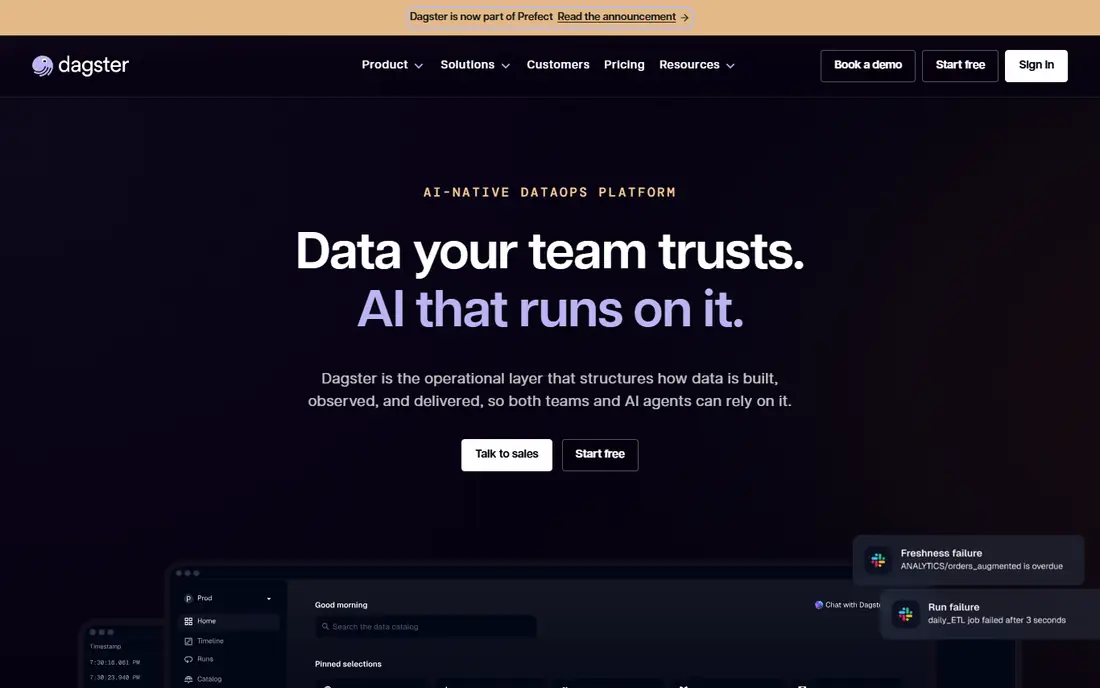
Dagster asks teams to define assets, which are the tables, files, or models a pipeline produces, rather than only the steps that run. That shift makes it easier to answer a practical question: which upstream change broke this downstream report. Its user interface shows asset lineage and freshness, so debugging often starts with the data product itself instead of a long task log.
The open source core is free to self-host, and Dagster+ adds serverless or hybrid hosting for teams that want less infrastructure work. Pricing for the cloud service combines a base fee with credits, so teams should test with a realistic workload before committing. Teams moving from task-based tools may need a short adjustment period, but the asset view pays off once pipelines grow past a handful of jobs.
- Asset-focused design
- Clear lineage
- Open source core with a managed cloud option
- Newer mental model to learn
- Credit-based cloud pricing needs monitoring
Prefect lets developers write workflows as ordinary Python functions with decorators, which keeps the learning curve low for anyone already writing Python scripts. It handles retries, scheduling, and observability, and it supports event-driven runs that start work when something changes rather than only on a clock. That flexibility helps teams that mix scheduled loads with jobs triggered by new files or messages.
The open source version covers self-hosting, while Prefect Cloud adds hosted control, more users, and governance features. The paid cloud entry point is a real cost for a solo developer, so small teams often start self-hosted and move to cloud hosting when collaboration needs grow. For Python-heavy teams that want less boilerplate than Airflow, Prefect is a strong middle ground.
- Plain Python flows
- Event-driven runs
- Self-hosting option
- Cloud entry price is high for tiny teams
- Some features sit behind paid tiers
Kestra defines flows in YAML, which makes pipelines easy to read, review in version control, and hand to teammates who do not write Python every day. Tasks can run in many languages, so a team can mix Python, SQL, shell scripts, and container jobs inside one flow without forcing every step into a single language. Its interface gives a clear view of executions, logs, and retries.
Because the project is younger than Airflow, its plugin catalog is smaller, and some niche connectors may need custom work. Enterprise pricing is quoted rather than published, so larger buyers should request a quote early in the process. For teams that prefer declarative definitions and a clean interface over Python-first coding, Kestra deserves a trial.
- Declarative YAML flows
- Tasks in many languages
- Free open source core
- Smaller ecosystem than Airflow
- Enterprise pricing is not public
Astro is Astronomer's managed service for Apache Airflow, and its main selling point is simple: teams keep writing Airflow DAGs while Astronomer runs the scheduler, workers, and upgrades. That matters for organizations that chose Airflow for its ecosystem but do not want a dedicated platform team tending to it. Preview deployments and centralized connection management help teams test changes before they reach production schedules.
The trade-off is cost control. Managed billing follows usage, so a team that scales workers aggressively will see the bill move with it. Astro also keeps teams inside the Airflow way of thinking, which is a benefit for existing users and a limitation for teams that want an asset-first model. If Airflow is already your standard, Astro is the lowest-friction way to keep it without running it yourself.
- Managed Airflow with observability
- Preview deployments
- Built-in CI and CD support
- Usage-based costs can rise with scale
- Still tied to the Airflow model
Mage AI aims at speed. Its interface helps developers build pipelines from blocks for loading, transforming, and exporting data, and it supports Python, SQL, and R in the same project. That mix suits small data teams that need to ship a working pipeline this week rather than spend a month designing platform infrastructure. Self-hosting is free, which keeps early experiments cheap.
The community is smaller than Airflow's, so answers to unusual problems may take longer to find. Paid plans add hosted and team features, and larger deployments are priced on request. Teams that value a fast start and a visual builder over the deepest connector catalog will like Mage, especially for internal analytics pipelines.
- Friendly pipeline builder
- Python, SQL, and R support
- Quick local setup
- Smaller community than Airflow
- Enterprise features are quoted
Temporal is built for workflows that must survive failures, restarts, and long waits without losing their place. A workflow can pause for days, retry a step, and resume exactly where it stopped, which is valuable for order processing, onboarding flows, and multi-step data jobs that involve human approval or external systems. Its programming model is explicit about durability, and that design choice shows up in reliability.
It is not a data-specific orchestrator first, so teams should expect to build more of their own data connectors and checks than they would with Airflow or Dagster. The learning curve is also steeper, since durable execution asks developers to think carefully about state. For teams whose hardest problem is long-lived, failure-prone workflows rather than simple nightly loads, Temporal is a serious option.
- Durable execution for long workflows
- Strong failure handling
- Open source core
- Steeper learning curve
- Data pipeline tooling is less specialized
AWS Step Functions coordinates AWS services into workflows without servers to manage, and its visual designer makes state machines easy to inspect. A team already running on AWS can chain Lambda functions, data jobs, and notifications with little extra infrastructure, and scaling follows demand rather than a fixed cluster size. That fit is hard to beat inside a single cloud provider.
Portability is the main drawback. Workflows written for Step Functions do not move cleanly to another cloud, and heavy execution volume can add up, so teams should model costs on real traffic. It also lacks some data-specific features found in Dagster or Airflow, such as asset lineage. For AWS-first teams, though, it is often the simplest orchestration choice available.
- Serverless scaling on AWS
- Visual workflow designer
- Tight AWS service integration
- Costs follow execution volume
- Less portable outside AWS
How we picked these
We compared official feature pages, pricing pages, and documentation, plus public reviews, for tools that schedule, retry, and monitor data work in production. We favored tools that are actively maintained in October 2026, that support real scheduling and failure handling rather than simple task lists, and that cover both open source and managed deployment styles. We did not claim hands-on testing, and we left out tools whose pricing or availability we could not confirm.
What to check before you commit
Start with how your team already works. A Python team will move faster with Airflow, Dagster, or Prefect, while a team that prefers declarative files may prefer Kestra. Check the connector list for your warehouse, storage, and messaging tools before falling for a demo, since a missing connector can turn into a custom project.
Test failure handling first
Run a pipeline, kill a step on purpose, and watch what happens. Good orchestration shows the failed step clearly, retries with sensible limits, and lets you rerun from the failure instead of starting the whole pipeline again. Ask who gets alerted, how alerts reach them, and whether retries can loop forever and burn money.
Model the full cost
Open source is free to download, but hosting, storage, monitoring, and staff time are not free. Managed and usage-based services remove operations work but bill with volume, so test with a workload close to production size. Check what a free plan or trial actually includes, and confirm whether seats, workers, or credits drive the bill.
Plan for growth and handover
Pick a tool a new hire can read and debug. Clear logs, lineage, and version-controlled definitions matter more than a flashy interface when a pipeline breaks at night. If you may change clouds later, weigh portability against the convenience of a cloud-native service, and keep pipeline definitions in version control from day one.
Frequently asked questions
What are the best data orchestration tools for beginners?
Start with Mage AI or Prefect if your team writes Python, since both have a gentler setup than a full self-hosted Airflow deployment. Kestra is another good first step for teams that like YAML definitions. Try one small pipeline end to end before moving critical jobs onto any tool.
What is the best data orchestration platform for a large team?
Airflow, managed through Astronomer Astro, is a common answer for large teams because of its ecosystem and hiring pool. Dagster is a strong alternative for teams that want asset lineage and data quality checks built into the orchestration model. Large teams should run a pilot with real pipelines rather than deciding from marketing pages alone.
What is the best orchestration software for small budgets?
Self-hosted Airflow, Dagster, Prefect, Kestra, Mage AI, and Temporal all offer free open source cores, so the software cost can be zero. The real cost is hosting and staff time, so a small team should start with one tool, keep pipelines simple, and only pay for managed hosting when operations work starts to crowd out analysis work.
How is data orchestration different from a simple scheduler?
A simple scheduler runs a job at a set time, while an orchestrator manages dependencies between jobs, retries failures, tracks lineage, and shows the state of every run. That extra layer matters when one failed load should block downstream reports rather than letting them run on stale data.
Should we self-host or use a managed orchestration service?
Self-hosting gives control and can cost less in cash, but it asks your team to handle upgrades, security, and on-call coverage. A managed service costs more in fees and removes much of that burden. Teams with platform engineering capacity often self-host, while smaller teams usually gain more from managed hosting.
Sources
See where you really rank - block by block
ProMapRanker scans Google Maps across a grid of your service area. Simple monthly plans from $19, white-label on every plan.
Start freeKeep reading
 zoho inventory alternatives
6 Alternatives to Zoho Inventory, Compared on Price and Fit
Zoho Inventory alternatives: 6 tools compared on price, free plans and fit. Katana leads the list for manufacturers. Fit and flaws are laid out for each entry.
Read → zoho crm alternatives
Best Zoho CRM Alternatives (2026)
Need Zoho CRM alternatives? We compare 7 tools on cost, free access and who each suits. Every pick gets a straight assessment. Built for quick decisions.
Read → zelle alternatives
Best Zelle Alternatives in 2026
Compare the best Zelle alternatives for sending money to friends, paying sellers and moving funds abroad, with honest notes on fees, speed and safety in 2026.
Read →