 ProMapRanker
Best Data Lake Tools in 2026


Lakehouse analytics and AI workloads · Pricing starts at: See website
Key takeaways
- Databricks and Snowflake lead for teams that need both lake storage and governed analytics, but they price and scale in different ways.
- Cloud-native storage from AWS, Azure, and Google usually costs less to start, yet governance and query tools add real work and cost.
- Open table formats such as Delta Lake and Apache Iceberg now decide how portable your data stays across engines.
- Cloudera, Dremio, and Starburst suit teams that need hybrid, on-premises, or federated access rather than a single-cloud build.
- Start with your existing cloud, your governance needs, and your query pattern, not with the longest feature list.
Quick comparison
| Pick | Great for | Pricing starts at | Free tier | |
|---|---|---|---|---|
| Databricks | Lakehouse analytics and AI workloads | See website | Free trial | Visit |
 Snowflake | Governed multi-cloud analytics | See website | Free trial | Visit |
 AWS Lake Formation | AWS storage and governance | See website | No | Visit |
 Azure Data Lake Storage | Azure data and analytics teams | See website | No | Visit |
 Google Cloud BigLake | Google Cloud analytics | See website | No | Visit |
 Cloudera Data Platform | Hybrid and on-premises data | See website | Free trial | Visit |
 Dremio | Open lakehouse queries | Free | Yes | Visit |
 Starburst | Federated queries across sources | See website | Free trial | Visit |
 IBM watsonx.data | AI-ready governed data | See website | Free trial | Visit |
The best data lake tools
We compared platforms that store large volumes of raw and structured data and make that data usable for reporting, engineering, and machine learning. The list below covers single-cloud storage, lakehouse platforms, and query engines, so you can match the tool to your current stack.

Databricks fits teams that build pipelines, train models, and run analytics on the same data. Its lakehouse design keeps raw files in cloud storage while adding table structure, versioning, and access control through Delta Lake and Unity Catalog. That combination helps engineering teams move from ingestion to model training without copying data into a separate warehouse for every job.
The honest catch is cost control and skill. Compute is billed in Databricks Units on top of cloud costs, so a poorly tuned job can run up a large bill. Teams with strong data engineering skills get the most value here. Teams that mainly need SQL reporting may find a simpler warehouse or query engine easier to run day to day.
- Strong Spark and AI tooling
- Delta Lake for governed tables
- Works across AWS, Azure, and Google Cloud
- Pricing is usage based and hard to forecast
- Best results need Spark and Python skills
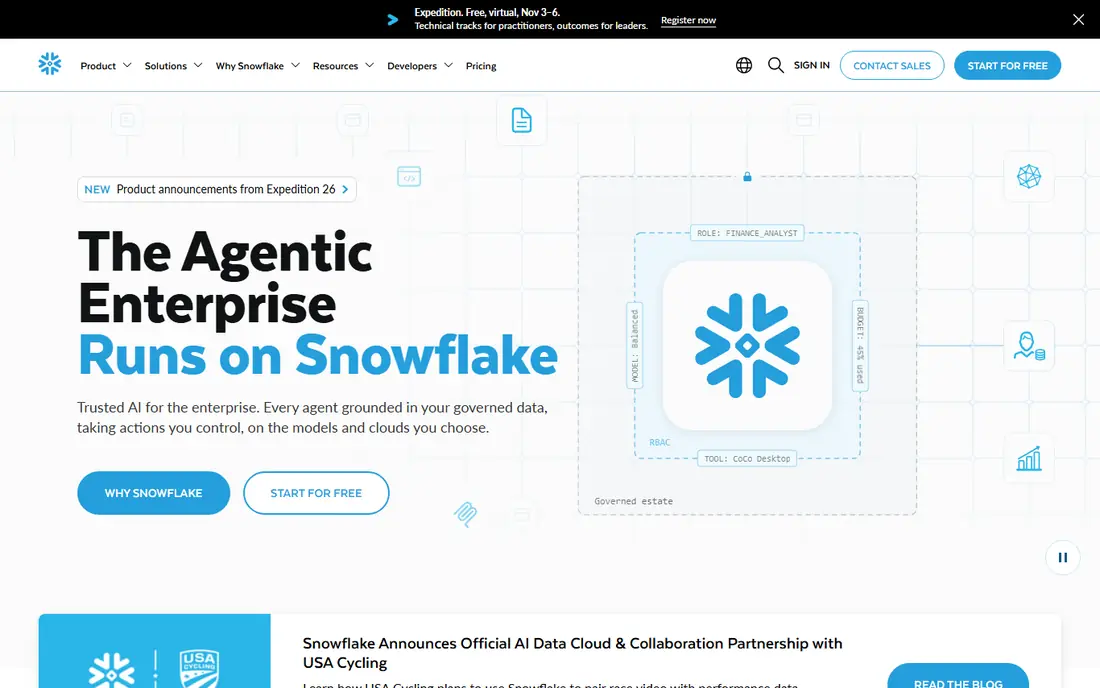
Snowflake fits organisations that need fast SQL analytics, strict access control, and sharing across teams or partners. Storage and compute scale separately, so many users can query at once without blocking each other. Its support for semi-structured data, Iceberg tables, and Snowpark for Python and Java makes it a practical lakehouse option for analytics-led teams.
The trade-off is that Snowflake rewards disciplined warehouse sizing. Leaving large warehouses running, or running unfiltered queries over huge tables, increases cost quickly. Set auto-suspend, use right-sized warehouses, and test queries on samples before running them at full scale.
- Separation of storage and compute
- Strong data sharing and governance
- Works across major clouds
- Compute costs rise with heavy query use
- Less suited to low-level Spark engineering
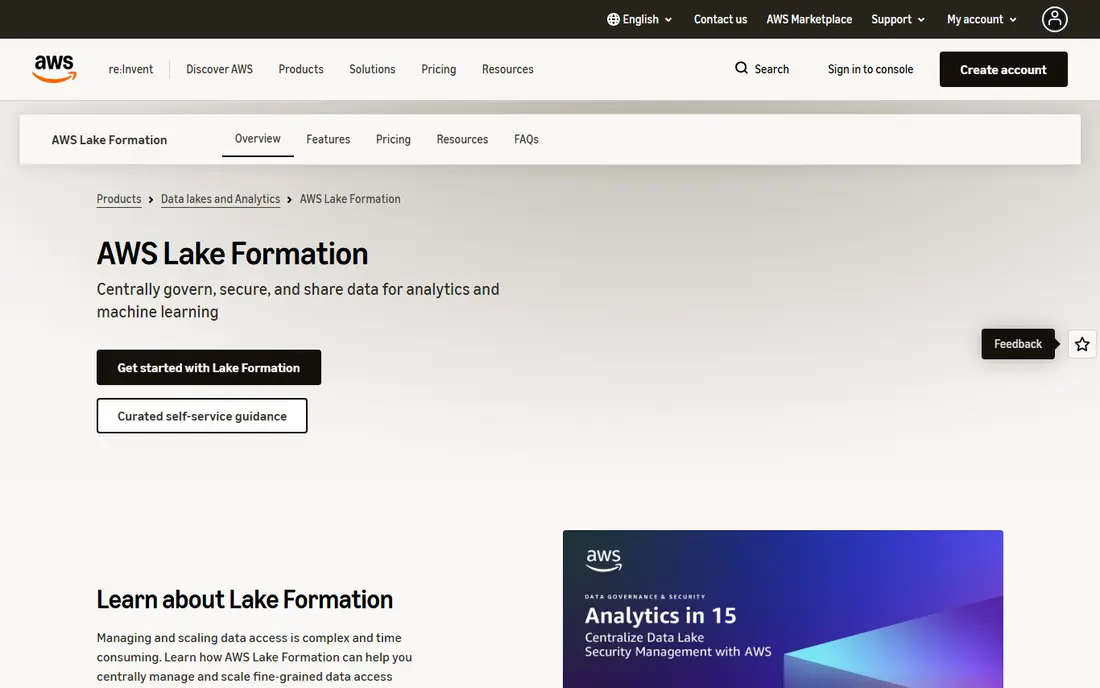
AWS Lake Formation fits teams already committed to AWS. It builds a governed layer over Amazon S3, with permissions, crawling, and sharing for services such as Athena, Redshift, Glue, and EMR. For AWS-first teams, that integration keeps data movement low and lets existing AWS skills carry over.
The catch is that Lake Formation is not a complete analytics product on its own. You still need ingestion, cataloguing, and query tools around it, and permission models need careful design. Budget time for that design work, and test access rules with real roles before opening the lake to a wide user base.
- Deep integration with Amazon S3 and AWS analytics
- Fine-grained access control
- Pay-as-you-go AWS pricing
- Setup spans several AWS services
- Governance takes planning and AWS expertise
Azure Data Lake Storage Gen2 fits Microsoft-centred teams that use Azure Synapse, Databricks on Azure, Microsoft Fabric, or Power BI. The hierarchical namespace gives file-level organisation that plain blob storage lacks, while Azure Active Directory controls who can read or write each path. That makes it a solid base for analytics and AI workloads in Azure.
The main limit is portability. It works well in Azure, but teams that also run large workloads in AWS or Google Cloud will need extra tooling for access and governance. If Azure is your primary cloud, that trade-off rarely matters. If you are multi-cloud by design, compare it with Snowflake, Databricks, or a federated engine first.
- Built for Azure analytics services
- Hierarchical namespace for files and folders
- Strong Microsoft identity integration
- Best value inside Azure
- Cross-cloud use adds complexity
Google Cloud BigLake fits teams that already run analytics in BigQuery and want to query data sitting in Cloud Storage without moving it first. It applies BigQuery access control to lake tables, which helps governance teams keep one set of rules across warehouse and lake data. Support for open formats also helps teams that want to avoid locking data into a single engine.
Watch BigQuery pricing as use grows. On-demand query pricing can surprise teams that run broad scans often, while flat-rate or capacity pricing suits steadier workloads. Model both options against your real query history before committing to one billing model.
- Unified access to lake and warehouse data in BigQuery
- Support for Iceberg, Delta, and Hudi tables
- Strong Google Cloud integration
- Query costs depend on BigQuery pricing
- Deepest value inside Google Cloud
Cloudera Data Platform fits regulated or hybrid teams that cannot put all data in one public cloud. It combines storage, streaming, warehousing, and machine learning services with shared governance and security controls. For organisations with existing Hadoop or on-premises estates, that path can be less disruptive than a full cloud rebuild.
The cost is operational weight. Cloudera is an enterprise platform, not a quick self-serve trial, and it works best with a team that can run, patch, and tune it. Smaller teams with no on-premises requirement will usually get faster results from a managed cloud lakehouse.
- Runs on premises, in private cloud, and in public cloud
- Strong governance with Shared Data Experience
- Broad engine support
- Enterprise pricing is quote based
- Deployment and upgrades need skilled operations
Dremio fits teams that want a query engine over data they already store, rather than a new storage platform. It lets analysts run SQL directly against S3, Azure, Google Cloud, and other sources, with data reflections that speed up repeated queries. The open-source edition gives small teams a low-cost way to test the approach.
The catch is tuning. Reflections help performance, but they also need maintenance and storage, and poorly designed reflections can add cost without much gain. Start with a small set of high-value datasets, measure query times before and after, and expand only where the gain is clear.
- Fast SQL queries over lake storage
- Open-source option for self-hosting
- Support for Iceberg tables
- Needs care with reflections and tuning
- Enterprise features sit on paid tiers
Starburst fits teams whose data stays spread across warehouses, lakes, and operational systems. Built on Trino, it runs federated SQL queries across those sources, so analysts can join data without waiting for a full centralisation project. That approach suits data mesh teams and organisations with strong source-system ownership.
The limit is that federation does not fix poor source data. If a source is slow, badly modelled, or poorly governed, queries will reflect that. Starburst works best when source teams own quality and access, and when central teams set clear rules for which sources are approved for reporting.
- Queries many sources without moving data
- Built on open-source Trino
- Strong for data mesh designs
- Quote-based pricing
- Needs data source owners to maintain access and quality
IBM watsonx.data fits enterprises that want an open lakehouse with strong governance for AI use cases. It stores data in open formats, supports querying across sources, and ties into IBM governance tooling for access, lineage, and policy. For IBM-centred estates, that integration is a real advantage.
The trade-off is reach and simplicity. It is an enterprise product with a sales-led buying path, and teams outside IBM estates may find Databricks or Snowflake easier to trial. Evaluate it when governance, AI readiness, and multi-cloud control matter more than a fast self-serve start.
- Open formats including Iceberg
- Governance and sharing across clouds
- Designed for AI workloads
- Enterprise sales and setup process
- Smaller community than Databricks or Snowflake
How we picked these
We compared official feature pages, pricing pages, documentation, and public reviews for platforms that store, govern, and query lake data in October 2026. We kept only products that are live, maintained, and usable for real lake or lakehouse work today. We favoured breadth across deployment models, so the list includes managed cloud platforms, hybrid systems, and open query engines, rather than nine versions of the same cloud service.
We did not claim hands-on testing that did not happen. Where a vendor does not publish a starting price, we wrote See website rather than guessing. Prices and plan names change, so check the vendor pricing page linked in Sources before you budget.
What to check before you choose
Start with storage, governance, and queries together
A data lake fails most often on governance, not on storage capacity. Check who can read each dataset, how lineage is tracked, and how long data is kept. If the tool cannot answer those questions cleanly, later cleanup will cost far more than the storage saving.
Match the engine to the job
Spark-led engineering, SQL analytics, and federated queries are different jobs. Databricks suits Spark and AI work, Snowflake and BigQuery suit SQL analytics, and Starburst or Dremio suit querying data where it sits. Picking one engine for every job usually creates workarounds that slow teams down.
Model cost on your own queries
Run a representative week of jobs through a trial or cost calculator where possible. Include storage, compute, data scanned, and any per-user fees. A platform that looks cheap at rest can become costly under heavy querying, and the reverse is also true for lightly used lakes.
Check format and exit options
Open formats such as Iceberg and Delta Lake make it easier to switch engines later. Ask how you would export tables, metadata, and access rules if you moved. A clear exit path is a sign of a healthy platform, not a lack of commitment to it.
Frequently asked questions
Which data lake platforms are best for a small team?
For a small team, the best data lake platforms are usually the ones tied to your existing cloud, such as AWS Lake Formation, Azure Data Lake Storage, or Google Cloud BigLake, plus Dremio for open querying. They keep setup low and avoid a separate enterprise deployment. Add Databricks or Snowflake when analytics or AI workloads grow beyond simple storage and SQL.
What is the best data lake software for analytics?
The best data lake software for analytics depends on your query style. Snowflake and Google BigLake suit SQL-first teams, Databricks suits Spark and AI teams, and Dremio or Starburst suit teams that query data across several sources. Test with your own dashboards and queries, since benchmark speed rarely matches real report patterns.
Which tools for data lake governance matter most?
Governance tools that matter most are access control, cataloguing, lineage, and audit logs. Lake Formation, Unity Catalog in Databricks, and the governance layers in Cloudera and IBM watsonx.data cover these areas in different ways. Make sure the tool can enforce row, column, and file-level rules that match your compliance needs.
Is Snowflake a data lake tool or a warehouse?
Snowflake started as a cloud warehouse and now supports lakehouse use through Iceberg tables, external tables, and Snowpark. Many teams use it as both, storing governed tables and querying lake data from one place. It still fits analytics best, rather than low-level file processing or streaming engineering.
Do I need a data lake, a warehouse, or a lakehouse?
You need a lake when you store large volumes of raw, semi-structured, or unstructured data for varied future use. You need a warehouse when most data is structured and used for standard reporting. A lakehouse combines both, and it is the right default for many teams that need raw storage plus governed analytics in one system.
How much does a data lake cost?
Cost depends on storage volume, query volume, compute size, and retention. Cloud storage itself is often the smallest line item, while compute and scanned data drive the bill. Use vendor calculators, set budgets and alerts, and review the top queries each month to catch waste early.
Sources
- https://www.databricks.com/pricing
- https://www.snowflake.com/en/pricing/
- https://aws.amazon.com/lake-formation/pricing/
- https://azure.microsoft.com/en-us/pricing/details/storage/data-lake-storage/
- https://cloud.google.com/bigquery/pricing
- https://www.cloudera.com/products.html
- https://www.dremio.com/pricing/
- https://www.starburst.io/pricing/
- https://www.ibm.com/products/watsonx-data
See where you really rank - block by block
ProMapRanker scans Google Maps across a grid of your service area. Simple monthly plans from $19, white-label on every plan.
Start freeKeep reading
 zscaler alternatives
Best Zscaler Alternatives in 2026
Looking for zscaler alternatives? We compare 9 SASE and zero trust platforms on architecture, data protection, pricing, and fit for your network and team.
Read → zapier alternatives free
Best Zapier Alternatives Free in 2026
Nine automation tools for zapier alternatives free in 2026, all with genuinely free tiers, plus free plan limits, starting prices and upgrade paths explained.
Read → which platform is best for online reputation
Which Platform Is Best for Online Reputation in 2026
Wondering which platform is best for online reputation? We compare 8 review, listing, and response tools for small and multi-location businesses and agencies.
Read →