 ProMapRanker
Best Data Labeling Tools in 2026

Key takeaways
- Label Studio and CVAT give small teams a free or low-cost start, while Labelbox, Scale AI, and Encord suit larger programs that need governance and managed workforces.
- Pricing models differ sharply: some tools charge per user, some per labeling unit, and some only by contract, so compare total cost on your own sample dataset.
- Model-assisted labeling saves time only when a review step catches errors, so quality checks matter more than raw labeling speed.
- The best data labeling platform for your team depends on data type first, since image, text, video, and 3D tools are not interchangeable.
- Data security terms, access control, and export options deserve the same attention as editor features, especially for sensitive datasets.
Quick comparison
| Pick | Great for | Pricing starts at | Free tier | |
|---|---|---|---|---|
 Labelbox | Large AI teams and data curation | See website | Yes | Visit |
 Scale AI | Managed enterprise labeling | See website | No | Visit |
 Label Studio | Free self-hosted labeling | Free | Yes | Visit |
 SuperAnnotate | Vision teams needing speed | See website | Yes | Visit |
 V7 Darwin | Complex vision and medical imaging | See website | Yes | Visit |
 Encord | Enterprise vision and multimodal data | See website | No | Visit |
 Snorkel AI | Programmatic labeling at scale | See website | Free trial | Visit |
 Kili Technology | Regulated teams and review workflows | See website | No | Visit |
 CVAT | Free open source vision annotation | Free | Yes | Visit |
The best data labeling tools
We compared tools that label real training data for image, text, audio, and video models, with attention to editor quality, review workflows, and pricing transparency. The list below mixes free open source tools with managed enterprise platforms.
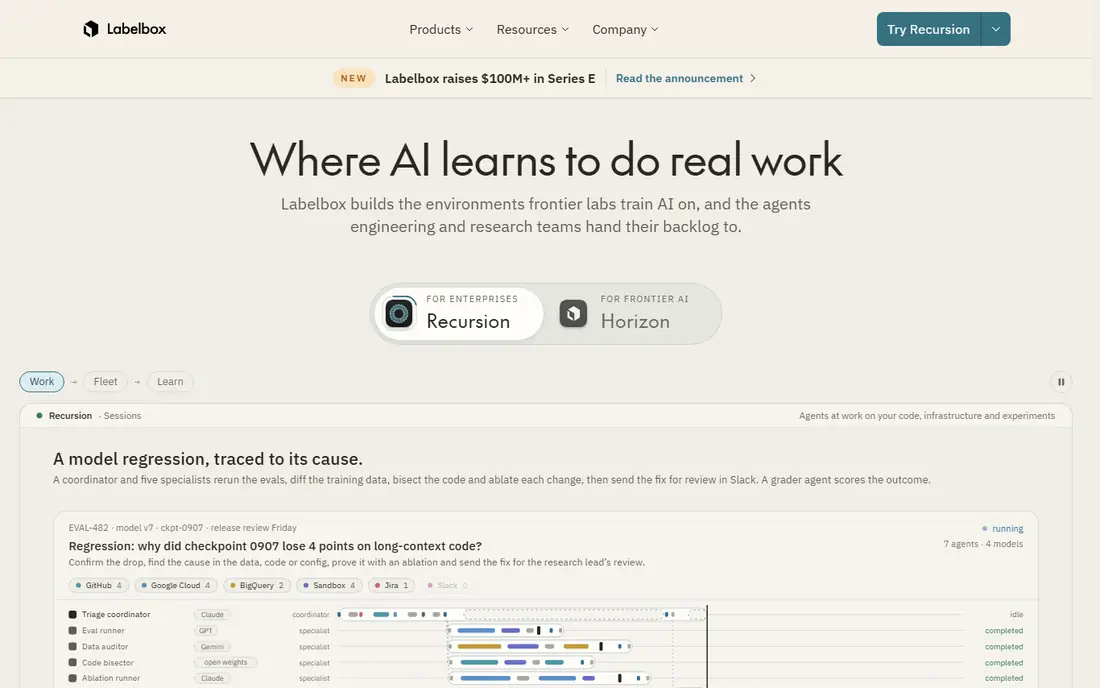
Labelbox is a full platform for teams that label data at scale and need to manage datasets, not just draw boxes. Its catalog tools help teams find, filter, and curate data before labeling starts, which reduces wasted work on poor samples. Model-assisted labeling can pre-label data so human reviewers focus on corrections and edge cases.
A free start option exists for small tests, while larger teams move to usage-based Starter plans and negotiated Enterprise plans. That structure works well for funded AI teams, but it makes quick price comparison difficult. Labelbox fits teams with ongoing labeling programs, not a one-off weekend project.
- Broad data type support
- Catalog and curation tools
- Model-assisted labeling features
- Pricing uses labeling units and contracts that are hard to compare
- Enterprise features need a sales conversation

Scale AI pairs a labeling platform with a managed workforce, so a customer can hand over raw data and receive labeled data back. That model suits companies building production models in autonomous driving, language, vision, and other data-heavy fields. Its evaluation and dataset tools also help teams test models against labeled data, not just create it.
Pricing is handled by contract, and published reports put enterprise deals well into five or six figures per year. Small teams should not expect a self-serve checkout. Scale AI is the pick when labeling volume, quality assurance, and delivery speed matter more than keeping the work in-house.
- Managed workforce plus platform
- Broad multimodal coverage
- Strong quality assurance workflows
- No public price list
- Enterprise contracts put it out of reach for many small teams
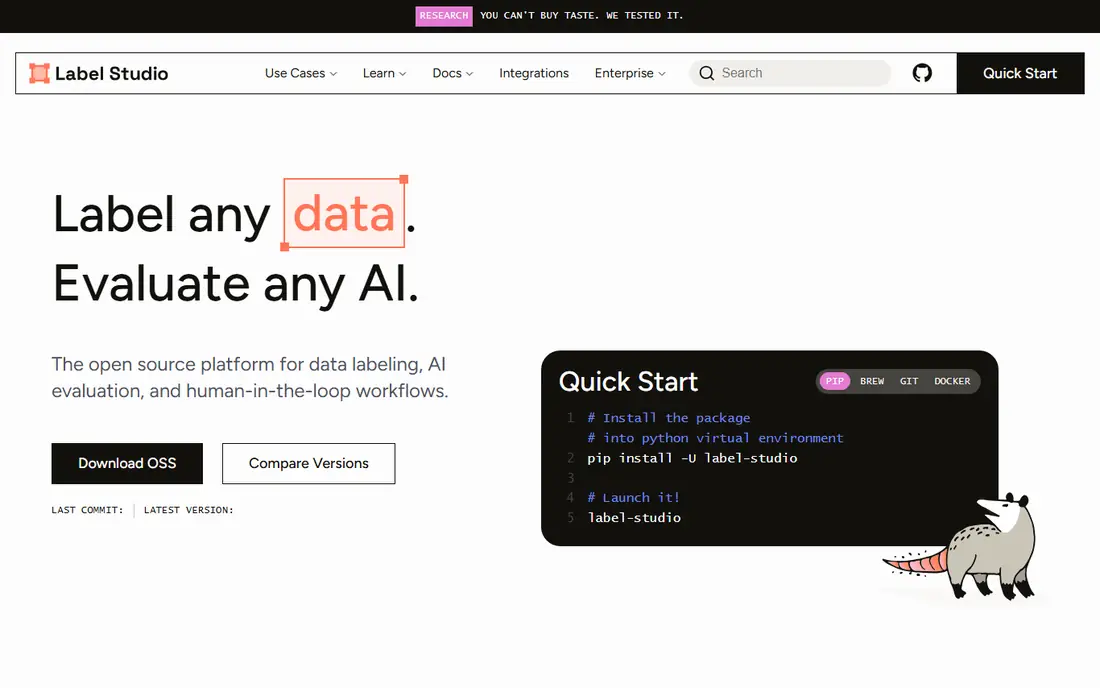
Label Studio, from HumanSignal, is the most flexible free starting point for teams that can host software themselves. It supports image, text, audio, video, and other labeling tasks through configurable templates. Because the open source version runs on your own servers, sensitive data does not need to leave your environment.
The trade-off is effort: your team installs, updates, and scales it, and support comes mainly from documentation and community help. A paid cloud Starter plan is listed at $149 per month in third-party pricing summaries, with Enterprise by quote. Label Studio suits researchers, startups, and internal teams that value control over a fully managed service.
- Open source and flexible
- Many data types
- Self-hosting keeps data inside your infrastructure
- Enterprise cloud pricing is quote based
- Setup and maintenance fall on your team
SuperAnnotate focuses on computer vision labeling, with editors built for images and video that aim to keep annotators moving. Automation features, including model-assisted labeling and tracking, help teams handle large video datasets without labeling every frame by hand. Project analytics and team controls help managers spot slow tasks and quality problems early.
Third-party summaries list entry pricing around $62 per user per month on annual billing, but the vendor site emphasizes custom quotes for larger programs. Treat that figure as a guide and confirm it directly. SuperAnnotate fits vision teams that label often and want speed without building their own editor.
- Fast vision editors
- Automation and model-assisted features
- Team management tools
- Pricing is not a simple public list
- Smaller teams may need a demo to get a firm quote
V7 Darwin, from V7 Labs, covers image, video, and document labeling with tools for segmentation, tracking, and other detailed vision tasks. Its automation features can train models on labeled data and then use those models to suggest labels for new data. That loop helps teams that label similar images again and again.
V7 offers a free option for small use, while paid plans are quoted based on users and usage. Medical imaging and other regulated teams often value its review workflows and access controls. V7 is a strong pick for vision teams with complex data, and a heavier choice for simple text labeling.
- Strong vision and video tooling
- Model training and automation features
- Handles complex annotation types
- Enterprise pricing needs a conversation
- Setup takes time for complex workflows
Encord is an enterprise platform for labeling image, video, audio, and other data types, with tools for data curation, model-assisted labeling, and quality review. Teams can bring their own models to pre-label data, then use human review to correct and approve results. Its evaluation tools help teams find where labels or models fail, which matters for production systems.
Pricing is described as scaling with the organization, which means a sales conversation is required for a firm number. Smaller teams may find the platform more than they need, while larger teams benefit from its governance and automation depth. Encord fits companies that treat labeled data as a long-term asset.
- Multimodal data support
- Model-assisted labeling with your own models
- Quality and evaluation tools
- No simple public price
- Enterprise focus makes it a poor fit for tiny budgets
Snorkel AI takes a different path: instead of labeling every item by hand, teams write labeling functions and rules that generate training labels at scale. That approach shines for large text and document datasets where rules, patterns, and weak supervision can cover most cases. Human review then focuses on the items where rules disagree or confidence is low.
This method needs data science skill and careful validation, so it is not a simple drag-and-drop editor for a first project. Pricing is handled through sales, with trials available. Snorkel AI fits teams with large datasets and the expertise to build and test labeling programs.
- Programmatic labeling reduces manual work
- Suits large text and document datasets
- Data-centric development tools
- Needs data science skill to use well
- Not the best pick for simple manual image labeling
Kili Technology offers labeling for image, text, video, and other data types, with a focus on review steps, quality control, and team roles. Managers can assign work, check reviewer agreement, and track progress across projects. That structure helps regulated teams show how labels were created and approved.
Pricing is quote based, so budget comparison needs a direct conversation and a sample project scope. Teams that only need occasional labeling may prefer a free tool. Kili fits companies where audit trails, role separation, and consistent quality matter as much as labeling speed.
- Clear review and quality workflows
- Supports many data types
- Governance features for larger teams
- No public starting price
- Smaller teams may find setup heavier than a simple editor
CVAT, originally built for computer vision annotation, remains one of the best free options for image and video labeling. It supports bounding boxes, polygons, segmentation, tracking, and other vision tasks, and it can run on your own infrastructure. Third-party summaries list a paid cloud option around $23 per month, but the open source core is free.
The free version needs technical setup, and teams that want hosted collaboration, support, and advanced management will pay for the cloud product. CVAT suits vision teams, researchers, and startups that want a capable editor without a large contract. It is less suited for teams that need a fully managed, multi-format platform out of the box.
- Free open source core
- Strong computer vision editors
- Self-hosting option
- Team and enterprise features are paid
- Setup and scaling need technical skill
How we picked these
We compared official product pages, pricing pages, and public documentation for each tool, and we checked that each product is still offered in October 2026. We favored tools that handle real labeling work, support review and quality steps, and cover the data types they claim. Where pricing was not published as a simple list, we wrote See website rather than repeating an unverified third-party figure as fact.
We did not claim hands-on testing, and we did not rank on marketing claims alone. A free tool is not worse for lacking enterprise governance, and an enterprise platform is not better for every team. Readers should run a small sample project with their own data before committing, since editor feel and quality workflows vary by data type.
What to check before you choose
Match the tool to your data type
Image, text, audio, video, and 3D data need different editors and review steps. A strong vision tool may be weak for text, and a programmatic tool may be overkill for a small image set. Test your hardest data type first, not your easiest one.
Run a quality pilot, not just a speed test
Label a sample set, then measure agreement between reviewers and check errors against a known answer set. A tool that labels fast but produces inconsistent labels will cost more in model retraining later. Build review steps, consensus checks, and clear guidelines before scaling.
Compare total cost on the same workload
Per-user, per-unit, and contract pricing are hard to compare without a shared workload. Label the same sample in two tools, count reviewer hours, and add platform fees, storage, and support. That pilot gives a real cost per good label, which is the number that matters.
Check security, export, and ownership terms
Confirm who can access your data, where it is stored, how exports work, and what happens if you cancel. For sensitive data, self-hosting or strict access controls may matter more than editor speed. Get these terms in writing for enterprise deals.
Frequently asked questions
What is the best data labeling software for a small team?
Label Studio or CVAT are strong free starting points for small teams that can handle setup themselves. SuperAnnotate and V7 offer free options and hosted convenience for teams that want less setup. Start free, label a real sample, and only move to a paid platform when volume or governance demands it.
Which data labeling platform is best for images and video?
Labelbox, SuperAnnotate, V7 Darwin, Encord, and CVAT all focus heavily on vision data, with editors for boxes, segmentation, and tracking. The right pick depends on volume, video length, and review needs. Test video tracking and segmentation on your own footage, since those features vary the most.
What is the best data labeling tool for text and documents?
Label Studio, Labelbox, Kili, and Snorkel AI all handle text well, but Snorkel AI stands out when rules can label large document sets at scale. For manual text annotation with review steps, a hosted platform with clear roles often works better. Check support for your document format and export needs before you commit.
How much do data labeling platforms cost?
Costs range from free open source tools to enterprise contracts that run into six figures per year. Per-user plans, per-unit pricing, and managed workforce fees make direct comparison hard. Run a pilot on a shared sample and compare cost per approved label, not just the headline plan price.
Should we label in-house or use a managed service?
Label in-house when data is sensitive, volume is steady, and your team can manage reviewers and quality checks. Use a managed service like Scale AI when volume spikes, deadlines are tight, or recruiting and training annotators would slow the project. Many teams mix both: in-house review plus a managed workforce for bulk work.
Sources
See where you really rank - block by block
ProMapRanker scans Google Maps across a grid of your service area. Simple monthly plans from $19, white-label on every plan.
Start freeKeep reading
 zscaler alternatives
Best Zscaler Alternatives in 2026
Looking for zscaler alternatives? We compare 9 SASE and zero trust platforms on architecture, data protection, pricing, and fit for your network and team.
Read → zapier alternatives free
Best Zapier Alternatives Free in 2026
Nine automation tools for zapier alternatives free in 2026, all with genuinely free tiers, plus free plan limits, starting prices and upgrade paths explained.
Read → which platform is best for online reputation
Which Platform Is Best for Online Reputation in 2026
Wondering which platform is best for online reputation? We compare 8 review, listing, and response tools for small and multi-location businesses and agencies.
Read →