 ProMapRanker
Best Data Extraction Company for Web Scraping in 2026

Key takeaways
- Managed scraping APIs suit teams that want data without running proxy and browser infrastructure themselves.
- Bright Data and Oxylabs lead for large-scale, enterprise work, while ScrapingBee and ScraperAPI suit smaller developer projects.
- Apify suits teams that want ready-made scrapers they can schedule, rather than one generic endpoint.
- Credit and request pricing varies widely, so model your real page volume and retry rate before you commit.
- Collect only data you have a right to collect: your own data, consented data, or public data within the site terms and the law.
Quick comparison
| Pick | Great for | Pricing starts at | Free tier | |
|---|---|---|---|---|
 Bright Data | Enterprise-scale collection | See website | Free trial | Visit |
 Oxylabs | Enterprise compliance and coverage | $49 per month | Free trial | Visit |
 Apify | Ready-made scrapers and scheduling | $49 per month | Yes | Visit |
 Zyte | Pay-per-success extraction at scale | $100 per month | Free trial | Visit |
 ScrapingBee | Simple API for developers | $49 per month | Free trial | Visit |
 ScraperAPI | Beginner-friendly scraping API | $49 per month | Free trial | Visit |
 ZenRows | Anti-bot handling for protected pages | $69 per month | Free trial | Visit |
 Diffbot | Structured extraction without selectors | $299 per month | Free trial | Visit |
The best data extraction companies for web scraping
These companies are not interchangeable. Some sell proxy networks, some sell a single API endpoint, and some sell a platform full of ready-made scrapers. The right pick depends on your volume, your target sites, and how much engineering time you want to spend on maintenance. All of the picks below should be used only for lawful collection, with permission where needed and respect for site terms, rate limits, and privacy law.
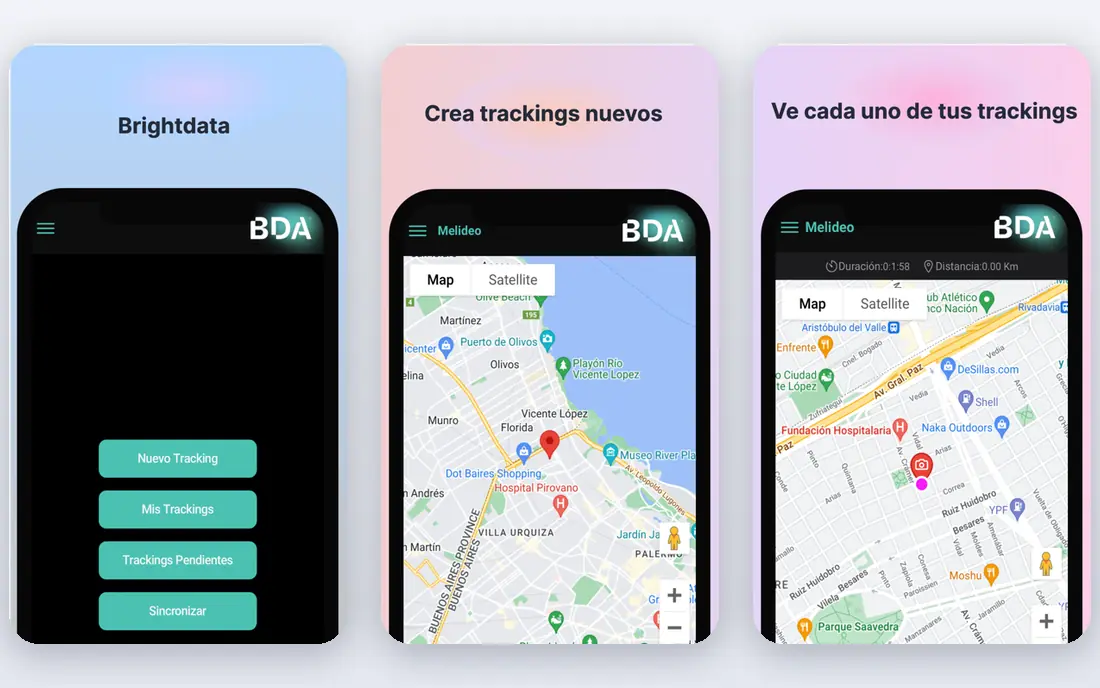
Bright Data is the scale pick on this list. Its proxy network, Web Scraper API, access API, and ready-made datasets cover product, pricing, search, and other public web data at volumes that smaller APIs struggle to sustain. For an enterprise team tracking many sites, that breadth means fewer vendors and less custom infrastructure to maintain.
The cost model is the main drawback. Different products bill by records, requests, or gigabytes, so a monthly bill is hard to predict from a headline plan alone. Smaller teams often do better starting with a simpler API and moving to Bright Data only when blocked pages or volume prove the need. If your workload is large and your targets are heavily protected, the extra cost can still be justified by higher success rates.
- Very large proxy network
- Wide range of scraping APIs and datasets
- Strong success rates on hard targets
- Pricing uses several units and is hard to forecast
- Entry cost is high for small teams
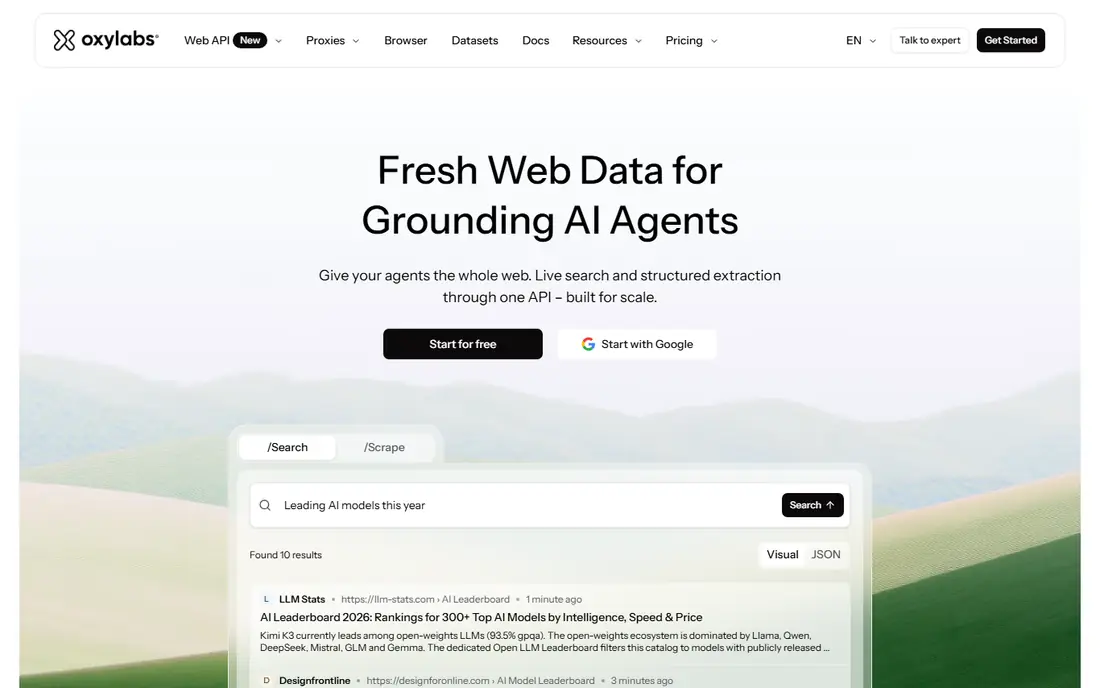
Oxylabs pairs a large proxy network with scraper APIs designed for production use, and it puts weight on compliance and governance. That combination suits companies that need to show how public data was collected, which sources were used, and how access was managed. Its Web Scraper API is a practical starting point for teams that want structured results without building their own proxy layer.
Pricing is usage-based, so the entry plan is not the full story for a high-volume project. Teams should test on their real targets, measure success rates, and model retries before committing to a larger tier. Oxylabs fits best when reliability, coverage, and audit trails matter more than the lowest possible price per request.
- Large residential proxy pool
- Enterprise compliance credentials
- Dedicated scraper APIs
- Costs rise with volume and retries
- Enterprise features may exceed small project needs
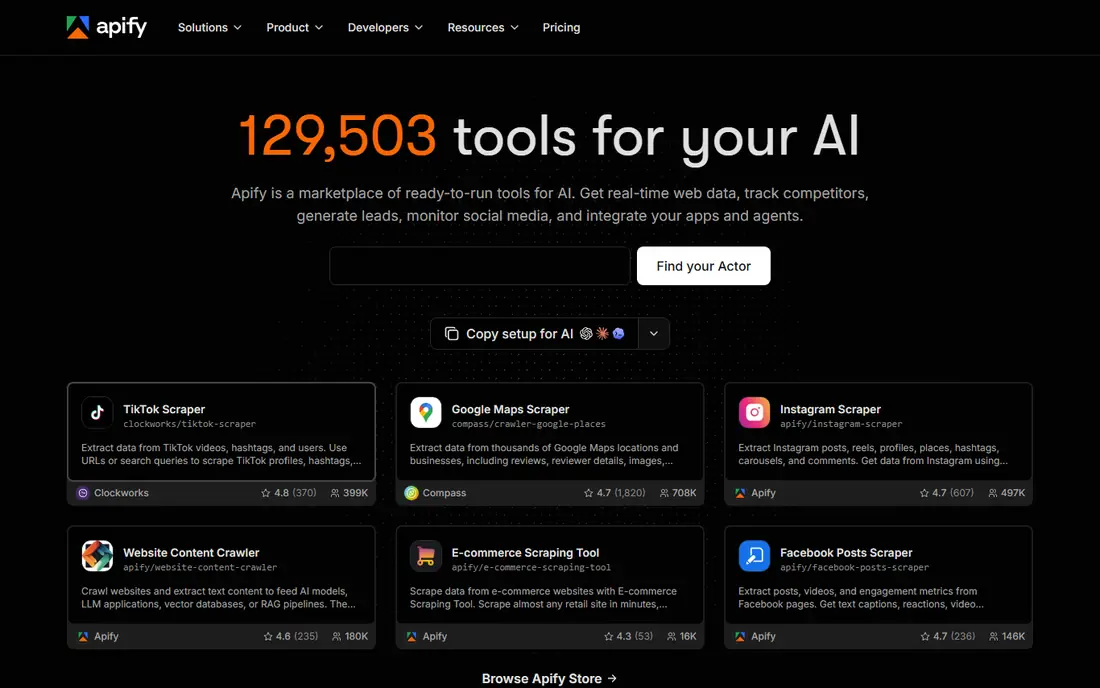
Apify takes a different route from a single generic endpoint. Its marketplace offers thousands of ready-made scrapers, called Actors, for common sites and tasks, and you can schedule them, run them on demand, and pull results through an API. That model suits teams that want a working scraper for a known site without writing and maintaining one from scratch.
The catch is pricing and fit. Apify bills by compute units, so comparing it with a per-request API takes a real workload test, not a glance at two pricing pages. Actor quality also varies, so check the actor for your exact target, its update history, and its output format before you rely on it. When the actor fits, Apify can save weeks of engineering time.
- Marketplace of ready-made scrapers
- Scheduling and API delivery
- Free plan for testing
- Billing by compute units is hard to compare with per-request pricing
- Actor quality varies by target
Zyte API is built for teams that want one API to handle access, rendering, and extraction, with billing tied to successful responses. Its heritage matters here, because Zyte is built by the team behind Scrapy, the open-source crawling framework, and that experience shows in its crawling patterns and documentation. Independent benchmarks in 2026 have ranked it highly for speed and success on protected targets.
The entry price is higher than a simple credit-based API, and the per-request cost varies by how hard a site is to access. That makes Zyte a stronger fit for production pipelines than for a one-off hobby project. If you run a steady, high-value feed and you need predictable success rates, test Zyte on your hardest targets first.
- Built by the makers of Scrapy
- Automatic ban handling
- Fast results in independent benchmarks
- Higher entry price than simple APIs
- Pricing varies by site difficulty
ScrapingBee is the straightforward pick for developers who want to send a URL and get HTML or JSON back without managing proxies or browsers. Its API is easy to integrate, its documentation is clear, and JavaScript rendering and screenshot options cover many common cases. For a small team building a price monitor, a lead list from public sources, or a content feed, that simplicity is a real advantage.
Credit use is the watch-out. A plain request costs one credit, but rendering and other features raise the cost, so a project that renders many pages can burn through a plan faster than expected. ScrapingBee suits teams that value fast integration and predictable behavior on moderately protected sites, rather than teams chasing the highest success rate on the hardest targets.
- Clean API and documentation
- JavaScript rendering and screenshots
- Simple credit model to start
- Rendering and premium features raise credit use quickly
- Success on very hard sites trails enterprise leaders
ScraperAPI gives developers one endpoint that handles proxy rotation, headless rendering, and anti-bot work in the background. That design lowers the learning curve for a first scraping project, because you do not need to assemble several services to get a page back. Its credit plans are easy to understand at a glance, and a trial lets you test before paying.
The trade-off is performance variation. Independent tests have shown wider latency spreads for ScraperAPI than for some rivals, and feature-heavy requests cost more credits. For low to medium volumes, that is rarely a deal breaker. For a latency-sensitive production feed, test ScraperAPI against Zyte or Oxylabs on your actual targets before you commit.
- Single endpoint handles proxies and rendering
- Easy setup for beginners
- Clear credit plans
- Latency can vary
- Credit cost rises with rendering and premium features
ZenRows focuses on getting past bot protection so your code does not have to manage proxies, headers, or headless browsers. Its autoparse feature and JSON output can speed up extraction, especially for teams that want structured data rather than raw HTML to parse themselves. SDK support for Python and other languages also helps teams integrate it into an existing pipeline.
The pricing detail needs care. Basic requests cost one credit, but JavaScript rendering and premium proxies multiply that cost, and protected sites can push a request to many times the base rate. ZenRows is a good fit when you have a defined set of protected targets and you model the multiplied cost in advance. It is a poor fit when you assume every page will cost one credit.
- Strong anti-bot handling
- Autoparse and JSON output options
- Python and other SDK support
- Credit multipliers can raise costs sharply on protected sites
- Credits do not roll over
Diffbot uses machine learning to read a page and return structured data, such as article text, product details, or organization facts, without you writing selectors for each site layout. That approach suits teams that need to extract from many different sites, where maintaining a selector for each one would be slow and fragile. It is also useful for building knowledge or entity data from public pages, within terms and law.
The entry price puts Diffbot out of reach for many small projects, and it is not the right tool when you only need raw HTML from a few known sites. Use it when selector maintenance is your main cost, or when you need structured output across a wide, changing set of sources. For a narrow, high-volume feed, a cheaper per-request API may deliver more for less.
- AI-based extraction returns structured data without custom selectors
- Broad page coverage
- Useful for entity and product data
- High entry price
- Less suited to small or one-off projects
- Output quality varies by page type
How we picked these
We compared official pricing pages, product documentation, and public reviews, and we favored companies with a live product, clear pricing or trial access, and a track record on real scraping workloads. We included a mix of enterprise platforms, developer APIs, and AI extraction tools, rather than proxy-only sellers or tools that have closed. We did not run paid trials for this article, and we did not test every vendor on private or restricted data. Prices shown are entry paid plans where published, and See website where pricing depends on volume or product mix.
How to choose without overpaying
Start by writing down the decision the data will support, the sites involved, and the volume you need each month. A price monitor for a few hundred pages has little in common with a daily feed of millions of pages, and the cheapest headline plan is rarely the cheapest bill once rendering, retries, and failed requests are counted. Run a small test on your hardest target, not your easiest one, and record success rate, latency, and credits used per successful result.
Next, check the legal and terms position for each target. Collect only data you own, have consent to use, or may lawfully collect from public sources within the site terms and applicable law. Avoid personal data you do not need, avoid bypassing access controls or paywalls, and keep a record of sources, dates, and permissions. If a vendor encourages collection that would break site terms or the law, treat that as a reason to walk away, not as a feature.
Finally, plan for maintenance. Sites change layouts, add protection, and alter terms, so budget time for monitoring, retries, and selector or actor updates. A managed API shifts much of that work to the vendor, while a self-built scraper keeps control but adds ongoing engineering cost. Pick the model your team can actually maintain for a year, not just the one that looks cheapest in month one.
Frequently asked questions
Is web scraping legal?
It depends on what you collect, how you collect it, and where you operate. Public data collected within site terms and the law, with permission where required, is a different matter from private data, copyrighted content used without a right, or access that bypasses controls. Get legal advice for commercial use, especially when personal data is involved.
What is the difference between a scraping API and a scraping platform?
A scraping API usually takes a URL and returns page data, while a platform such as Apify offers ready-made scrapers, scheduling, and storage around that process. APIs suit custom pipelines, and platforms suit teams that want a working scraper for a known site with less code.
How much does web scraping cost per month?
Entry paid plans on this list start around $49 per month, but the real cost depends on page volume, rendering, premium proxies, and retries. Credit multipliers mean a protected page can cost many times a plain page, so test on real targets before you budget.
Do I need proxies for web scraping?
Proxies help when you need scale, geographic coverage, or protection against rate limits and blocks, but they are not needed for every small project. Managed APIs bundle proxies for you, while self-built scrapers require you to source and maintain them.
Can these tools collect data from any website?
No. Tools cannot lawfully collect private, restricted, or paywalled data you have no right to access, and site terms may limit automated collection even for public pages. Check terms, respect robots rules and rate limits, and collect only what you need.
Which tool is best for a beginner?
ScrapingBee or ScraperAPI are good starting points, because both offer a single endpoint, clear documentation, and a trial. Start with a small public-data project, learn how credits work, and move to an enterprise platform only when volume or protection demands it.
Sources
See where you really rank - block by block
ProMapRanker scans Google Maps across a grid of your service area. Simple monthly plans from $19, white-label on every plan.
Start freeKeep reading
 worlds best local seo company
8 Worlds Best Local SEO Companies for Map Pack Growth in 2026
Compare the worlds best local seo company options for Google Business Profile work, citations, reviews, and multi-location rankings and reporting in 2026.
Read → world's best web hosting company
World's Best Web Hosting Company in 2026
Searching for the world's best web hosting company? We compared 10 hosts on price, renewal rates, speed, and support to help you choose well today in 2026.
Read → who's got the best nanny tax services
Who's Got the Best Nanny Tax Services in 2026
We answer who's got the best nanny tax services, comparing full filing, back taxes, software, and pricing so families can handle nanny taxes correctly.
Read →