 ProMapRanker
Best Data Democratization Tools in 2026

Key takeaways
- Data democratization means governed access, not open access. Every person sees what their role allows, with shared definitions behind each metric.
- Catalogs such as Alation, Atlan and Secoda make data findable, while Power BI, Tableau and ThoughtSpot make it usable for non technical teams.
- Platforms such as Snowflake and Databricks hold the data, so the best stack usually pairs a platform with a catalog and a BI tool.
- Start with one trusted metric set and a small group of users. Broad rollout before definitions are agreed creates conflicting reports, not better decisions.
Quick comparison
| Pick | Great for | Pricing starts at | Free tier | |
|---|---|---|---|---|
 Microsoft Power BI | Microsoft centred teams | See website | Free trial | Visit |
 Tableau | Visual analysis at scale | See website | Free trial | Visit |
 ThoughtSpot | Plain language questions | See website | Free trial | Visit |
 Alation | Enterprise data catalogs | See website | No | Visit |
 Atlan | Modern data stacks | See website | No | Visit |
 Collibra | Regulated governance programmes | See website | No | Visit |
 Secoda | Fast growing data teams | See website | No | Visit |
 Snowflake | Cloud data platform foundation | See website | Free trial | Visit |
 Databricks | Lakehouse analytics and AI | See website | Free trial | Visit |
The best data democratization tools
The tools below cover three layers: platforms that store and govern data, catalogs that describe it, and BI tools that let business users ask questions. A good democratization setup usually needs at least one tool from each layer.
Power BI is the most common route to self service analytics for organisations already using Microsoft 365. Certified semantic models give every report the same metric definitions, and row level security limits each viewer to their own scope. Report viewers on larger Fabric capacities may not need a Pro licence, which can make broad read access cheaper than licensing every user.
The catch is licensing and capacity design. Power BI alone does not fix messy source data or missing definitions, and costs rise with capacity and premium features. For a Microsoft centred team, it remains the practical default. Pair it with a catalog and a clear metric owner for each key measure.
- Deep Microsoft 365 and Fabric links
- Certified semantic models
- Familiar interface for Excel users
- Full governance needs Fabric capacity planning
- Licensing tiers confuse buyers
- Best on Microsoft stack
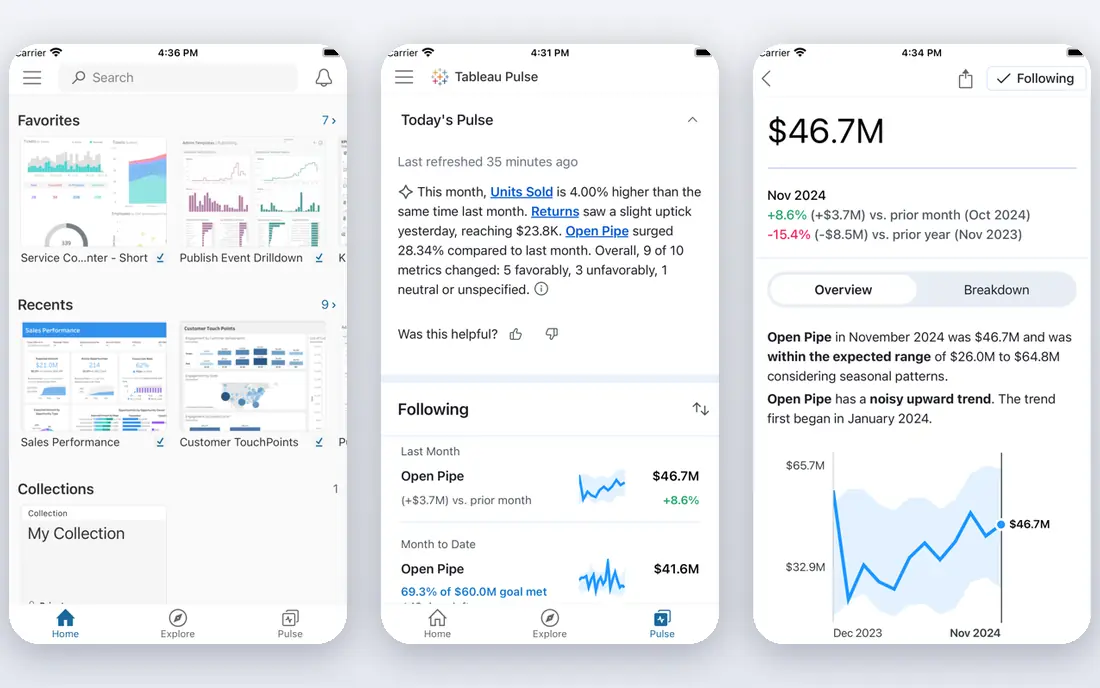
Tableau lets analysts and business users explore data visually, build dashboards and share findings without writing code for most tasks. Its drag and drop interface suits teams that think in charts and filters rather than queries. Published data sources and shared metrics help teams reuse trusted definitions instead of rebuilding them in every workbook.
At scale, Tableau needs deliberate governance. Workbook sprawl, duplicate definitions and uncontrolled extracts can undo the benefits of self service. Pricing is also quote based for enterprise use, so confirm viewer, explorer and creator licence counts early. For teams that value visual analysis, Tableau is still a top tier choice.
- Strong visual exploration
- Large user community
- Broad data source support
- Quote based enterprise pricing
- Governance needs care at scale
- Learning curve for advanced features
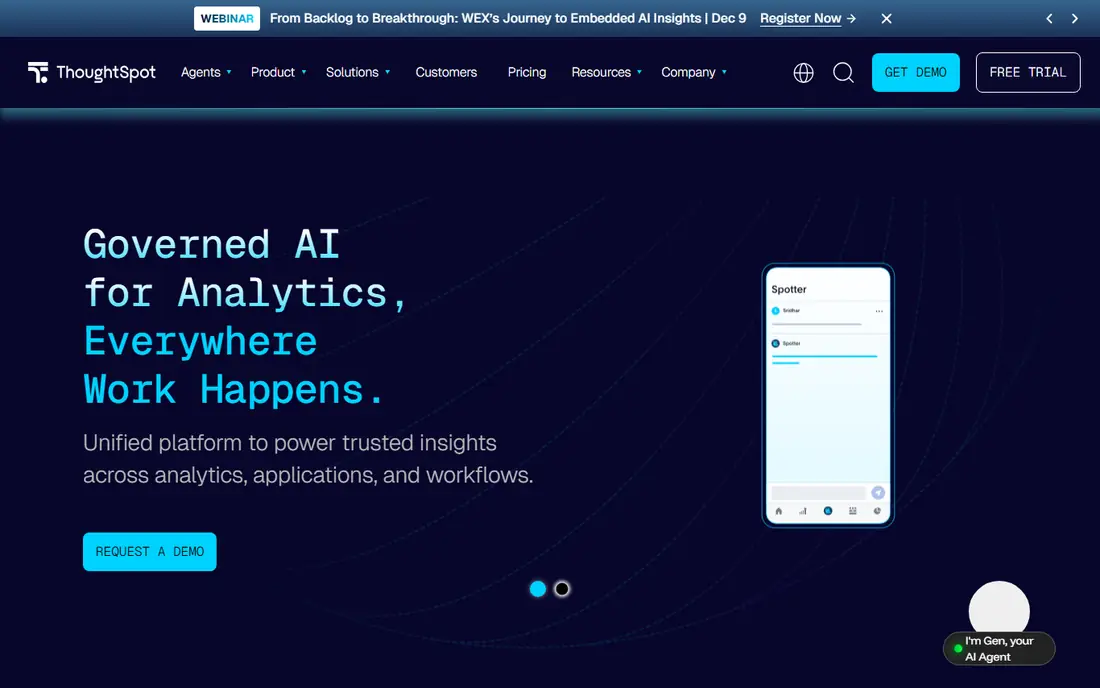
ThoughtSpot lets business users type a question in plain language and get a chart or table back, which lowers the barrier for people who never learned SQL. Liveboards and saved answers help teams reuse trusted questions, and AI features can suggest follow up questions. For executives and managers who want answers without waiting for an analyst, that speed is the point.
ThoughtSpot works best when data is already modelled cleanly with clear measures. Messy or undefined data produces confident looking but wrong answers. It is also an enterprise purchase, so budget accordingly. For a team that wants search driven analytics, ThoughtSpot is the most direct option here.
- Natural language search
- AI assisted answers
- Fast for business users
- Needs well modelled data to shine
- Enterprise pricing
- Less control for deep custom dashboards
Alation is the veteran data catalog. Analysts find trusted tables through search and usage signals, seeing which tables people actually query and who stewards them. Stewardship workflows, business glossaries and lineage views help governance teams answer where a number came from and who owns it. Connector coverage spans warehouses, BI tools and common operational sources.
The honest catch is cost and buying friction. Expect a sales led rollout with professional services for lineage and governance setup, running weeks to months. For a large enterprise standardising on major warehouses and BI tools, Alation is the proven choice. For a team under about fifty data users, a lighter catalog will move faster.
- Mature catalog and stewardship
- Usage based search ranking
- Broad connector list
- No published pricing
- Implementation is a project
- Overkill for tiny teams
Atlan is built for modern data stacks, with deep support for Snowflake, dbt, Databricks and common BI tools. Its interface feels closer to a collaboration product than a compliance database, which helps analysts actually use it. Active metadata, column level lineage and embedded collaboration features help teams discuss, document and trust datasets in one place.
Atlan does not publish pricing, and teams outside the modern stack will get less value from its connector strengths. It also still needs stewardship effort, since no catalog fills itself. For a cloud native data team that wants adoption as well as governance, Atlan is our pick for most modern stacks.
- Collaboration first design
- Strong Snowflake, dbt and Databricks support
- Active metadata
- Custom enterprise pricing
- Needs modern stack to shine
- Governance setup still takes time
Collibra suits regulated enterprises that need formal governance, policy management and stewardship accountability. Its business glossary, data quality and lineage features support programmes where proving how a reported number was produced matters to auditors and regulators. Banks, insurers and pharmaceutical companies are typical buyers.
Implementation commonly runs months, and the platform is heavier than a lightweight discovery catalog. Small teams will find it slow and costly. For a governance led programme with formal accountability across thousands of assets, Collibra is the safer enterprise choice, provided the organisation funds the rollout properly.
- Deep governance and policy workflows
- Business glossary strength
- Enterprise scale
- Long implementation
- Custom pricing
- Heavier than discovery only catalogs
Secoda targets fast growing teams that need a catalog in weeks rather than months. Search, documentation, lineage and AI assisted descriptions help analysts find and trust tables without a large governance team. Its simpler setup is the main reason smaller modern teams choose it over enterprise catalogs.
The trade off is depth. Very large regulated programmes may need Collibra or Alation instead, and Secoda pricing is still quoted. For a team that has outgrown tribal knowledge in chat channels but is not ready for an enterprise programme, Secoda hits a sensible middle ground. Note the domain carefully when signing up, since similarly named sites exist.
- Fast deployment
- Business friendly search
- Good for teams of five to fifty data users
- Less enterprise governance depth than Collibra
- Quote based pricing
- Smaller connector list than Alation
Snowflake is the foundation layer for many democratization programmes. One governed copy of data, with role based access, data sharing and marketplace features, lets many teams work from the same sources. Compute and storage scale separately, which suits variable workloads, and sharing lets partners work with data without copying it around.
Snowflake alone does not democratize data. Users still need a catalog to find tables and a BI tool to explore them, and costs can climb without usage controls. Treat Snowflake as the governed base, then add Alation or Atlan and a BI tool on top. For cloud data teams, it is the most common foundation choice.
- Governed central data store
- Strong sharing and marketplace
- Scales with use
- Costs need active management
- Not a BI tool on its own
- Needs catalog and BI layers
Databricks combines data engineering, analytics and AI on a lakehouse platform, with Unity Catalog providing governance across data and models. Teams can run SQL analytics, notebooks and AI workloads on shared governed data, and Genie style assistants help business users ask questions. For organisations building AI features on their data, that shared base matters.
Databricks leans engineering heavy, and most business users will still prefer Power BI or Tableau for daily dashboards. Pricing combines platform tiers with compute and storage, so budgeting needs care. For data and AI teams that want one governed platform under both analytics and models, Databricks is a strong foundation.
- Unified data and AI platform
- Unity Catalog governance
- Strong engineering support
- Engineering heavy for pure business teams
- Pricing complexity
- Needs BI layer for most business users
How we picked these
We compared official product pages, pricing pages and public documentation for platforms, catalogs and BI tools that support governed self service access in October 2026. We favoured tools that are live, widely used and clearly documented for access control, shared definitions and lineage. We did not claim hands on testing. We weighed adoption, governance depth, stack fit and total cost, including implementation time.
How to roll out data access without losing control
Start small and define success before buying more licences. Pick one business domain, such as sales or finance, and agree the definitions for its five most used metrics. Assign an owner for each metric, publish those definitions in the catalog, and certify the matching datasets in the BI tool. That narrow start prevents the classic failure where every team reports a different revenue number.
Access, training and upkeep
Grant access by role, not by person, and review it regularly. Row level security and catalog permissions should reflect job needs, not seniority alone. Train business users on how to check a definition and lineage before sharing a chart, and give analysts time to document new tables. A catalog that nobody updates will decay fast, so make documentation part of the data delivery checklist, not an afterthought.
Frequently asked questions
What are the best data democratization tools?
The best stack usually combines a platform, a catalog and a BI tool. Snowflake or Databricks can hold governed data, Alation, Atlan or Secoda can make it findable, and Power BI, Tableau or ThoughtSpot can make it usable. No single product covers all three layers well for every team.
What is the best data democratization platform for a small team?
Secoda paired with Power BI or Tableau suits many small teams, since deployment is faster and licensing is simpler than enterprise governance suites. Start with one domain and a handful of certified metrics, then expand as usage grows. Avoid buying an enterprise catalog before you have data owners in place.
What is the best tool for data democratization in a Microsoft shop?
Power BI, usually on Microsoft Fabric, is the natural choice for Microsoft centred teams, thanks to certified semantic models and Microsoft 365 links. Add a catalog such as Atlan or Alation for discovery and lineage, and use Fabric capacities to manage viewer access costs. Confirm current licence rules during procurement.
Does data democratization mean everyone can see all data?
No. Good democratization means governed access, where each person sees what their role allows. Sensitive data stays restricted, personal data stays protected, and shared definitions keep numbers consistent across teams. Open access without controls creates privacy and compliance risk.
How do you measure success with these tools?
Track certified dataset usage, time to answer common questions, and the number of conflicting reports for key metrics. Rising catalog searches and dashboard reuse are good signs, while duplicate workbooks and manual spreadsheet fixes suggest definitions still need work. Review these measures quarterly with data owners.
Sources
See where you really rank - block by block
ProMapRanker scans Google Maps across a grid of your service area. Simple monthly plans from $19, white-label on every plan.
Start freeKeep reading
 zoro.to alternatives
Best Zoro.to Alternatives in 2026
We compare the best zoro.to alternatives in 2026, listing only legal licensed anime streaming services, from Crunchyroll to free options for fans today.
Read → zip alternatives
Best Zip Alternatives in 2026
We compare the best zip alternatives for buy now, pay later in 2026, covering pay-in-4 plans, fees, spending limits, and credit reporting options today.
Read → yesware alternatives
Best Yesware Alternatives in 2026
Compare the best yesware alternatives for sales email tracking, templates, and sequences, with current pricing and honest tradeoffs for small sales teams.
Read →