 ProMapRanker
Best Data Collection Software in 2026

Key takeaways
- SurveyMonkey and Typeform suit most online surveys, one for broad templates and one for conversational forms.
- KoboToolbox, ODK, and SurveyCTO suit fieldwork, where offline collection, GPS, and data quality checks matter most.
- Google Forms is the best free starting point for simple internal collection, while Jotform adds stronger form design.
- Check response caps, offline support, and export formats before launch, since those limits decide whether a tool fits a real project.
Quick comparison
| Pick | Great for | Pricing starts at | Free tier | |
|---|---|---|---|---|
 SurveyMonkey | General surveys | $39 per month | Yes | Visit |
 Typeform | Conversational surveys | See website | Yes | Visit |
 Qualtrics | Enterprise research | See website | Yes | Visit |
 Jotform | Forms plus surveys | $34 per month | Yes | Visit |
 Google Forms | Free simple forms | Free | Yes | Visit |
 KoboToolbox | Humanitarian fieldwork | $21 per month | Yes | Visit |
 SurveyCTO | Funded field research | See website | No | Visit |
 ODK | Open-source field collection | Free | Yes | Visit |
 QuestionPro | Research-grade surveys | $99 per month | Yes | Visit |
The best data collection software
We compared official pricing pages, product documentation, and current comparison pages for tools that build forms, collect responses, and export usable data. Our pick for most teams is SurveyMonkey for general surveys, with KoboToolbox as the best fieldwork pick when teams collect data offline.
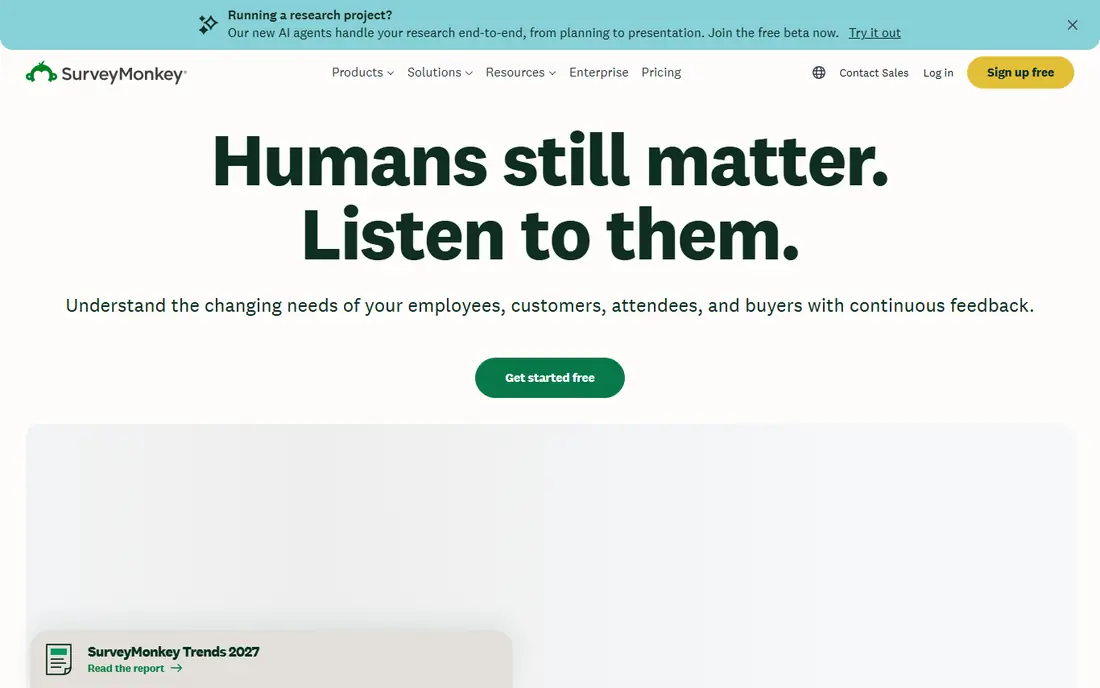
SurveyMonkey remains the most familiar survey tool for a reason. Templates cover customer feedback, employee surveys, market research, and event follow-up, and logic, branching, and analysis tools help teams move from questions to results without a separate stats program. Integrations with common CRM, email, and analytics tools make it easy to send surveys and review responses in one place. A paid research panel, priced separately, can supply respondents when a team lacks its own audience.
The pricing meter needs attention. Recent comparison pages list Advantage at $39 per month billed annually, with response caps and overage charges that can grow on large studies. The free plan covers only a small number of questions and viewable responses, so treat it as a trial. For professional surveys with a known audience, SurveyMonkey is a safe default, as long as you model response volume first.
- Large template library
- Skip logic and analysis tools
- Research panel available separately
- Free plan is very limited
- Response overages can add cost
Typeform suits surveys where completion matters more than length. Showing one question at a time, with clean design and simple navigation, helps respondents finish short feedback forms, signups, and quizzes. Templates cover lead capture, customer satisfaction, and event registration, and results export to common tools for analysis. The design also works well on mobile, where many respondents now answer.
Length is the limit. A 40-question research survey can feel slow in a one-at-a-time flow, and branching, large response volumes, and team features sit in paid tiers. Check current pricing before building a long study, since plan names and limits change. For short, polished surveys that need a good response rate, Typeform is a strong pick.
- One-question-at-a-time design
- High completion on short surveys
- Polished templates
- Longer surveys can feel slow
- Advanced logic and volume sit in higher tiers
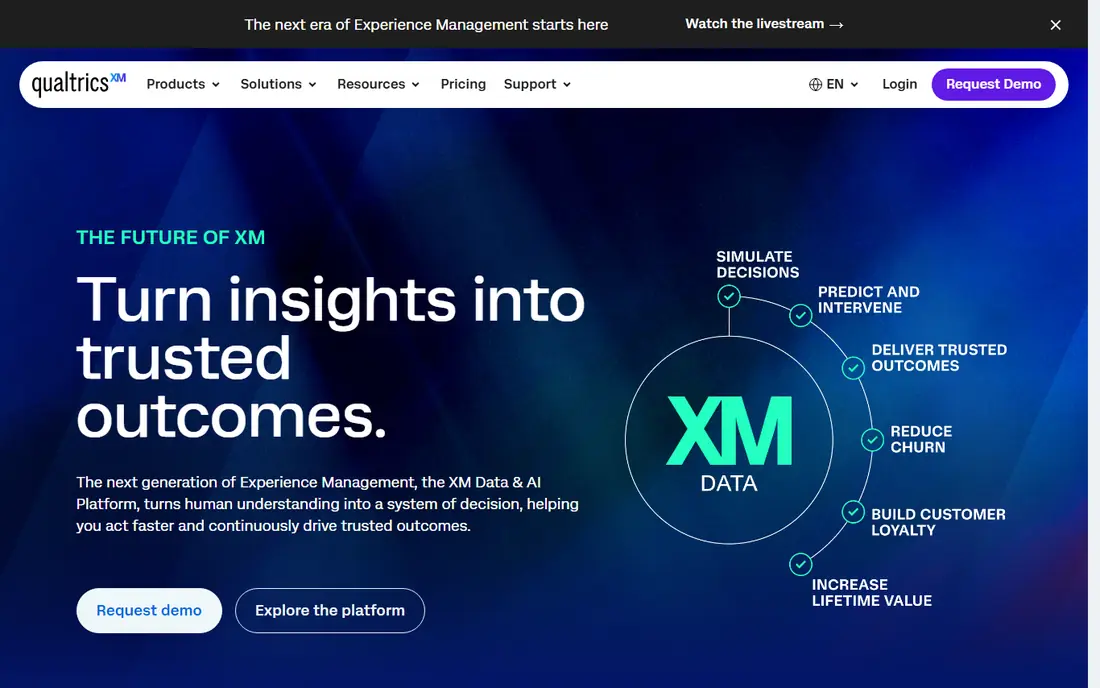
Qualtrics fits large research programs, universities, and enterprises that run repeated studies across email, web, SMS, and in-app channels. It supports complex logic, conjoint and statistical analysis, text analytics, and dashboards that track experience metrics over time. Governance features, roles, and integrations with CRM and support systems suit organizations that must control data access and reporting.
Small teams should be cautious. Pricing is negotiated and can be far higher than self-serve survey tools, and setup takes time and training. A free account exists for small personal projects, but it does not replace a paid research program. If your work involves ongoing, high-stakes research with strict methods, Qualtrics is worth a sales conversation. For a one-off feedback form, it is more tool than you need.
- Deep research design and analysis
- Multi-channel distribution
- Enterprise controls and integrations
- Quote-based pricing
- Steep learning curve for small teams
Jotform suits teams that need forms and surveys in one place, from registrations and applications to feedback and orders. The drag-and-drop builder, template library, and payment and signature options cover many operational uses without code. Survey results can be viewed in tables, charts, and reports, and integrations send data to spreadsheets, CRM tools, and email systems. A free plan lets small teams start at once.
Submission limits are the main constraint, with paid plans starting at $34 per month in recent comparison pages. Analysis is practical rather than research-grade, so teams that need significance testing or complex weighting may still export to another tool. For a small business or nonprofit that collects many kinds of forms, Jotform offers good breadth for the price.
- Full form builder with surveys inside
- Many templates and integrations
- No-code design
- Monthly submission limits apply
- Advanced survey analysis is lighter than research tools
Google Forms is the best free starting point for simple data collection. You can build a form in minutes, share a link, and watch responses appear in a linked sheet for sorting and charts. It suits internal polls, class signups, event RSVPs, and quick customer checks. Because it is free and familiar, respondents rarely face a learning curve, and collaboration on a form is simple.
Depth is limited. Logic is basic, design options are modest, and analysis stays at summaries and linked sheets rather than research-grade tools. There is also no respondent panel or advanced quota control. If your form is short and your analysis needs are simple, Google Forms is enough. If you need complex branching, quotas, or panel research, move to SurveyMonkey, Qualtrics, or QuestionPro.
- Free with a Google account
- Very easy to build and share
- Responses flow to Google Sheets
- Limited logic, design, and analysis
- No advanced research features
KoboToolbox is built for field surveys in places where internet access is unreliable. Forms support skip logic, validation, GPS points, photos, and audio, and the Android app collects responses offline and syncs later. A visual form builder helps non-technical staff build solid forms, and exports cover spreadsheet, CSV, and geographic formats for analysis elsewhere. It is widely used by humanitarian and research organizations.
Analysis inside KoboToolbox is basic, with charts and tables rather than deep statistical tools, so most teams export to another program. Paid plans start at $21 per month in recent pricing pages, with a free plan available and different terms for humanitarian organizations. For fieldwork, rapid assessments, and program monitoring, KoboToolbox is a practical and proven choice.
- Free tier for eligible use
- Offline Android collection
- GPS, media, and validation support
- Analysis is basic
- Paid pricing varies by organization type
SurveyCTO suits funded research where data quality matters as much as collection speed. It supports offline Android and iOS apps, complex forms, GPS and timing checks, audio audits, and monitoring dashboards that flag rushed or inconsistent interviews. Those controls help research teams catch problems during fieldwork, not months later during analysis. Exports support common statistical formats.
Cost and complexity are the trade-offs. Recent comparison pages place SurveyCTO above open-source options, with pricing varying by plan and billing period, so check the current page before budgeting. Setup also rewards experience with form design and field protocols. For a funded study with enumerators, quality requirements, and a need for audit trails, SurveyCTO is a strong professional pick.
- Strong data quality checks
- Offline mobile apps
- Audit trails and monitoring tools
- Higher cost than open-source tools
- Setup needs research experience
ODK, short for Open Data Kit, is the open-source foundation behind much modern field collection. It supports offline forms, skip logic, GPS, photos, and barcode capture, and teams can host it themselves or use a managed host. Because the software is free and open, organizations keep control over data, servers, and form standards, and forms can move between compatible tools.
The cost is time and skill. Self-hosting needs server setup, updates, and backups, while managed hosting adds a fee. Support comes mainly from documentation and community unless you buy a service. For technical teams, universities, and organizations that value control and open standards, ODK is excellent. For a team that wants a ready-to-use cloud service, KoboToolbox or SurveyCTO will be faster to launch.
- Free open-source software
- Offline collection
- Full control over hosting and data
- Needs technical setup
- No managed support unless you pay a host
QuestionPro suits research teams that need more than a simple form but do not need an enterprise Qualtrics contract. It supports advanced logic, quotas, conjoint and statistical tools, and detailed reporting, plus audience panels for studies that need external respondents. A free Essentials tier lets teams test the builder before paying, and paid Advanced plans start at $99 per month in recent comparison pages.
The interface can feel dense for casual users, and the best research features sit in higher tiers. Teams should also check response limits and panel costs separately, since those can change a study budget. For market research, academic surveys, and customer experience programs that need solid methods at a mid-range price, QuestionPro is a credible alternative to the largest enterprise tools.
- Research-grade logic and analytics
- Strong survey distribution
- Free Essentials tier
- Advanced plan starts higher than general tools
- Interface can feel dense
How we picked these
We compared official pricing pages, product documentation, and current comparison pages, and we favored tools that exist and work in October 2026, collect real responses, and fit online surveys, fieldwork, or operational forms. We did not claim hands-on testing. We weighed form design, logic, offline support, data quality, exports, and price, and we left out tools that only analyze data or only scrape websites.
What to check before you launch a collection project
Start with the respondent experience. Test the form on a phone, check how long it takes, and confirm that logic skips irrelevant questions. Then check data quality: required fields, validation, GPS or timing checks for fieldwork, and a clear consent statement where personal data is collected. A form that is easy to finish but produces messy data helps no one.
Privacy, consent, and exports
Tell respondents what you collect, why you need it, and how long you will keep it, especially for health, location, or contact details. Check where data is stored, who can access it, and whether exports include personal identifiers you should remove before sharing. Confirm export formats early, since a tool that cannot export to your analysis program will slow every report.
A simple way to choose
Match the tool to the hardest part of your project. If the hard part is reaching respondents, choose a survey tool with panels or strong distribution. If it is offline fieldwork, choose KoboToolbox, ODK, or SurveyCTO. If it is everyday forms, choose Jotform or Google Forms. Pilot with a small group, review the first responses for errors, and only then scale to the full audience.
Frequently asked questions
What is the best data collection tool for most teams?
SurveyMonkey is our pick for most general surveys, thanks to templates, logic, and analysis. Google Forms suits simple free collection, while Typeform suits short surveys where completion matters most.
What are the best data collection tools for fieldwork?
KoboToolbox, ODK, and SurveyCTO lead for fieldwork, since they support offline collection, GPS, media, and validation. KoboToolbox is easiest to start, ODK offers the most control, and SurveyCTO offers the strongest quality monitoring.
What is the best free data collection app?
Google Forms is the best free option for simple online forms, and KoboToolbox offers a free tier for field collection. ODK software itself is free, though hosting and setup may cost time or a hosting fee.
How do I choose between SurveyMonkey and Qualtrics?
Choose SurveyMonkey for self-serve surveys with transparent pricing and a broad template library. Choose Qualtrics for large, ongoing research programs that need deep analysis, governance, and multi-channel distribution, and be ready for quote-based pricing.
Can data collection software work without internet?
Yes, for field tools. KoboToolbox, ODK, and SurveyCTO apps collect responses offline and sync when a connection returns. Most online survey tools need internet for respondents to open and submit a form, so test offline needs before launch.
Sources
See where you really rank - block by block
ProMapRanker scans Google Maps across a grid of your service area. Simple monthly plans from $19, white-label on every plan.
Start freeKeep reading
 zscaler alternatives
Best Zscaler Alternatives in 2026
Looking for zscaler alternatives? We compare 9 SASE and zero trust platforms on architecture, data protection, pricing, and fit for your network and team.
Read → zapier alternatives free
Best Zapier Alternatives Free in 2026
Nine automation tools for zapier alternatives free in 2026, all with genuinely free tiers, plus free plan limits, starting prices and upgrade paths explained.
Read → which platform is best for online reputation
Which Platform Is Best for Online Reputation in 2026
Wondering which platform is best for online reputation? We compare 8 review, listing, and response tools for small and multi-location businesses and agencies.
Read →