 ProMapRanker
Best Dashcam Apps in 2026: 8 Apps Compared


Drivers who want cloud backup and crash reports · Pricing starts at: Free
Key takeaways
- Most apps here are companions to a dedicated camera, while DailyRoads Voyager is the phone only option in this list.
- Nexar, BlackVue, and Thinkware lead on cloud and parking features, but those features need compatible hardware.
- Every app here is free to download, yet cameras, data, and subscriptions can add real cost on top of the app.
- For insurance use, a clip with GPS time and location data is more useful than a clip with no context.
Quick comparison
| Pick | Great for | Pricing starts at | Free tier | |
|---|---|---|---|---|
| Nexar | Drivers who want cloud backup and crash reports | Free | Yes | Visit |
 Garmin Drive | Garmin camera owners who want maps and alerts | Free | Yes | Visit |
 BlackVue | Drivers who want cloud connected cameras | Free | Yes | Visit |
 Thinkware Cloud | Thinkware camera owners who want connected features | Free | Yes | Visit |
 Nextbase | Drivers who want simple clip sharing from a Nextbase camera | Free | Yes | Visit |
 Viofo | Drivers who want value cameras with app control | Free | Yes | Visit |
 DailyRoads Voyager | Android drivers who want a phone only dashcam | Free | Yes | Visit |
 Rove | Drivers who want a simple Rove camera companion app | Free | Yes | Visit |
The best dashcam apps
A dashcam app can mean two different things, and this list covers both. Some apps turn an Android phone into a dashcam, while most others control a dedicated camera, move clips to a phone, and add cloud or parking features. We note which type each app is, so you do not buy a camera expecting a phone app, or download an app expecting it to record on its own.
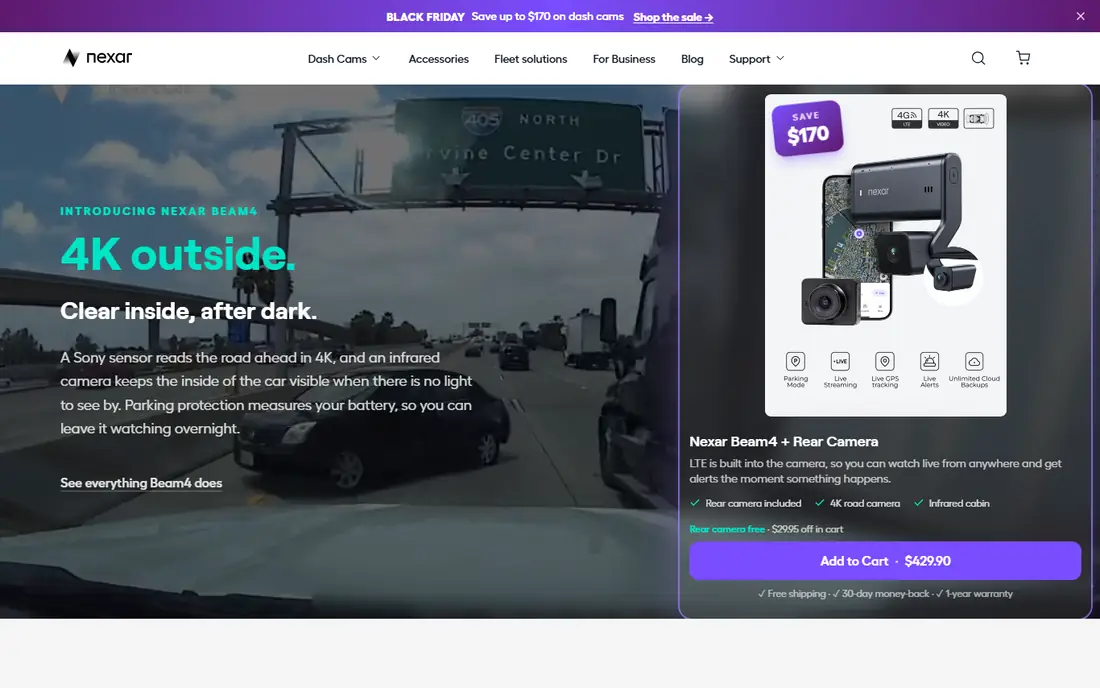
This option earns its place for one practical reason, and that reason shows up in daily use. Nexar fits drivers who want a dashcam system, not just a recording app, with clips backed up to the cloud. The app connects to Nexar cameras, stores drive recordings, and keeps incident clips where you can find them after a crash. Parking mode and cloud backup help when an incident happens while the car is parked or when a phone is not in the car.
The catch is hardware and subscription, since the best features need a Nexar camera, and some models include a subscription period that later renews. Check which features need a paid subscription on the model you buy, and confirm the monthly cost before you rely on cloud backup. If that limitation touches your daily work, keep it on the shortlist but check it in a trial first.
- App pairs with Nexar cameras
- Cloud storage for clips and incidents
- Parking mode and drive recordings in the app
- Full features need a Nexar camera and a subscription after an included period on some models
- Phone only use is limited
If the first choice on your shortlist feels too narrow, this one widens the picture in a useful way. Garmin Drive fits drivers who already use Garmin for navigation and want their dashcam in the same family of apps. It pairs with Garmin dash cameras, lets you view live footage, manage clips, and adjust camera settings from a phone. Driver alerts and location features add context to a clip, which helps when you need to show where and when an event happened.
The catch is that dashcam features need a Garmin camera, so the app alone does not turn a phone into a dashcam. If you already own a Garmin camera, the app is the natural control point, and new buyers should compare camera models first. For the right buyer, the benefit outweighs the catch, and the catch is easy to spot early.
- Pairs with Garmin dash cameras
- Live view and clip management
- Driver alerts and map features in the wider Garmin app family
- Needs a Garmin camera for dashcam features
- App experience varies by camera model
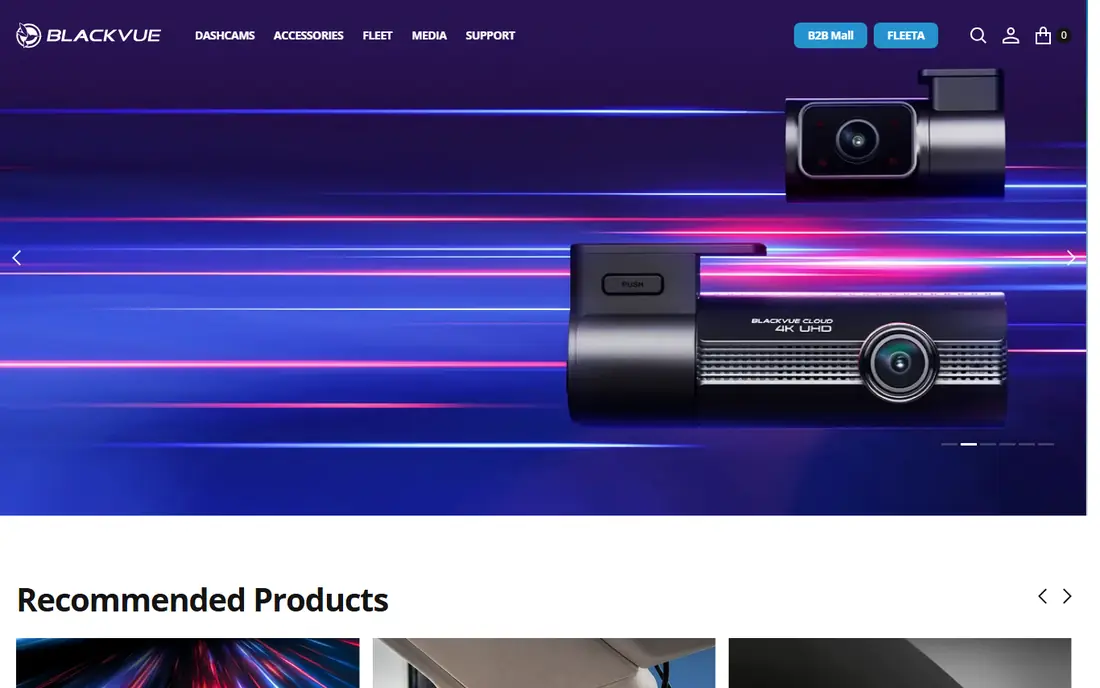
We put this here because it solves a specific problem well, even if it is not the cheapest route. BlackVue fits drivers who want to check a parked car or download a clip without removing a memory card. The app connects to compatible BlackVue cameras, shows live and recorded footage, and manages parking mode settings. Cloud features let you receive alerts and view footage remotely, which suits drivers who park in busy areas.
The catch is setup, since cloud viewing needs a compatible camera, a data connection, and correct settings, so it is not a one tap install. Confirm cloud requirements for your camera model, and test remote viewing before you rely on it for parking security. We would shortlist it, with the catch above as the first question to ask in a demo or trial.
- Cloud viewing and alerts for compatible BlackVue cameras
- Parking mode controls
- Clip download from the camera
- Cloud features need a compatible camera and, in some cases, a data connection
- Setup can take care
A good test for this option is how it handles the work you do every week, not just setup day. Thinkware Cloud fits Thinkware camera owners who want alerts and remote access, not just local recording. It links to supported Thinkware cameras, sends impact and parking notifications, and offers remote live view where supported. That connection helps when an incident happens away from the car, since you can check footage without going to the car first.
The catch is that connected features need the right camera model and a data connection, which adds cost and setup steps. Check your camera model against the cloud feature list, and confirm data costs before enabling always on cloud access. That trade is worth it for buyers who value that strength more than a lower starting price.
- Pairs with Thinkware cameras
- Cloud alerts and remote live view on supported models
- Parking and impact notifications
- Connected features need a compatible camera and hotspot or data plan
- Phone only recording is not the focus
This one stands out when you compare what is included at the starting price with what costs extra. Nextbase fits drivers who want a simple way to move clips from a dedicated camera to a phone for sharing or insurance use. The app transfers clips over Wi-Fi, so you can view, save, and share footage without removing a memory card. Some Nextbase models add emergency SOS features, which can help after a serious incident.
The catch is that the app does not record from the phone camera, so you still need to buy and fit a Nextbase camera. Buy the camera first, test clip transfer in the car, and keep the memory card as a backup until transfer is confirmed. If that limitation touches your daily work, keep it on the shortlist but check it in a trial first.
- Pairs with Nextbase cameras
- Clip transfer to a phone
- Emergency SOS features on some models
- Dashcam recording needs a Nextbase camera
- App is a companion, not a phone dashcam
For teams that want a clear change from what they use now, this is a strong place to start. Viofo fits drivers who want a capable dedicated camera at a lower price than premium brands, with app control for settings. The app lets you view footage, change camera settings, and download clips to a phone without a card reader. Parking mode settings on supported models add protection when the car is parked, with settings you can adjust in the app.
The catch is that Viofo is a hardware system, so the app alone does not record, and support is thinner than for larger brands. Compare the camera model, not just the app, and check parking mode wiring needs before you buy. For the right buyer, the benefit outweighs the catch, and the catch is easy to spot early.
- Pairs with Viofo cameras
- Clip viewing and settings control
- Parking mode settings on supported models
- App is a companion to Viofo hardware
- Phone only dashcam use is not the main job
This option earns its place for one practical reason, and that reason shows up in daily use. DailyRoads Voyager fits Android drivers who want to use a phone they already own, with no camera hardware to buy. It records continuously in the background, keeps GPS speed and location data with clips, and protects clips after a sudden speed change. Background recording lets it run alongside navigation, which is useful on long drives where a phone already sits on a mount.
The catch is that it is Android only, and its interface feels older than newer apps, so setup takes patience. Mount the phone securely, test recording on a short drive, and check storage, since video fills a phone quickly. We would shortlist it, with the catch above as the first question to ask in a demo or trial.
- Turns an Android phone into a dashcam
- Background recording
- GPS speed and location data on clips
- Automatic clip protection
- Android only
- Older interface and setup takes care for new users
If the first choice on your shortlist feels too narrow, this one widens the picture in a useful way. Rove fits drivers who bought a Rove camera and want a simple phone app for viewing and downloading clips. The app connects to Rove cameras over Wi-Fi, shows footage, and lets you download clips to share with an insurer or police report. Settings control from a phone avoids fiddling with small camera buttons, which helps when the camera sits behind a mirror.
The catch is that the app is a companion, not a standalone dashcam, so it does not record from the phone itself. Check that your Rove model supports the app features you need, and test a clip download before you need it in a real incident. That trade is worth it for buyers who value that strength more than a lower starting price.
- Pairs with Rove dash cameras
- Clip viewing and download
- Settings control from a phone
- Needs a Rove camera
- App features vary by camera model
How we picked these
We checked each vendor's own product pages and app listings, and we kept only apps that exist and work today for dashcam recording or camera control. We compared recording type, cloud features, parking mode, GPS data, and whether a dedicated camera is required.
We did not claim hands-on testing. We compared official app descriptions, camera compatibility notes, and subscription terms. Where a hardware or subscription price could not be firmly verified, we wrote See website, and readers should confirm the camera model price before buying.
How to choose a dashcam app and camera
First, decide whether you want phone recording or a dedicated camera. A phone app costs little and works today, but it ties up your phone, drains battery, and records only while the phone is mounted and charged. A dedicated camera records whenever the car runs, adds parking mode, and keeps your phone free, but it costs more and needs fitting.
Next, check clip handling. For insurance or a police report, you need a clip that is easy to find, download, and share, with time and location data where possible. Cloud backup helps if a camera is stolen or damaged, but it needs a data connection and may need a subscription. Local storage on a memory card is simpler, but it needs a regular check that the card still works.
Finally, test the setup on a short drive. Mount the phone or camera securely, check that recording starts with the car, and try downloading one clip to your phone. If that workflow feels slow or confusing in a calm test, it will feel worse after a real incident. Also check local laws on recording audio and on windscreen mounts, since rules vary by state.
Frequently asked questions
Can a phone really work as a dashcam?
Yes, with an app such as DailyRoads Voyager on Android, a secure mount, and a charger. A phone app is a good low cost start, but it uses battery and storage, and it stops recording if you take the phone out of the car. A dedicated camera is more reliable for daily use.
Do dashcam apps cost money?
The apps in this list are free to download, but cameras, memory cards, data plans, and cloud subscriptions can cost extra. Check the camera price and any subscription terms before you buy, since the app price alone does not show the full cost.
What is parking mode?
Parking mode lets a dedicated camera record after an impact or motion while the car is parked, depending on the model and wiring. It usually needs a hardwire kit or a battery pack, and cloud alerts need a data connection. Check your camera model for exact parking mode support.
Will a dashcam clip help with insurance?
A clear clip with time, location, and speed data can help explain what happened, but it does not guarantee a claim outcome. Save the original clip, do not edit it, and share it through your insurer's normal process. Also check state rules on audio recording and privacy.
Do I need cloud backup?
Cloud backup helps if a camera is damaged or stolen, and it lets you view a parked car remotely on some models. It is not required for most drivers, since a memory card plus a phone download covers many cases. Choose cloud only if remote viewing or parking alerts matter to you.
Sources
See where you really rank - block by block
ProMapRanker scans Google Maps across a grid of your service area. Simple monthly plans from $19, white-label on every plan.
Start freeKeep reading
 zoho inventory alternatives
6 Alternatives to Zoho Inventory, Compared on Price and Fit
Zoho Inventory alternatives: 6 tools compared on price, free plans and fit. Katana leads the list for manufacturers. Fit and flaws are laid out for each entry.
Read → zoho crm alternatives
Best Zoho CRM Alternatives (2026)
Need Zoho CRM alternatives? We compare 7 tools on cost, free access and who each suits. Every pick gets a straight assessment. Built for quick decisions.
Read → zelle alternatives
Best Zelle Alternatives in 2026
Compare the best Zelle alternatives for sending money to friends, paying sellers and moving funds abroad, with honest notes on fees, speed and safety in 2026.
Read →