 ProMapRanker
Best DAM Software Solutions for Creative Agencies in 2026

Key takeaways
- Bynder and Brandfolder suit larger agencies that need brand portals, permissions, and usage insight at scale.
- Canto and Frontify are easier starting points for mid-size agencies that want fast setup and brand guidance.
- Cloudinary and Pics.io suit teams with technical or storage-specific needs, including developer-led delivery.
- Most enterprise DAM pricing is quote-based, so budget for annual contracts and onboarding time, not just a monthly fee.
Quick comparison
| Pick | Great for | Pricing starts at | Free tier | |
|---|---|---|---|---|
 Bynder | Enterprise brand portals | See website | No | Visit |
 Brandfolder | Asset analytics and distribution | See website | No | Visit |
 Canto | Approachable mid-market DAM | See website | Free trial | Visit |
 Frontify | Brand guidelines plus DAM | See website | Free trial | Visit |
 Cloudinary | Developer-led media delivery | Free | Yes | Visit |
 MediaValet | Unlimited-user DAM | See website | No | Visit |
 Pics.io | DAM on your own storage | $100 per month | Free trial | Visit |
 Dash | Simple small-team DAM | See website | Free trial | Visit |
The best dam software solutions for creative agencies
Digital asset management software gives agencies one searchable library for logos, photos, videos, and campaign files, with permissions for clients and freelancers. Creative agencies have a specific need: fast search, brand control, and easy sharing with people outside the agency. The tools below cover that range, from enterprise platforms to simpler team libraries.
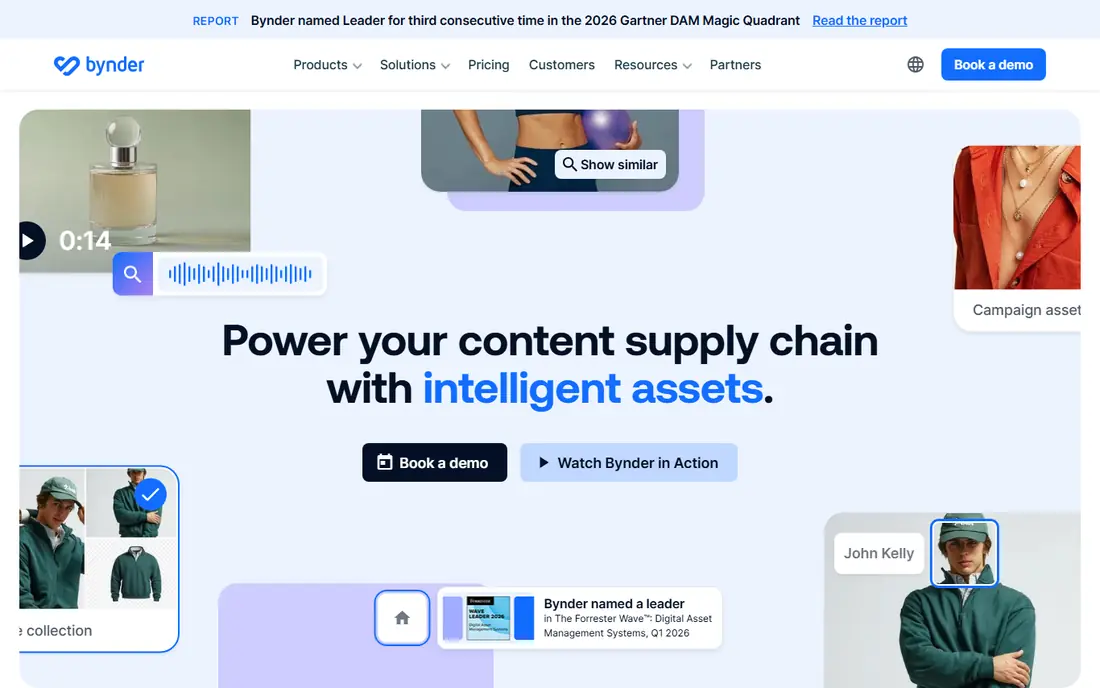
Bynder is the enterprise standard many large agencies and brands choose when asset control matters most. Brand portals let clients and partners find approved assets without asking account managers, while permissions and version control reduce the risk of outdated logos or off-brand files circulating. AI tagging and search help teams find files in large libraries without perfect naming.
The cost and setup reflect that scale. Pricing is quote-based, onboarding takes planning, and small agencies will find simpler tools faster and cheaper. For agencies serving large brands with many stakeholders, Bynder control and portals justify the investment and reduce daily asset requests.
- Strong brand portals and permissions
- AI tagging and search
- Content delivery tools
- Quote-based pricing
- Implementation takes time
- More than small agencies need
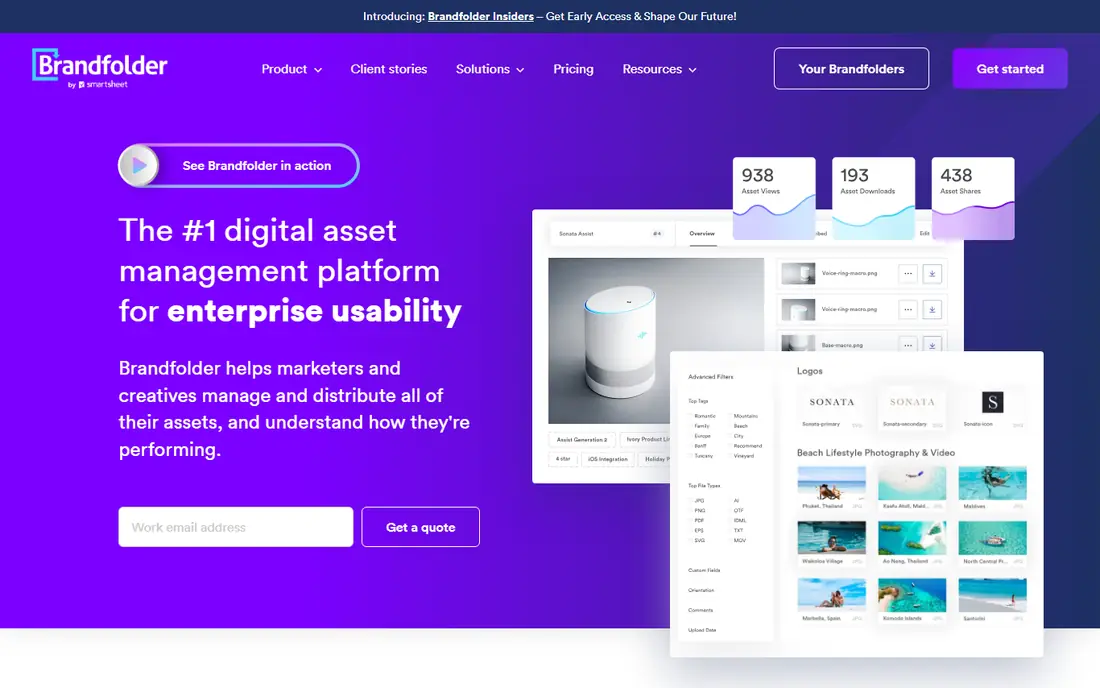
Brandfolder, part of Smartsheet, stands out for agencies that need to prove asset value. Usage analytics show which assets clients and partners actually use, which helps agencies report on campaigns and retire unused files. Brand guides and portals keep approved assets and rules in one place, while delivery tools distribute files quickly.
Pricing is quote-based and per-seat costs can grow with large freelancer networks, so agencies should model total seats before signing. Taxonomy planning also matters, since analytics are only useful when assets are tagged well. For agencies that report to clients and manage many campaigns, Brandfolder insight is a real advantage.
- Strong usage analytics
- Brand guides and portals
- Content delivery network for distribution
- Quote-based pricing
- Per-seat costs can add up
- Setup needs taxonomy planning
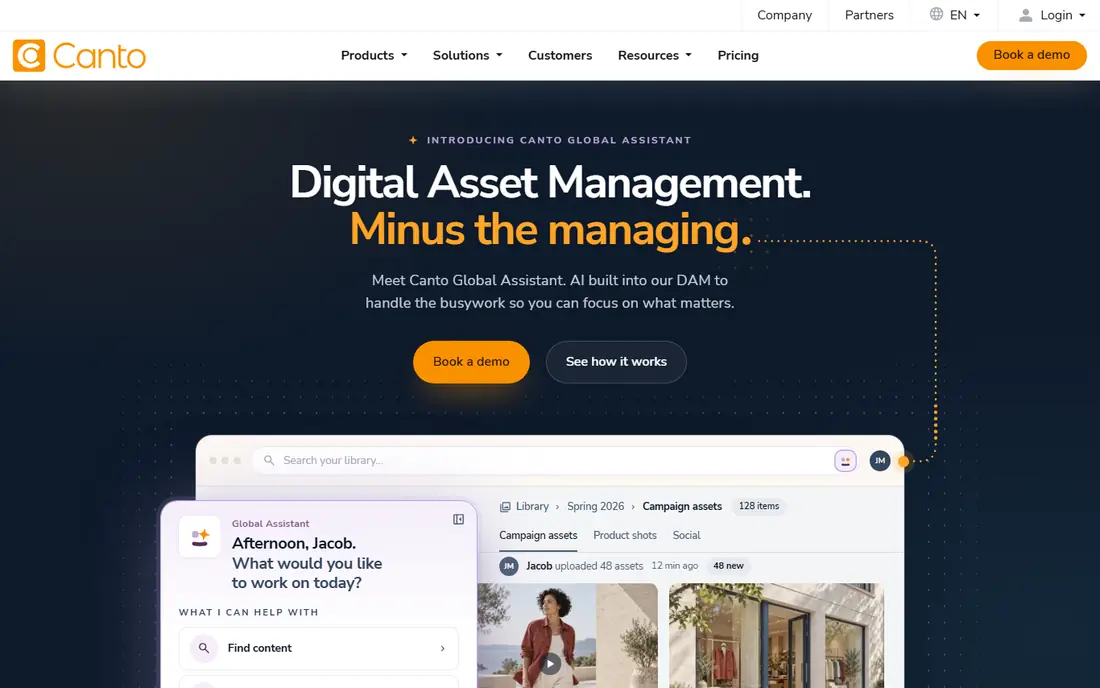
Canto is our pick for mid-size agencies that want a DAM running quickly without a long implementation project. The interface is friendly for account managers and clients, search works well even with messy file names, and AI tagging reduces manual metadata work. Teams often get value in weeks rather than months.
Enterprise governance and workflow depth are thinner than Bynder or Brandfolder, and pricing is still quote-based, so budget discussions remain. For agencies that need a solid, usable library now, Canto balances power and simplicity better than most enterprise rivals.
- Fast time to value
- Friendly interface for non-technical teams
- AI tagging and visual search
- Pricing is quote-based
- Enterprise governance is thinner than Bynder
- Advanced workflows need higher packages
Frontify suits agencies that live in brand guidelines as much as in asset files. Guidelines, templates, and assets sit in one hub, so designers, clients, and freelancers work from the same rules. That unity reduces off-brand work and repeated questions about logo use, colors, and tone.
Pure DAM depth, such as advanced workflow automation, is lighter than Bynder or Canto, so very large libraries may need a dedicated DAM instead. Pricing also rises with active users. For brand-led agencies that need guidelines and assets together, Frontify is a coherent single hub.
- Brand guidelines and DAM in one hub
- Templates for on-brand creation
- Good for multi-brand agencies
- DAM depth is lighter than pure DAM platforms
- Pricing rises with users
- AI features vary by plan
Cloudinary is the choice for agencies with developers who need media delivery as well as storage. Images and video can be transformed, optimized, and delivered through a content network, which suits web and app projects. The free plan lets small teams start, and API access supports custom workflows.
Non-technical teams may find it less friendly than Canto or Frontify, since DAM organization needs configuration. Usage-based pricing also requires monitoring, as transformations and bandwidth can grow with traffic. For developer-led agencies and digital product work, Cloudinary combines DAM and delivery in one platform.
- Free plan for starting
- Media transformation and delivery
- API-first workflow
- Less friendly for non-technical marketers
- Usage-based costs can grow
- DAM features need configuration
MediaValet appeals to agencies with large freelancer and client networks, because unlimited users remove the per-seat tax that other DAMs impose. External collaborators can access approved assets without forcing the agency to buy seats for every photographer, editor, and client contact. Search, tagging, and Azure hosting round out an enterprise-ready platform.
Pricing is quote-based, and the interface feels enterprise-oriented rather than lightweight. Agencies with small, stable teams may not need unlimited users enough to justify the platform. For agencies with sprawling collaborator networks, MediaValet pricing model is a major advantage.
- Unlimited users on every plan
- Strong search and tagging
- Microsoft Azure hosting
- Quote-based pricing
- Interface is enterprise-oriented
- Onboarding takes planning
Pics.io is the practical pick for agencies that already store files in Google Drive or Amazon S3 and do not want to migrate everything. It adds DAM search, tagging, and organization on top of existing storage, so teams keep familiar folders while gaining a real library. That low-migration path saves weeks of moving files.
Some AI features sit in a separate paid add-on, and content delivery is also an add-on, so check total cost. Performance also depends on your storage setup. For agencies with large Drive or S3 libraries, Pics.io is the least disruptive route to proper asset management.
- Layers DAM over Google Drive or Amazon S3
- No large migration needed
- Visual search tools
- Some AI features need a paid add-on
- Content delivery costs extra
- Depends on your storage setup
Dash suits small agencies and in-house teams that want a DAM without enterprise complexity. Setup is quick, every plan bundles the same features, and unlimited users make client sharing easy. For teams moving from shared drives to a first real library, Dash is refreshingly straightforward.
Plan limits on storage and monthly downloads need attention, since a busy campaign month can hit caps. Analytics and governance are also simpler than enterprise platforms. For small creative teams that need search, sharing, and brand control at a clear price, Dash is a strong starting DAM.
- Simple setup for small teams
- Unlimited users on plans
- All features bundled in each plan
- Storage and download caps vary by plan
- Less suited to large enterprises
- Analytics are simpler
How we picked these
We compared official product pages, pricing information, and agency-focused reviews, and we favored tools that are live in October 2026 and genuinely manage digital assets, not just file storage or design tools. We included enterprise, mid-market, developer-led, and small-team options, because creative agencies range from two-person studios to global networks. Where vendors publish no price, we say so rather than repeating unverified estimates as fact.
What to check before you choose
Start with who needs access. Count internal staff, regular freelancers, and client contacts, then check whether pricing is per seat or unlimited, since that difference can dwarf the headline price. Next, test search with your messiest files. Upload poorly named assets, try natural language queries, and see whether the tool finds the right file without perfect tags.
Also check integrations with your design tools, approval workflows, and delivery needs. Agencies using Adobe tools, Figma, or Slack should confirm those connections work on the plan they will buy. Finally, plan taxonomy and permissions before migration, since a DAM with bad tags is just an expensive shared drive. Pilot with one client brand, refine tags and portals, then roll out to the rest.
Frequently asked questions
What is DAM software for creative agencies?
Digital asset management software stores, tags, searches, and shares creative files such as logos, photos, videos, and campaign assets in one library. For agencies, it adds permissions, brand portals, and version control so clients and freelancers use approved files.
How much does DAM software cost?
Costs range from free or about 100 dollars per month for small-team tools to quote-based annual contracts for enterprise platforms. Most enterprise DAM vendors do not publish prices, so expect a sales quote based on users, storage, and features.
Do small agencies need DAM software?
Small agencies with growing file libraries, repeat clients, and freelancers usually do. Shared drives become hard to search and easy to misuse as files multiply. A simple DAM such as Dash or Pics.io can pay off quickly in time saved searching and correcting off-brand files.
What is the difference between DAM and cloud storage?
Cloud storage holds files, while DAM organizes them with metadata, search, permissions, versioning, and brand portals. Storage answers where a file lives, while DAM answers which file is approved, who can use it, and how it has been used.
Can clients access our DAM?
Yes, most DAM tools offer portals or guest access with permissions, so clients can browse approved assets without seeing internal work. Check guest user pricing, since per-seat models can make broad client access expensive.
Sources
See where you really rank - block by block
ProMapRanker scans Google Maps across a grid of your service area. Simple monthly plans from $19, white-label on every plan.
Start freeKeep reading
 zscaler alternatives
Best Zscaler Alternatives in 2026
Looking for zscaler alternatives? We compare 9 SASE and zero trust platforms on architecture, data protection, pricing, and fit for your network and team.
Read → zapier alternatives free
Best Zapier Alternatives Free in 2026
Nine automation tools for zapier alternatives free in 2026, all with genuinely free tiers, plus free plan limits, starting prices and upgrade paths explained.
Read → which platform is best for online reputation
Which Platform Is Best for Online Reputation in 2026
Wondering which platform is best for online reputation? We compare 8 review, listing, and response tools for small and multi-location businesses and agencies.
Read →