 ProMapRanker
Best DAM Software in 2026

Key takeaways
- The best dam platform for most mid-size teams balances strong search, clear permissions, and simple sharing, not the longest feature list.
- Enterprise tools such as Bynder, Brandfolder, and Acquia DAM are quote-based, so budget planning needs a demo and a written quote.
- Cloudinary and Pics.io publish prices, which makes them easier to compare for smaller teams with a fixed monthly budget.
- If your assets feed a website or app directly, pick a tool with delivery and transformation built in, not just storage.
Quick comparison
| Pick | Great for | Pricing starts at | Free tier | |
|---|---|---|---|---|
 Bynder | Brand governance at scale | See website | No | Visit |
 Brandfolder | External sharing and brand guidelines | See website | No | Visit |
 Canto | Simple, visual asset libraries | See website | No | Visit |
 Adobe Experience Manager Assets | Adobe-centered enterprises | See website | No | Visit |
 Cloudinary | Media delivery for websites and apps | $89 per month | Yes | Visit |
 Acquia DAM (Widen) | Portals, workflows, and analytics | See website | No | Visit |
 Aprimo | Complex marketing operations | See website | No | Visit |
 Pics.io | Transparent pricing for growing teams | $100 per month | No | Visit |
The best dam software
We looked at the top dam software and the best dam platforms for teams that need one trusted place for images, video, documents, and brand files. The tools below cover a wide range of budgets, from published monthly plans to enterprise contracts priced on a quote.
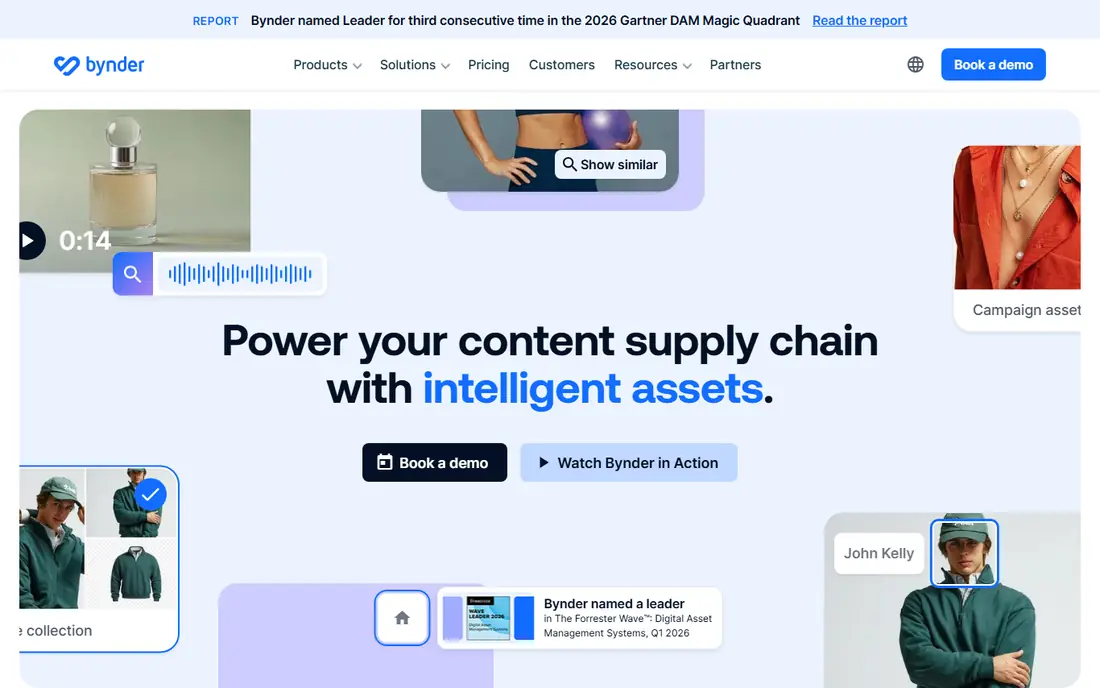
Bynder suits a marketing team that needs tight control over how a brand is used. Its core strength is the way it ties assets to brand guidelines, so a partner or a new hire can find the approved version without asking around. Portals also make it practical to share selected files with agencies, retailers, or regional teams without giving access to the whole library.
The trade-off is cost and complexity. Because pricing is quote-based and modules such as workflow, analytics, and creative automation can add to the bill, a small team may find the total higher than expected. We would shortlist Bynder when governance matters more than a low starting price, and when the team has someone to own taxonomy, permissions, and onboarding.
- Strong brand guidelines and portals
- AI-assisted search and tagging
- Detailed permissions and approvals
- Pricing is not published
- Setup can take time for large libraries
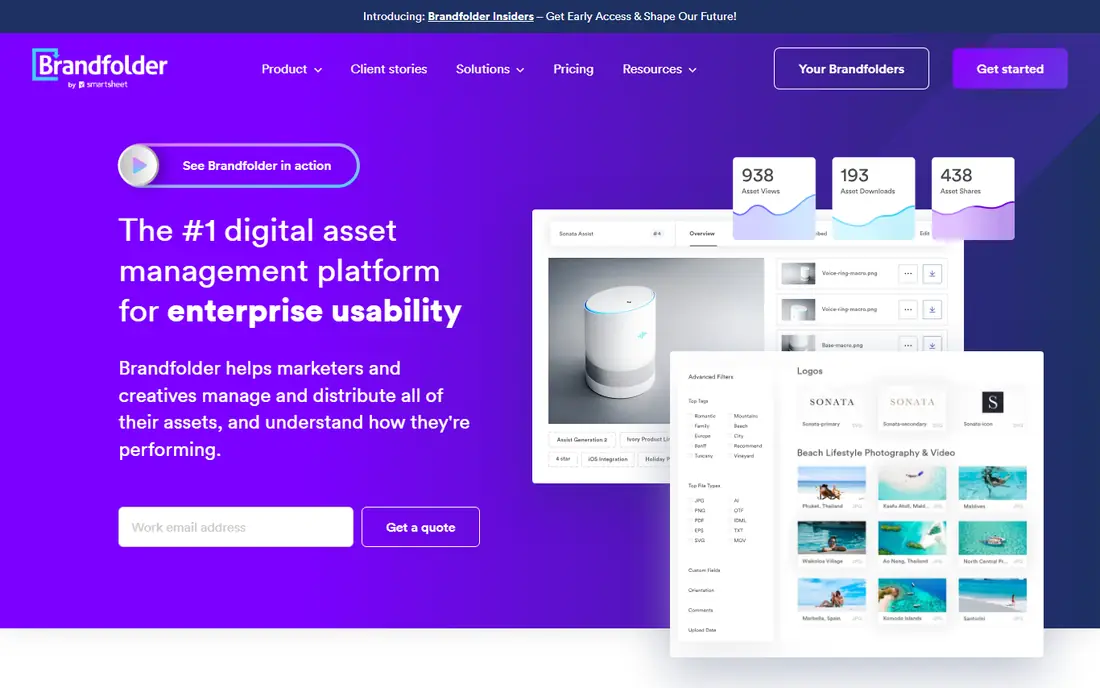
Brandfolder, now part of Smartsheet, works well for companies that share content with many people outside the business. Guests can access what they need without a paid seat for every viewer, which helps when distributors, franchisees, or press contacts need files often. Its brand guidelines sit close to the assets, so the rules travel with the files.
The catch is that the price is not public, and the most useful reporting and security options are not in every plan. A team should ask for a quote that spells out which tier includes analytics, single sign-on, and integrations. For a large organization with heavy external sharing, that extra step is worth it. For a small team, a published-price tool may be a better first step.
- Unlimited guest users on its plans
- Clear brand guidelines and portals
- Strong analytics on asset use
- Pricing is quote-only
- Advanced analytics and single sign-on sit in higher tiers
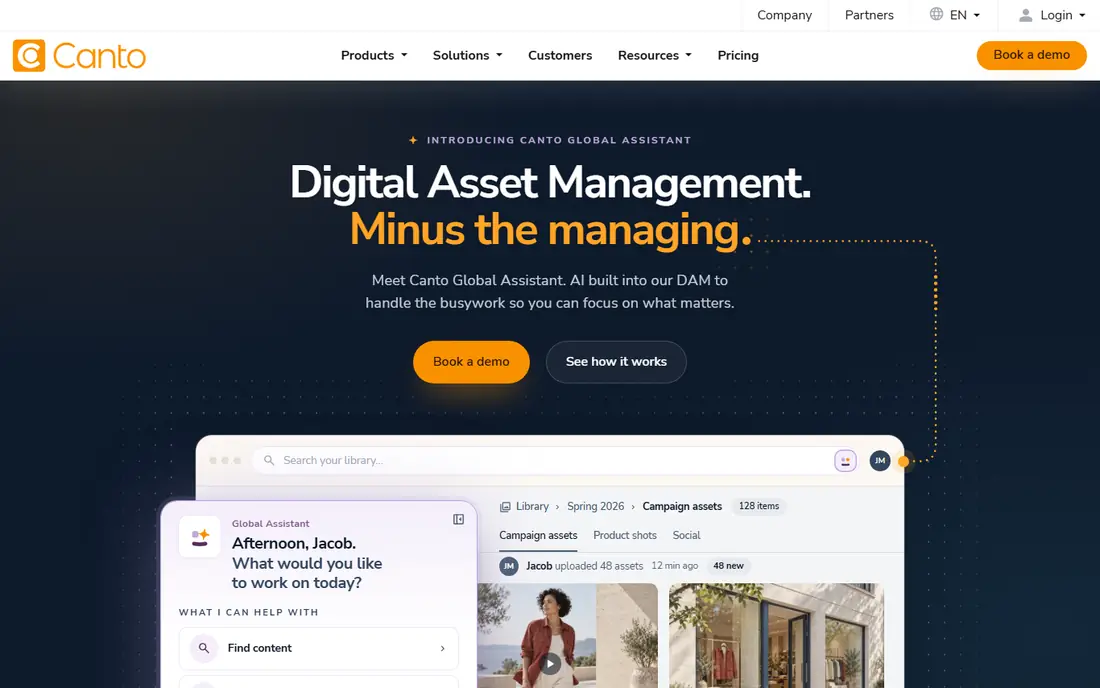
Canto is a good pick for a team that wants a DAM that feels easy from day one. Visual browsing, folders, and smart search help non-technical staff find images and video without learning a complex system. Approvals keep unpublished or outdated files from going out by mistake, which matters for product launches and campaigns.
We would be careful about the quote process. Without published prices, it is hard to compare Canto with a tool like Pics.io until sales replies. Ask about storage limits, user tiers, and which integrations are included, since those details change the final cost. If ease of use is the top priority and the budget allows an enterprise-style purchase, Canto deserves a demo.
- Clean visual browsing and search
- Approval workflows for creative teams
- Product information features through its wider suite
- Pricing is not published
- Some integrations sit in higher packages
Adobe Experience Manager Assets fits a large company already invested in Adobe tools. Files move between Creative Cloud apps and the asset library with less manual handling, and delivery options support websites, apps, and other channels. For a team managing tens of thousands of assets, that depth is a real advantage.
It is not a light choice. Implementation, migration, and training need planning, and pricing depends on scope and contract terms. Smaller teams will likely find it more than they need. We would recommend it mainly when Adobe is already central to the workflow and when governance, scale, and automation justify an enterprise rollout.
- Deep Adobe Creative Cloud integration
- Strong governance and delivery options
- Automation for large asset volumes
- Pricing is quote-based
- Implementation is a major project, not a quick setup
Cloudinary is different from a storage-only DAM because it also prepares and delivers media. A team can upload a master image, then serve resized, cropped, or optimized versions to a website or app without keeping dozens of copies. That saves time for developers and keeps pages faster, which is a practical benefit for online stores and media sites.
The free plan is useful for testing, and the Plus plan starts at 89 dollars per month on annual billing, with higher tiers for larger volumes. The catch is credits: storage, bandwidth, and transformations all draw from the same pool, so a traffic spike can raise costs. Track usage early, and check the enterprise DAM option only if the team needs full governance features beyond media delivery.
- Free plan for small projects
- Built-in image and video transformation
- Global delivery through a content delivery network
- Credit-based pricing needs careful forecasting
- Full DAM enterprise features are quote-based
Acquia DAM, formerly Widen, is built for content operations that go beyond a shared drive. Portals let different groups see only the collections meant for them, while workflows route files through review before release. Analytics help a team see which assets are actually used, which can guide future shoots and design work.
That breadth is also the downside for a small team. A setup with many portals, metadata rules, and integrations takes ownership and time. We would put Acquia DAM on the list for mid-size and enterprise teams that need portals and reporting, and we would ask for a clear quote covering users, storage, and any product information features.
- Flexible portals for partners and teams
- Workflow and approval tools
- Analytics that show how assets are used
- Pricing is quote-based
- Breadth can mean a longer setup for small teams
Aprimo suits a marketing operation with many campaigns, regions, and approval steps. It combines asset management with workflow, planning, and rights controls, so a team can track an asset from brief to publication. That structure helps when compliance, licensing dates, and version control matter as much as the file itself.
The platform is not a quick, low-cost start. Pricing is negotiated, and the value shows most when a team uses its workflow and governance features every day. A small team that only needs storage and sharing will likely pay for depth it does not use. For a larger operation, Aprimo is worth comparing with Bynder and Acquia DAM on workflow fit, not just on asset storage.
- Broad content operations and workflow tools
- Rights and compliance controls
- Delivery options for many channels
- Pricing is quote-based
- Best suited to larger, structured teams
Pics.io appeals to teams that want to see the price before talking to sales. The Solo plan starts at 100 dollars per month, with larger Micro and Small tiers for more users and storage. Integration with Google Drive and Amazon S3 is a practical plus for teams that already store files in those systems, since it can reduce a full migration.
The honest catch is that the headline price is only the start. Extra users, extra storage, AI indexing, and delivery features are add-ons, so the team should price the full setup it needs, not just the base tier. Still, for a growing team that values clarity and a self-serve start, Pics.io is one of the easiest DAM options to evaluate on paper before a trial.
- Published pricing with clear tiers
- Google Drive and Amazon S3 integration options
- AI indexing and video intelligence add-ons
- Entry plan is limited to a small team
- Add-ons for users, storage, and AI can raise the bill
How we picked these
We compared official product pages, pricing pages, and public documentation for each tool, and we checked that each one is a live DAM product in October 2026. We favored tools that cover the core jobs of a DAM: central storage, search and metadata, permissions, version control, and sharing. We also mixed enterprise platforms with published-price options, so readers at different budgets can find a realistic shortlist.
We did not claim hands-on testing that did not happen. Where a vendor does not publish a price, we wrote See website rather than guessing from third-party estimates. That keeps the comparison honest, even when it makes enterprise tools harder to rank on price alone.
What to check before you buy a DAM
Start with the problem, not the feature list. Count how many assets you have, who needs to find them, and who must not see them. A team with 500 images and five users has different needs from a company with 100,000 files and 200 partners.
Search and metadata matter most
A DAM fails when people cannot find the right file. Test search with real terms your team uses, including product names, campaign names, and file types. Check whether AI tagging helps or creates messy tags that still need manual cleanup. Ask who can edit metadata, and whether bulk edits are simple.
Sharing, permissions, and rights
Look at guest access, portals, and download controls. Can you share a single collection without exposing the library? Can you set expiry dates and track licenses? These controls matter more than a long list of integrations for most marketing teams.
Cost beyond the headline price
Add up users, storage, delivery, and add-ons. For Cloudinary-style credit pricing, estimate traffic and transformations, not just storage. For quote-based tools, get the quote in writing with storage, user tiers, and included modules. A trial with a small real collection will reveal setup effort faster than a sales demo alone.
Frequently asked questions
What is the best dam software for a small team?
For a small team, a published-price tool such as Cloudinary or Pics.io is often the easiest start, because the cost is clear before a sales call. Pick Cloudinary if media delivery to a website or app is central, and Pics.io if the team wants a straightforward DAM with clear tiers. A quote-based enterprise tool may still fit if the team plans to grow fast, but it should not be the default for a small library.
What is the best dam platform for brand control?
Bynder and Brandfolder are strong choices for brand control, thanks to guidelines, portals, and permissions that sit close to the assets. Acquia DAM also fits when portals and analytics matter. The right pick depends on how many external users need access and how strict approval steps must be.
What is the best digital asset management software for video?
Cloudinary is a strong option for video because it handles transcoding, adaptive streaming, and delivery in the same system. Pics.io and Canto also support video libraries, with AI and search features that help teams find clips. Check file size limits, preview quality, and delivery costs before choosing on video alone.
What is the best media asset management software for websites?
Cloudinary stands out here because it transforms and delivers media directly to websites and apps. A storage-only DAM can still work, but the team will need a separate delivery step. If the website is the main channel, weigh delivery speed and transformation tools as heavily as storage.
Do I need a DAM, or is a shared drive enough?
A shared drive works until files multiply, versions conflict, and partners receive outdated assets. A DAM adds search, metadata, permissions, versions, and portals, which pay off once a team shares files widely. If only a few people use the files and naming stays strict, a drive may still be enough for now.
How much does DAM software cost?
Published plans in this guide start at 89 dollars per month for Cloudinary Plus and 100 dollars per month for Pics.io Solo, while enterprise tools are quote-based and can cost far more per year. The total depends on users, storage, delivery, and add-ons. Always get a written quote for enterprise tools and price the full setup, not just the entry tier.
Sources
See where you really rank - block by block
ProMapRanker scans Google Maps across a grid of your service area. Simple monthly plans from $19, white-label on every plan.
Start freeKeep reading
 zoho inventory alternatives
6 Alternatives to Zoho Inventory, Compared on Price and Fit
Zoho Inventory alternatives: 6 tools compared on price, free plans and fit. Katana leads the list for manufacturers. Fit and flaws are laid out for each entry.
Read → zoho crm alternatives
Best Zoho CRM Alternatives (2026)
Need Zoho CRM alternatives? We compare 7 tools on cost, free access and who each suits. Every pick gets a straight assessment. Built for quick decisions.
Read → zelle alternatives
Best Zelle Alternatives in 2026
Compare the best Zelle alternatives for sending money to friends, paying sellers and moving funds abroad, with honest notes on fees, speed and safety in 2026.
Read →