 ProMapRanker
Best CV Maker Apps in 2026: 9 Apps Compared

Key takeaways
- Teal is our pick for active job seekers, because it pairs a resume builder with a job tracker and tailored resumes for each posting.
- Kickresume and Enhancv lead on design, while Rezi and Novoresume lead on clean, parser-friendly formatting.
- Most free tiers limit downloads, so check whether you can export a PDF before you spend time building a CV.
- Watch trial terms closely, because several builders convert a low trial price into a recurring subscription.
Quick comparison
| Pick | Great for | Pricing starts at | Free tier | |
|---|---|---|---|---|
 Teal | Managing a high-volume job search | Free | Yes | Visit |
 Kickresume | Designed templates on a budget | Free | Yes | Visit |
 Rezi | Parser-friendly CVs for corporate portals | Free | Yes | Visit |
 Enhancv | Creative layouts that stand out | Free trial (7 days) | Free trial (7 days) | Visit |
 Resume.io | Guided building for first-time writers | Free | Yes | Visit |
 Novoresume | Clean one-page CVs | Free | Yes | Visit |
 Zety | Assisted writing with strong suggestions | Free trial (14 days) | Free trial (14 days) | Visit |
 Resume Genius | Beginners needing step-by-step guidance | Free | Yes | Visit |
 Canva | Creative CVs with full design control | Free | Yes | Visit |
The best CV maker apps
A good CV maker should help you write clear bullets, choose a clean layout and export a file that hiring systems can read. The apps below cover guided builders, design-led tools and job-search platforms, so you can match the tool to how you apply.

Teal is more than a builder. It pairs resume building with a job tracker, so you can save postings, track stages and tailor a version of your CV for each role. The free tier allows unlimited resumes, which is rare in this category and genuinely useful when you apply widely.
The catch is that the best AI features, such as unlimited rewrites, sit behind Teal+ at $29 per 30 days. The free builder still covers the core job well, but heavy users will feel the paywall. If you apply to a handful of roles, start free and upgrade only for a busy search.
- Unlimited resumes on the free tier
- Job tracker
- Tailored resumes per posting
- Advanced AI rewrites sit behind Teal+ at $29 per 30 days
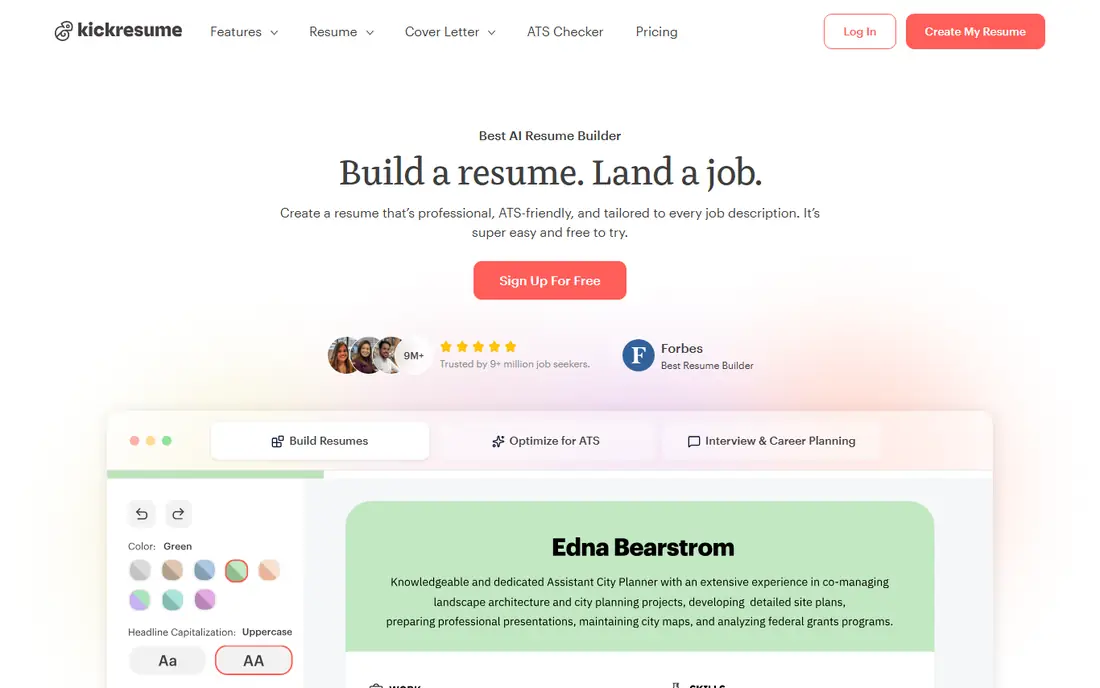
Kickresume helps when a blank page is the problem. It can draft a full CV from your job title and details, then lets you reshape it with a large template library, fonts, spacing and section order. The free plan includes four basic templates with downloads, which is enough to test the tool properly.
Premium starts from $24 per month on monthly billing, with lower rates on longer plans, so check the billing period before you pay. AI tailoring to a posting was still in beta in recent reviews, so do not rely on it alone. For design and drafting, it remains a strong low-cost pick.
- Large template library
- AI first drafts
- Free templates with downloads
- Resume tailoring was in beta during recent testing
- Some features need Premium
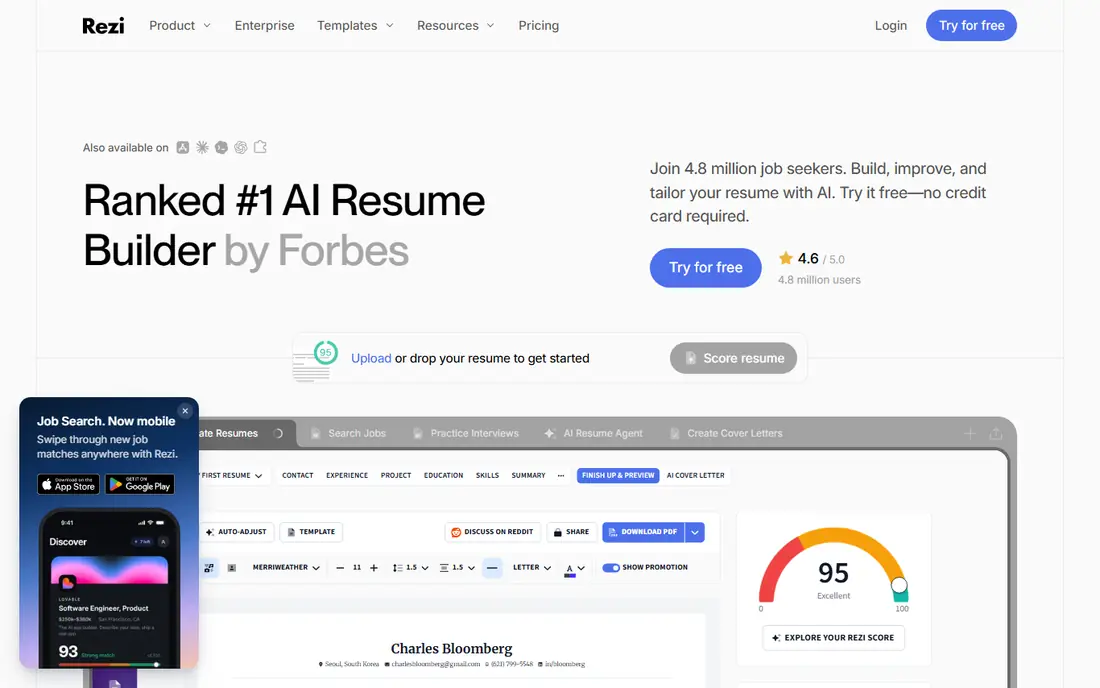
Rezi focuses on the file that hiring systems actually read. Its builder scores content against a job description and suggests keywords, while its layouts stay clean and parser friendly. That focus suits corporate portals, where a pretty CV that cannot be parsed helps no one.
The free tier is narrow, with one resume and a small number of downloads, so most users will need Pro at $29 per month or a lifetime option. If you only need one strong CV for a specific sector, that cost can still be worth it. For many varied roles, Teal may give more flexibility.
- Live scoring against job descriptions
- Clean formatting
- Keyword targeting
- Free tier limits you to one resume
- Pro costs $29 per month
Enhancv suits candidates whose CV needs to look as good as it reads, such as designers, marketers and senior professionals. Its templates use colour, icons and layout with care, and its checker flags weak sections. The builder also handles cover letters and personal pages on paid plans.
Pricing is the drawback. Pro starts from $24.99 per month on some listings, with higher monthly rates on short plans, so check the current plan page. The seven-day free trial helps you test templates, but trial exports carry branding. Use it when design matters in your field.
- Modern templates
- Section-level design control
- Resume checker
- Paid plans are dearer than some rivals
- Free trial exports carry branding
Resume.io is a gentle first builder. Its wizard walks through each section with suggestions for your role, and its templates look traditional enough for conservative fields. First-time writers get structure without facing a blank document, which is the main value here.
The free tier only exports TXT, so a polished PDF needs a paid plan. Trials start at $2.95 for seven days and then convert to a recurring plan, so set a reminder if you only need one CV. Read the billing cycle carefully, because plans bill every four weeks rather than monthly.
- Step-by-step wizard
- Role suggestions
- Many templates
- Free export is TXT only
- Paid plans bill in 4-week cycles
Novoresume is best when one page must do the work. Its builder optimises layout as you type, warns when content overflows, and keeps formatting clean for hiring systems. Students and early-career candidates get a polished result without design decisions slowing them down.
The free tier covers a single one-page CV, so longer CVs and extra versions need Premium from $19.99 per month. That limit suits a first job search but frustrates people with varied roles. If you need several versions, Teal or Kickresume may fit better.
- Strict one-page optimisation
- Real-time content feedback
- Multiple export formats
- Free tier covers one single-page CV
- Premium costs from $19.99 per month
Zety guides you section by section with pre-written bullet examples you can adapt. That help matters for writers who know their work but struggle to phrase it. Its templates are traditional and readable, and the cover letter builder keeps tone consistent across an application.
The trial starts at a low price for 14 days and then renews at a higher recurring rate, so the headline trial price is not the real cost of a long search. It also lacks job-description matching, so tailoring is manual. Use it for one careful build, then cancel if you do not need it.
- Guided wizard
- Thousands of bullet examples
- Cover letter builder
- Trial renews automatically
- No job-description matching
Resume Genius is built for beginners who want a fast, guided path to a presentable draft. Its wizard asks simple questions, suggests phrasing, and produces a clean layout without design fuss. That speed helps when a deadline is close and a blank page is the blocker.
As with several rivals, the free tier only exports TXT, and the trial converts to a recurring plan after 14 days. PDF and Word downloads need Premium. The designs are also plainer than Kickresume or Enhancv, which matters less in conservative fields and more in creative ones.
- Simple wizard
- Expert phrasing help
- ATS check on paid plans
- Free export is TXT only
- Trial converts to a recurring plan
Canva is the design-led option, with a huge template library and drag-and-drop control over colour, type and layout. It suits creative fields where a CV doubles as a portfolio piece, and its free plan exports PDFs without a watermark when you use free elements. It also covers cover letters and portfolios.
The risk is parsing. Fancy templates with columns, graphics and text boxes can confuse hiring systems, so choose a simple layout for corporate portals. Pro assets carry a crown mark and need Pro at $14.99 per month to export cleanly. Use Canva for design, and a clean builder for portal applications.
- Huge template library
- Drag-and-drop design
- Free PDF export for own designs
- Not all templates are parser friendly
- Pro costs $14.99 per month for full assets
How we picked these
We compared official pricing and feature pages, template libraries and export options for each builder, plus public reviews of formatting and ease of use. We favoured tools that let you export a usable file, offer templates for different fields, and state their prices plainly. We left out tools that only generate text with no CV layout, and tools that hide download pricing until checkout. Prices below reflect vendor pages checked in October 2026, and we wrote See website where a vendor shows its price only in the app or at checkout.
How to choose a CV maker app
Start with the file you need to send. Most employers and hiring systems read a simple one-column PDF or Word file best, even if a fancy two-column design looks better on screen. Pick a template that keeps headings, dates and bullets in a clear order, and test the export before you apply.
Write for the posting, not for the template
Use the job description to choose which experience and skills to put first, and rewrite bullets with a result where you can. A builder that tailors a CV to each posting, such as Teal or Rezi, saves time when you apply to many roles. A design tool alone will not fix weak content.
Check the download and the renewal
Build a draft, then check what it costs to download a PDF without a watermark. Read the trial terms, set a reminder before renewal, and cancel if you only needed one CV. A cheap trial that renews monthly is the most common complaint about this category.
Frequently asked questions
What is the best CV maker app?
Teal is the best all-round pick for active job seekers, because it combines a builder with a job tracker. Kickresume suits design-led CVs, Rezi suits parser-friendly CVs for corporate portals, and Novoresume suits a clean one-page CV. The best app depends on how many roles you apply for and how much design matters in your field.
Can I make a CV for free?
Yes, with limits. Teal, Kickresume and Novoresume offer free tiers, and several builders let you build for free but charge to download a PDF. Canva also offers free CV templates. Check the export terms before you build, so you do not finish a CV you cannot download.
Are CV maker templates ATS friendly?
Simple templates with one column, standard headings and normal fonts are usually easiest for hiring systems to read. Complex layouts with tables, graphics and text boxes can confuse parsers. If you apply through a corporate portal, choose a clean template and test the export.
Should I use AI to write my CV?
AI help can draft bullets and summaries, but you should edit every line for accuracy and tone. Recruiters spot generic AI text quickly, and invented achievements can cost you the role. Use AI for a first draft, then rewrite in your own words with real results.
Is a CV the same as a resume?
In the US, a resume is usually a short one or two page summary for a job. A CV is longer and more detailed, and is common in academic, research and some international roles. Most of the apps here build both, by letting you add or remove sections and pages as needed.
Sources
See where you really rank - block by block
ProMapRanker scans Google Maps across a grid of your service area. Simple monthly plans from $19, white-label on every plan.
Start freeKeep reading
 zscaler alternatives
Best Zscaler Alternatives in 2026
Looking for zscaler alternatives? We compare 9 SASE and zero trust platforms on architecture, data protection, pricing, and fit for your network and team.
Read → zapier alternatives free
Best Zapier Alternatives Free in 2026
Nine automation tools for zapier alternatives free in 2026, all with genuinely free tiers, plus free plan limits, starting prices and upgrade paths explained.
Read → which platform is best for online reputation
Which Platform Is Best for Online Reputation in 2026
Wondering which platform is best for online reputation? We compare 8 review, listing, and response tools for small and multi-location businesses and agencies.
Read →