 ProMapRanker
Best Customizable Worksheet Software With AI in 2026


Printable worksheets with answer keys · Pricing starts at: See website
Key takeaways
- EasyClass AI and Monsha suit teachers who want printable, ready to use worksheets with answer keys and grade level control.
- Musely and Junia suit fast, low cost generation from a topic or standard, with printable output.
- Taskade, MagicSchool, and Diffit suit teachers who want worksheets inside a wider lesson planning or differentiation workflow.
- Canva suits design led worksheets, but its AI drafting is lighter than dedicated worksheet generators.
- Always review AI worksheets for errors, reading level, and answer key accuracy before handing them to students.
Quick comparison
| Pick | Great for | Pricing starts at | Free tier | |
|---|---|---|---|---|
| EasyClass AI | Printable worksheets with answer keys | See website | Free trial | Visit |
 Monsha | Curriculum aligned worksheet generation | See website | Free trial | Visit |
 Musely | Fast printable worksheets by topic | See website | Free trial | Visit |
 Junia | Free style printable worksheet generation | See website | Free trial | Visit |
 Taskade | Worksheets inside a collaborative workspace | See website | Free trial | Visit |
 MagicSchool | AI lesson and worksheet tools for teachers | See website | Free trial | Visit |
 Diffit | Differentiated reading and worksheets | See website | Free trial | Visit |
 Canva | Design led customizable worksheets | See website | Yes | Visit |
The best customizable worksheet software with AI
AI worksheet software turns a topic, standard, or vocabulary list into a worksheet teachers can edit, print, or share digitally. The best customizable worksheet AI software lets teachers set grade level, difficulty, question types, and format, then edit every question before use. We compared official product pages and public feature descriptions for each tool below, and we wrote See website where pricing was not published clearly.
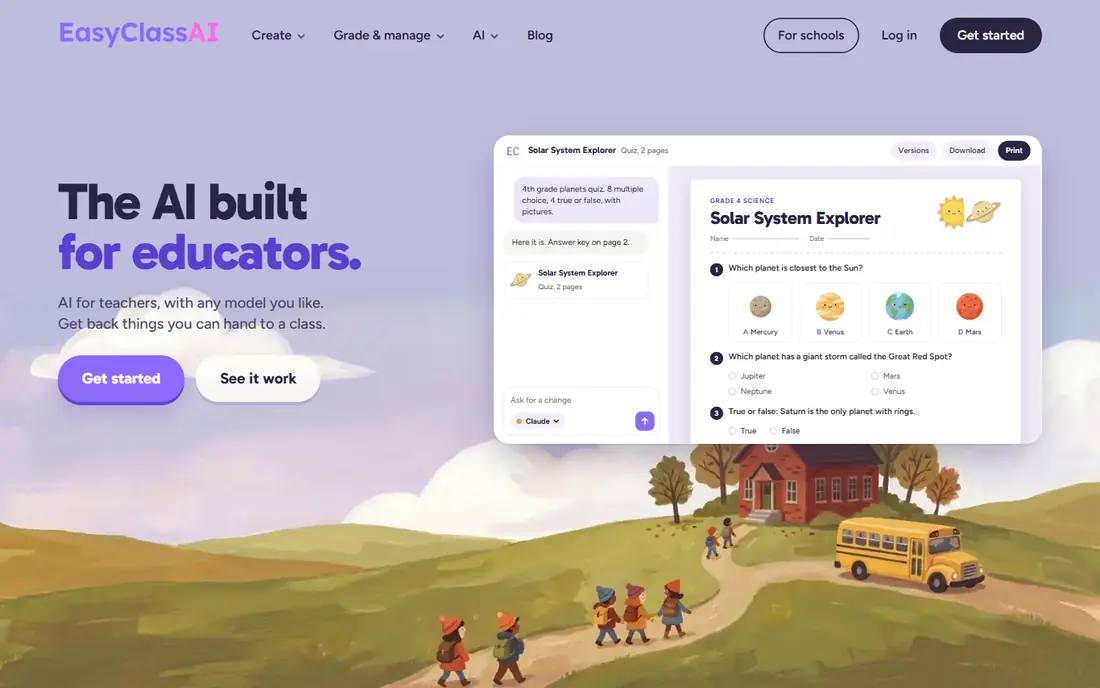
EasyClass AI is our pick for teachers who want a worksheet that is ready to print, not a wall of text to reformat. Describe the topic and grade in chat, and it builds a laid out worksheet with space to write, plus an answer key on its own page. Export to PDF or Word keeps the workflow simple for classrooms without a learning platform.
The catch applies to every AI tool here. Generated questions can contain errors, and reading level can drift from the grade requested. Review the worksheet and answer key before printing, and edit any question that is unclear or too hard. For printable, classroom ready output, EasyClass AI is a strong starting point.
- Chat based worksheet creation
- Printable layouts with answer keys
- PDF and Word export
- Pricing details vary by plan
- Younger students need teacher review
- Design options are classroom focused
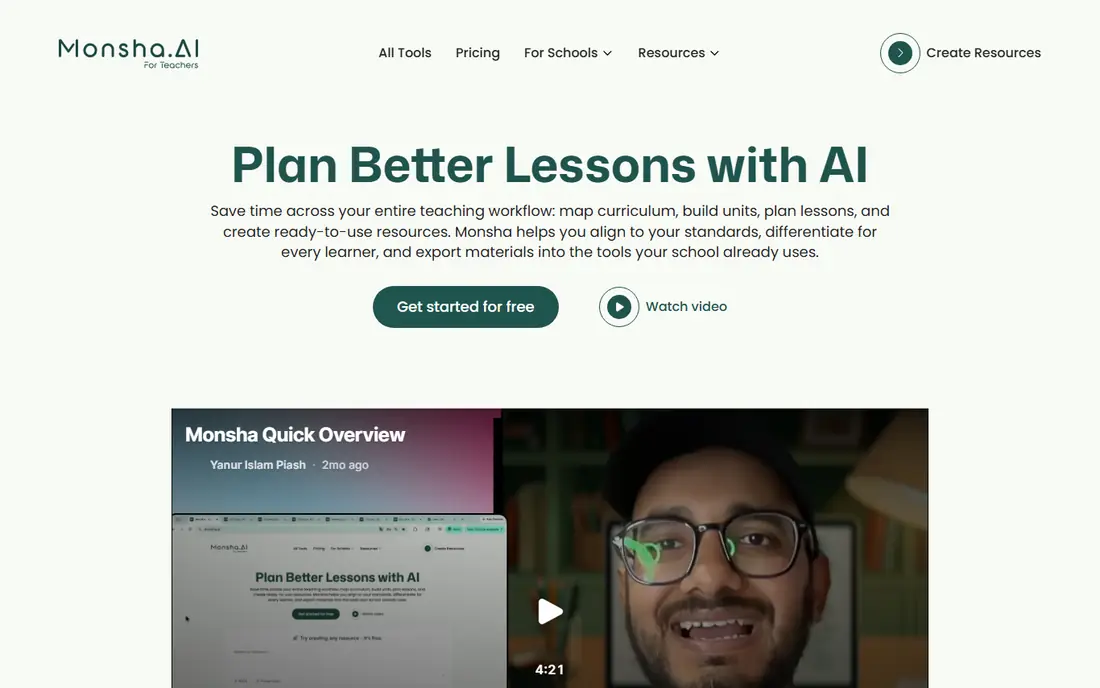
Monsha suits teachers who plan in units and want worksheets that fit a lesson, not just a topic. Its smart worksheet generator adapts to subject, grade, learning objectives, and curriculum expectations, and it offers many question formats, from multiple choice and fill in the blank to diagram labelling and problem solving. Rich text editing lets teachers change instructions, layout, and questions after generation.
The limit is that curriculum alignment is only as good as the inputs and the review. Check standards references, question accuracy, and difficulty for your class, especially for differentiated groups. Monsha is best for teachers who want a planning tool that also generates worksheets, rather than a single purpose generator alone.
- Smart worksheet generator
- Grade, subject, and standard controls
- Rich text editing after generation
- Pricing is not published clearly
- Full lesson planning features need a paid plan
- Output still needs review
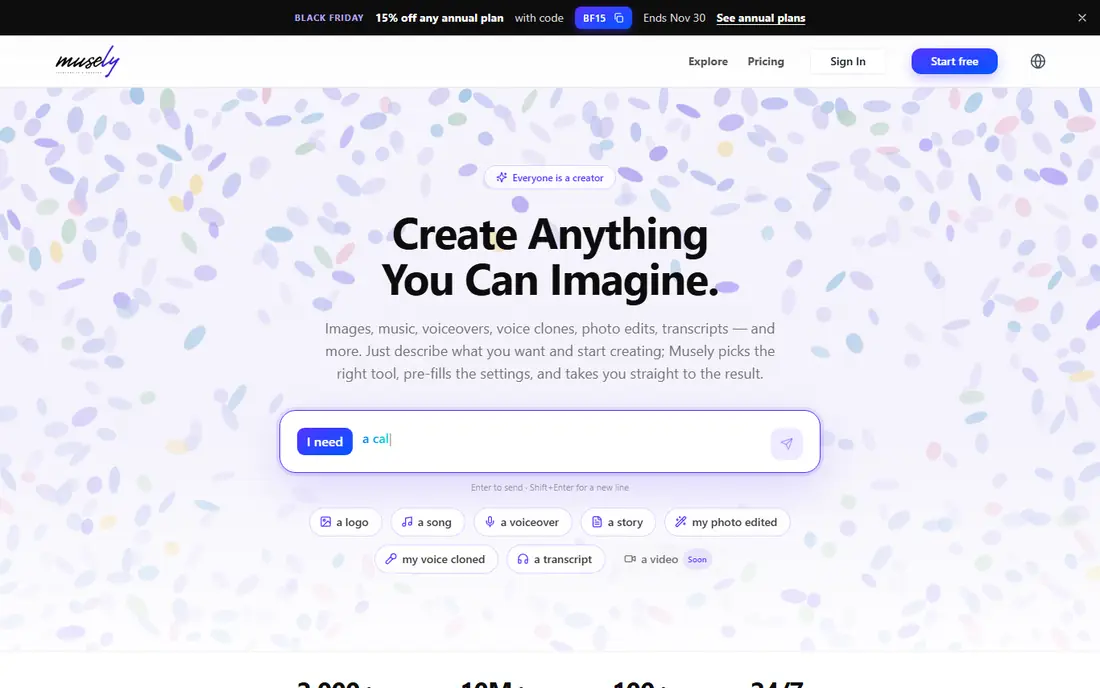
Musely is built for speed. Enter a topic, standard, or vocabulary list, choose subject, format, and grade band, and get a printable worksheet with an answer key in about half a minute. Formats include fill in the blank, multiple choice, word search, matching, short answer, and computation drills, which covers most routine practice needs.
Speed is also the risk. Fast output can include a wrong answer, a repeated question, or a reading level mismatch, so a quick teacher pass is essential. Musely suits tutors, homeschool parents, and teachers who need a practice sheet today and are comfortable editing it. For a polished, differentiated unit packet, a planning tool like Monsha may fit better.
- Fast generation from a topic or standard
- Many subjects and formats
- Worksheet plus answer key output
- Pricing and plan limits vary
- Design is functional rather than polished
- Accuracy needs checking
Junia offers a straightforward worksheet generator for math, reading, writing, science, social studies, ESL, and more. Teachers choose topic, grade level, difficulty, worksheet type, question count, and format, then generate a printable sheet with an optional answer key and differentiated levels. That control makes it useful across subjects without learning a large platform.
The trade off is integration. Junia is a generator first, not a learning management system or full lesson planner, so sharing and grading still need another tool in many classrooms. It suits teachers and tutors who mainly need printable practice sheets and are happy to print or share a PDF. Review answers carefully, especially for math and science items.
- Flexible topic, grade, and difficulty controls
- Printable worksheet and answer key
- Simple free style workflow
- Plan and pricing details vary
- Fewer classroom platform integrations
- Output needs teacher review
Taskade suits teachers who already plan and collaborate in a workspace and want worksheets in the same place. Its AI worksheet generator creates practice problems, reading comprehension activities, and exercises from a topic or standard, with instructions, practice items, answer keys, and scaffolding for diverse learners. Output opens in Taskade, ready to edit, automate, and share with a team.
The catch is print design. Taskade output is strong for digital sharing and editing, but teachers who want a polished printable page may prefer EasyClass AI or Musely. Taskade fits departments and tutoring teams that share, revise, and reuse materials together, rather than teachers who only need a one off handout.
- AI worksheet generator inside a workspace
- Editable output in list, table, and mind map views
- Sharing and collaboration
- Worksheet design is less print focused
- Pricing depends on workspace plan
- Teachers need to learn the workspace
MagicSchool is a wider AI toolkit for teachers, with worksheet generation sitting alongside lesson planning, assessment, and communication tools. That breadth helps teachers who want one login for many routine tasks, from drafting a worksheet to writing a lesson outline or a parent message. Grade and standard controls help tailor output to a class.
The limit is depth in any single tool. A dedicated worksheet generator may offer finer layout control than a general toolkit, so trial the worksheet tool specifically before judging the whole platform. Pricing depends on individual or school plans, with a free tier for basic use. For teachers exploring AI across their workflow, MagicSchool is a practical hub.
- Many teacher focused AI tools
- Worksheet and lesson planning in one place
- Grade and standard controls
- Worksheet depth varies by tool
- Pricing depends on school plan
- Output needs review for accuracy
Diffit stands out for differentiation. Teachers can generate reading passages and related questions at different reading levels, which helps mixed ability classes work on the same topic without the same text. That feature matters more than raw generation speed when a class spans several reading levels.
Differentiation still needs teacher judgment. A simplified text can lose key vocabulary or nuance, and questions must match what was actually taught. Review each level, check that key terms remain, and adjust difficulty by hand where needed. Diffit suits teachers who differentiate often and want that workflow built into generation.
- Differentiated texts and questions by reading level
- Worksheet and activity generation
- Easy sharing
- Differentiation needs teacher judgment
- Pricing varies by plan
- Print layout is simpler than dedicated tools
Canva suits teachers who care most about how a worksheet looks. Its template library, layout tools, and image options make it easy to build a polished, branded worksheet that students enjoy using. Teachers can customize every element, from fonts and colors to diagrams and answer spaces, and share or print the result.
The trade off is generation. Canva is a design tool first, so drafting questions with AI and building answer keys takes more manual work than in EasyClass AI or Monsha. It fits best when a teacher already has content and wants to present it beautifully, or when a worksheet is reused across terms. Pair Canva with a generator when drafting speed matters.
- Strong design templates
- Easy customization of layout, fonts, and images
- Free plan available
- AI drafting is lighter than dedicated generators
- Answer key workflow is manual
- Classroom sharing needs setup
How we picked these
We compared official product pages and public feature descriptions, and we kept only tools that operate in October 2026 and offer AI generation plus real customization of topic, grade, difficulty, or format. We favored tools with printable or editable output and answer keys, and we wrote See website where pricing was not published clearly.
How to choose AI worksheet software
Start with output type. If you need printable sheets, trial EasyClass AI, Musely, or Junia. If you need differentiated digital work, trial Diffit or Taskade. If you plan whole units, trial Monsha or MagicSchool. If design matters most, use Canva for presentation.
Review every AI worksheet before use
Check each question, answer, and reading level, and remove anything that is inaccurate, confusing, or off topic. Keep answer keys separate from student sheets, and store good worksheets for reuse with notes on what worked. AI saves drafting time, but teacher review is what makes a worksheet safe to hand out.
Frequently asked questions
What is the best customizable worksheet AI software?
EasyClass AI and Monsha lead for printable, customizable classroom worksheets. Musely and Junia lead for fast, simple generation, while Taskade and MagicSchool suit wider planning workflows. Canva leads for design led worksheets.
What is the best AI tool for customizable worksheets?
The best tool depends on output. Choose EasyClass AI for print ready sheets with answer keys, Monsha for curriculum aligned units, Diffit for differentiated reading levels, and Canva when layout and design matter most. Trial two tools with the same topic to compare.
Are AI worksheets accurate?
Not always. AI can produce wrong answers, unclear questions, and reading level errors, so teachers should review every worksheet and answer key before use. Treat AI output as a draft, edit it for your class, and keep a record of corrections for reuse.
Can AI worksheets be differentiated?
Yes. Tools like Diffit, Monsha, and EasyClass AI let teachers set grade, difficulty, and reading level, and some generate multiple versions. Still, check each version, since simplified text can lose key vocabulary and a harder version can jump too far in difficulty.
Do these tools work for homeschool and tutoring?
Yes. Musely, Junia, and EasyClass AI suit homeschool parents and tutors who need printable practice sheets by topic and grade. Taskade and Canva suit tutors who share digital materials or reuse polished worksheets across students.
Sources
See where you really rank - block by block
ProMapRanker scans Google Maps across a grid of your service area. Simple monthly plans from $19, white-label on every plan.
Start freeKeep reading
 zoho inventory alternatives
6 Alternatives to Zoho Inventory, Compared on Price and Fit
Zoho Inventory alternatives: 6 tools compared on price, free plans and fit. Katana leads the list for manufacturers. Fit and flaws are laid out for each entry.
Read → zoho crm alternatives
Best Zoho CRM Alternatives (2026)
Need Zoho CRM alternatives? We compare 7 tools on cost, free access and who each suits. Every pick gets a straight assessment. Built for quick decisions.
Read → zelle alternatives
Best Zelle Alternatives in 2026
Compare the best Zelle alternatives for sending money to friends, paying sellers and moving funds abroad, with honest notes on fees, speed and safety in 2026.
Read →