 ProMapRanker
6 Best Customizable Project Management Software Options for 2026

Direct answer
Wrike is the first pick on this list for cross-functional portfolio work. Alternatives: Smartsheet for spreadsheet-style planning, and monday.com for visual boards and columns. Details, prices and limits for the rest of the 6 tools are below.
Key takeaways
- Top of the list is Wrike, which targets cross-functional portfolio work.
- Notion fits docs-plus-tasks workspaces.
- A fair warning about ClickUp: the depth overwhelms new users.
- monday.com, ClickUp, Jira, Notion: these are the 4 tools out of 6 that offer a free plan.
Quick comparison
| Pick | Great for | Pricing starts at | Free tier | |
|---|---|---|---|---|
 Wrike | Cross-functional portfolio work | See website | Not stated | Visit |
 Smartsheet | Spreadsheet-style planning | See website | Not stated | Visit |
 monday.com | Visual boards and columns | See website | Yes | Visit |
 ClickUp | Maximum customization depth | See website | Yes | Visit |
 Jira | Agile software teams | See website | Yes | Visit |
 Notion | Docs-plus-tasks workspaces | See website | Yes | Visit |
Tool-by-tool breakdown
This ProMapRanker guide covers 6 options for customizable project management software. Each profile lists a starting price, free plan details, strengths and drawbacks, so you can drop poor fits quickly.
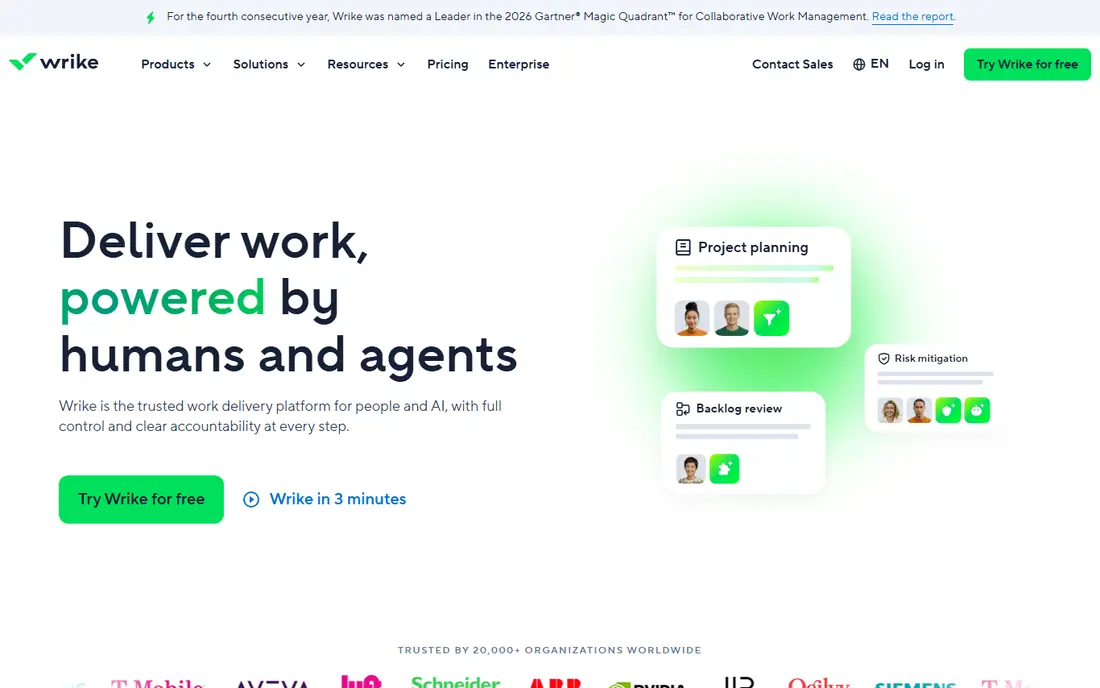
Wrike targets cross-functional portfolio work. Wrike is designed for the reality of large organizations: work arrives as requests from other departments, crosses team boundaries, and needs portfolio-level visibility. In daily use, configuration is feature-rich but demands real admin time.
On top of that, the AI layer brings risk prediction and analytics on top of that structure, which fits the enterprise buyers Wrike courts: NVIDIA, Walmart, Nickelodeon and Syneos Health are among the customer stories. On top of that, custom fields, workflows and item types adapt the system to different departments without separate tools. In practice, with 400+ integrations, Wrike links to nearly any stack. This comparison lists no price for Wrike; ask the vendor. As for free access: Not stated.
The main drawbacks: Configuration takes real admin effort.
- Solid Gantt
- Dashboards and resource management
- Interface density intimidates casual users

Where Smartsheet fits: spreadsheet-style planning. Smartsheet is the customization path for people who think in spreadsheets. The grid interface is immediately familiar, but underneath it runs real project management: dependencies, critical path, Gantt views, resource management, automatic workflows and formulas that roll up across sheets.
Best features of Smartsheet: Dashboards and portfolio reporting.
Where it is weaker: Collaboration feels less modern than rivals.
With 85%+ of the Fortune 500 as customers, Smartsheet is deeply proven in operations, IT portfolios and client delivery. More specifically, the customization lives in the sheet mechanics. The honest catch is collaboration. As for the details, teams that would never adopt a card-based tool adopt Smartsheet in days, since it looks like the Excel they already use. Check the vendor site for Smartsheet pricing; none is listed in this comparison. Free options: Not stated.
- Feature-rich formulas
- Familiar grid interface spreadsheet users adopt immediately
- Per-user pricing with key features on higher plans
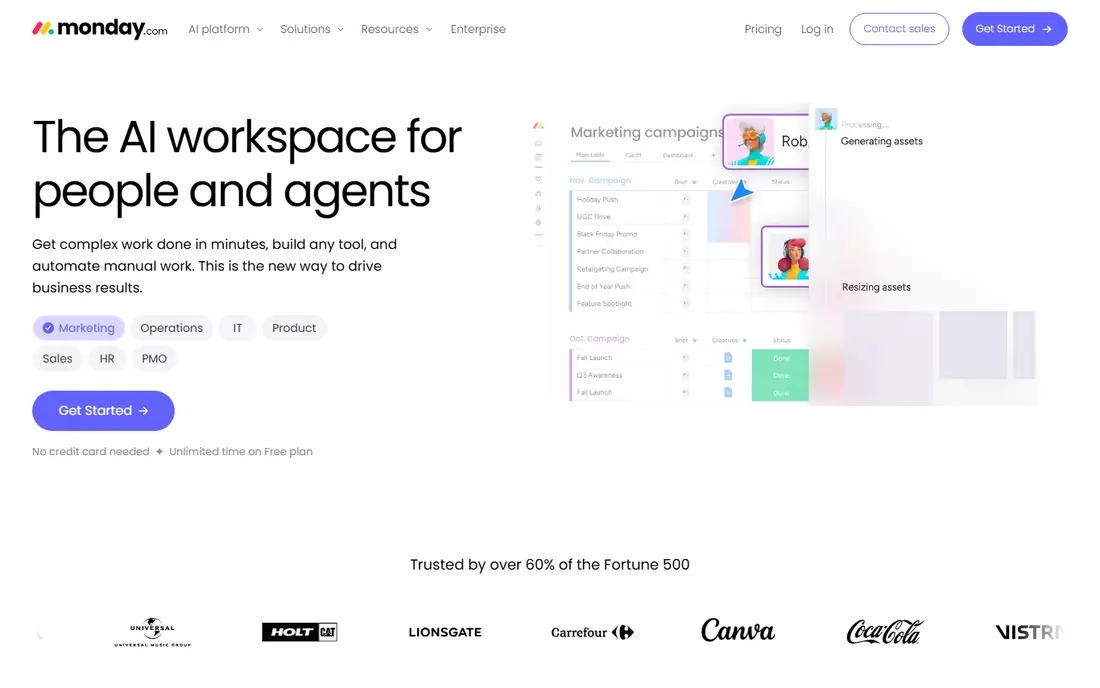
monday.com serves visual boards and columns. monday.com is the tool teams choose when they want customization without a manual. Beyond that, premium plans add the automations, integrations and views that expanding teams need.
As for the details, the free plan is unusually ample in duration: unlimited time with no credit card required, pitched at individuals and tiny teams. As for the details, a non-technical operations manager can build a working intake-to-delivery workflow in an afternoon, which is why adoption tends to be quick. For visual, adaptable project tracking that the entire company will actually open, it is the friendliest choice here. The honest catch is the seat math. Pricing for monday.com is not stated here, so ask the vendor for current figures. monday.com includes a free tier.
Where it shines: Free plan with unlimited time.
Where it is weaker: Pricing per seat brings up as teams grow.
- 200+ column types and no-code automations
- Very visual boards anyone can read
- Complicated workflows need higher levels for automations and integrations
In short, ClickUp is for maximum customization depth. New users routinely report feeling overwhelmed, and admins can spend live designing the workspace before anyone does handy work. ClickUp is the answer when someone asks which project tool can be shaped into anything.
Watch-outs: The depth overwhelms new users.
Where it shines: timeline and mind maps.
A marketing team and an engineering team can run fully different processes in the same workspace, which is why ClickUp keeps winning "most configurable" comparisons. The honest catch is the learning curve. Custom fields, custom statuses, custom views, task hierarchies five levels deep, and automations that trigger on almost any event: there is very little about the workflow you cannot change. Also, the AI layer now sits on top, with agents that can find answers and take action across tasks, docs and chat. No starting price is listed for ClickUp here; confirm pricing on the vendor site. ClickUp offers a free plan.
- Views and hierarchies at every level
- 15+ views including Gantt
- Performance can lag in very large workspaces
Jira serves agile software teams. Roadmaps, backlogs, sprints and releases are native concepts, not extras. As for the details, the free plan handles up to 10 users with no credit card, which makes it genuinely free for small dev teams.
The main drawbacks: Non-technical teams find it hostile.
Main advantages: Deepest agile customization: workflows, schemes.
In daily use, with 300,000+ firms on Atlassian products and 85% of the Fortune 500 using them, Jira is the industry standard for a reason. The honest catch is the configuration tax. Jira does not show a starting price in this comparison, so check the vendor site for current pricing. You can start on Jira without paying.
- Massive Atlassian ecosystem with Confluence
- Issue types and permissions
- Configuration complexity is legendary
Notion is designed for docs-plus-tasks workspaces. Databases with custom properties, views (table, board, calendar, timeline, gallery), relations and rollups let teams build project trackers, CRMs, roadmaps and wikis in the same workspace where the docs live. More specifically, very large databases can also get slow.
What to check first: Performance suffers in very large databases.
As for the details, for teams whose work is as much writing and knowledge as task execution, Notion's adaptability is unmatched. For project management specifically, the appeal is context: the project plan, the meeting notes, the spec docs and the task list all live together, and AI can search across all of it. As for the details, the template community, 1.4 million members capable, means almost any workflow has a starting point built by someone else. The honest catch is depth. No starting price is listed for Notion here; confirm pricing on the vendor site. Free access exists with Notion.
- Huge template community
- Free for individuals with ample limits
- Project-specific features like Gantt and workload are thinner than dedicated PM tools
How the list was put together
Pricing pages, product documentation and feature lists were the main sources, and every entry carries at least one honest drawback. Prices and plan limits come from vendor pages and can change, so confirm them on the vendor site before you buy. We ordered the tools by general fit, then by how clearly pricing is shown, then by free access. A buyer with unusual needs may reorder them.
Things to verify first
- Request quotes from Wrike, Notion and the others; the list shows no fixed prices.
- Read the fine print on the free plans from monday.com, ClickUp, Jira and Notion; seat, project and feature caps differ.
- Read the limits listed for Wrike first: interface density intimidates casual users.
- Confirm the exact monday.com plan that includes your must-have features.
- Confirm you can export your data from Wrike, so leaving later does not mean losing records.
Frequently asked questions
Which options for customizable project management software have a free plan?
monday.com, ClickUp, Jira and Notion offer a free plan in this list. Free plans usually cap users, projects or features, so check the limits on the vendor page.
ClickUp vs monday.com: which is better?
ClickUp supplies deeper customization and a more ample free plan, which fits teams that want to shape every detail. monday.com is more visual and simpler for non-technical teams to adopt, which fits organizations where usability beats depth. Try both free plans with the same real project and see which one your team actually opens every day.
Do these tools publish their prices?
No. None of the tools, from Wrike to Notion, shows a fixed starting price here, so budget time for quotes.
Can I try these options before paying?
Often, yes. monday.com, ClickUp, Jira and Notion have a free plan. Use your own data and a real task during the test, and check what the free tier or trial limits before you rely on it.
Is Wrike the right pick for everyone comparing customizable project management software?
No single tool suits every team. Wrike comes first because it fits cross-functional portfolio work, while Smartsheet suits spreadsheet-style planning and monday.com suits visual boards and columns. Match the tool to your own size, budget and workflow before deciding.
What is the most configurable project management software?
ClickUp gives you the deepest customization: custom fields, statuses, views, hierarchies and automations at every level. Jira matches it for agile software workflows specifically.
Sources
See where you really rank - block by block
ProMapRanker scans Google Maps across a grid of your service area. Simple monthly plans from $19, white-label on every plan.
Start freeKeep reading
 zscaler alternatives
Best Zscaler Alternatives in 2026
Looking for zscaler alternatives? We compare 9 SASE and zero trust platforms on architecture, data protection, pricing, and fit for your network and team.
Read → zapier alternatives free
Best Zapier Alternatives Free in 2026
Nine automation tools for zapier alternatives free in 2026, all with genuinely free tiers, plus free plan limits, starting prices and upgrade paths explained.
Read → which platform is best for online reputation
Which Platform Is Best for Online Reputation in 2026
Wondering which platform is best for online reputation? We compare 8 review, listing, and response tools for small and multi-location businesses and agencies.
Read →