 ProMapRanker
Best Customer Support Software in 2026

Key takeaways
- Zendesk suits large, omnichannel operations, but its real entry point is Suite Team, not the cheapest ticketing plan.
- Zoho Desk, Help Scout, and HubSpot Service Hub offer free starting points for small teams.
- Intercom leads for chat-first SaaS support, while Gorgias and Tidio suit ecommerce teams with chat-heavy queues.
- AI pricing now matters as much as seat pricing, because per-resolution fees can change the total bill.
Quick comparison
| Pick | Great for | Pricing starts at | Free tier | |
|---|---|---|---|---|
 Zendesk Zendesk | Omnichannel support at scale | $55 per month | Free trial | Visit |
 Freshdesk Freshdesk | Value omnichannel support | $19 per month | Free trial | Visit |
 Zoho Desk Zoho Desk | Budget teams in the Zoho system | Free | Yes | Visit |
 Help Scout Help Scout | Email-first personal support | Free | Yes | Visit |
 Intercom Intercom | Chat-first SaaS support | $29 per month | Free trial | Visit |
 Front Front | Collaborative shared inboxes | $25 per month | Free trial | Visit |
 HubSpot Service Hub HubSpot Service Hub | CRM-connected service teams | Free | Yes | Visit |
 Gorgias Gorgias | Ecommerce support for Shopify brands | $10 per month | Free trial | Visit |
 Tidio Tidio | Live chat and AI for small stores | Free | Yes | Visit |
The best best customer support software
We compared 9 options for this guide, looking at what each tool does best, what it costs, and where it falls short. The list below mixes well-known leaders with smaller options that serve a clear job well, so you can shortlist by fit rather than by fame alone.
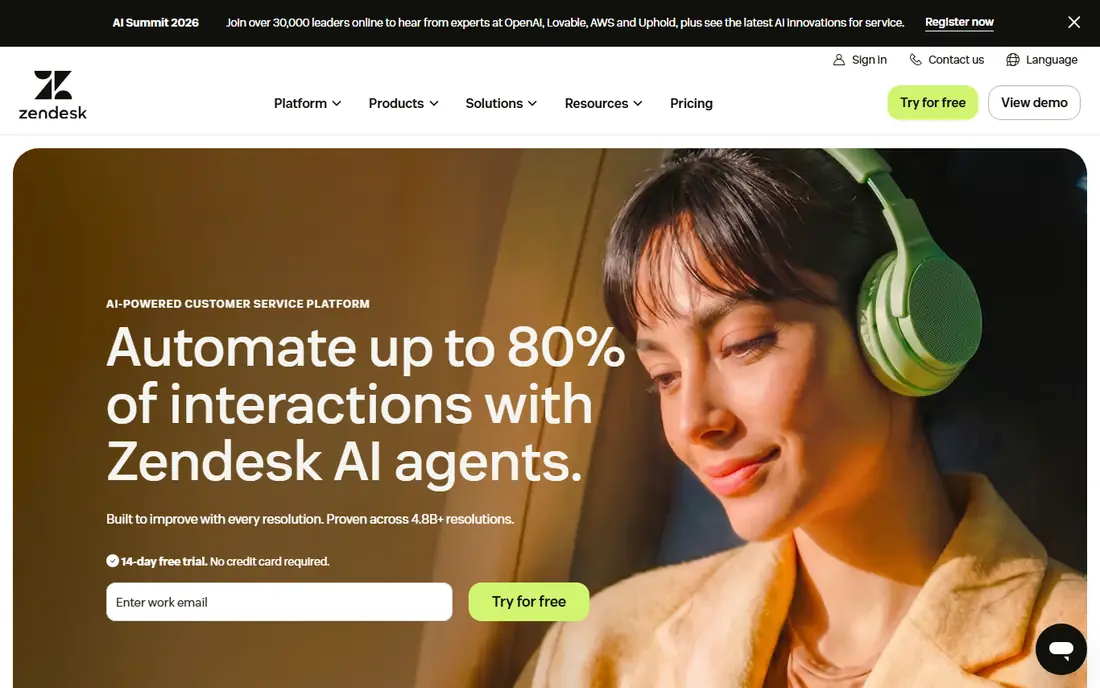
Start here if you want a clear first option to test. Zendesk is the default choice for larger support operations, with Suite plans that bring email, messaging, chat, voice, and a help centre into one workspace. It fits growing and enterprise teams where support is a core operation with complex routing and reporting needs. In day-to-day use, the value shows up in how much manual follow-up it removes from a normal week. The catch is the total bill: Copilot, voice, and AI resolutions are add-ons, so budget for those before you compare seat prices. Starting at $55 per month, with a free plan status of free trial, it is worth testing on a real task before you commit to a longer plan, and checking current limits on the vendor site first.
- Ticketing, chat, voice, and help centre in Suite plans
- Deep automation and reporting
- Large integration range
- Real entry point is Suite Team, not the cheaper ticketing-only plan
- AI add-ons raise cost
- Setup can be heavy
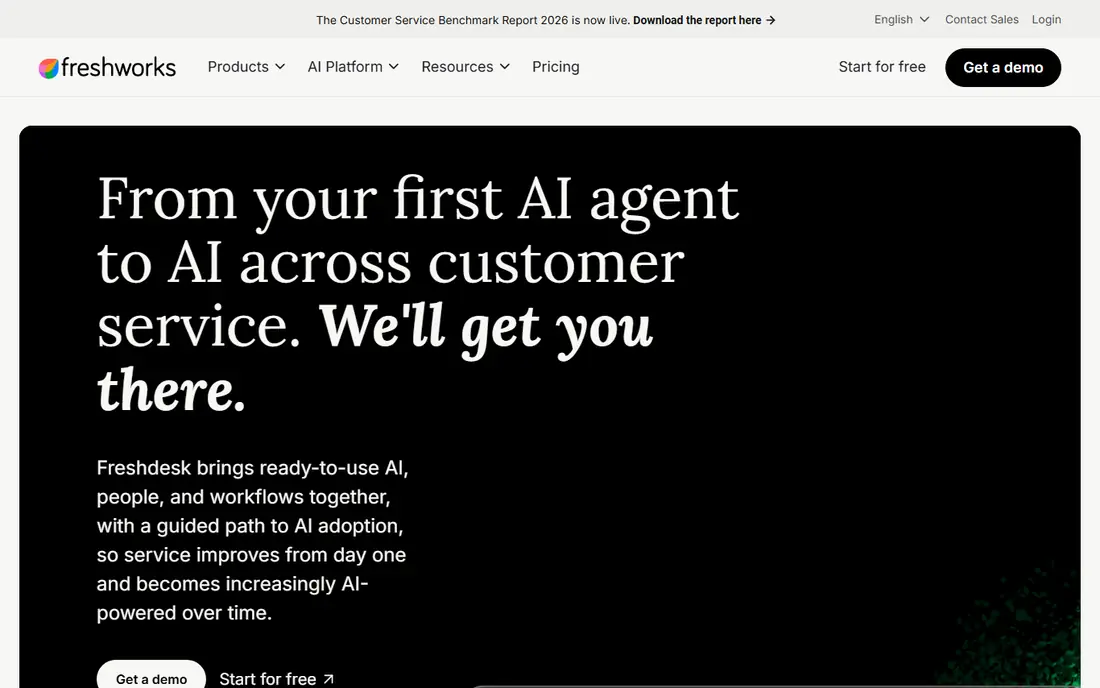
Consider this option when your current setup feels slow or scattered. Freshdesk offers a full help desk at a lower entry price than Zendesk, with omnichannel ticketing and AI assistance options. It fits growing teams that want chat, email, and phone in one place without enterprise pricing. In day-to-day use, check how it handles your most common task, not the feature list as a whole. The catch is AI metering: check how Freddy sessions are counted and priced at your ticket volume. Starting at $19 per month, with a free plan status of free trial, it is worth testing on a real task before you commit to a longer plan, and checking current limits on the vendor site first.
- Email, chat, phone, and social ticketing
- Freddy AI options
- Simple setup for growing teams
- Free plan has been removed in recent pricing, so entry is paid
- AI sessions are metered
- Advanced reporting needs higher plans
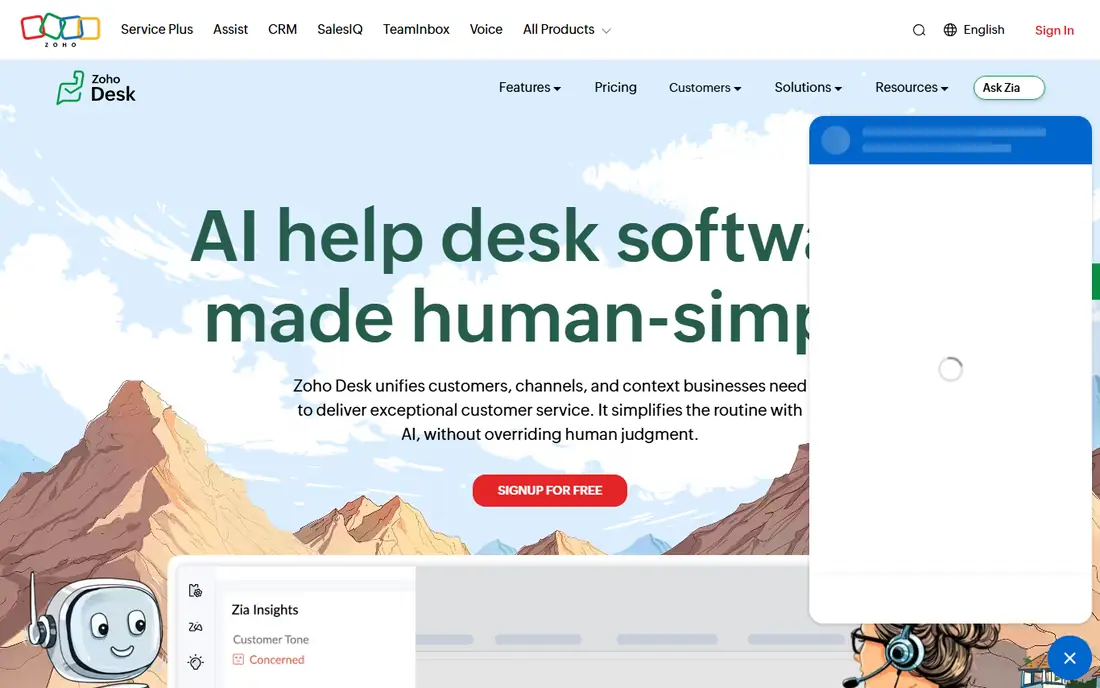
This pick makes sense for teams that know exactly which stage to fix first. Zoho Desk is the cheapest path on this list for small teams, with a free plan and low paid entry prices. It fits budget-conscious teams, especially those already using Zoho apps, that need multichannel ticketing and self-service. In day-to-day use, the setup time and the learning curve matter as much as the headline features. The catch is depth: advanced automation and AI features need paid plans, so check the tier that holds the features you need. Starting at free, with a free plan status of yes, it is worth testing on a real task before you commit to a longer plan, and checking current limits on the vendor site first.
- Free plan for three users
- Email ticketing, help centre, and knowledge base
- Zia AI on higher plans
- Free plan limits are real
- Interface grows complex with added modules
- AI agents sit on higher tiers
Look at this one first if price or simplicity matters more than breadth. Help Scout keeps support personal, with a shared inbox and a Docs site that feels close to the email experience customers know. It fits small, email-first teams that want fast onboarding and a calm workspace, not a complex contact centre. In day-to-day use, the value shows up in how much manual follow-up it removes from a normal week. The catch is scale: teams with heavy phone or complex routing needs should test those workflows during a trial. Starting at free, with a free plan status of yes, it is worth testing on a real task before you commit to a longer plan, and checking current limits on the vendor site first.
- Clean shared inbox
- Docs knowledge base
- Simple onboarding for small teams
- Phone support is limited
- Advanced routing needs higher plans
- AI resolutions are a paid add-on
A practical choice for buyers who want one tool to cover the core job. Intercom is built around chat inside a product, with an AI agent that can resolve common questions before a human steps in. It fits product-led SaaS teams where customers already use chat and expect fast, in-app help. In day-to-day use, check how it handles your most common task, not the feature list as a whole. The catch is pricing shape: seat price plus per-resolution fees means total cost depends on how much AI resolves. Starting at $29 per month, with a free plan status of free trial, it is worth testing on a real task before you commit to a longer plan, and checking current limits on the vendor site first.
- In-app messaging and live chat
- Fin AI agent for resolutions
- Proactive messages and product tours
- AI resolutions bill per outcome on top of seats
- Costs can rise with volume
- Email-heavy teams may prefer a ticket-first tool
This tool stands out when you need depth in one area rather than a little of everything. Front turns email and other channels into a shared workspace where teams can assign, comment, and avoid duplicate replies. It fits operations teams handling high-volume inboxes across email and social, with several people touching each case. In day-to-day use, the setup time and the learning curve matter as much as the headline features. The catch is discipline: without clear assignment rules, a shared inbox can still feel messy, even in a good tool. Starting at $25 per month, with a free plan status of free trial, it is worth testing on a real task before you commit to a longer plan, and checking current limits on the vendor site first.
- Shared inbox with internal comments
- Email, chat, SMS, and social in one queue
- Assignment and collision controls
- Enterprise features raise price sharply
- Phone features vary
- Setup needs clear inbox rules
Choose this if you plan to grow into the tool over the next year. HubSpot Service Hub connects support to the wider HubSpot CRM, so agents see sales and marketing history beside tickets. It fits teams already running HubSpot that want service data in the same system as customer records. In day-to-day use, the value shows up in how much manual follow-up it removes from a normal week. The catch is the jump: the free tools are useful, but serious automation and AI features sit on paid tiers with onboarding costs. Starting at free, with a free plan status of yes, it is worth testing on a real task before you commit to a longer plan, and checking current limits on the vendor site first.
- Free service tools for small teams
- Shared timeline with sales and marketing
- Ticketing, chat, and knowledge base
- Professional tier has a one-time onboarding fee
- Advanced automation needs paid tiers
- Best value sits inside HubSpot
For a narrower job, this option can be easier to run than a full suite. Gorgias is built for ecommerce support, with ticket pricing and integrations that pull order data into the agent view. It fits Shopify brands that handle order, shipping, and return questions at volume and want automation for repeat issues. In day-to-day use, check how it handles your most common task, not the feature list as a whole. The catch is ticket limits: small stores fit the entry plan, but growing stores should model ticket volume carefully. Starting at $10 per month, with a free plan status of free trial, it is worth testing on a real task before you commit to a longer plan, and checking current limits on the vendor site first.
- Ticket-based pricing for small stores
- Shopify and ecommerce integrations
- Macros and automation for order issues
- Entry plan covers only 50 tickets
- AI interactions add cost
- Less suited to non-ecommerce support
The case for this tool is strongest when its main strength matches your daily work. Tidio combines live chat with an AI chatbot, aimed at small ecommerce teams that need fast answers on their site. It fits small stores and startups that want chat-first support without paying for a full enterprise help desk. In day-to-day use, the setup time and the learning curve matter as much as the headline features. The catch is scope: for complex ticketing, SLAs, and phone support, a fuller help desk such as Zendesk or Freshdesk fits better. Starting at free, with a free plan status of yes, it is worth testing on a real task before you commit to a longer plan, and checking current limits on the vendor site first.
- Free plan for chat
- Lyro AI chatbot on higher plans
- Live chat, email, and social in one inbox
- Free plan limits are tight
- AI features need paid plans
- Reporting is lighter than full help desks
How we picked these
We compared official feature pages, pricing pages, app store listings, privacy policies, and public reviews for each product, and we kept only tools that exist and work in October 2026 and truly fit the topic. Where a price could not be verified from a vendor page or a reliable pricing summary, we wrote See website rather than guessing a number.
Choosing customer support software
Start with the work you do most often, not the longest feature list. A tool that excels at your main task will save more time than a broader tool that is only average at that task. Write down the top three jobs you need done each week, then score each shortlisted tool against those jobs alone.
Start with the work you do most
List the jobs that take the most time today, and check whether each candidate actually shortens those jobs. If a tool only helps with rare tasks, it will sit unused while the daily work stays manual.
Check the price at your team size
Model the cost for your current team and for the team you expect in a year. Include seats, storage, limits, and add-ons, and compare that total, not the headline starting price.
Frequently asked questions
What is the best customer support platform for a small team?
Zoho Desk, Help Scout, and HubSpot Service Hub all offer free starting points, so small teams can test without an upfront seat cost. Pick based on channel: Help Scout for email, HubSpot for CRM-linked service, and Zoho Desk for low paid prices.
What are the best customer support tools for ecommerce?
Gorgias suits Shopify stores with order-focused tickets, while Tidio suits chat-first small stores. Larger ecommerce teams with phone and email volume may prefer Freshdesk or Zendesk for deeper ticketing and reporting.
What is the best customer self service software setup?
A strong setup pairs a searchable knowledge base with AI answers and clear escalation to a human. Zendesk, Freshdesk, Zoho Desk, and Help Scout all offer help centre tools, so judge them on how easy articles are to write, find, and update.
Do best customer service platforms include AI agents?
Many do, but pricing differs. Intercom bills Fin per resolution, Zendesk bills AI resolutions, and Freshdesk meters Freddy sessions. Ask what counts as a resolution, what happens on a failed answer, and how humans take over.
How do best customer support software solutions handle phone support?
Phone support varies widely. Zendesk Suite includes voice, while Help Scout and Tidio are weaker on phone. If calls matter, test call routing, recording, and queue reporting before you commit.
Sources
See where you really rank - block by block
ProMapRanker scans Google Maps across a grid of your service area. Simple monthly plans from $19, white-label on every plan.
Start freeKeep reading
 zendesk alternatives
Best Zendesk Alternatives in 2026
Compare the best Zendesk alternatives in 2026, from budget help desks to AI-first support tools, with current pricing, free plans, and honest trade-offs.
Read → wordpress alternatives
Best WordPress Alternatives in 2026
Looking for the best WordPress alternatives? We compare 8 free and paid options for blogs, business sites, stores, and developer-led projects in 2026.
Read → which real estate company has the best training
Best Real Estate Company Training in 2026
Compare which real estate company has the best training, from Keller Williams and eXp to Compass and Coldwell Banker, by program, mentor, and fit in 2026.
Read →