 ProMapRanker
Best Customer Support Automation Tools in 2026

Key takeaways
- The real cost is seats plus AI billing, so model both before you compare headline prices.
- Zendesk, Intercom, and Freshdesk suit different team shapes: enterprise depth, chat-first SaaS, and value-led ticketing.
- AI answers work best when they are grounded in your own help content and hand off cleanly to a human.
- Help Scout and Zoho Desk give smaller teams a calmer start, while Ada and HubSpot suit larger or CRM-led setups.
- Always pilot with real tickets and measure whether issues stay resolved, not just whether the AI replied.
Quick comparison
| Pick | Great for | Pricing starts at | Free tier | |
|---|---|---|---|---|
 Zendesk | Large multi-channel teams | $19 per agent per month | Free trial | Visit |
 Intercom | Chat-first SaaS teams | $29 per seat per month | Free trial | Visit |
 Freshdesk | Value-led ticket teams | $19 per agent per month | Free trial | Visit |
 Help Scout | Human-first small teams | $25 per user per month | Yes | Visit |
 HubSpot Service Hub | HubSpot CRM teams | See website | Yes | Visit |
 Zoho Desk | Low-cost multi-channel teams | Free | Yes | Visit |
 Gorgias | Ecommerce support teams | See website | Free trial | Visit |
 Tidio | Small store chat support | See website | Yes | Visit |
 Ada | Enterprise AI agents | See website | No | Visit |
The best customer support automation tools
Support automation should remove repetitive work, answer common questions fast, and route the rest to the right person with context. These nine tools cover full helpdesks, AI agents, and ecommerce-focused support.
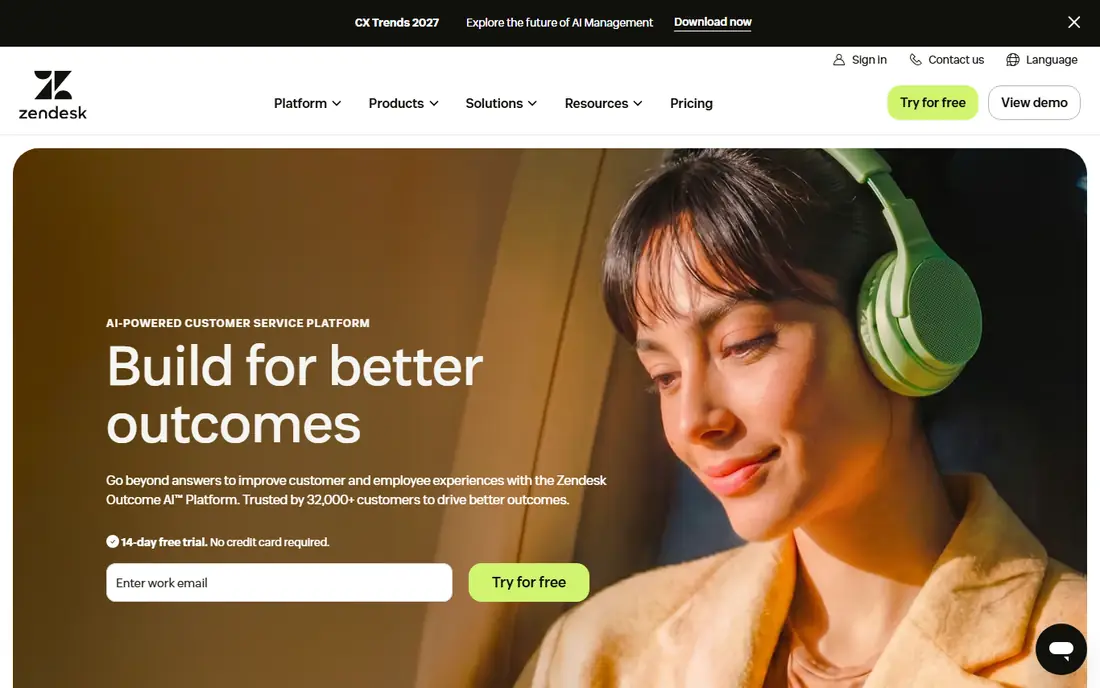
Zendesk suits large teams that need email, chat, voice, and a help centre in one system. Its Support Team plan starts at $19 per agent per month billed annually in recent guides, while Suite plans that add omnichannel workspaces start higher. AI agents can resolve common issues, and Copilot tools can help agents draft replies and find answers.
The cost structure is the main warning. Seat fees sit beside per-resolution AI fees, so a team with many agents and high AI volume can see costs rise on both sides. Setup and workflow design also take time. For complex, multi-channel support, that depth is worth it. For a small team, a simpler tool may be faster.
- Broad ticketing, voice, chat, and help centre tools
- Large integration set
- AI agents and copilot options
- Seat plus per-resolution fees add up
- Setup can take weeks
- AI costs need careful budgeting
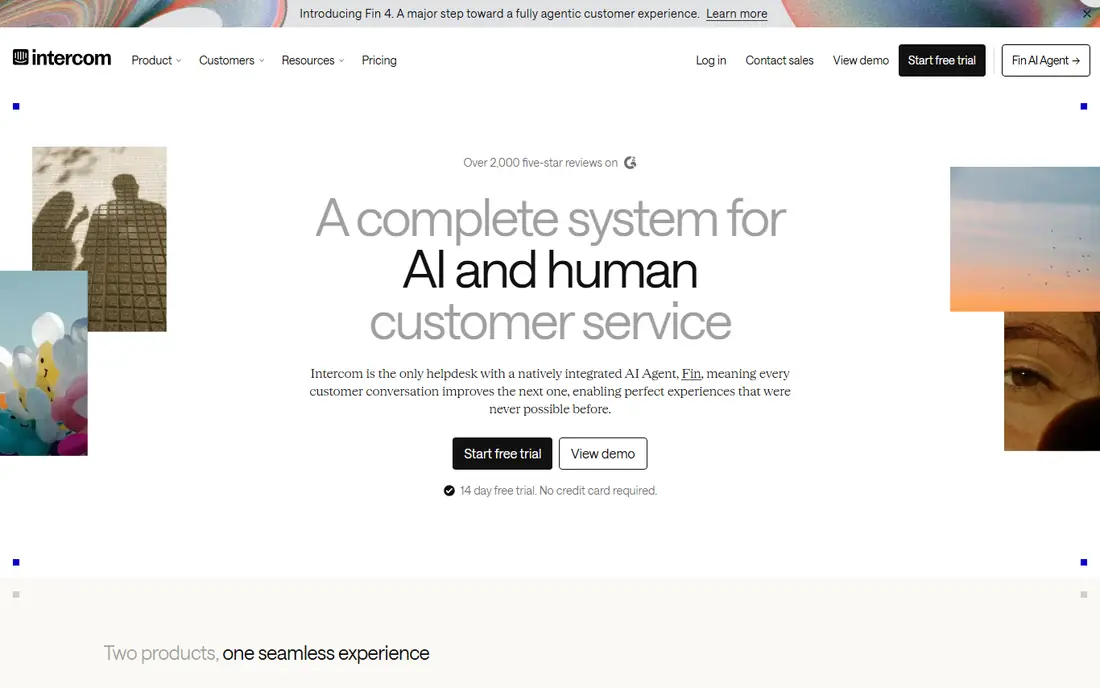
Intercom is built around chat and in-app messaging, which makes it a natural fit for SaaS teams. Its Fin AI agent answers from your help content and is billed per outcome, at $0.99 per outcome in recent guides. The Essential helpdesk plan starts at $29 per seat per month billed annually, with higher tiers adding more automation and reporting.
The two-part bill needs modelling. A team can pay for seats and for AI outcomes, so a busy month costs more in both places. Voice support is also less central than in Zendesk. For chat-first teams that want a strong AI agent inside the product, Intercom is still one of the best options.
- Strong in-app messaging
- Fin AI agent with outcome-based billing
- Good help centre and workflows
- Seats and AI outcomes are separate bills
- Voice is less central
- Costs rise with volume
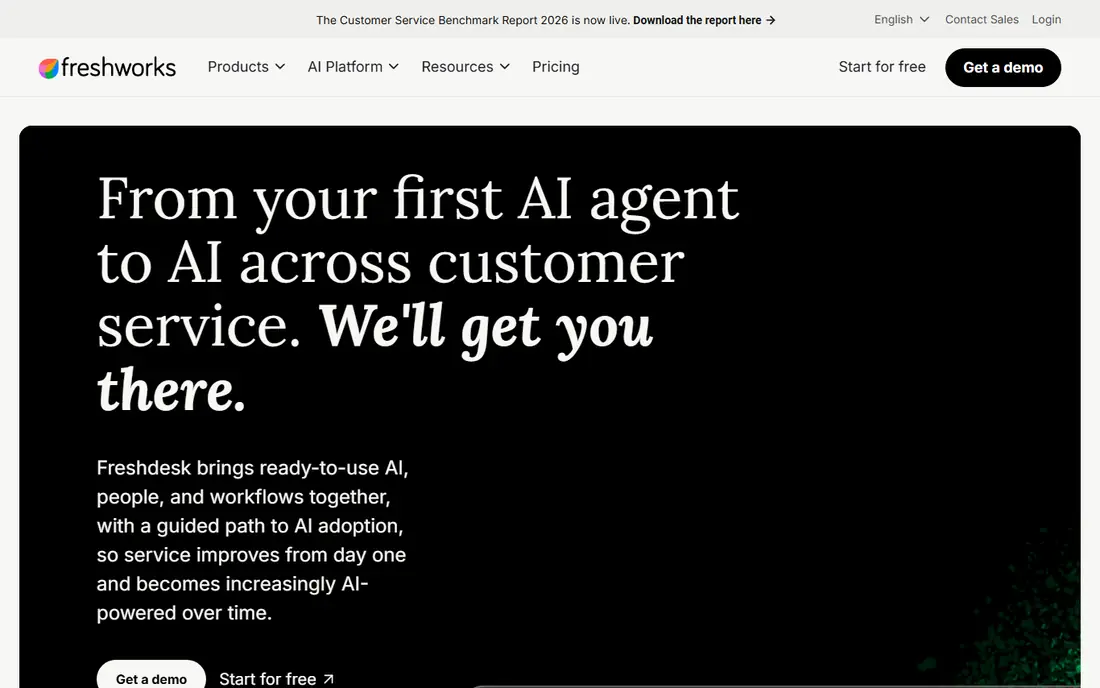
Freshdesk gives mid-size teams a solid ticket system without enterprise complexity. Its Growth plan starts at $19 per agent per month billed annually in recent guides, with Pro and Enterprise tiers adding more automation and AI. Freddy AI Agent sessions include an initial allowance, with extra sessions billed in blocks, which can be easier to predict than per-resolution billing for some teams.
The limits are worth noting. There is no permanent free plan, only a trial, and the most useful AI features sit above the entry tier. Teams should also check how sessions are counted, because an AI session is not the same as a resolved issue. For value-led teams, it remains a strong balance of price and depth.
- Clear ticketing and automation
- Lower entry price than some rivals
- Freddy AI sessions included in part
- No permanent free plan, only a trial
- Deeper AI features sit on higher plans
- Session billing needs care
Help Scout suits small teams that want support to feel like email, not like a ticket factory. It offers a shared inbox, a help centre, and AI Answers billed per resolution, at $0.75 per resolution in recent guides, with a monthly spending cap you can set. Standard plans start at $25 per user per month, and a free plan covers a small team with one inbox.
It is less suited to teams that need deep voice, complex routing, or WhatsApp-first workflows. The strength is calm, human-first support with AI help where it fits. For small teams that want to start fast and keep costs controlled, it is an easy recommendation.
- Simple shared inbox
- AI Answers with a spending cap
- Free start for small teams
- Built around email and chat
- Less suited to WhatsApp-first support
- Advanced automation is lighter
HubSpot Service Hub makes sense when your team already lives in HubSpot. Tickets sit beside customer records, deals, and conversations, so agents can see history without switching tools. Its AI customer agent can answer from your knowledge base, and automation can route tickets and trigger follow-ups.
Outside HubSpot, the value drops, because much of the benefit comes from shared CRM data. AI credits and tier limits also need checking, since deeper automation sits on higher plans. For HubSpot-led teams, it avoids a separate helpdesk and keeps support data with the customer record.
- Tickets beside CRM, sales, and marketing data
- AI customer agent
- Useful reporting for HubSpot users
- Best value only inside HubSpot
- AI credits add a second cost layer
- Higher tiers needed for deeper automation
Zoho Desk is the budget pick that still covers real multi-channel work. It offers a free plan for up to three users, and paid plans start at $7 per user per month for Express in recent guides, rising through Standard, Professional, and Enterprise. Email, chat, phone, and social channels can feed one queue, and automation can assign and escalate tickets.
The catch is tier placement. AI agents start on early paid plans, but the most useful AI assistant features sit higher. The interface can also feel busy for new agents. For cost-conscious teams that want a full helpdesk without a large seat bill, it is hard to beat.
- Free plan for small teams
- Low paid entry price
- Broad channel and automation options
- Most useful AI features sit on higher plans
- Interface feels busy
- Setup needs care for complex routing
Gorgias is designed for online stores, where most tickets are about orders, shipping, returns, and refunds. It pulls order data into the ticket view, so agents can act without opening another system, and its AI tools can handle common order questions. Entry pricing was listed from $10 per month for a small ticket allowance in recent guides, with higher tiers by ticket volume.
That focus is also its limit. Teams outside ecommerce will find less value in its order workflows, and ticket volume pricing needs forecasting for seasonal peaks. For Shopify and WooCommerce stores, it is one of the most practical support tools on this list.
- Built for Shopify and ecommerce workflows
- Ticket volume pricing
- AI actions for order issues
- Less suited to non-ecommerce support
- Ticket limits need planning
- Pricing varies by volume
Tidio suits small businesses that want live chat and a simple AI assistant on their website fast. Its Lyro AI can answer common questions from your help content, and live chat lets agents take over when needed. A free plan helps very small teams start, with paid tiers adding more conversations and features.
It is not an enterprise helpdesk, and larger teams with complex routing, voice, and reporting needs will outgrow it. For a small store or service business that mainly needs chat and quick answers, the setup speed and price make it a sensible pick.
- Fast chat setup for small stores
- Lyro AI for common questions
- Free start
- Not built for large enterprise scale
- Some channels and features sit on higher tiers
- AI scope is narrower than full suites
Ada is for teams that want an AI agent without replacing their whole helpdesk. Its no-code builder lets teams create agents that answer across chat, email, and other channels, with handoffs to human agents when needed. That makes it useful for high-volume enterprises that already have a helpdesk but need better automation on top.
Pricing is custom, and it is not a full helpdesk replacement on its own. Teams should plan the handoff, knowledge base, and measurement work before launch, because an AI agent is only as good as the content and routing behind it. For enterprise AI automation, it is a serious option.
- Standalone AI agent that works across channels
- No-code agent builder
- Strong enterprise focus
- Custom pricing
- Live agent layer is thinner than full helpdesks
- Implementation needs planning
How we picked these
We compared official feature and pricing pages, AI billing models, channel coverage, and handoff quality, and we checked that each tool was still operating in October 2026. We favoured tools that ground AI answers in a team's own help content, offer a clear human handoff, and publish at least a starting price or trial option. Where pricing is quoted or depends on AI volume, we show See website and explain the billing model in the write-up, rather than guessing a figure.
What to check before you buy
Start with your top twenty ticket types. If AI cannot answer those safely, it will not save much time, however good the demo looks. Test the AI on real tickets, including messy wording, missing order numbers, and angry customers, and check how it hands off when it is unsure.
Measure resolution, not replies
Track whether the customer issue stayed resolved, how many contacts followed, and how often a human had to redo the work. A cheap AI unit that creates a second contact costs more than a pricier unit that resolves the issue once. Set a monthly AI spending cap where the tool allows it, and review it weekly during the pilot.
Check knowledge, channels, and data
Confirm which channels are covered, how the knowledge base is updated, and what customer data the AI can access. Check language support, privacy controls, and whether AI training uses your data. For regulated teams, ask about security certifications and data residency before launch.
Frequently asked questions
What is customer support automation?
It is the use of rules, workflows, and AI to handle repetitive support work, such as answering common questions, routing tickets, and updating records. Good automation resolves simple issues fast and gives human agents full context for complex ones. It should reduce waiting time without making customers repeat themselves.
How is AI support usually billed?
Vendors bill by seat, by AI resolution, by AI session, or by credits, and many combine two of these. Zendesk and Intercom charge per resolution or outcome on top of seats, Freshdesk charges per session block, and Help Scout charges per AI resolution with a cap. Always model seats plus AI volume together.
Which tool is best for a small team?
Help Scout and Zoho Desk are strong small-team picks, with free or low-cost starts and simple setup. Tidio suits very small chat-led teams, while Freshdesk suits small teams that expect to grow into deeper ticketing. Choose by channel first: email, chat, or phone will narrow the list fast.
Can AI replace human support agents?
No, not for complex, sensitive, or high-value issues. AI handles common, well-documented questions well, but humans are still needed for judgement, empathy, and cases the AI has not seen. The best setups use AI for the first answer and a clean handoff for everything else.
How long does setup take?
Simple chat tools can go live in a day, while full helpdesks with routing, knowledge bases, and AI training take days to weeks. Zendesk and Ada need more planning than Help Scout or Tidio. Budget time for knowledge cleanup, because AI answers depend on the quality of your help content.
What should I test in a pilot?
Test real tickets across your top categories, measure resolution and repeat contacts, and check handoff quality. Also test peak volume, language needs, and how the tool handles angry or unclear messages. A pilot that only tests easy questions will overstate the benefit.
Sources
See where you really rank - block by block
ProMapRanker scans Google Maps across a grid of your service area. Simple monthly plans from $19, white-label on every plan.
Start freeKeep reading
 zoro.to alternatives
Best Zoro.to Alternatives in 2026
We compare the best zoro.to alternatives in 2026, listing only legal licensed anime streaming services, from Crunchyroll to free options for fans today.
Read → zip alternatives
Best Zip Alternatives in 2026
We compare the best zip alternatives for buy now, pay later in 2026, covering pay-in-4 plans, fees, spending limits, and credit reporting options today.
Read → yesware alternatives
Best Yesware Alternatives in 2026
Compare the best yesware alternatives for sales email tracking, templates, and sequences, with current pricing and honest tradeoffs for small sales teams.
Read →