 ProMapRanker
Best Customer Service Chat Bots in 2026


AI plus human support in one inbox · Pricing starts at: $29 per seat per month
Key takeaways
- Intercom and Zendesk suit teams that already run a full help desk, while Tidio and Freshchat give smaller teams a lower cost start.
- Per resolution and per conversation pricing can matter more than the seat price, so check how a vendor counts a resolved chat before you sign up.
- A good bot answers from your own help articles and passes the full transcript to a person when it cannot help, rather than starting the customer over.
- Free plans are useful for testing tone and coverage, but most free plans cap conversations, seats or AI use.
Quick comparison
| Pick | Great for | Pricing starts at | Free tier | |
|---|---|---|---|---|
| Intercom | AI plus human support in one inbox | $29 per seat per month | Free trial (14 days) | Visit |
 Zendesk AI | Large support teams on Zendesk | $55 per agent per month | Free trial (14 days) | Visit |
 Tidio | Small online stores | $29 per month | Yes | Visit |
 Freshchat | Small teams wanting a free start | Free | Yes | Visit |
 HubSpot | Teams already using HubSpot CRM | Free | Yes | Visit |
 Ada | High volume automated support | See website | Free trial (14 days) | Visit |
 Drift | Business to business lead routing | See website | No | Visit |
 Gorgias | Online stores on Shopify | $10 per month | Free trial (7 days) | Visit |
 LiveChat | Dedicated live chat teams | $19 per month | Free trial (14 days) | Visit |
The best customer service chat bots
We compared these bots on pricing, human handoff, knowledge grounding and fit for small and mid sized teams. The right pick depends less on brand and more on where your customers already contact you.
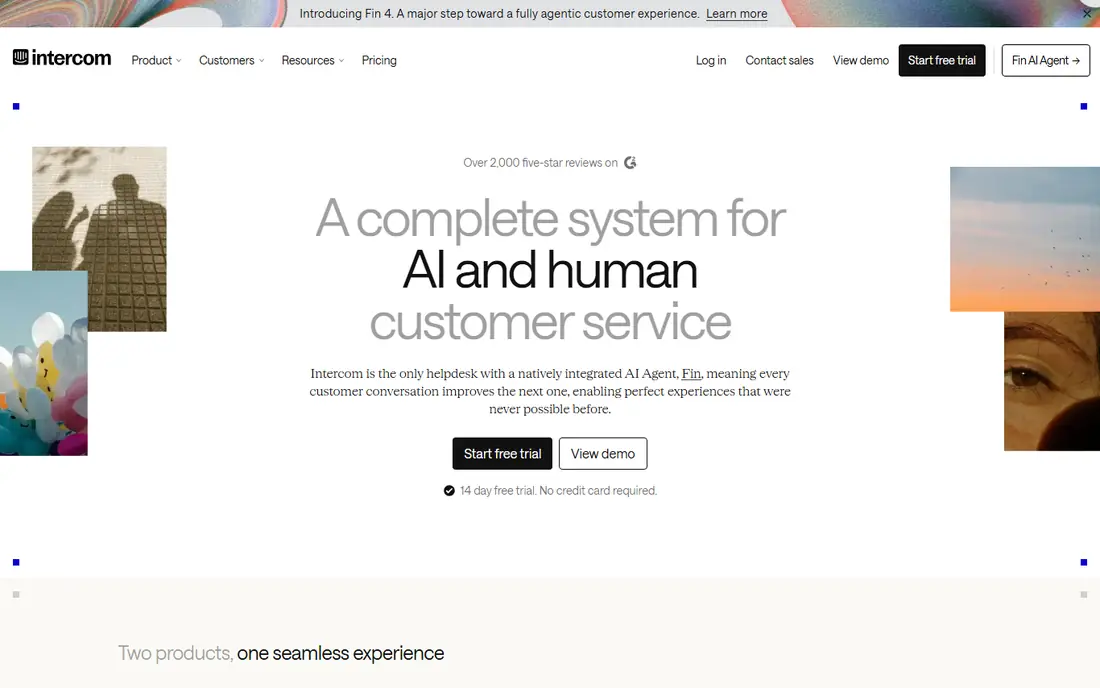
Intercom fits teams that want one place for chat, email and AI answers. Fin draws on help articles you approve, and it can hand a conversation to a person with the history attached. That handoff matters, because customers dislike repeating an order number or a problem description to a second agent.
The catch is cost control. Seats start at a published rate, and Fin charges per resolved outcome on top of that. If your volume is high and your questions are repetitive, the total can still beat hiring more agents. If your volume is low, a simpler bot may give you most of the benefit for less money.
- Fin AI agent works from your help center
- Shared inbox keeps human and AI chats together
- Strong integrations with common store and CRM tools
- Per resolution fees add up at high volume
- Seat plus AI pricing can be hard to forecast
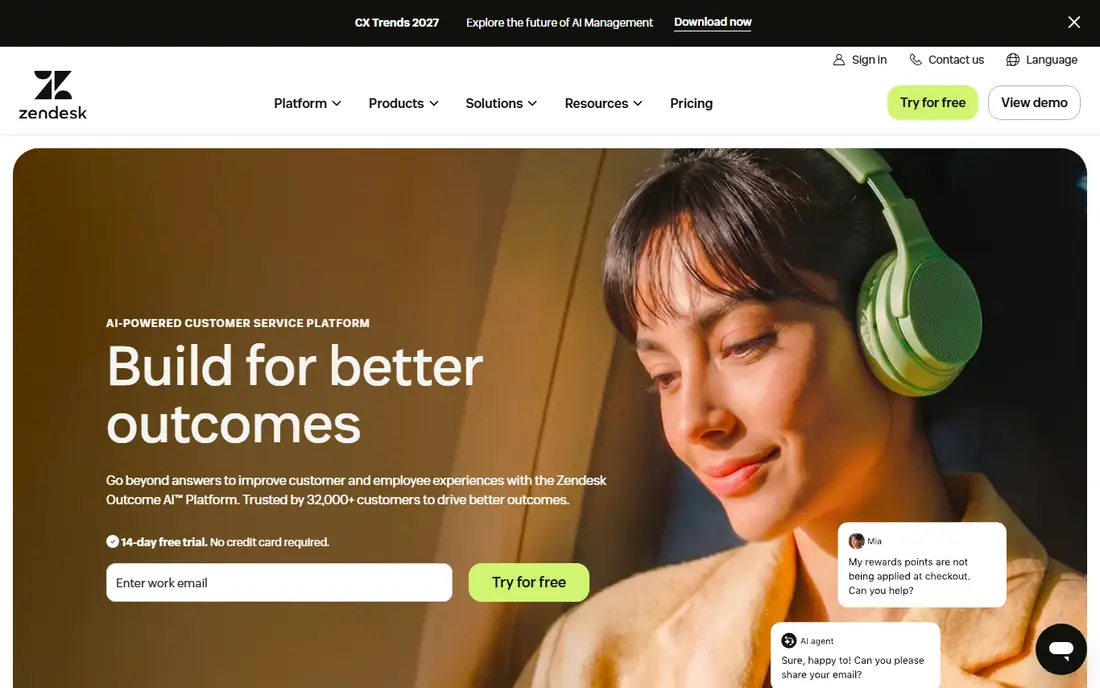
Zendesk AI makes most sense if Zendesk already holds your tickets, macros and knowledge base. Its bots can answer from that content, create tickets and route hard cases to the right queue. For a team with clear ticket categories and a large help center, that depth pays off.
For a team of two or three people, Zendesk can feel heavy. Setup takes time, and the suite pricing reflects an enterprise product. Start here only if you plan to use the wider ticket system, not just a chat widget on one page.
- Deep ticket, knowledge and workflow tools
- AI agents can act inside the Zendesk suite
- Strong reporting for managers
- Complex setup for small teams
- AI pricing sits on top of agent pricing
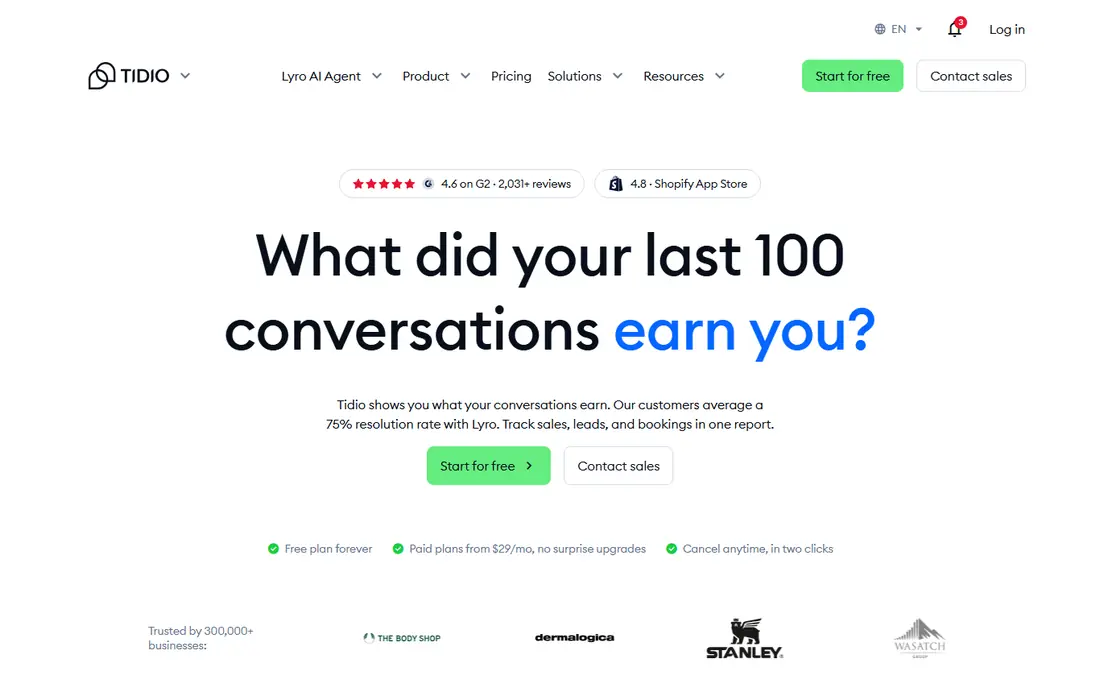
Tidio is a practical middle ground for a small store. The free plan covers a limited number of billable conversations, and paid plans raise that limit. Lyro can answer order, shipping and product questions from your store content, which covers a large share of repeat questions for many shops.
Watch the meters. Conversations, AI conversations and flow visitors are counted in different ways, so read the pricing page for the plan you pick. For a store with steady traffic, that detail is manageable. For a store with sharp seasonal spikes, set a budget alert before a busy month.
- Free plan for testing
- Lyro AI agent built for store questions
- Works well with Shopify and WooCommerce
- Pricing is split across conversations, seats and AI use
- Busy months can cost more than expected
Freshchat stands out because its free plan is genuinely usable for a small team, not just a demo. You get a chat widget, a shared inbox and basic routing without paying for the first seats. That makes it a low risk way to learn what customers actually ask before you buy AI features.
Paid plans start per agent on annual billing, and Freddy AI sessions carry a separate charge. If you already use Freshdesk, the fit is even clearer, since tickets and chat share the same customer record. If you only need chat, the free plan may carry you for a long time.
- Free plan covers up to 10 agents
- Shared inbox for web and mobile chat
- Freddy AI tools for self service and agent help
- AI sessions are priced separately
- Some features work best inside the wider Freshworks suite
HubSpot is the obvious pick if your contacts, deals and tickets already live in HubSpot. The free chat tools let you greet visitors, collect basic details and route chats without adding another inbox. When a chat needs a person, the agent sees the contact history in the same system.
The limit is that the fuller AI agent and automation features require paid tiers. A small team can still get value from the free tools, but a team that wants deep AI resolution should price Service Hub Professional before deciding. For HubSpot shops, the time saved on setup often offsets that cost.
- Free live chat and chatbot tools for CRM users
- Customer history stays in one record
- Easy escalation to human agents
- Stronger AI features sit on paid Service Hub tiers
- Pricing rises with seats and credits
Ada suits companies that handle thousands of similar questions and need consistent answers across channels. Its builder lets non technical staff shape flows, and it can pull answers from a knowledge base rather than relying on a single script. That matters when your product changes often and your support pages update with it.
The trade off is transparency. Pricing is quoted, so you will need a sales conversation to get a firm number. Small teams should only go down that path if volume justifies it. For most small businesses, a published price tool will be easier to budget.
- Low code builder for complex flows
- Multilingual support for global teams
- Voice, email and messaging channels in one platform
- Quote based pricing hides the total cost
- Overkill for a team with simple FAQ needs
Drift began as a sales chat tool, and that heritage still shows. It is good at asking qualifying questions, routing a hot lead to the right rep and booking a meeting without a long email chain. For a business to business company, that can be worth more than a support bot that only answers FAQs.
As a pure customer service bot, Drift is less of a natural fit. Support teams that need ticket depth, knowledge grounding and post sale workflows may prefer Intercom or Zendesk. Choose Drift when the main job of chat is to turn visitors into booked conversations.
- Strong lead qualification and meeting booking
- Good fit for sales led teams
- Calendar and CRM integrations
- Priced for sales teams, not pure support
- Custom pricing makes comparison harder
Gorgias is built around the daily work of an online store. Agents see order, shipping and customer details beside the chat, so they do not have to switch tabs to answer a where is my order question. Its AI agent can resolve many of those repeat questions on its own, with a human step in for refunds and edge cases.
The entry plan is low, but the real cost depends on ticket volume and AI resolutions. A store with a quiet month will pay little, while a store in a sale period will pay more. That usage model is fair if your volume varies, but you should check the ticket allowance on the plan you pick.
- Help desk built for store data
- AI agent can handle order and shipping questions
- Ticket volume pricing fits small stores
- AI resolutions are priced separately
- Less suited to non store businesses
LiveChat is a good pick when you want chat done well, without buying a full help desk suite. Setup is quick, the widget is easy to customise, and agents can handle several chats at once. Reports on wait time and missed chats help a manager spot busy hours and staffing gaps.
The honest limit is AI depth. LiveChat pairs with a separate chatbot product for automation, so a team that wants a strong AI agent out of the box may need two subscriptions. If your priority is human chat with good routing and reporting, LiveChat remains a solid, focused choice.
- Focused chat tool with fast setup
- Ticketing and chat history in one view
- Useful reports on response time and chat volume
- AI chatbot features sit in a separate product
- Per agent pricing grows with team size
How we picked these
We compared official pricing pages, product documentation and public feature lists for tools that are live in October 2026. We kept only tools that offer a real customer service bot or AI agent, a human handoff path and a current pricing page or a clear quote route. We favoured tools with knowledge grounding, so answers come from content you control, and we noted where pricing is metered by resolution, conversation or seat.
What to check before you buy
Start with your top ten repeat questions. If most are order status, returns, hours or password resets, almost any bot on this list can help. If most are technical and product specific, you need a bot that reads your help center well and knows when to stop and pass the chat on.
Test the handoff in a trial. Send a question the bot cannot answer, then check what the human sees. A clean transcript, customer details and prior steps save time and reduce frustration. Also check language support, channel coverage and data handling, since a bot that touches order data needs clear privacy terms.
Price the full month, not just the headline. Add seats, AI resolutions, extra conversations and any onboarding fee, then compare that total across two or three finalists. A cheap seat price with a high per resolution fee can cost more than a higher seat price with a generous AI allowance, depending on your volume.
Frequently asked questions
What is a customer service chat bot?
A customer service chat bot answers common questions on your website or in messaging apps, using your help articles, product data and set flows. It can resolve simple requests on its own and pass harder cases to a human agent with the conversation history attached.
Do chat bots replace human agents?
No, they reduce the load on human agents by handling repeat questions. Complex complaints, refunds that need judgment and sensitive cases still need a person. The best setups treat the bot as a first line of help, not a full replacement for a support team.
How much does a customer service chat bot cost?
Costs vary by pricing model. Some tools charge per seat, some per conversation and some per AI resolution, and many combine two of those meters. Small teams can start free with Tidio, Freshchat or HubSpot, while larger teams should budget for seats plus AI usage.
Can a bot answer from my own help articles?
Yes, most modern bots on this list can draw on a help center, website pages or uploaded documents. That grounding reduces made up answers, but you still need to keep those articles current. Outdated help content will produce outdated bot answers.
What should I test during a free trial?
Test the top questions your customers actually ask, a question the bot should not answer, and the handoff to a human. Check response speed, answer accuracy and whether the agent sees the full transcript. Also test on mobile, since many customers will meet the bot on a phone.
Sources
See where you really rank - block by block
ProMapRanker scans Google Maps across a grid of your service area. Simple monthly plans from $19, white-label on every plan.
Start freeKeep reading
 zoro.to alternatives
Best Zoro.to Alternatives in 2026
We compare the best zoro.to alternatives in 2026, listing only legal licensed anime streaming services, from Crunchyroll to free options for fans today.
Read → zip alternatives
Best Zip Alternatives in 2026
We compare the best zip alternatives for buy now, pay later in 2026, covering pay-in-4 plans, fees, spending limits, and credit reporting options today.
Read → yesware alternatives
Best Yesware Alternatives in 2026
Compare the best yesware alternatives for sales email tracking, templates, and sequences, with current pricing and honest tradeoffs for small sales teams.
Read →