 ProMapRanker
Best Customer Service Automation Software in 2026

Key takeaways
- Automation pays off most when it handles routing, replies and follow-ups, not when it adds another inbox to watch.
- Chat-first teams and ticket-first teams need different tools, so pick by channel before you compare prices.
- AI pricing is often charged per resolution or per outcome, so check that line separately from seat pricing.
- A free plan is useful for a trial, but paid plans usually hold the automation, reporting and integrations a growing team needs.
- Our pick for most small teams is Freshdesk or Help Scout, while larger teams tend to fit Zendesk or Salesforce Service Cloud better.
Quick comparison
| Pick | Great for | Pricing starts at | Free tier | |
|---|---|---|---|---|
 Zendesk | Large teams needing deep automation | See website | Free trial | Visit |
 Freshdesk | Small and mid-sized teams wanting value | Free | Yes | Visit |
 Intercom | Chat-first SaaS and product teams | See website | Free trial | Visit |
 HubSpot Service Hub | Teams already using HubSpot CRM | See website | Yes | Visit |
 Salesforce Service Cloud | Enterprises on Salesforce | See website | Free trial | Visit |
 Zoho Desk | Budget teams and Zoho users | See website | Yes | Visit |
 Help Scout | Small email-first teams | See website | Free trial | Visit |
 Gorgias | Online stores and ecommerce support | See website | Free trial | Visit |
 Tidio | Small businesses needing chatbots fast | See website | Yes | Visit |
The best customer service automation software
We compared tools that bring email, chat and self-service into one place and then automate the repetitive work in between. The nine below cover small teams, online stores and large support operations, and each one earns its place for a different reason.
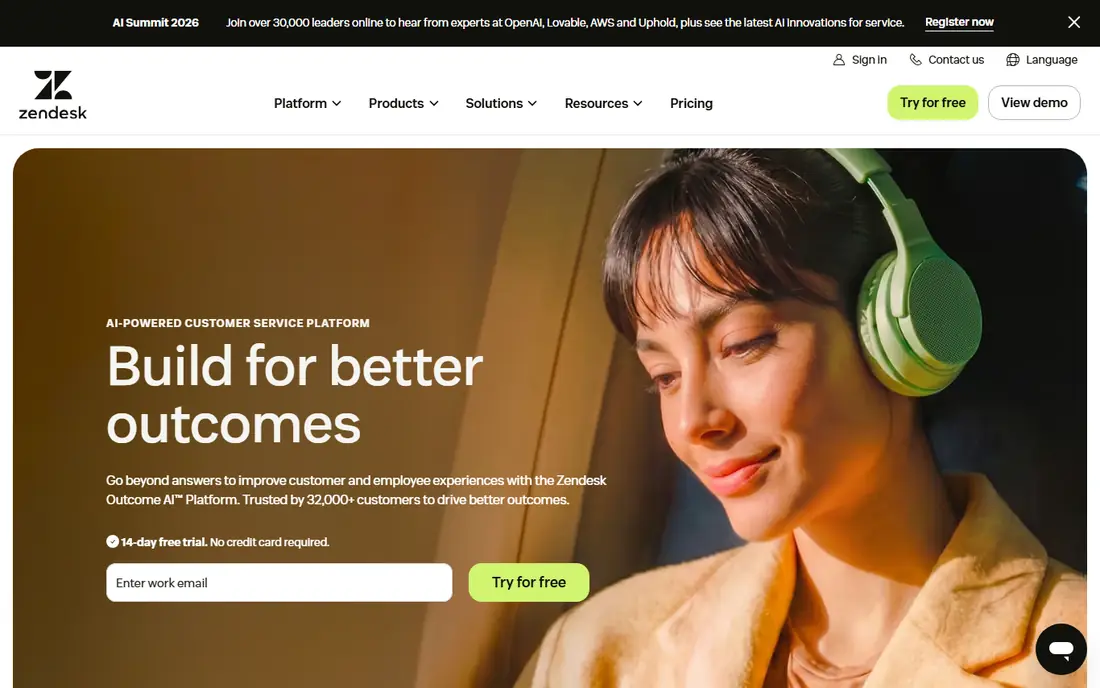
Zendesk is the default choice for teams that handle a high volume of tickets across email, chat, phone and social channels. Its workflow builder can route tickets by topic, language or priority, trigger follow-ups and surface suggested replies, which cuts the manual sorting that eats up an agent day. The help center and AI agent tools also let many customers solve common questions without waiting for a reply.
The catch is complexity and cost. Small teams may find the admin settings heavy, and the price that looks simple on a pricing page can grow once AI resolutions, advanced reporting or extra seats are added. If your team is small and mostly answers email, a lighter tool will feel faster. For a larger operation with clear processes, Zendesk is hard to beat.
- Wide channel coverage
- Strong workflow and AI options
- Large app marketplace
- Setup takes time
- Costs rise as AI and add-ons are added
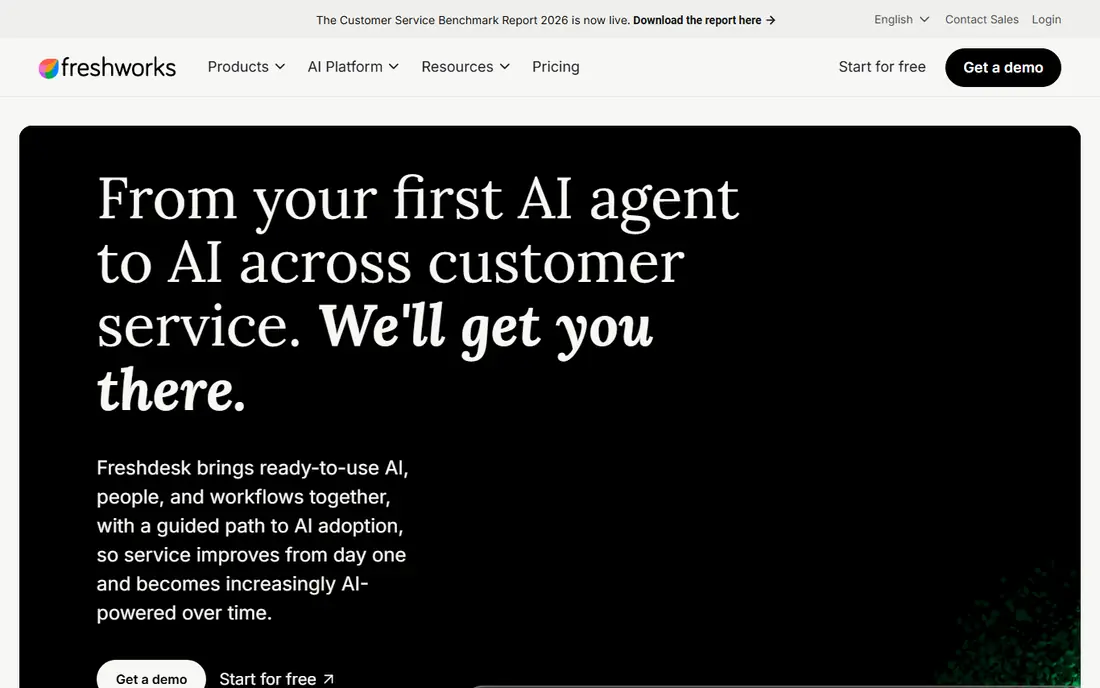
Freshdesk gives a small team a real helpdesk without a long setup project. Tickets, chat and phone can live in one queue, and its automation rules can assign work, send reminders and close stale tickets on a schedule. Freddy AI can answer common questions and help agents draft replies, which is useful when the same five questions arrive every day.
The free tier is genuinely useful for getting started, but it is limited, and the stronger AI and reporting features sit on paid plans. Teams that need deep custom workflows may outgrow it sooner than they expect. Still, for the price and the speed of setup, Freshdesk is our pick for most small and mid-sized teams.
- Easy setup
- Freddy AI on paid plans
- Free tier for very small teams
- Advanced automation sits on higher plans
- Some features need the Freshworks suite
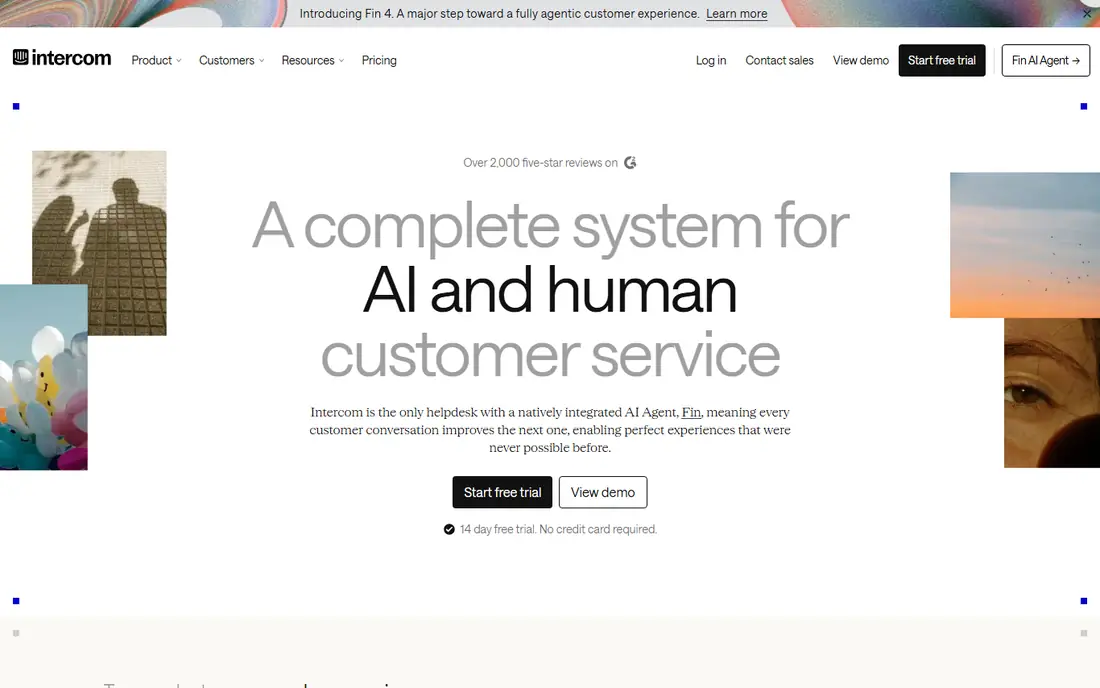
Intercom is built around conversation, not the ticket queue. Visitors can chat from a website or app, get an instant answer from Fin, its AI agent, and reach a human only when the question needs one. That shape suits software teams whose customers expect fast, in-product help and who want to send proactive messages about outages, onboarding or new features.
The trade-off is price structure. Seats plus per-outcome AI charges need careful budgeting, and teams that live mainly in email may prefer a ticket-first tool. Intercom also works best when its help center content is kept current, because the AI answers from that content. Kept fresh, it is a strong choice for chat-first support.
- Strong live chat and messenger
- Fin AI agent
- Proactive messaging
- Seat plus AI outcome pricing can add up
- Ticket handling is lighter than full helpdesks
HubSpot Service Hub makes sense when support should see the full customer record, not just the latest ticket. Tickets sit next to deals, past purchases and marketing history, so an agent can answer with context instead of asking the customer to repeat themselves. Automation can route tickets, create tasks and trigger surveys after a case closes.
The downside is that the tool rewards teams already on HubSpot. Used on its own, some features feel less distinctive for the price, and the free tier covers basics only. If your sales and marketing teams already live in HubSpot, the shared data is a real advantage. If not, compare it closely with Zendesk or Freshdesk first.
- Tight CRM connection
- Shared inbox and customer portal
- Good reporting
- Best value comes inside the HubSpot system
- Standalone pricing is higher
Salesforce Service Cloud is the heavyweight option for companies that already run on Salesforce. Cases, accounts and service history share one system, and automation can route cases, escalate by service level and suggest next steps for agents. Its AI tools can draft replies and handle routine conversations, with a human taking over complex cases.
This is not a quick-start tool. It needs careful configuration, and smaller teams will find the admin work and cost hard to justify. The payoff comes at scale, where consistent processes across regions and channels matter more than speed of setup. Large Salesforce customers should shortlist it first.
- Deep CRM integration
- Case automation
- Agentforce AI tools
- Needs skilled setup
- Pricing and admin overhead suit larger teams
Zoho Desk is the budget pick that still behaves like a full helpdesk. Email, chat, phone and social tickets land in one queue, and automation can assign, escalate and notify without manual work. Zia, its AI assistant, can suggest replies and flag sentiment, which helps small teams spot unhappy customers early.
The interface packs in a lot, and new users may need a few days to find their way around. Like HubSpot, it shines brightest for teams already using the wider Zoho suite. For a cost-conscious team that wants multichannel support without enterprise pricing, Zoho Desk is a sensible, proven choice.
- Low starting cost
- Multichannel tickets
- Zia AI assistant
- Interface feels busy in places
- Best experience inside the Zoho system
Help Scout feels like email, which is exactly why small teams like it. Agents share one inbox, see who is working on what, and use saved replies and workflows to handle repeat questions quickly. Its help center lets customers find answers on their own, and AI tools can draft replies or answer simple questions for review.
The limits show up for teams with heavy phone support or very complex routing needs, where a full helpdesk fits better. AI answers are also charged in a way that needs watching at higher volumes. For a team of a few people answering mostly email and chat, Help Scout keeps support human, tidy and affordable.
- Clean shared inbox
- Easy to learn
- Good help center tools
- Less depth for phone or complex workflows
- AI features are metered
Gorgias is built for online stores, and that focus shows in every ticket. Agents see order history, shipping status and refund options beside the conversation, so they can answer a where-is-my-order question without switching systems. Automation can handle common requests, tag tickets and trigger macros based on order data.
The ticket-based pricing model needs care during sales peaks, when volume spikes. It is also a weaker fit for companies outside ecommerce, where its store integrations add little. For a Shopify or similar store with a busy support inbox, Gorgias can cut handling time in a way general helpdesks struggle to match.
- Deep Shopify and ecommerce integrations
- Order data inside tickets
- Automation rules
- Pricing is ticket-based
- Less suited to non-ecommerce support
Tidio is the quickest route to a working chatbot for a small business website. Its visual flow builder lets a team set up answers for shipping, returns and opening hours without coding, and Lyro AI can answer from help content when a flow does not cover the question. Live chat sits in the same inbox, so humans can step in smoothly.
The pricing is based on conversations, so a busy site should model costs before committing. It is also not a full enterprise helpdesk, and teams with complex ticket workflows will want a deeper tool. For a small team that mainly needs chat and fast automated answers, Tidio is easy to start and easy to run.
- Fast chatbot setup
- Live chat and Lyro AI
- Simple flows
- Conversation-based pricing
- Ticketing depth is lighter than full helpdesks
How we picked these
We compared official feature pages, pricing pages and help documentation for each vendor, and checked that each product is offered as a live support tool in October 2026. We gave weight to channel coverage, automation depth, AI pricing clarity, ease of setup and fit for a stated team size. We did not claim hands-on testing, and we treated vendor claims about AI accuracy as claims to verify in a trial, not as proven results.
How to choose customer service automation software
Start with your busiest channel. If most questions arrive by email, a ticket-first tool such as Freshdesk or Help Scout will serve you better than a chat-first tool. If visitors expect instant chat, Intercom or Tidio should lead your shortlist. Matching the tool to the channel avoids paying for features your customers rarely use.
Price the AI separately. Seat prices tell only part of the story. Ask how AI answers, resolutions or outcomes are charged, what counts as a resolved case, and what happens when volume spikes. A tool that looks cheap per seat can become costly if every automated answer carries a fee.
Trial with real tickets. Run a short trial using your ten most common questions, not demo data. Check whether automation routes them correctly, whether the help center answers hold up, and whether agents can take over without losing context. That test reveals more than any feature list.
Frequently asked questions
What is the best customer service automation software for a small business?
For most small teams, Freshdesk or Help Scout are the safest starting points, because setup is fast and pricing stays manageable. Tidio is a strong pick when chat is the main channel. Start with a trial on real tickets before committing to a yearly plan.
What is the best AI customer service platform for chat-first teams?
Intercom is the leading chat-first option, thanks to its messenger and Fin AI agent. Zendesk also offers strong AI tools, but its strength is broader ticket handling across channels. Choose Intercom when live chat drives most of your support volume.
What is the best customer service automation tool for ecommerce?
Gorgias is built for online stores, with order data inside tickets and automation tied to store events. General helpdesks can handle ecommerce too, but they usually need extra setup to match that view. Check its ticket-based pricing against your peak-season volume.
How much does customer service automation software cost?
Prices vary widely, from free tiers for tiny teams to per-agent monthly plans plus AI fees for larger teams. Always add seat costs, AI resolution charges and any needed add-ons before comparing totals. Vendor pricing pages change often, so confirm the current plan before you buy.
Do I need a full helpdesk, or is a shared inbox enough?
A shared inbox works when volume is low and questions are simple. Once routing, service levels, reporting and self-service matter, a helpdesk such as Freshdesk, Zendesk or Zoho Desk saves more time than it costs. Move up when manual sorting starts slowing replies.
Sources
See where you really rank - block by block
ProMapRanker scans Google Maps across a grid of your service area. Simple monthly plans from $19, white-label on every plan.
Start freeKeep reading
 outreach alternatives
Outreach Alternatives in 2026
Compare outreach alternatives for 2026, from Salesloft and Apollo to HubSpot and Lemlist, with pricing, channels, features, limits, and honest trade-offs.
Read → best web conference tools
Best Web Conference Tools in 2026
Compare the best web conference tools for meetings, webinars and team calls, with current pricing, free plans and honest limits for each option here today.
Read → best voice cloning tools
Best Voice Cloning Tools in 2026
Compare the best voice cloning tools in 2026, from ElevenLabs and Descript to Resemble and Cartesia, with consent rules, pricing, licenses, and limits.
Read →