 ProMapRanker
Best Customer Satisfaction Survey Tools in 2026

Key takeaways
- SurveyMonkey and Qualtrics suit teams that need depth, templates, and a large integration library, while smaller tools win on speed and price.
- Typeform and SurveySparrow tend to suit teams that care most about completion rates and a conversational style.
- Jotform and Zoho Survey are practical starting points for small businesses that already use forms or Zoho apps.
- Survicate and Nicereply fit product and support teams that want feedback tied to a specific moment, such as after a purchase or a support chat.
- Check response limits, branding controls, and data export before you pay, because those details decide the real cost.
Quick comparison
| Pick | Great for | Pricing starts at | Free tier | |
|---|---|---|---|---|
 SurveyMonkey | All-round survey platform | See website | Yes | Visit |
 Qualtrics | Large-scale experience research | See website | No | Visit |
 Typeform | Conversational survey design | $25 per month | Yes | Visit |
 SurveySparrow | Conversational omnichannel feedback | $19 per month | Yes | Visit |
 Jotform | Flexible forms and surveys | $34 per month | Yes | Visit |
 Survicate | In-product and website feedback | See website | Yes | Visit |
 QuestionPro | Research-grade surveys | See website | Yes | Visit |
 Zoho Survey | Zoho users on a budget | See website | Yes | Visit |
 Nicereply | Support team satisfaction scores | $39 per month | Free trial | Visit |
The best customer satisfaction survey tools
We compared official pricing pages, feature pages, and public documentation for tools that measure CSAT, NPS, and customer effort. The list below covers general survey platforms and focused feedback tools, so you can match the tool to the job rather than buying more software than you need.
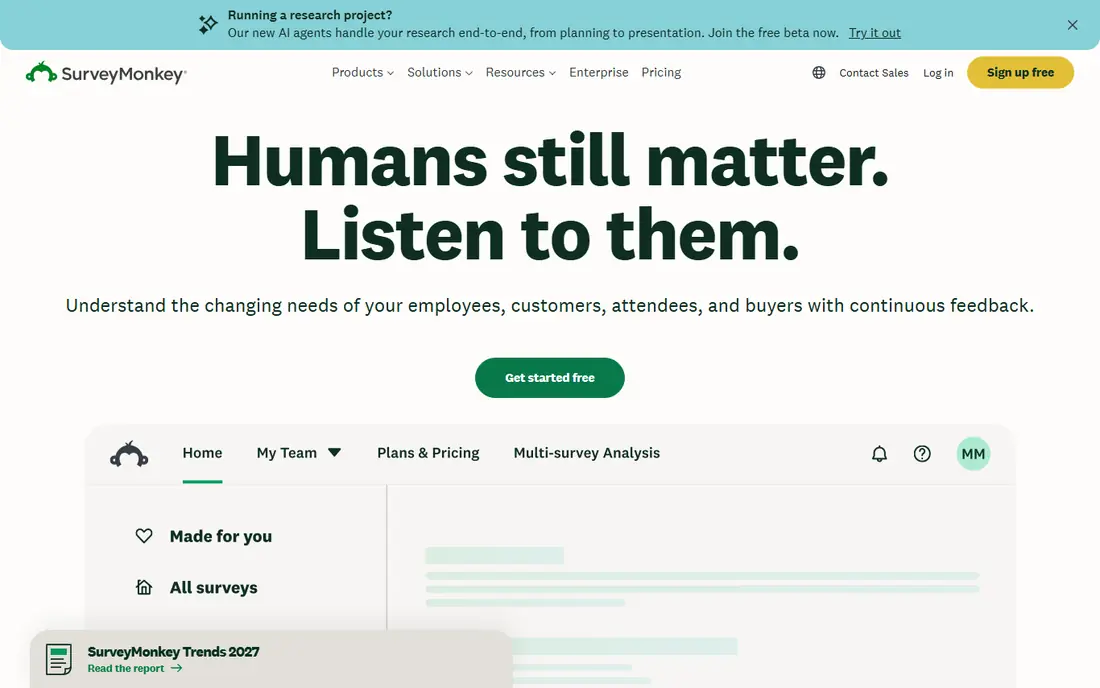
SurveyMonkey is the safe default for many small businesses. It covers CSAT, NPS, and general feedback with a familiar builder, so a team can launch a post-purchase survey without training or outside help. Templates for common jobs, such as customer satisfaction and service quality, cut setup time, and the dashboard makes it easy to spot trends without exporting every result to a spreadsheet.
The catch is scale. The free plan suits a quick internal check, but it will not carry a busy customer base for long. Paid plans add logic, branding, and deeper analysis, and per-user pricing can add up as more staff need access. If you need a dependable, widely recognised platform and you are willing to pay for the fuller feature set, SurveyMonkey is a strong pick. If design and completion rate matter most, compare it closely with Typeform before you commit.
- Large template library
- Strong analytics and filtering
- Many integrations
- Free plan has tight response limits
- Paid pricing rises with seats and features
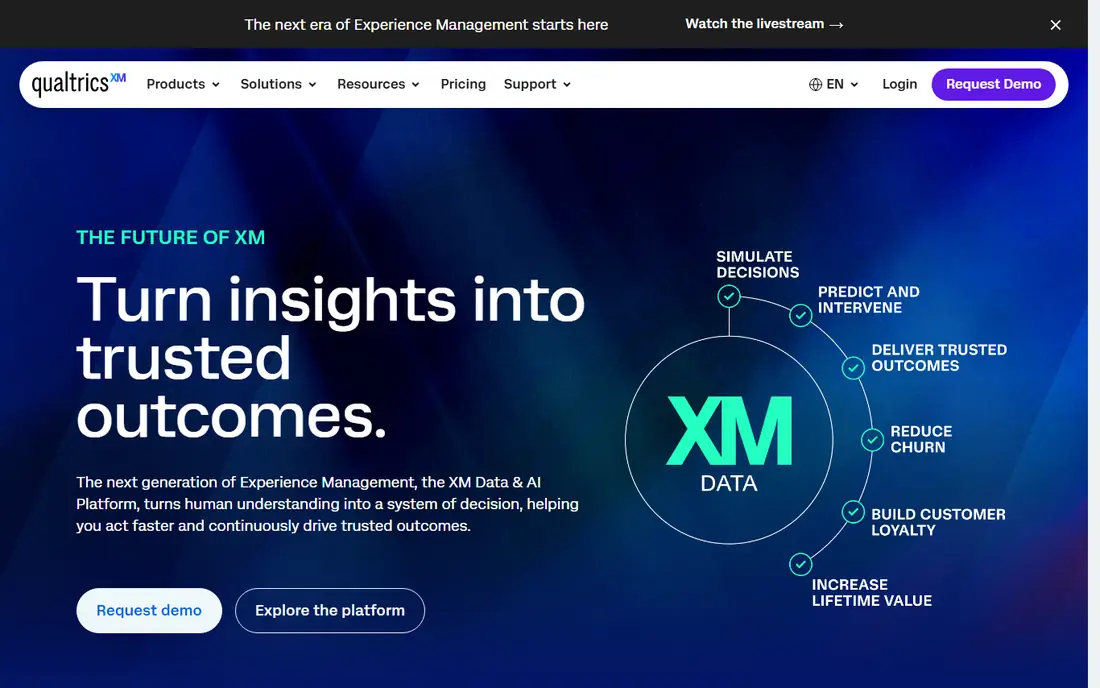
Qualtrics is built for organisations that run feedback as an ongoing programme, not as a one-off survey. It supports complex logic, multi-channel sends, and detailed analysis of open-text answers, which helps larger teams turn thousands of responses into themes they can act on. It also offers admin controls and integrations that suit companies with strict data and access rules.
That depth comes with cost and complexity. Small teams may find the platform more than they need, and pricing is quoted rather than listed as a simple monthly plan. We would only put Qualtrics at the top of your shortlist if you run high-volume feedback across several teams, or if you need research-grade analysis that simpler tools cannot provide. For a single CSAT survey, a lighter tool will get you results faster.
- Deep analytics and text analysis
- Strong enterprise controls
- Multi-channel distribution
- Pricing is custom and can be high
- Setup takes more time than simpler tools
Typeform takes a different approach to survey design. It shows one question at a time, which feels closer to a conversation than a long form, and that style often helps response rates. For a short CSAT check after checkout, or a quick rating after a support interaction, that simplicity is a real advantage. Branding options also help the survey feel like part of your site rather than a generic form.
The trade-off is depth. Typeform is less natural for long, complex research questionnaires with heavy branching, and the most useful limits lift only on paid plans. It is best for teams that send short, frequent surveys and want people to actually finish them. If you need heavy statistical analysis, pair it with a spreadsheet or a deeper analytics tool.
- Clean, one-question-at-a-time flow
- Good completion rates
- Easy to brand
- Advanced logic and larger response volumes sit on higher plans
- Less suited to long research surveys
SurveySparrow combines conversational design with feedback across several channels, including email, website widgets, and chat-style surveys. That mix suits businesses that meet customers in more than one place and want one dashboard for the results. It tracks CSAT, NPS, and customer effort scores, so you can compare satisfaction across touchpoints rather than judging one survey in isolation.
We like it for small and mid-sized teams that want a friendlier survey experience without moving to an enterprise platform. The honest catch is plan structure. Features and limits differ by plan, so read the pricing page for the exact survey type you plan to run. Start with the free plan to test the conversational format with real customers before you upgrade.
- Conversational surveys across email, web, and chat
- CSAT, NPS, and CES tracking
- Text analysis on paid plans
- Some advanced features need higher tiers
- Pricing varies by survey type and volume
Jotform is a form builder first, and that flexibility is its strength. You can build a CSAT survey, a feedback form, a booking form, and a contact form in the same account, which suits small businesses that do not want a separate tool for every job. Templates cover common satisfaction questions, and the builder needs no coding skill. Reporting tools help you review answers and share summaries with a team.
It is not a dedicated customer experience platform, so teams that need closed-loop follow-up, advanced text analysis, or multi-channel CX dashboards may outgrow it. For most small businesses, though, that gap will not matter. Jotform is a practical pick when you want one tool for forms and surveys, with a free plan to test the fit.
- Very flexible form builder
- Many templates
- Useful reporting and integrations
- Survey-specific analytics are lighter than dedicated CX platforms
- Paid plans start higher than some rivals
Survicate suits product and marketing teams that want feedback at the moment it happens. A short survey inside an app, on a pricing page, or in an email after a purchase gives context that a survey sent weeks later cannot match. The dashboard brings NPS, CSAT, and CES trends together, which helps teams see whether a product change moved satisfaction up or down.
The main watch point is volume. Higher response counts and some features sit on paid plans, so a fast-growing site should check the pricing page against expected monthly responses. If your feedback lives mostly on your website or inside your product, Survicate is worth a close look. If you mainly send email surveys, a general platform may offer better value.
- Website, in-product, and email surveys
- Clear NPS, CSAT, and CES tracking
- Useful integrations
- Pricing can rise quickly for higher response volumes
- Free plan is limited
QuestionPro covers a wide range, from simple satisfaction surveys to deeper research projects. It offers many question types, logic options, and reporting tools, plus support for surveys in several languages. That breadth suits teams that run both quick CSAT checks and longer studies, and do not want to switch tools between the two.
New users may need a short learning period, because the feature set is large and the interface packs in many options. Pricing also needs a careful read, since plans differ by use case. We would shortlist QuestionPro if you value research depth and plan to run varied surveys over time. For a single short survey, a simpler tool will be faster to set up.
- Strong survey logic and question types
- Multilingual support
- Research and CX features in one platform
- Interface feels busy at first
- Pricing is not as simple as smaller tools
Zoho Survey is a sensible choice for businesses already using Zoho CRM, Zoho Desk, or other Zoho apps. Feedback can sit close to customer records, and the builder is straightforward for standard CSAT and NPS surveys. Pricing is generally lower than enterprise platforms, which makes it attractive for small teams that send regular but modest volumes of surveys.
It does not try to match Qualtrics or Medallia on advanced experience management, and some niche templates are thinner. That is fine for most small businesses. If you already pay for Zoho, Zoho Survey is often the lowest-friction option. If you do not use Zoho, compare it with SurveyMonkey or Jotform on templates and integrations before you decide.
- Low-cost entry
- Clean builder
- Works well with other Zoho apps
- Fewer advanced CX features than dedicated platforms
- Smaller template range for some niches
Nicereply is focused on one job: measuring satisfaction after support interactions. It adds a simple rating to support emails, so customers can score a resolved ticket with one click. Per-agent and per-team reports then show who is doing well and where coaching or process fixes are needed. That focus makes it easy to adopt for helpdesk teams.
The narrow focus is also its limit. Nicereply will not replace a general survey platform for product research, pricing studies, or website feedback. We recommend it as a complement to a broader tool, or as a standalone pick for a support-led business that wants CSAT tied directly to tickets. Check the trial to see how the one-click rating fits your support workflow.
- Built for support CSAT
- One-click ratings in email signatures
- Clear per-agent reporting
- Narrower than general survey platforms
- Less suited to broad market research
How we picked these
We compared official feature pages, pricing pages, and public documentation, and we favoured tools that are live and actively sold in October 2026, that clearly support CSAT or NPS measurement, and that fit ordinary US small businesses as well as larger teams. We did not claim hands-on testing. We checked free tiers, starting prices, and the limits that affect real use, such as response caps and branding controls, and we left out tools that were discontinued or that did not clearly fit customer satisfaction surveys.
What to check before you choose
Start with the survey moment. A post-purchase email, an in-product prompt, and a support follow-up need different tools, and the best tool for one moment may be weak for another. Write down where customers will see the survey, how often you will send it, and how many responses you expect each month, then match those answers to a plan, not just to a headline price.
Next, check the details that cause surprises. Look at response limits on the free and entry plans, whether you can remove vendor branding, whether logic and piping are included, and whether you can export raw data. If you use a CRM or helpdesk, confirm the integration you need is on your chosen plan, because some integrations sit on higher tiers. A short trial with a real survey, sent to a small group of customers, will tell you more than a feature list.
Finally, plan what happens after the score. A CSAT tool should make it easy to follow up with unhappy customers, tag recurring complaints, and track whether a fix improved the next month's score. If a tool only collects ratings and leaves follow-up to spreadsheets and guesswork, it will not improve satisfaction on its own. Pick the tool your team will actually check each week.
Frequently asked questions
What is the best customer satisfaction survey software for a small business?
For most small businesses, SurveyMonkey, Jotform, or Zoho Survey are practical starting points, because they are easy to set up and cover CSAT and NPS without enterprise pricing. Typeform or SurveySparrow may suit you better if completion rate and survey design matter most. Start with a free plan or trial and test a real survey before you pay.
What is the best tool for customer satisfaction surveys after a support ticket?
Nicereply is built for that job, with one-click ratings in support emails and per-agent reporting. SurveyMonkey and Survicate can also handle post-support surveys by email or web link. Choose Nicereply if support CSAT is your main metric, and choose a general platform if you also run product and website surveys.
What is the best customer satisfaction survey tool for in-product feedback?
Survicate is a strong pick for website and in-product surveys, because it targets feedback at the moment of use. SurveySparrow also covers several channels, including web and chat-style surveys. Test placement, timing, and survey length, since a survey that interrupts a task will get fewer honest answers.
Do free survey tools work for CSAT measurement?
Yes, for small volumes. Free plans from SurveyMonkey, Typeform, Jotform, SurveySparrow, Survicate, QuestionPro, and Zoho Survey can run a basic CSAT survey, but response limits, branding, and advanced logic are often restricted. If you survey more than a few dozen customers a month, budget for a paid plan.
How often should we send a customer satisfaction survey?
It depends on the touchpoint. A short survey after a purchase or a support interaction can run continuously, while a broader satisfaction study works better quarterly or twice a year. Avoid surveying the same customer too often, and keep each survey short so response rates stay healthy.
Sources
- https://www.surveymonkey.com
- https://www.qualtrics.com
- https://www.typeform.com
- https://www.surveysparrow.com
- https://www.jotform.com
- https://www.survicate.com
- https://www.questionpro.com
- https://www.zoho.com/survey/
- https://www.nicereply.com
- https://www.jotform.com/blog/best-survey-analysis-software/
- https://www.guideflow.com/blog/survey-software-tools
See where you really rank - block by block
ProMapRanker scans Google Maps across a grid of your service area. Simple monthly plans from $19, white-label on every plan.
Start freeKeep reading
 zscaler alternatives
Best Zscaler Alternatives in 2026
Looking for zscaler alternatives? We compare 9 SASE and zero trust platforms on architecture, data protection, pricing, and fit for your network and team.
Read → zapier alternatives free
Best Zapier Alternatives Free in 2026
Nine automation tools for zapier alternatives free in 2026, all with genuinely free tiers, plus free plan limits, starting prices and upgrade paths explained.
Read → which platform is best for online reputation
Which Platform Is Best for Online Reputation in 2026
Wondering which platform is best for online reputation? We compare 8 review, listing, and response tools for small and multi-location businesses and agencies.
Read →