 ProMapRanker
Best Customer Portal Software in 2026

Key takeaways
- A customer portal is a logged-in space where customers track tickets, read help articles, share files, and pay or approve work.
- CRM-native portals suit support teams, while white-label client portals suit agencies and professional services that share files and projects.
- Zendesk, Freshdesk, and Zoho Desk offer the lowest published starting seats, while SuiteDash offers flat pricing with unlimited users.
- Check whether ticket tracking, knowledge base, file sharing, and billing are included in the starting plan, because portals vary widely.
- Pilot with two or three real customers before you migrate, and measure logins, ticket deflection, and time saved on status updates.
Quick comparison
| Pick | Great for | Pricing starts at | Free tier | |
|---|---|---|---|---|
 Zendesk | Support portals at scale | $19 per agent per month | No | Visit |
 Salesforce Service Cloud | Large CRM-native portals | $25 per user per month | No | Visit |
 HubSpot Service Hub | CRM-connected support portals | See website | Yes | Visit |
 Freshdesk | Easy support portals | $19 per agent per month | Yes | Visit |
 Zoho Desk | Affordable support portals | $7 per user per month | Yes | Visit |
 Intercom | Messenger-led customer portals | See website | No | Visit |
 Help Scout | Simple shared-inbox portals | $25 per user per month | Yes | Visit |
 SuiteDash | White-label all-in-one client portals | $19 per month | No | Visit |
 Assembly | Branded client portals for agencies | $29 per month billed annually | Yes | Visit |
 Clinked | Secure document-heavy client portals | $11 per user per month | No | Visit |
The best customer portal software
We split this list into two kinds of portal. The first kind is a support portal, where customers log in to see tickets and help content. The second kind is a client portal, where clients log in to see projects, files, invoices, and messages. Both count as customer portal software, but they solve different problems, so match the type to your work.
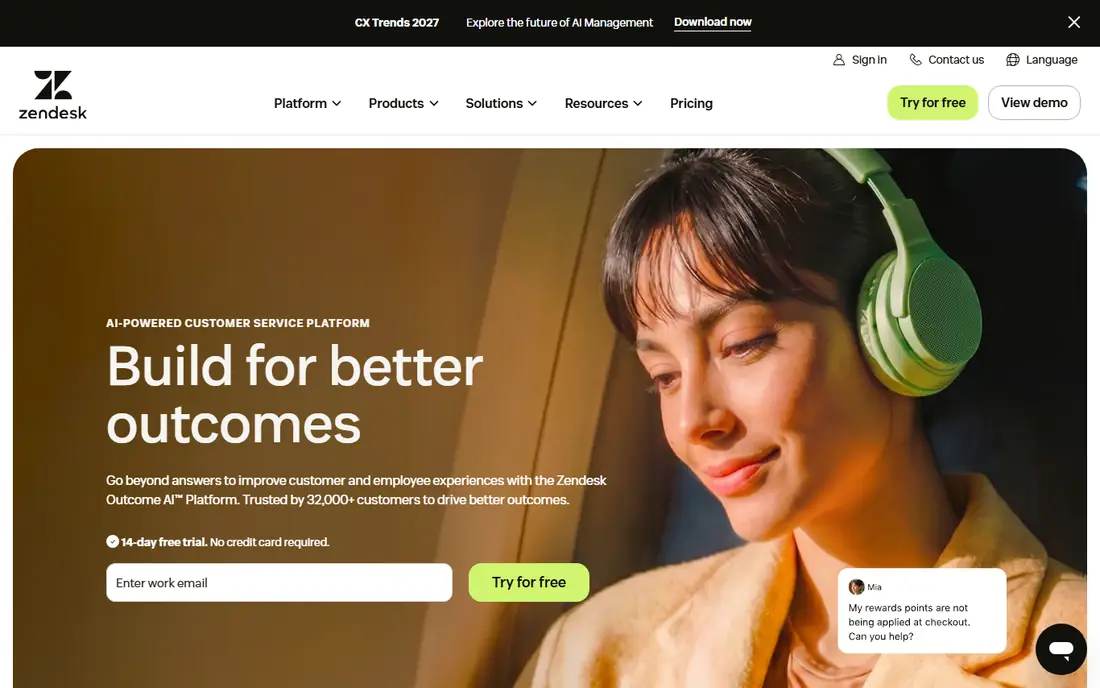
Zendesk is the safe choice for a support team that needs a portal customers actually use. Its help center, ticket tracking, and omnichannel support are mature, and its automation can route tickets and suggest articles before a customer writes in. For a mid-sized to large team with high ticket volume, that depth is hard to beat.
Check the tier carefully. In recent comparisons, customer portal ticket management was not available on Suite Team, and Suite Professional started higher, so the $19 starting seat does not buy the full portal. If ticket visibility is your main goal, confirm which tier includes it and budget for that tier, not the entry price.
- Mature help center and ticket portal
- Strong automation and reporting
- Broad integrations
- Ticket management in the portal is not on the lowest Suite tier
- Add-ons raise total cost

Salesforce Service Cloud suits companies already running Salesforce. Its Experience Cloud portals pull customer, case, and order data from the CRM, so customers see accurate status without your team copying data between systems. That single source of truth is the main reason to choose Salesforce over a standalone portal.
The cost is complexity. A Salesforce portal needs admin time, and many teams land on a higher tier than the $25 starting price for the features they actually need. If Salesforce is already your system of record, the portal is a natural extension. If you have no Salesforce footprint, a simpler portal will launch faster.
- Portal tied directly to Salesforce records
- Deep customization
- Strong enterprise controls
- Setup and admin effort is high
- Real features often sit on higher tiers
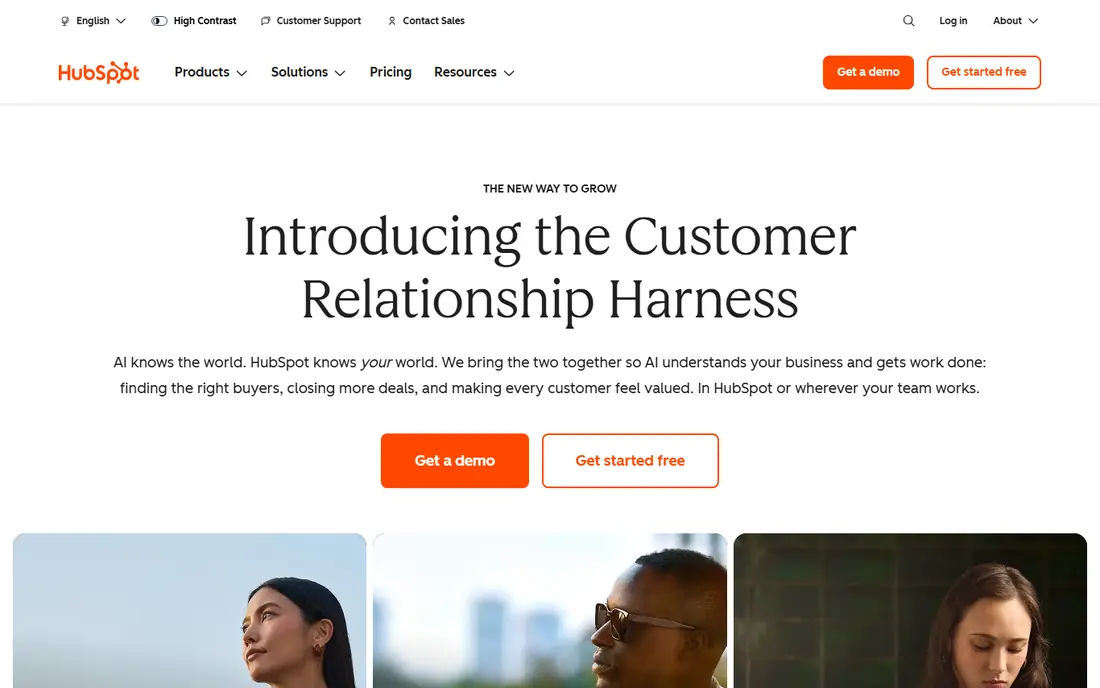
HubSpot Service Hub suits SaaS and service teams that already use HubSpot CRM. Its customer portal gives customers ticket visibility and help content tied to their CRM record, which helps support teams see history without switching tools. Free tools cover small teams, and paid tiers add automation and reporting.
The catch is tiering. In recent comparisons, the customer portal was included from Service Hub Professional, with a one-time onboarding fee, so the free and starter tiers do not give the full portal. If you already pay for HubSpot, check your tier first. If you do not, compare the Professional price against Zendesk before you commit.
- Portal connected to HubSpot CRM
- Knowledge base and ticket visibility
- Free tools for small teams
- Full portal features sit on Professional and higher
- Onboarding fees can apply on paid tiers
Freshdesk is our pick for a small to mid-sized team that wants a portal up quickly. Its setup is simpler than Zendesk or Salesforce, its knowledge base and ticket portal are clear for customers, and its entry tier covers the core support workflow. For a team moving from shared email to a real portal, Freshdesk is a low-friction step.
Freshdesk is less strong for very complex, multi-department service operations. Advanced reporting, some channels, and AI allowances sit on higher tiers, so check those limits if your volume is high. For most small support teams, Freshdesk gives the best balance of ease, price, and portal basics.
- Clear setup and ticket portal
- Knowledge base and automation
- Good value at the entry tier
- Advanced reporting and channels need higher tiers
- AI features have usage limits
Zoho Desk suits budget-conscious teams, especially those already using Zoho apps. Its starting price is the lowest on this list, and it still offers a help center, community forums, and ticket management. For a small business that needs a portal without a large monthly bill, Zoho Desk is hard to ignore.
The trade-off is polish and setup effort. Custom workflows take more configuration than Freshdesk, and the interface feels less modern than HubSpot or Intercom. If your team already lives in Zoho, the value is clear. If you need a portal that looks premium with little setup, a client portal specialist below may fit better.
- Low starting price
- Multilingual help center
- Community forums and guided help
- Setup complexity grows with customization
- Advanced features need higher tiers
Intercom suits product-led SaaS teams whose customers expect help inside the app. Its messenger, help center, and Fin AI agent can answer questions from your knowledge base and hand off to humans when needed. That conversational model can deflect tickets more effectively than a static portal for some products.
Cost control matters. Intercom pricing has moved to per-seat plans plus per-resolution AI fees, so a high-volume team should model total cost, not only the seat price. If your customers live in your app and you want AI-led self-service, Intercom is a strong pick. If you need a traditional ticket portal, Zendesk or Freshdesk may be simpler.
- Strong in-app messaging and AI agent
- Help center and ticket visibility
- Modern customer experience
- Pricing rises with seats and AI resolutions
- Workflow features can add cost
Help Scout suits small teams that want support to feel like email, but with a portal behind it. Its shared inbox is easy to learn, its help center is clean, and its customer portal gives customers a place to track conversations. Setup is faster than Zendesk or Salesforce, which matters for a team with no dedicated admin.
Help Scout is not built for complex enterprise service operations. Reporting and customization are lighter, and a large team with many departments may need a bigger platform. For a small, digital-first team that values simplicity, Help Scout is a calm, well-designed choice.
- Familiar email-style inbox
- Fast setup
- Help center and customer portal basics
- Advanced reporting is limited
- Larger teams may outgrow it
SuiteDash is our pick for agencies and service firms that want one branded portal for clients. Its Start plan is $19 per month, Thrive is $49, and Pinnacle is $99, all with unlimited users, which makes it cheap at scale compared with per-seat portals. Clients can see projects, files, invoices, and support tickets in a white-label space that looks like your brand.
The breadth is also the challenge. SuiteDash bundles CRM, project tools, billing, and portals, so setup takes longer than a single-purpose portal. If you only need a support ticket portal, SuiteDash is more than you need. If you want to replace several tools with one client portal, SuiteDash is strong value.
- Flat pricing with unlimited users
- White-label portal
- CRM, projects, files, and billing in one tool
- Broad scope means a longer setup
- Learning curve for roles and automations
Assembly, formerly Copilot, suits agencies that want a polished client portal without a large platform. Its portals are clean and branded, with file sharing, messaging, invoicing, and forms in one client-facing space. A free plan for a small number of active contacts lets a solo firm test it before paying.
Pricing needs care. Assembly plans are capped by active contacts and internal users, so a growing agency should price the plan it will need in a year, not only today. For a small to mid-sized agency that values a premium client experience over an all-in-one back office, Assembly is a strong choice.
- Clean branded portal experience
- File sharing and messaging
- Free plan for a small number of contacts
- Per-plan limits on active contacts and users
- Higher tiers rise with client count
Clinked suits teams whose portal work is mainly documents, approvals, and secure collaboration. Its branded workspaces give clients a safe place to share files, track tasks, and discuss deliverables, with permissions that control who sees what. That focus helps professional services, finance, and consulting firms with sensitive files.
Per-user pricing means a large internal team will pay more than on SuiteDash flat plans. Clinked is best when security and document control matter more than bundling CRM and billing. If your clients send large files and need a trusted workspace, Clinked is a solid, focused portal.
- Secure file sharing and collaboration
- Branded workspaces
- Project and task tools
- Per-user pricing rises with team size
- Less of an all-in-one than SuiteDash
How we picked these
We compared official vendor pages and public portal comparisons, and we favored tools with a real logged-in portal, not only a public help center. We included both support portals and client portals, because readers use the term for both, and we flagged tier limits where a starting price does not include full portal features. We did not claim hands-on testing, and we wrote See website where pricing was quoted or varied by tier.
How to choose a customer portal
Start with the job customers will do in the portal. If they mainly check ticket status and read help articles, choose a support portal such as Zendesk, Freshdesk, or HubSpot. If they mainly approve work, share files, and pay invoices, choose a client portal such as SuiteDash, Assembly, or Clinked. That single choice narrows the list more than any feature table.
Next, check branding, permissions, and mobile access, because customers judge a portal by how it looks and how easy it is to log in. Pilot with friendly customers, watch where they get stuck, and fix navigation before a full launch. Finally, measure the result. Track portal logins, ticket deflection, status-update calls saved, and invoice payment time, so you can show whether the portal earns its cost.
Frequently asked questions
What is the best customer portal software?
Zendesk and Freshdesk lead for support portals, while SuiteDash and Assembly lead for white-label client portals. The best pick depends on whether customers mainly need ticket tracking or project, file, and billing visibility. Choose the portal type first, then compare price and tier limits.
What is the best customer portal platform for small businesses?
Freshdesk and Zoho Desk suit small support teams, thanks to low starting prices and free plans. SuiteDash suits small agencies that want a flat-priced client portal with unlimited users. Pilot with a few customers before you migrate your whole base.
What is the best client portal software for agencies?
SuiteDash offers the best value for agencies that want CRM, projects, files, and billing in one white-label portal. Assembly offers a cleaner, more premium client experience for smaller agencies. Clinked suits agencies where secure document sharing is the main portal job.
Do customer portals reduce support tickets?
They can, when the knowledge base is strong and ticket status is easy to find. A portal alone does not deflect tickets if articles are outdated or status updates are vague. Keep help content current, show real ticket progress, and add AI answers only where they resolve questions correctly.
How much does customer portal software cost?
Prices range from free plans with limits to $7 to $25 per user per month for support portals, and $19 to $99 per month flat for SuiteDash. Enterprise CRM portals are quoted and cost more. Always confirm which tier includes ticket tracking, branding, and file sharing before you budget.
Sources
See where you really rank - block by block
ProMapRanker scans Google Maps across a grid of your service area. Simple monthly plans from $19, white-label on every plan.
Start freeKeep reading
 zscaler alternatives
Best Zscaler Alternatives in 2026
Looking for zscaler alternatives? We compare 9 SASE and zero trust platforms on architecture, data protection, pricing, and fit for your network and team.
Read → zapier alternatives free
Best Zapier Alternatives Free in 2026
Nine automation tools for zapier alternatives free in 2026, all with genuinely free tiers, plus free plan limits, starting prices and upgrade paths explained.
Read → which platform is best for online reputation
Which Platform Is Best for Online Reputation in 2026
Wondering which platform is best for online reputation? We compare 8 review, listing, and response tools for small and multi-location businesses and agencies.
Read →