 ProMapRanker
Best Customer Management Software for Small Business in 2026

Key takeaways
- The best customer management software for small business keeps contacts, conversations, deals and follow-ups in one place, so work does not depend on memory or spreadsheets.
- HubSpot CRM and Zoho CRM offer free starting plans, while Pipedrive suits sales-led teams and monday CRM suits teams that already manage work visually.
- Per-user pricing adds up fast, so compare total cost for your real team size, including the plan that includes the features you will use on day one.
- A short trial with real contacts, a real pipeline and a real follow-up task will reveal adoption problems faster than a feature demo.
Quick comparison
| Pick | Great for | Pricing starts at | Free tier | |
|---|---|---|---|---|
 HubSpot CRM | Free start that scales with growth | Free | Yes | Visit |
 Zoho CRM | Value and automation depth | Free | Yes | Visit |
 Pipedrive | Visual sales pipeline teams | $14 per month | Free trial | Visit |
 monday CRM | Visual teams that manage work in boards | $12 per month | Free trial | Visit |
 Salesforce Starter | Structured sales teams planning to grow | $25 per month | Free trial | Visit |
 Freshsales | Teams that need phone, chat and email built in | $9 per month | Yes | Visit |
 Capsule CRM | Simple contact and pipeline management | See website | Free trial | Visit |
 Insightly CRM | Businesses that link customers to projects | $29 per month | Free trial | Visit |
 Close | Calling-led sales teams | See website | Free trial | Visit |
The best customer management software for small business
Customer management software, often called CRM software, is a shared record for every customer: contact details, emails, calls, deals, tasks and service history. For a small business, the value is simple: no lead is lost, follow-ups happen on time, and anyone on the team can pick up a customer conversation without asking for a handover. The tools below cover free starters, sales pipelines and all-in-one options, with prices from recent listings, so confirm the live price before you buy.

HubSpot CRM is our pick for most small businesses starting free. The free plan covers contacts, deals, tasks, email tracking and meeting scheduling, with no time limit, which is enough to replace a spreadsheet and build a follow-up habit. Paid Starter seats, around $15 to $20 per user per month in recent listings, add more automation and reporting, and Sales Hub or Marketing Hub can be added later without switching platforms.
Costs rise as teams grow and add hubs, so model total cost at your target team size, not only the free start. Free plan limits, including user and contact limits on newer accounts in recent guides, also matter for larger lists. HubSpot suits small businesses that want a free, professional start with a clear upgrade path.
- Free core CRM
- Contact, deal and task tools
- Marketing and service hubs can be added later
- Paid costs rise with seats and hubs
- Free plan limits and contact caps apply on newer accounts
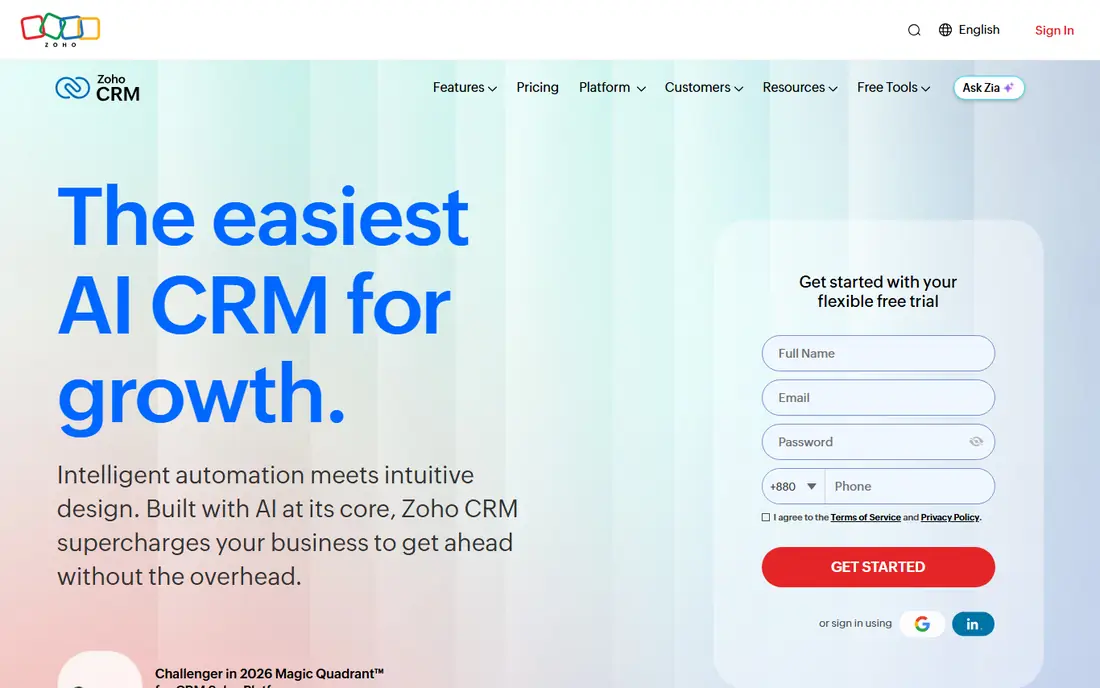
Zoho CRM offers a free edition for up to 3 users, with lead, contact and deal tracking, which makes it a strong free alternative to HubSpot for very small teams. Paid Standard, at $14 per user per month in recent listings, adds more automation, scoring and reporting, while links to Zoho Books, Zoho Mail and Zoho Inventory help businesses already in the Zoho ecosystem.
Customization is deep, but that depth can overwhelm a beginner who only needs contacts and a pipeline. Allow time for setup, including pipeline stages, fields and workflow rules, or the tool may feel heavier than needed. Zoho CRM suits budget-conscious teams that want automation depth and already use, or plan to use, other Zoho apps.
- Free plan for up to 3 users
- Deep customization
- Workflow automation on paid plans
- Learning curve is steeper
- Interface feels busy for pure beginners
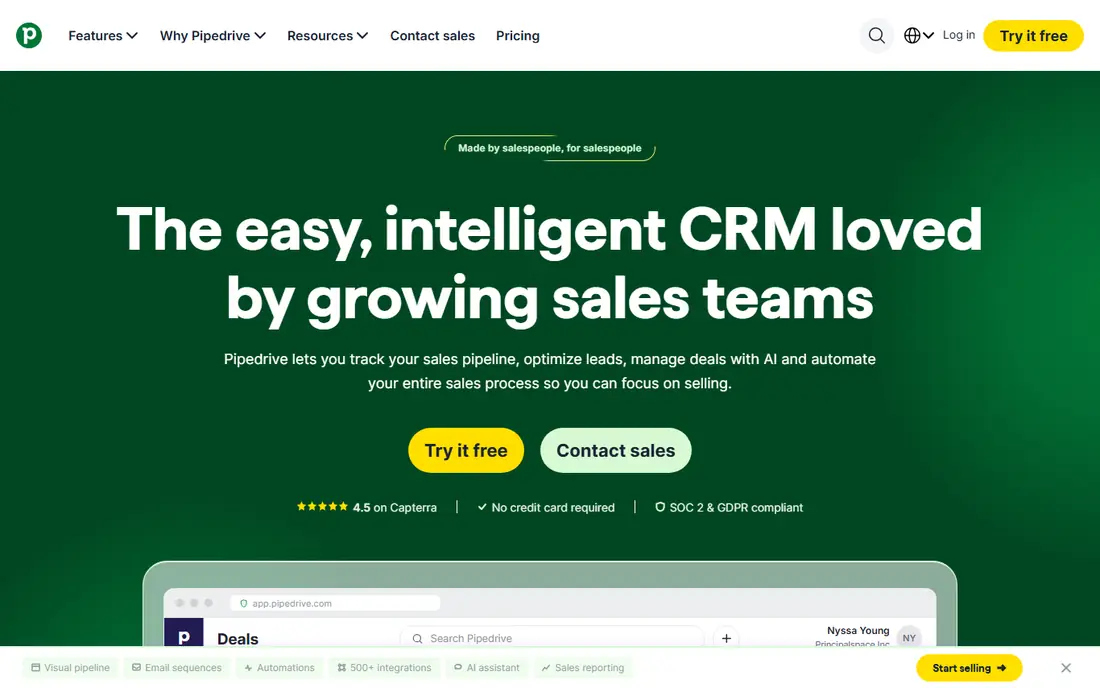
Pipedrive is built for teams that live in deal stages. The visual board makes it easy to see where every deal sits, what needs doing next, and which deals are stalling. Setup is fast, reps tend to adopt it because moving a card feels natural, and Lite starts at $14 per user per month in recent listings, with a 14-day trial.
There is no free forever plan, and marketing, service and project features are thinner than HubSpot or Zoho, so teams that need those areas may add other tools. Growth, at $39 per user per month in recent listings, adds email sync, sequences and automation that active sales teams need. Pipedrive suits sales-led small businesses that want a pipeline first and everything else second.
- Clean visual pipeline
- Fast setup
- High rep adoption
- No free forever plan
- Marketing and service features need add-ons
monday CRM suits teams that already think in boards and want customer work alongside project work. Contacts, deals, tasks and timelines sit in visual boards that can be customized without code, and automations handle reminders, status changes and assignments. That visual style helps non-technical teams adopt the tool quickly.
Entry pricing at $12 per user per month in recent listings comes with a 3-user minimum, so a solo owner pays for three seats. That minimum makes monday CRM less attractive for a one-person business, but good value for a small team that also uses monday for projects. It suits teams that want CRM and work management in one visual system.
- Visual boards and automations
- Easy customization
- Project and CRM views together
- Minimum 3 seats on entry plans
- Price is per seat, so team cost rises fast
Salesforce Starter, at $25 per user per month in recent listings, gives small businesses a structured CRM with a clear path to the full Salesforce platform. Contacts, accounts, deals, tasks and reports are solid, and the integration range covers email, calendar, marketing and support tools. For a team that expects to grow into a larger sales operation, starting on Salesforce avoids a later migration.
Setup and customization take more effort than HubSpot or Pipedrive, and costs rise with add-ons and seats. Small teams with simple needs may find Starter heavier than needed. Salesforce suits structured sales teams that want room to grow and are willing to invest setup time for a long-term platform.
- Clear upgrade path to full Salesforce
- Strong reporting
- Wide integration range
- Setup takes more time
- Costs and complexity grow with customization
Freshsales, part of Freshworks, suits small teams that handle customers by phone, chat and email and want those channels inside the CRM. The free plan covers up to 3 users in recent listings, with contact, deal and task tools, while paid Growth, at $9 per user per month in some listings and higher in others, adds more automation and reporting. Built-in calling avoids a separate phone tool for many teams.
Pricing varies by listing and billing period, so confirm the live price for the plan that includes your needed automation. Freshsales is less deep than Salesforce for large enterprise customization, but that simplicity helps small teams. It suits service and sales teams that want communication tools inside the customer record.
- Built-in phone, chat and email
- Free plan for up to 3 users in recent listings
- AI features on higher plans
- Paid tiers rise for automation depth
- Interface depth varies by plan
Capsule CRM is a simple customer management tool for small businesses that want contacts, history, tasks and a pipeline without a steep learning curve. The interface is clean, setup is fast, and teams can track conversations, opportunities and follow-ups in a shared record. That simplicity helps adoption, because a CRM only works if the team actually updates it.
Advanced automation, marketing and reporting depth are thinner than HubSpot, Zoho or Salesforce, so larger or automation-heavy teams may outgrow Capsule. Pricing should be checked on the live pricing page, because listings vary. Capsule suits small teams that want a tidy, low-friction customer record and do not need enterprise features.
- Simple, clean interface
- Contact history and tasks
- Good for small teams that dislike complexity
- Pricing varies by plan and listing
- Fewer advanced automations than Zoho or HubSpot
Insightly CRM suits businesses where a sale leads directly into a project, such as agencies, consultants, builders and professional services. Contacts, opportunities and projects sit in one system, so a team can move from deal to delivery without losing customer history. Tasks, milestones and files link to the customer record, which helps handover between sales and delivery teams.
Entry pricing at $29 per user per month in recent listings is higher than Pipedrive or Zoho Standard, so pure sales teams may get better value elsewhere. Project features also add setup time for teams that only need a pipeline. Insightly suits project-based small businesses that want customer and project work together.
- CRM plus project management
- Contact and opportunity tracking
- Task and milestone links
- Higher entry price than Pipedrive or Zoho
- Learning curve for project features
Close is built for sales teams that work leads by phone and email at speed. Built-in calling, SMS and email sit inside the CRM, so reps can call, log and follow up without switching apps. Lead workflows, pipeline views and reporting help managers see activity and deal progress in real time.
Pricing should be checked on the live site, because some listings show quote-based or tiered pricing that varies by team size. Close is less suited to businesses that only need a contact database or service history, because its strength is outbound sales activity. It suits calling-led small sales teams that want speed and built-in communication tools.
- Built-in calling, SMS and email
- Fast lead workflow
- Pipeline and reporting
- Pricing is quote-based in some listings
- Less suited to service-only teams
How we picked these
We compared official pricing pages, feature lists and recent small business CRM guides, and we favored tools with live signups in 2026, a clear free or trial path, and a workflow that covers contacts, deals and follow-ups. We included free starters, sales pipelines and project-linked options, and we left out enterprise-only platforms that need long implementations. Prices are from October 2026 checks and vary by billing period and seat count, so confirm the live price for your team size. We did not claim hands-on testing; we compared published features and pricing.
How to choose and roll out a CRM without losing your team
Start with the smallest workflow that solves a real pain: capture every lead, assign every follow-up, and record every conversation in one place. Import a clean contact list, set pipeline stages that match how you actually sell, and agree on who updates what after each call or email. A CRM with ten unused stages helps no one, while a CRM with five clear stages gets used daily.
Next, test with one team for two weeks before rolling out to everyone. Track whether follow-ups happen on time, whether duplicate contacts appear, and whether reps complain about extra clicks. Fix those issues before adding automation, because automation on a messy process only creates messy data faster. Finally, review data monthly: clean duplicates, close stale deals, and check that reports match reality. A CRM is a habit, not a purchase, and the best tool is the one your team will update every day.
Frequently asked questions
What is the best free customer management software?
HubSpot CRM offers the strongest free core CRM for most small businesses, with contacts, deals and tasks at no cost. Zoho CRM offers a free plan for up to 3 users, and Freshsales also offers a free plan for small teams. The best free customer management software depends on team size, because HubSpot suits larger free lists while Zoho suits very small teams that want automation depth later.
What is the best free contact management software?
HubSpot CRM and Zoho CRM both work as free contact management tools, with contact history, notes and tasks included. Capsule CRM and Bitrix24 are also worth comparing for simple contact records, though Bitrix24 has a steeper learning curve. For a pure contact list without deals, a simple tool may be enough, but a CRM adds follow-up and deal tracking that a list alone lacks.
What is the best free customer relationship management software for a small team?
HubSpot CRM is best for most small teams starting free, because it scales to paid hubs without migration. Zoho CRM is best for teams of 3 or fewer that want deep customization at low cost. Freshsales is best for teams that need built-in phone and chat in the free or low-cost tier. Test each with real contacts before committing.
Should a small business pay for a CRM or start free?
Start free if your team is small and your pipeline is simple, because a free CRM builds the follow-up habit without cost. Pay when you need automation, reporting, more seats or integrations that save real time each week. Compare total cost for your real team size, not only the per-user headline, before upgrading.
How long does it take to set up a small business CRM?
A simple CRM with contacts, pipeline stages and basic automation can be set up in a day or two, while a customized setup with integrations and workflow rules can take one to three weeks. Import clean data first, keep stages simple, and train the team on one workflow at a time. A slow, clean rollout beats a fast, messy one that the team stops using.
Sources
See where you really rank - block by block
ProMapRanker scans Google Maps across a grid of your service area. Simple monthly plans from $19, white-label on every plan.
Start freeKeep reading
 zoho inventory alternatives
6 Alternatives to Zoho Inventory, Compared on Price and Fit
Zoho Inventory alternatives: 6 tools compared on price, free plans and fit. Katana leads the list for manufacturers. Fit and flaws are laid out for each entry.
Read → zoho crm alternatives
Best Zoho CRM Alternatives (2026)
Need Zoho CRM alternatives? We compare 7 tools on cost, free access and who each suits. Every pick gets a straight assessment. Built for quick decisions.
Read → zelle alternatives
Best Zelle Alternatives in 2026
Compare the best Zelle alternatives for sending money to friends, paying sellers and moving funds abroad, with honest notes on fees, speed and safety in 2026.
Read →