 ProMapRanker
7 Customer Journey Platforms, Compared by Cost and Features


Enterprises linking feedback to journey outcomes · Pricing starts at: See website
Key takeaways
- Number one here is Qualtrics XM, a fit for enterprises linking feedback to journey outcomes.
- The main caution on TheyDo: enterprise pricing and setup, more than a small team needs for a single map.
- 3 of 7 tools offer a free plan: UXPressia, Contentsquare, Smaply.
- Braze suits cross-channel journey orchestration and messaging.
- No starting price is shown for any of the 7 tools, Qualtrics XM and Braze included, so plan time for sales calls.
Direct answer
Our first pick is Qualtrics XM, best for enterprises linking feedback to journey outcomes. UXPressia fits teams that require maps, personas, and impact maps; Adobe Customer Journey Analytics fits enterprises analyzing cross-channel journeys. Prices, free plans and limits for all 7 tools follow.
Quick comparison
| Pick | Great for | Pricing starts at | Free tier | |
|---|---|---|---|---|
| Qualtrics XM | Enterprises linking feedback to journey outcomes | See website | No | Visit |
 UXPressia | Teams that require maps, personas, and impact maps | See website | Yes | Visit |
 Adobe Customer Journey Analytics | Enterprises analyzing cross-channel journeys | See website | No | Visit |
 TheyDo | Enterprise journey management with shared context | See website | No | Visit |
 Contentsquare | Digital teams finding friction on websites and apps | See website | Yes | Visit |
 Smaply | Service design teams managing journey portfolios | See website | Yes | Visit |
 Braze | Cross-channel journey orchestration and messaging | See website | No | Visit |
Customer Journey Platforms compared in detail
ProMapRanker put together this guide to customer journey platforms for readers who want a clear shortlist without reading every vendor page. It compares 7 tools on starting price, free plans, who each one suits and where each one falls short.
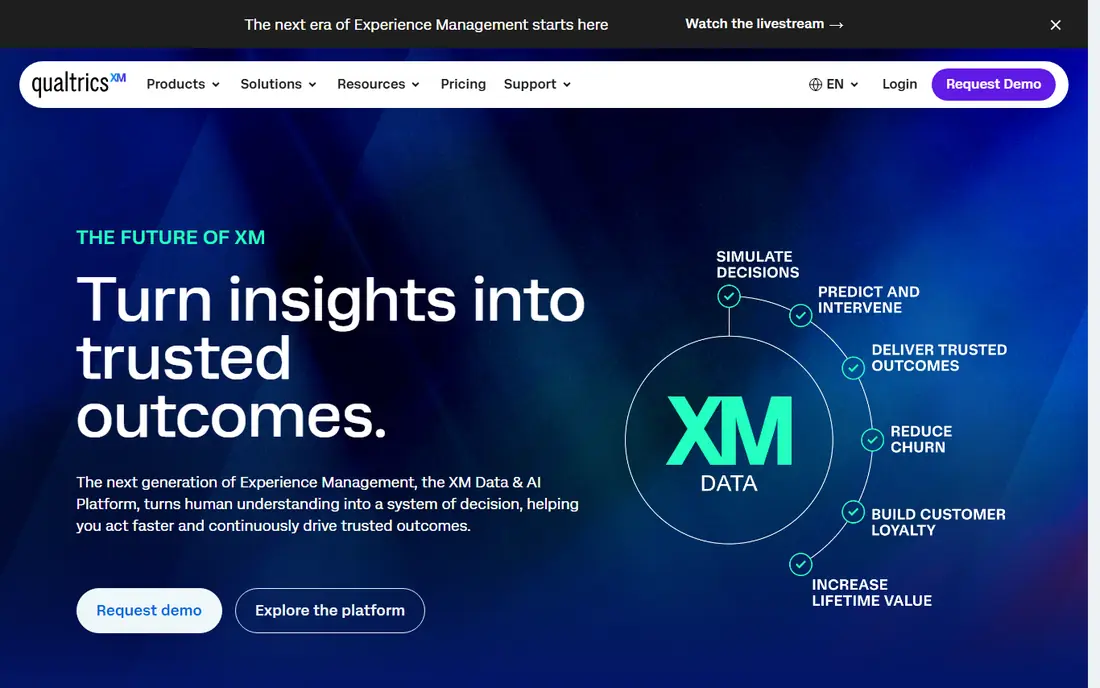
Qualtrics XM works best for enterprises linking feedback to journey outcomes. That combination fits enterprises running voice-of-customer programs across numerous channels.
Trade-offs to know: it is feedback-centered instead of a mapping or orchestration tool.
Its strength is evidence: structured and unstructured feedback tied to the journey, which hands mapping and analytics teams the "why" behind the numbers. Qualtrics XM does not show a starting price in this comparison, so check the vendor site for current pricing. There is no free plan with Qualtrics XM.
- Text and sentiment analysis
- Large-scale feedback collection
- Enterprise pricing and setup
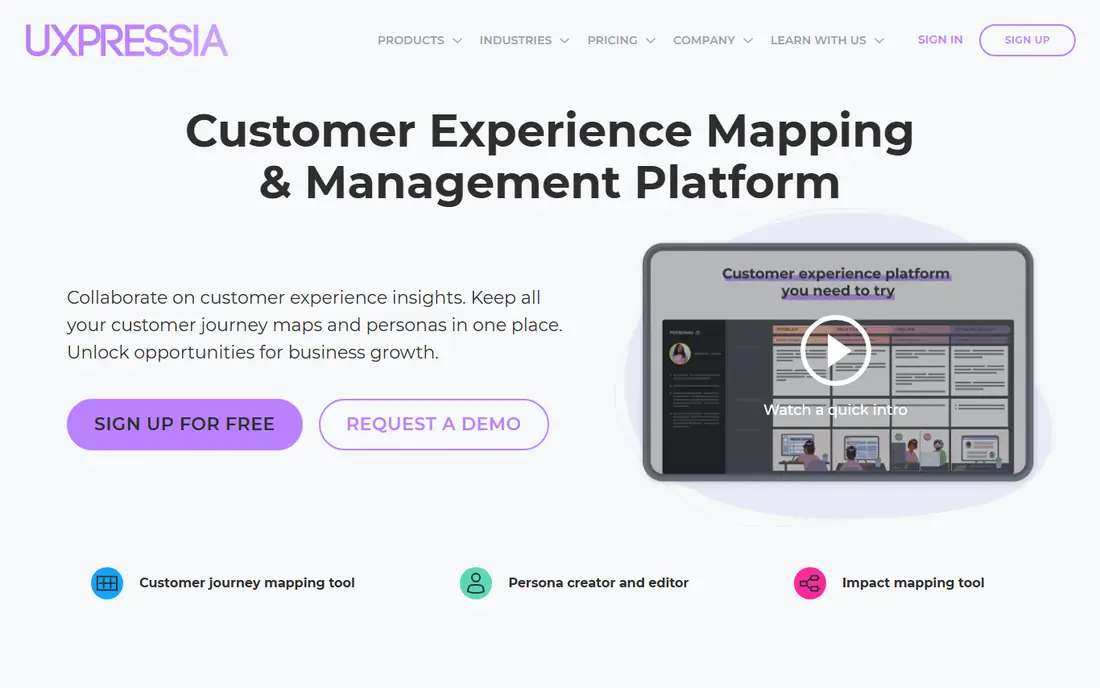
UXPressia works best for teams that require maps, personas, and impact maps. Bigger teams should check editor pricing and limits before rolling it out, since the cost rises with the number of people who produce and edit maps, not with viewers alone. As for the details, real-time data links let teams back a stage with web analytics or feedback, instead of opinion alone.
Beyond that, UXPressia provides UX, product, and CX teams a single place for journey maps, personas, and impact maps, with templates that accelerate the first draft. The free plan covers one project with restricted maps and personas, which is enough to test the approach. Check the vendor site for UXPressia pricing; none is listed in this comparison. UXPressia offers a free plan.
Honest limits: premium features and editor limits matter as team size grows.
- Templates for maps and personas
- Free plan for getting started
- Analytics depth is lighter than dedicated product analytics
Adobe Customer Journey Analytics
Great for: Enterprises analyzing cross-channel journeys
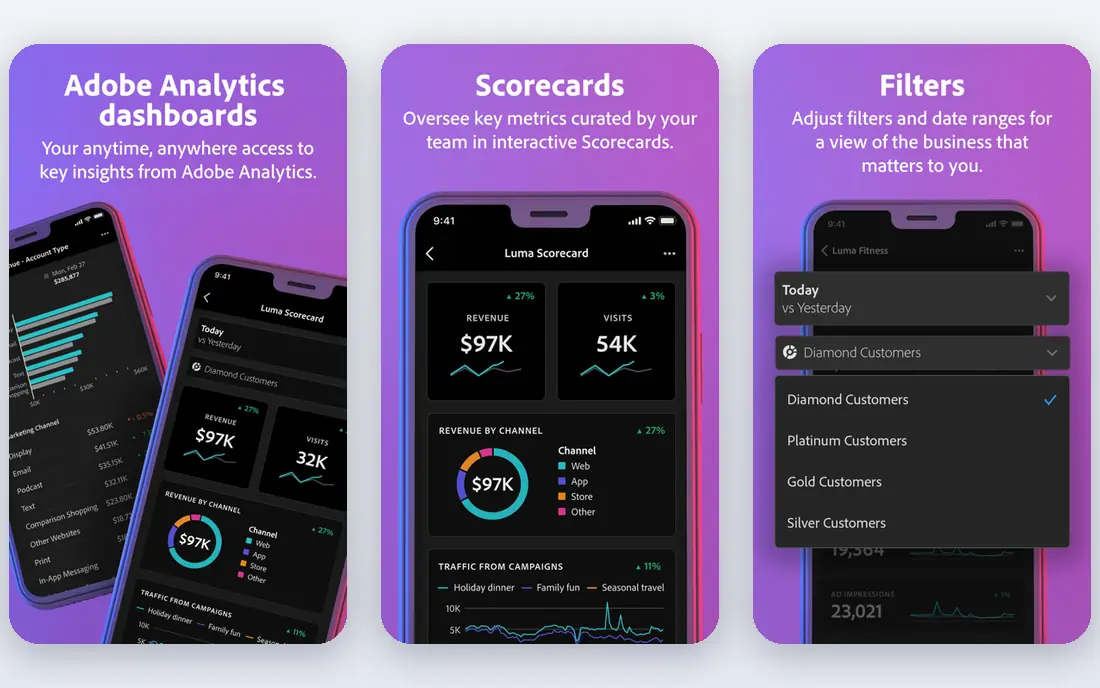
Adobe Customer Journey Analytics was built for enterprises analyzing cross-channel journeys. A B2B edition extends the same approach to buying groups and accounts. Teams need clean, joined data and analysts who can build workspaces and segments.
Where Adobe Customer Journey Analytics stands out: B2B edition for account journeys.
Points against: Enterprise pricing and implementation. Adobe Customer Journey Analytics answers a different question from mapping tools: what did customers actually do across channels, in what order, and where did they drop off. It pulls data from Adobe Experience Platform, so web, app, call center, and offline interactions can be analyzed as one journey instead of as separate channel reports. Check the vendor site for Adobe Customer Journey Analytics pricing; none is listed in this comparison. Adobe Customer Journey Analytics does not include a free plan.
- Offline data
- Capable governance
- Needs Adobe Experience Platform data setup
TheyDo serves enterprise journey management with shared context. TheyDo treats journeys as a managed system, not as one-off diagrams.
From a buyer's view, the tradeoff is scope and cost. TheyDo is made for CX programs with several journeys, owners, and governance needs, and pricing is quoted instead of published. TheyDo shows no starting price here, so confirm the cost on the vendor site. TheyDo has no free plan.
The main drawbacks: Enterprise pricing and setup.
- Journey management at scale
- Shared context across teams
- More than a small team needs for a single map
Contentsquare is built with digital teams finding friction on websites and apps in mind. Contentsquare presents why customers struggle on a website or app, using journey analysis, heatmaps, and session replay to find friction and drop-off points.
This comparison lists no price for Contentsquare; ask the vendor. A free plan is available with Contentsquare.
- Journey analysis
- Session replay, heatmaps
- Focus is digital behavior, so offline journey stages need other data sources
Think of Smaply for service design teams managing journey portfolios. Maps can be linked into hierarchies, so a high-level journey links to in-depth sub-journeys, and personas, stakeholder maps, and service blueprints sit in the same workspace.
Drawbacks to consider: Pricing varies by editor level.
Smaller teams may use only a fraction of the features at first, so start with one journey and one metric per stage, then expand the portfolio once the habit of updating maps is established. Smaply shows no starting price here, so confirm the cost on the vendor site. Smaply offers a free plan.
- Journey hierarchies, personas
- Service blueprints
- The full portfolio features suit bigger CX practices
Think of Braze for cross-channel journey orchestration and messaging. Braze does not replace a mapping tool for research and service design, but it completes the loop that mapping tools leave open.
Teams that already know their journey and have to run it at scale, with personalization and measurement, should shortlist Braze ahead of a pure mapping system. This comparison lists no price for Braze; ask the vendor. Braze does not include a free plan.
Points against: Pricing is quoted.
- Live customer profiles
- Cross-channel messaging
- The system is aimed at engagement teams rather than journey mapping alone
How the list was put together
The comparison looks at four things: starting price, free access, how well the feature set matches customer journey platforms, and the main limit of each tool. Prices and plan limits come from vendor pages and can change, so confirm them on the vendor site before you buy. Order on the page follows fit for the typical buyer first, then price transparency and free access. Your own requirements should decide the final pick.
What to confirm before you sign up
- Ask each vendor, from Qualtrics XM to Braze, for a written quote; none of them publishes a starting price.
- Read the fine print on the free plans from UXPressia, Contentsquare and Smaply; seat, project and feature caps differ.
- Before choosing Qualtrics XM, weigh its main limit: enterprise pricing and setup, and it is feedback-centered instead of a mapping or orchestration tool.
- Verify that exporting from Qualtrics XM is possible on your plan and covers all your records.
- Look at the help docs and support options for TheyDo before you commit.
Frequently asked questions
How are the tools for customer journey platforms ordered?
Qualtrics XM sits first and Braze last because the order follows typical fit for customer journey platforms, then price clarity and free access. It is a judgement call, so read each profile for fit and limits.
Can a journey product replace a CRM?
No. A CRM keeps customer records, deals, and interactions, whereas a journey product organizes those interactions into stages, evidence, and actions.
Do these tools publish their prices?
No. None of the tools, from Qualtrics XM to Braze, shows a fixed starting price here, so budget time for quotes.
How do I keep journey maps from going stale?
Attach live metrics and feedback to each stage, assign an owner per journey, and review the map on a fixed cadence, for example monthly for high-impact journeys.
Do I need a journey product if I already use analytics?
A journey product brings that shared view and accountability. Teams with straightforward, single-channel journeys may handle with analytics alone, whereas multi-team journeys typically need more.
Is Qualtrics XM the right pick for everyone comparing customer journey platforms?
No single tool suits every team. Qualtrics XM comes first because it fits enterprises linking feedback to journey outcomes, while UXPressia suits teams that need maps, personas, and impact maps and Adobe Customer Journey Analytics suits enterprises analyzing cross-channel journeys. Match the tool to your own size, budget and workflow before deciding.
Sources
See where you really rank - block by block
ProMapRanker scans Google Maps across a grid of your service area. Simple monthly plans from $19, white-label on every plan.
Start freeKeep reading
 zoho inventory alternatives
6 Alternatives to Zoho Inventory, Compared on Price and Fit
Zoho Inventory alternatives: 6 tools compared on price, free plans and fit. Katana leads the list for manufacturers. Fit and flaws are laid out for each entry.
Read → zoho crm alternatives
Best Zoho CRM Alternatives (2026)
Need Zoho CRM alternatives? We compare 7 tools on cost, free access and who each suits. Every pick gets a straight assessment. Built for quick decisions.
Read → zelle alternatives
Best Zelle Alternatives in 2026
Compare the best Zelle alternatives for sending money to friends, paying sellers and moving funds abroad, with honest notes on fees, speed and safety in 2026.
Read →