 ProMapRanker
Best Cryptocurrency App in 2026

Key takeaways
- The best cryptocurrency app for beginners is usually the one with the clearest buy screen and the fewest surprise fees.
- Coinbase leads on ease, Kraken leads on fee control for users who learn its Pro view, and Gemini leads on a conservative compliance approach.
- Crypto.com suits users who want many coins in one mobile app, while Robinhood suits users who already track stocks there.
- Always check the preview total, state availability, and withdrawal terms before you deposit funds.
- Crypto is volatile and this guide is not financial advice, so start small and use strong account security.
Quick comparison
| Pick | Great for | Pricing starts at | Free tier | |
|---|---|---|---|---|
 Coinbase Coinbase | First time buyers | See website | Yes, free account | Visit |
 Kraken Kraken | Beginners who want lower Pro fees | See website | Yes, free account | Visit |
 Gemini Gemini | Security minded beginners | See website | Yes, free account | Visit |
 Crypto.com Crypto.com | Mobile first buyers | See website | Yes, free account | Visit |
 Robinhood Crypto Robinhood Crypto | Casual buyers in one investing app | See website | Yes, free account | Visit |
 Binance.US Binance.US | US buyers wanting more coins | See website | Yes, free account | Visit |
 Bitstamp Bitstamp | Simple spot buying | See website | Yes, free account | Visit |
 eToro eToro | Social and copy style investing | See website | Yes, free account | Visit |
The best cryptocurrency apps
We compared official feature pages, pricing pages, app store listings, privacy policies, and public reviews, with a focus on first purchase ease, fee clarity, and account safety.
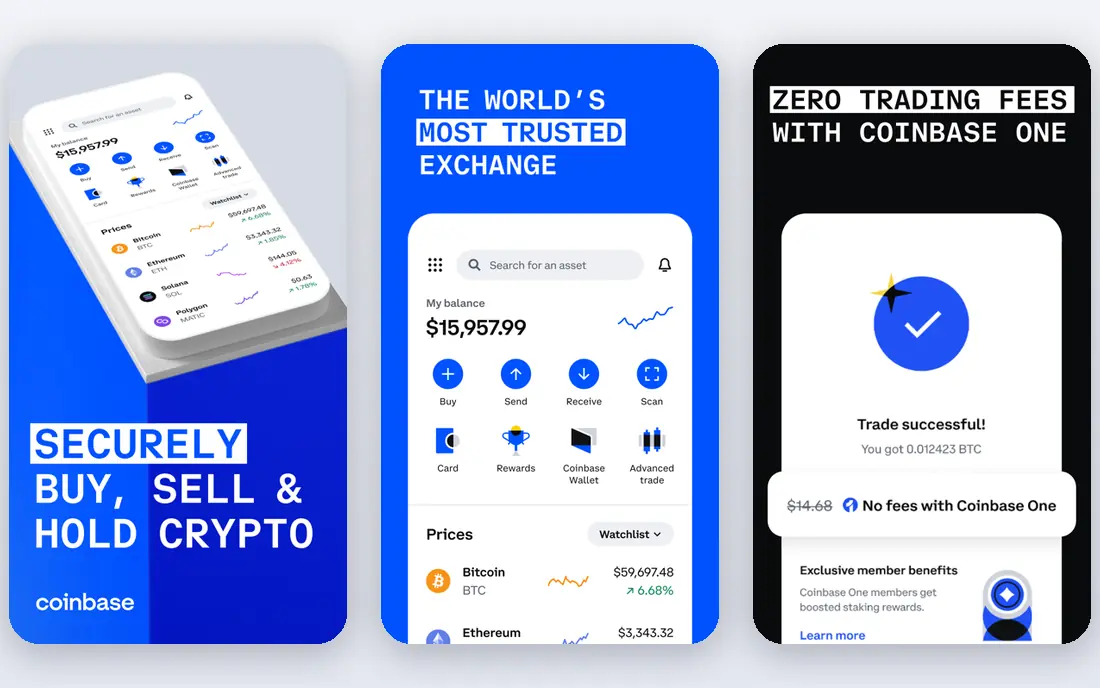
For a first purchase, Coinbase removes most friction. You can link a bank account, pick Bitcoin or another major asset, and confirm a buy in a few taps, with learning modules that explain basic terms in short lessons. That clarity is why many beginners start here even when they later add a second app for cheaper trades. The main lesson is to graduate to Advanced Trade when you trade more than rarely. The simple screen charges for convenience, and the gap grows with order size. Set up two factor authentication, review the fee preview, and keep a record of each purchase for tax reporting.
- Simplest buy flow, learning rewards on selected assets, Advanced Trade for lower fees
- Simple buy fees are higher than Pro fees, support response can be slow
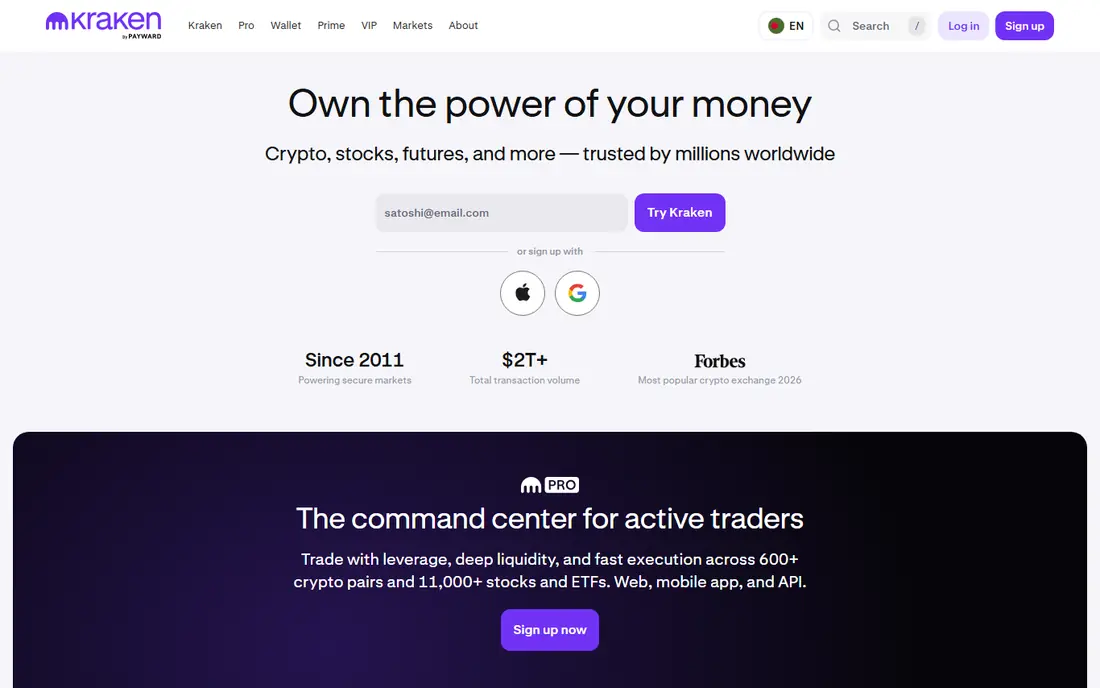
Kraken rewards a beginner who is willing to spend twenty minutes learning the Pro screen. Once you do, you get lower fees, limit orders, and a clearer view of market depth than the main app offers. The company also publishes proof of reserves information and supports hardware security keys, which appeals to users who plan to hold for a while. If you only use the main app, you will pay more for the same asset, so that choice matters. Start with small Pro orders to learn the layout, and use the account security settings to lock withdrawals to approved addresses where that option is offered.
- Strong security history, Pro fees lower than instant buys, broad learning resources
- Two interfaces can confuse new users, instant buy premium is easy to miss
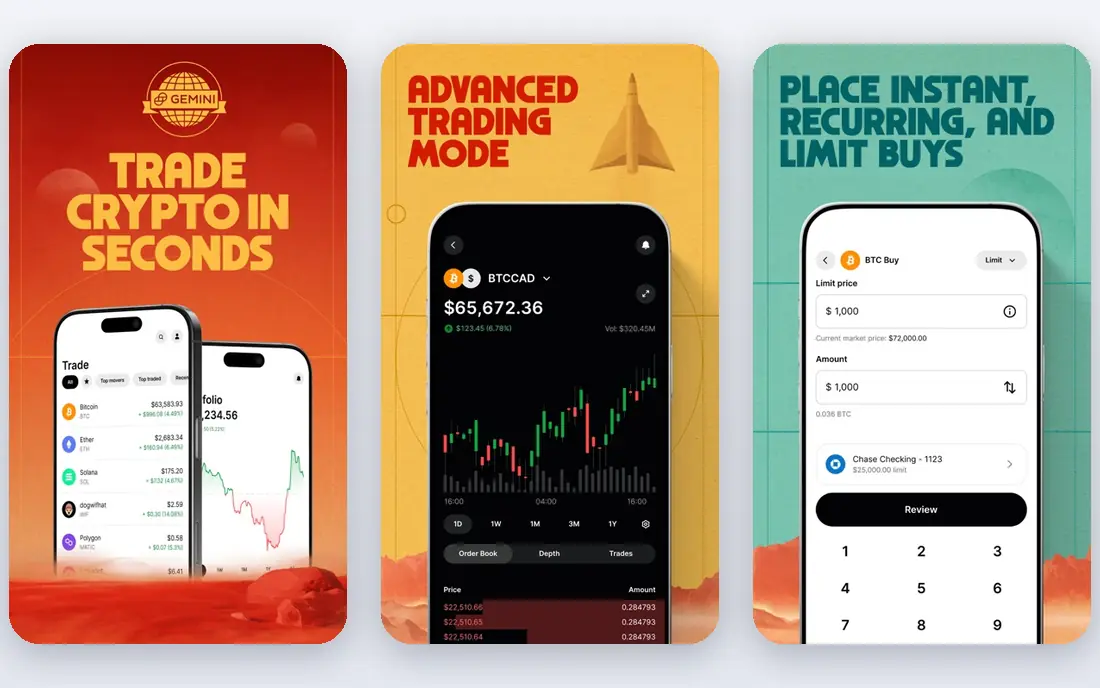
Gemini feels calm compared with busier exchanges. The app focuses on buying, holding, and a smaller set of well known assets, and its custody statements stress cold storage and insurance for certain holdings. That focus suits a buyer who wants Bitcoin and Ethereum and does not chase every new listing. The limit is breadth. If your interest moves to smaller altcoins, you may need another app, and that adds tracking work. Check ActiveTrader pricing if you buy regularly, because the simple interface and the pro interface can differ enough to change your yearly cost.
- Regulated trust company model, cold storage emphasis, clean app design
- Smaller coin list, simple trades can cost more than ActiveTrader trades
A mobile first buyer will find Crypto.com hard to beat on breadth. The app covers hundreds of assets, lets you set alerts, and links trading to a card program and a separate wallet app. That makes it a single home for buying, tracking, and, for some users, spending rewards. Breadth brings complexity. App buys, exchange trades, and card benefits each have their own terms, so read the official fee page for the exact path you will use. Do not choose a card tier for rewards alone, and confirm the final quote before a larger buy, since spreads vary by asset and market conditions.
- Very large coin list, price alerts, card rewards for eligible users
- Multiple fee schedules to compare, rewards tied to staking terms
Robinhood Crypto is built for a user who wants crypto next to stocks and does not want a second login. The buy screen is short, the portfolio view is simple, and small purchases feel quick. For a first small position, that ease is a real benefit. The cost is less visible, because it sits in the spread rather than a fee line. Advanced traders will also miss order types and chart depth found on Kraken or Binance.US. Use Robinhood for casual exposure, and consider a dedicated exchange if you trade often or want a wider coin list.
- Familiar investing app, no commission line, fast small buys
- Spread based cost, limited coin list, few advanced tools
Binance.US gives US beginners a middle path between a simple app and a full trading platform. You get a wider coin list than Robinhood or Gemini, recurring buy tools, and spot fees that are competitive for regular traders. The app is clear enough for a second step after Coinbase, without the full complexity of a global derivatives platform. Check your state first, because availability is not uniform across the US. Also note that the lowest fee tier assumes volume, so a small occasional buyer should compare the actual quote with Coinbase Advanced Trade or Kraken Pro for the same amount.
- Competitive spot fees, broad US coin list, recurring buys
- State limits apply, fee tiers depend on volume
Bitstamp suits a buyer who values steadiness over novelty. Founded in 2011, it focuses on spot trading and a manageable coin list, with an app that does not push margin trading or a long list of side products. That focus makes it easier to learn and to explain your costs. The downside is the same focus. If you want a large altcoin list, advanced derivatives, or a rewards card, Bitstamp will not cover it. For a core holding of major assets bought on a regular schedule, that simplicity can be a strength rather than a gap.
- Long track record, uncluttered trading, staking on selected assets
- Fewer coins and features, app feels basic next to larger rivals
eToro stands apart because of its social layer. Users can follow other investors, read their reasoning, and, where available, copy their trades, which some beginners find more helpful than charts alone. The platform also covers stocks, which suits users who want one portfolio view. Copy trading is not a shortcut to profit, and past results from another user do not predict your results. Spreads also make frequent trading costly, so eToro fits a longer holding style better than active trading. Read the fee and risk disclosures on the official site before you copy anyone, and never invest money you cannot afford to lose.
- Social feed and copy trading, stocks and crypto in one account, clear portfolio view
- Spread based fees around 1 percent on many crypto trades, limited coin list for pro traders
How we picked these
We looked for cryptocurrency apps that work in 2026, publish fee and security information, and offer a real mobile app for buying and holding. We compared official feature pages, pricing pages, app store listings, privacy policies, and public reviews, and we gave weight to first purchase ease, fee transparency, coin choice, and account controls. We excluded apps with unclear licensing, no working US or UK access for most readers, or only a demo product, and we kept a mix of beginner, mobile, and social options.
What to check before you choose
Start with the total cost
Add the spread, the trading fee, and any card or withdrawal charge to get the true cost. A free account does not mean a free trade, and a low headline fee can be offset by a wide spread on a less liquid asset. Run the same test buy on two apps and compare the amount of crypto you actually receive.
Protect your account and your holdings
Use a unique password, turn on app based two factor authentication, and be wary of messages that claim to be support. Never share a recovery phrase or a login code with anyone, and check the sender address on any email about your account. For larger holdings, learn how a self custody wallet works before you move funds.
Match the app to your plan
A weekly buyer needs low recurring costs and a simple schedule tool. A long term holder needs custody clarity and a calm interface. An active trader needs order types and fee tiers. Pick the app that fits your actual plan, not the app with the longest feature list, and review your choice once a year as fees and coin lists change.
Frequently asked questions
What is the best crypto app for beginners?
Coinbase is the most common answer because its first buy flow is short and its learning content explains basic terms. Gemini is a close alternative for users who prioritise regulation and custody. Try a small test buy on your top choice and check the fee preview before you fund a larger amount.
What is the best app for crypto for beginners who want low fees?
Kraken Pro and Binance.US often give lower costs than simple buy screens, once you learn their trading views. The saving depends on order size and frequency, so compare the same amount on each app. A beginner who buys rarely may value simplicity over a small fee saving.
What is the best crypto buying app for regular purchases?
Apps with recurring buys, such as Coinbase, Binance.US, and Crypto.com, suit a regular purchase plan. Set a fixed amount and schedule, review fees each quarter, and avoid changing your plan on every price move. Regular buying does not remove volatility risk.
Is it safe to keep crypto on an app?
Reputable apps use cold storage, insurance for certain holdings, and account security tools, but exchange balances still carry platform risk. Keep trading funds on the app and consider self custody for larger long term holdings. Always keep your recovery phrase offline if you use your own wallet.
Can beginners use the best cryptocurrency platforms and software together?
Yes, many beginners start on a simple app and later add a pro trading view or a portfolio tracker. Keep your records in one place, use the same security habits on each app, and do not spread small balances across so many apps that you lose track of fees and holdings.
Which app should I avoid as a beginner?
Avoid apps that promise guaranteed returns, ask you to send crypto to a stranger, or require you to trade with borrowed funds to open features. Avoid unlicensed offshore platforms for a first purchase. If an offer sounds too good to be true, pause and check the official site and independent reviews first.
Sources
See where you really rank - block by block
ProMapRanker scans Google Maps across a grid of your service area. Simple monthly plans from $19, white-label on every plan.
Start freeKeep reading
 youtube alternatives
Best YouTube Alternatives in 2026
Looking for youtube alternatives in 2026? We compare Vimeo, Dailymotion, Twitch, Rumble, and more on price, audience, monetization, control and privacy.
Read → what's the best ai tool for photo editing
What Is the Best AI Tool for Photo Editing in 2026
What is the best AI tool for photo editing? We compare ten tools for 2026, from Photoshop and Lightroom to Luminar, Topaz, Canva and mobile editors today.
Read → twitter alternatives
Best Twitter Alternatives in 2026
Compare the best twitter alternatives for 2026, from Bluesky, Threads, and Mastodon to Reddit, Tumblr, and Micro.blog, with free plans and audience notes.
Read →