 ProMapRanker
Best Crypto App in 2026

Key takeaways
- Coinbase and Gemini suit first time buyers who want a clear interface and strong compliance controls.
- Kraken and Binance.US tend to suit traders who compare maker and taker fees and want a wider set of order types.
- Crypto.com and Robinhood Crypto suit mobile first users, but spreads and card fees can change the real cost.
- Check state availability, withdrawal fees, and the final quote before you fund an account, because headline fees rarely tell the full story.
- Crypto prices can fall sharply, so only use money you can afford to lose and keep long term holdings in mind when you choose custody options.
Quick comparison
| Pick | Great for | Pricing starts at | Free tier | |
|---|---|---|---|---|
 Coinbase Coinbase | Beginners buying their first crypto | See website | Yes, free account | Visit |
 Kraken Kraken | Security focused traders | See website | Yes, free account | Visit |
 Binance.US Binance.US | Low cost spot trading in the US | See website | Yes, free account | Visit |
 Crypto.com Crypto.com | Mobile trading and rewards | See website | Yes, free account | Visit |
 Gemini Gemini | Regulated US buying and custody | See website | Yes, free account | Visit |
 Robinhood Crypto Robinhood Crypto | Simple buying alongside stocks | See website | Yes, free account | Visit |
 Bitstamp Bitstamp | Straightforward spot trading | See website | Yes, free account | Visit |
 OKX OKX | Advanced traders outside restricted regions | See website | Yes, free account | Visit |
The best crypto apps
We compared official feature pages, pricing pages, app store listings, privacy policies, and public reviews to sort these apps by fit, cost, and safety controls.
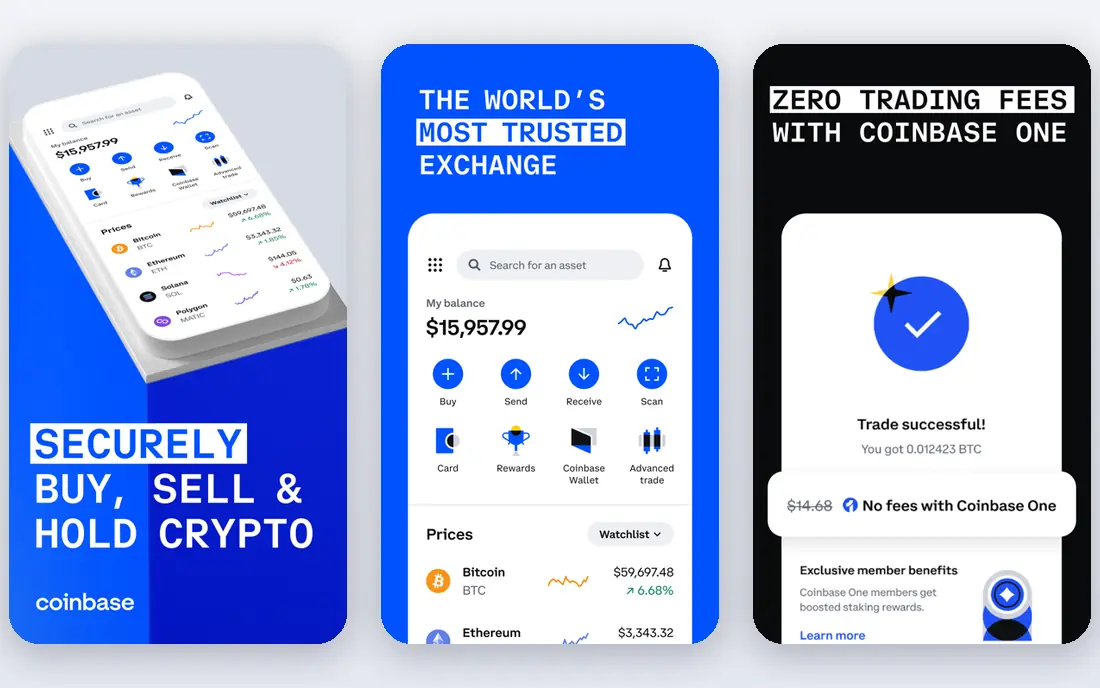
Coinbase remains the easiest starting point for many new buyers. The app hides order book complexity behind a simple buy and sell screen, and the Advanced Trade view adds limit orders and lower tiered fees for users who grow more confident. That two level design helps a beginner start small without needing to learn trading terms on day one. The catch is cost on the simple screen. Spreads and fees add up on small, frequent buys, so check the preview total before you confirm. Users who plan to trade often should compare Advanced Trade fees and withdrawal charges, and turn on two factor authentication and address allowlisting where available.
- Clear buying flow, strong US regulation, educational content
- Simple buy fees can be high, support can be slow at peak times
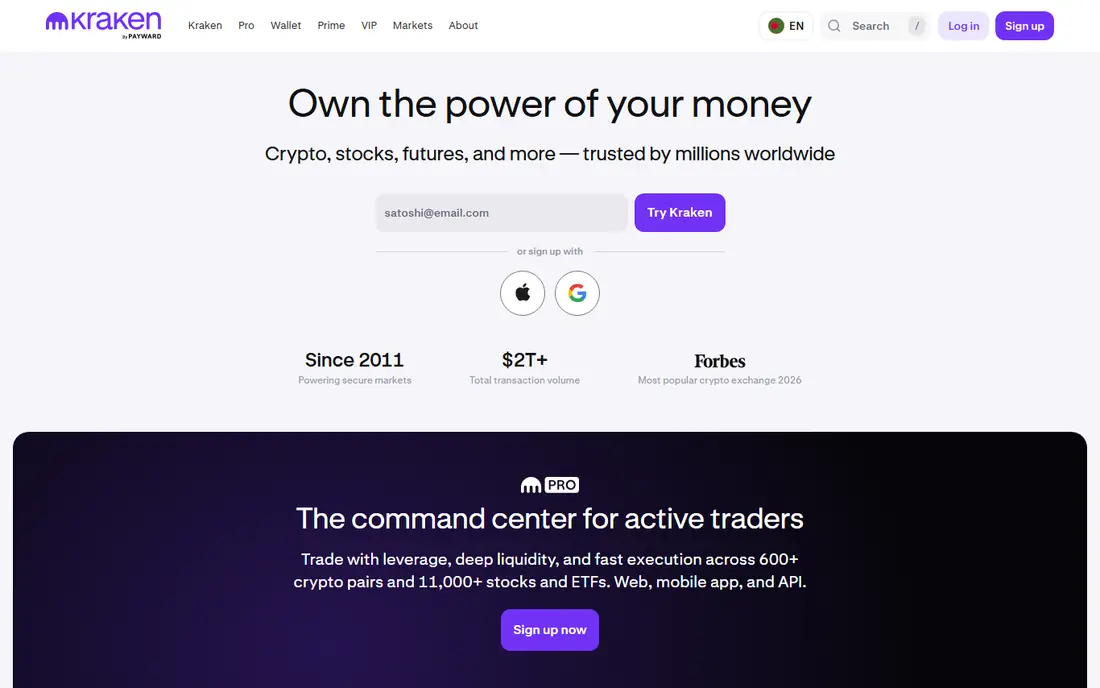
Kraken appeals to buyers who rank security and fee control above a polished first run experience. Kraken Pro gives access to charts, order types, and tiered fees, while the main app offers a faster route for simple purchases. Proof of reserves reporting and a long operating history are part of why many experienced users keep Kraken on their shortlist. New users should start in Pro if they want the lower fee path, because instant buys carry a premium for convenience. The platform also rewards careful account setup, including hardware key support and withdrawal locks, so take time to set those controls before moving larger sums.
- Long security record, Pro trading view, staking on selected assets
- Basic app buys cost more than Pro trades, interface can feel dense for newcomers
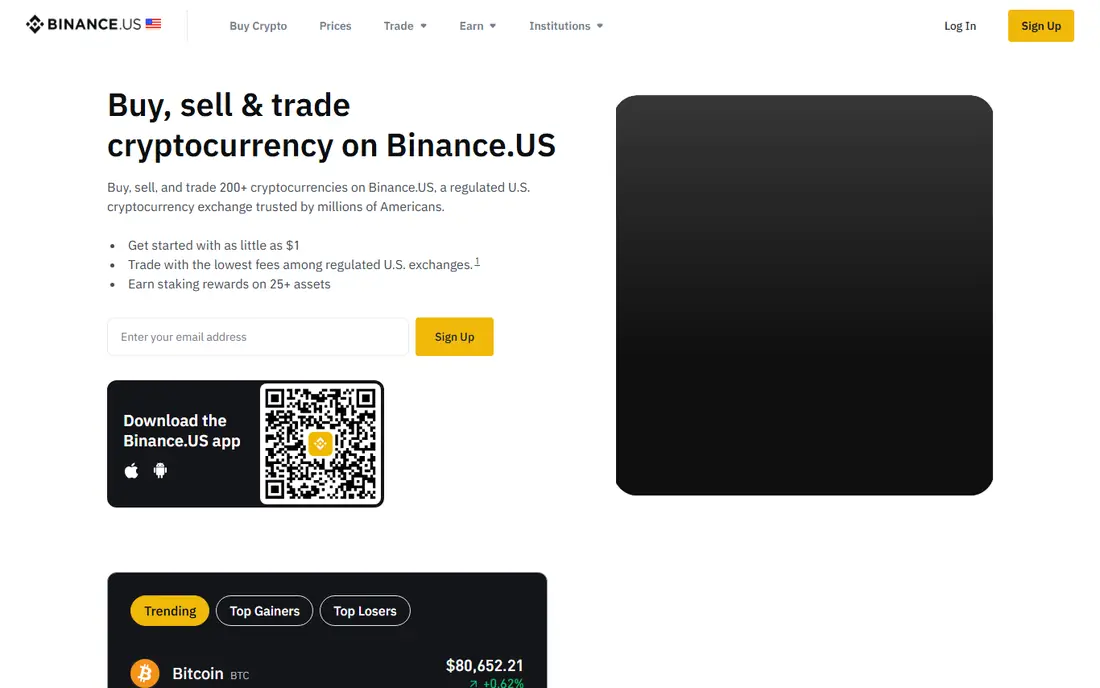
Binance.US is the US affiliate of Binance, built for American users who want lower spot fees and a broad coin list without using the global site. Active traders get value from its order book, charts, and recurring buy tools, and the app covers common needs such as staking on selected assets. It fits users who already understand limit and market orders. Availability is the main check. Some states and some assets are not supported, so confirm your state and the asset you want before you deposit. Fee tiers also depend on volume, so a casual buyer may not see the lowest advertised rate on every trade.
- Low spot fees for active traders, wide coin choice for US users
- Availability varies by state, support and coin listings change over time
Crypto.com works best as an all in one mobile app for buying, tracking, and spending crypto related rewards. The app lists a large number of assets, offers price alerts, and pairs trading with a Visa card program for users who want cashback style rewards in crypto. That breadth makes it handy for users who hold several assets in one place. Pricing needs a close read. Exchange fees, app buy spreads, and card terms are not the same thing, and rewards often depend on staking a native token. Read the current fee schedule and card terms on the official site, and compare the final quote with a pro trading view before you place larger orders.
- Large coin list, mobile first design, card and rewards options
- Fee tiers can be confusing, card and simple buy costs vary
Gemini positions itself around regulation and custody, with New York trust regulation and a focus on cold storage for much of its holdings. The interface stays calm and professional, which suits buyers who want to buy Bitcoin or Ethereum and hold for the longer term without a flood of trading prompts. ActiveTrader adds lower tiered fees for users who want more control. The trade off is choice. Gemini lists fewer assets than Binance.US or Crypto.com, so fans of newer altcoins may need a second app. Check ActiveTrader fees against the simple interface, because the gap between the two can be material on repeat purchases.
- Strong compliance posture, insured custody options, clean interface
- Coin list is smaller than some rivals, simple buy costs can be high
Robinhood Crypto suits people who already use Robinhood for stocks and want to add a small crypto position without learning a new exchange. Buying takes a few taps, the portfolio view is plain, and there is no separate commission line on trades. That simplicity lowers the barrier for a first purchase. Costs hide in the spread, which is the gap between buy and sell prices, so a trade can still cost more than a low fee exchange trade. The coin list is also narrower, and advanced order types are limited. It is a good dabbling app, and a weaker choice for active traders or users who want deep charting.
- Very simple interface, no commission headline, stocks and crypto in one app
- Spread based pricing, smaller crypto list, limited advanced trading tools
Bitstamp has operated since 2011 and keeps its focus narrow, which many users see as a strength. The platform offers spot trading, a clean app, and staking on selected assets, without pushing a large set of side products. That restraint makes it easier to understand what you are paying for and where your assets sit. It will feel plain next to Crypto.com or OKX. Traders who want futures, a huge altcoin list, or a rewards card will find gaps here. For a buyer who wants a steady, regulated spot exchange and a simple mobile experience, that plainness is the point.
- Long operating history, clear spot trading, US and EU availability
- Fewer advanced features than larger rivals, smaller coin list
OKX fits traders who want depth. The platform offers spot, futures, and a wide set of trading tools, plus a wallet product for users who want to interact with decentralised apps. Fee tiers reward volume, and the charting and order options go well beyond a simple buy screen. That depth is also the warning. Beginners can easily overtrade or use borrowed funds they do not fully understand, and availability differs by region. Check local access, read the fee schedule for your tier, and avoid margin products unless you can explain the downside in plain terms. This is not financial advice, and crypto trading carries risk of loss.
- Deep trading tools, large asset list, competitive spot fees for volume traders
- Not available to all US users in the same way, complex for beginners
How we picked these
We started with apps that operate in 2026, accept users in the US or major English speaking markets, and publish clear fee and security information. We compared official feature pages, pricing pages, app store listings, privacy policies, and public reviews, and we favoured apps with a working mobile product, transparent custody statements, and account security controls such as two factor authentication. Apps with unclear availability, broken sign up, or only a waitlist were left out, and we kept a mix of beginner, mobile, and pro trading options rather than ranking on fees alone.
What to check before you choose
Fees in practice
Compare the final quote, not just the headline rate. Simple buys add spreads, card buys add processing costs, and withdrawals add network fees. If you buy weekly, a small percentage gap becomes a large yearly cost, so test the same order size on two apps before you commit.
Security and custody
Turn on two factor authentication, use a strong unique password, and set withdrawal allowlists where offered. Consider moving larger long term holdings to a self custody wallet you control, and keep only trading funds on an exchange. Read the custody and insurance statements on the official site, because coverage often applies to platform hot wallets, not to every loss type.
Coins, states, and support
Confirm your state, your payment method, and the exact asset before you fund an account. Coin lists change, and a coin available in one region may be missing in another. Check support hours and identity verification steps too, since a delayed verification can block a time sensitive buy or withdrawal.
Frequently asked questions
What is the best crypto app for beginners?
Coinbase and Gemini are strong starting points because their buying flows are clear and their compliance information is easy to find. Start with a small amount, use the preview total to check fees, and move to an advanced trading view once you understand limit orders. Keep your account security controls on from day one.
What is the best crypto platform to buy crypto with low fees?
Kraken Pro, Binance.US, and OKX often quote lower spot fees for active traders, but the cheapest option depends on your volume, payment method, and region. Simple app buys usually cost more than order book trades on the same platform. Compare the final quote for your exact order size before you choose.
What is the best app for crypto trading for active traders?
Active traders tend to prefer Kraken Pro, Binance.US, or OKX for charts, order types, and fee tiers. These platforms reward users who learn the trading interface and manage risk carefully. Beginners should avoid borrowed funds and focus on spot buying until they can explain fees and position size clearly.
Is crypto trading safe on these apps?
No app removes market risk, and prices can fall sharply in a short period. Reputable apps reduce platform risk with regulation, custody controls, and account security tools, but they cannot protect you from a bad trade. Use strong security settings, avoid sharing login codes, and treat any promise of guaranteed returns as a warning sign.
Can I use one app for all my crypto needs?
You can, but many users keep two apps, one for simple buying and one for lower fee trading or a wider coin list. That split adds a little admin work and can save fees. If you do use two apps, track your holdings and tax records in one place so you do not lose sight of your total position.
Do I need a separate wallet?
A separate wallet is worth considering for larger long term holdings, because it gives you control of your private keys. Exchange wallets are more convenient for trading and small balances. If you move funds to your own wallet, test with a small amount first and store your recovery phrase offline in a safe place.
Sources
See where you really rank - block by block
ProMapRanker scans Google Maps across a grid of your service area. Simple monthly plans from $19, white-label on every plan.
Start freeKeep reading
 youtube alternatives
Best YouTube Alternatives in 2026
Looking for youtube alternatives in 2026? We compare Vimeo, Dailymotion, Twitch, Rumble, and more on price, audience, monetization, control and privacy.
Read → what's the best ai tool for photo editing
What Is the Best AI Tool for Photo Editing in 2026
What is the best AI tool for photo editing? We compare ten tools for 2026, from Photoshop and Lightroom to Luminar, Topaz, Canva and mobile editors today.
Read → twitter alternatives
Best Twitter Alternatives in 2026
Compare the best twitter alternatives for 2026, from Bluesky, Threads, and Mastodon to Reddit, Tumblr, and Micro.blog, with free plans and audience notes.
Read →