 ProMapRanker
Best Cross-Platform Mobile Development Frameworks in 2026

Key takeaways
- Flutter and React Native lead for most new apps, and the choice usually comes down to Dart or JavaScript on your team.
- .NET MAUI is the natural successor to Xamarin, which Microsoft ended support for on 1 May 2024, and it fits C# shops best.
- Kotlin Multiplatform shares logic while keeping native user interfaces, which suits teams that already build native apps.
- Ionic and Capacitor suit web teams that want to ship fast, while NativeScript suits JavaScript teams that want direct native access.
- Every framework here is free and open source at its core, so the real costs are developer time, app store fees, and any paid cloud build services.
Quick comparison
| Pick | Great for | Pricing starts at | Free tier | |
|---|---|---|---|---|
 Flutter | Custom, polished apps from one codebase | Free | Yes | Visit |
 React Native | JavaScript teams building native apps | Free | Yes | Visit |
 Expo | Fast React Native starts and over-the-air updates | Free | Yes | Visit |
 .NET MAUI | C# teams building mobile and desktop apps | Free | Yes | Visit |
 Kotlin Multiplatform | Sharing logic between native apps | Free | Yes | Visit |
 Ionic | Web teams shipping mobile apps | Free | Yes | Visit |
 Capacitor | Turning a web app into a native app | Free | Yes | Visit |
 NativeScript | JavaScript apps with full native access | Free | Yes | Visit |
The best cross-platform mobile development frameworks
Choosing a framework is really choosing a language, a hiring pool, and a way of building screens. We compared official feature pages, documentation, pricing pages, app store listings, and public reviews for the eight options below.
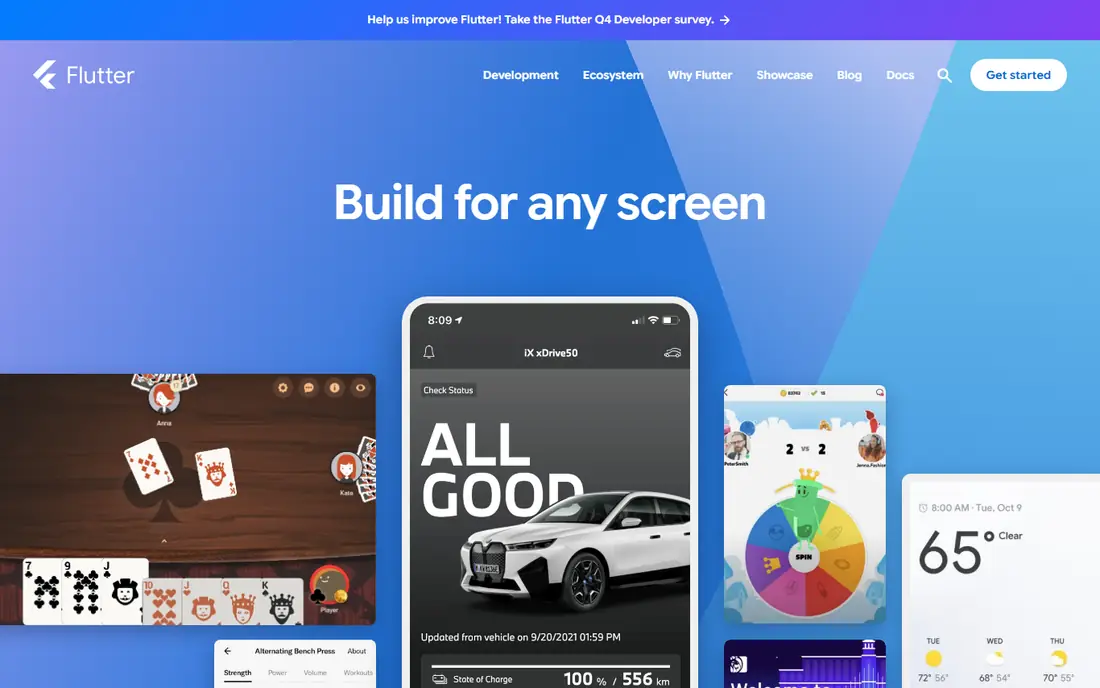
Google built Flutter around its own rendering engine, so an app tends to look the same on iOS and Android. That consistency matters when a brand or a detailed design drives the project. Hot reload keeps iteration quick, and the widget set covers most everyday screens without extra packages.
The trade is Dart. It is a pleasant language to learn, but hiring Dart developers is harder than hiring JavaScript developers in many US markets. Flutter also adds its own layer between your code and the platform, so a brand-new iOS or Android feature can lag behind native support. For a new consumer app with a distinct look, we still put Flutter first.
- One Dart codebase for iOS, Android, web, and desktop
- Consistent rendering across devices
- Large widget library and strong tooling
- Dart is less common than JavaScript
- App size can be larger than a native app
- Some platform features need extra plugin work
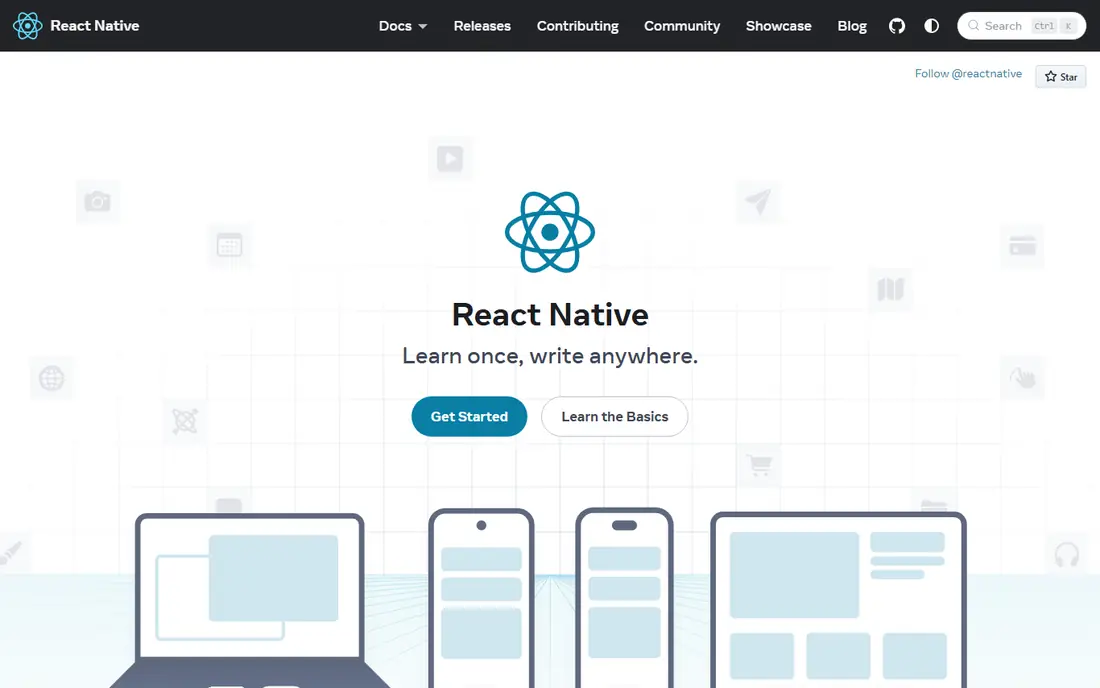
React Native renders with native components rather than drawing its own pixels, so apps tend to feel at home on each platform. If your team already builds in React for the web, the mental model carries over, and you can share logic, types, and sometimes design ideas across web and mobile. Meta maintains the framework, and the package ecosystem is deep.
The honest catch is maintenance. Major upgrades sometimes require work on native dependencies, and a neglected project can fall several versions behind. Complex animations and heavy lists need care to stay smooth. For teams with JavaScript skills and a product that must feel native on both stores, React Native is the practical default.
- Uses real native components
- Huge JavaScript and TypeScript talent pool
- Large library of third-party packages
- Upgrades can be painful on older projects
- Performance depends on bridging to native code
- Some advanced features need native code
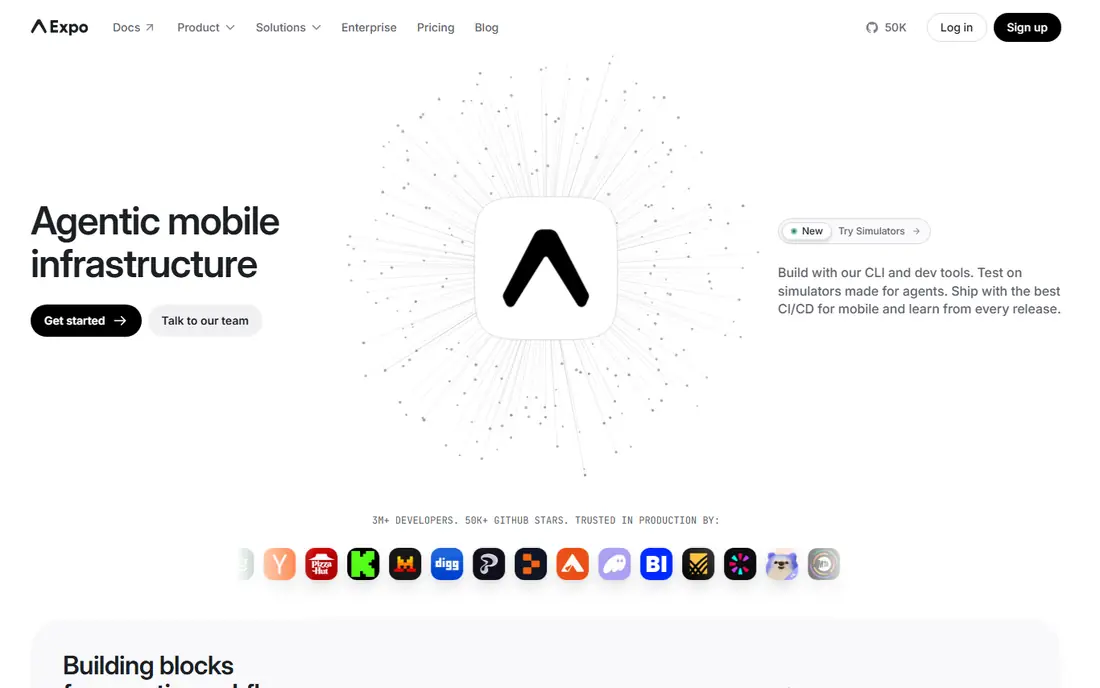
Expo sits on top of React Native and removes much of the native project setup that slows small teams down. You write JavaScript or TypeScript, and Expo supplies tested packages for cameras, notifications, maps, and other common needs. Its cloud build service, EAS, builds store-ready binaries without a local Mac for iOS builds.
Expo is not a separate framework in the same sense as the others, and that is worth stating plainly. It trades some control for speed, and teams that need unusual native libraries may need to move to a development build. The free tier covers small projects, with paid EAS plans starting at $19 per month plus usage where listed. For a first app or a small team, Expo is the fastest honest route into React Native.
- Managed workflow removes much native setup
- Cloud builds and over-the-air updates
- Curated, tested native packages
- Paid cloud services scale with usage
- Leaving the managed workflow adds complexity
- SDK updates lag the newest React Native release
Microsoft built .NET MAUI as the official successor to Xamarin, and Xamarin support ended on 1 May 2024. Teams with an old Xamarin.Forms app should plan a move to MAUI or to .NET for Android and iOS rather than starting anything new on Xamarin. MAUI covers Android, iOS, Windows, and macOS from one C# codebase, which fits internal business apps well.
The catch is momentum. The community and third-party control library are smaller than the Flutter or React Native worlds, so unusual screens take more hand work. Desktop support is a genuine strength, though, and enterprise teams already standardized on .NET will find the tooling familiar. For a line-of-business app inside a Microsoft shop, MAUI is the sensible pick.
- One C# and XAML codebase for mobile and desktop
- Strong Visual Studio tooling
- Reuses existing .NET libraries and skills
- Smaller community than Flutter or React Native
- Custom user interface polish takes more work
- IOS builds still need a Mac
Kotlin Multiplatform takes a different route from most of this list. It shares networking, data, and business rules, while each platform keeps its own native screens. That means an iOS app still looks and behaves like an iOS app, and an Android app keeps its own patterns. JetBrains maintains the technology, and it reached a stable, production-ready state in 2023.
The catch is that you still need native skills on both sides. A team with no iOS experience will still need to build and maintain iOS screens, even if the shared logic saves real time. Compose Multiplatform can share more of the interface, but it adds its own learning curve. For teams already shipping native apps, this is the lowest-risk way to stop writing the same logic twice.
- Shares business logic while keeping native screens
- Built on Kotlin, the preferred Android language
- Compose Multiplatform can share user interface code too
- Needs Kotlin and some native skill
- IOS setup needs care
- Smaller pool of shared libraries than Flutter
Ionic lets web developers ship mobile apps with the stack they already know. You build screens with web components, style them with CSS, and wrap the result for the app stores. The framework itself is free and open source, and it pairs with Capacitor for access to cameras, GPS, and push notifications. Content apps, internal tools, and prototypes benefit most.
The limit is fundamental. A WebView app is not a native app, and demanding games or highly animated products will show the difference. Plugins bridge much of the gap, but each plugin is another dependency to maintain. If speed to market and web skills matter more than native polish, Ionic gets a small team to both stores quickly.
- Builds with HTML, CSS, and TypeScript
- Works with Angular, React, or Vue
- Same code can ship as a web app and a mobile app
- Apps run in a WebView, so native feel has a ceiling
- Heavy graphics or animation can lag
- Paid enterprise tooling is separate
Capacitor is the runtime that turns a web app into a native iOS or Android app. It is maintained by the Ionic team, but it works with any web framework, including plain JavaScript, React, Vue, Angular, and Svelte. You keep your web codebase, add native plugins where needed, and publish through the normal app store process. It also supports desktop through Electron and progressive web apps.
We list Capacitor separately from Ionic because many teams use it without Ionic components at all. The catch is that Capacitor does not fix a weak web app. Performance, offline behavior, and touch handling still depend on the web code underneath. For a team with a solid web product that needs a store presence, Capacitor is the lightest path there.
- Open source runtime for web apps on mobile
- Access to full native SDKs through plugins
- Works with any web framework
- You still need a web app worth wrapping
- Plugin quality varies
- Native debugging still needs platform knowledge
NativeScript gives JavaScript and TypeScript developers direct access to native iOS and Android APIs without writing native code for every feature. Screens render with native components, so the result feels closer to a native app than a WebView wrapper. It supports Angular and Vue, as well as plain TypeScript, and the framework and command-line tools are free and open source.
The honest weakness is scale of the ecosystem. Fewer developers know NativeScript, and some newer platform libraries arrive later than they do for Flutter or React Native. A team that values full native access but wants to stay in JavaScript will like it. A team that wants the largest hiring pool and the most tutorials should weigh React Native first.
- Direct access to native APIs from JavaScript or TypeScript
- Truly native screens, not a WebView
- Works with Angular, Vue, or plain code
- Smaller community and fewer ready-made plugins
- Hiring experience is rarer
- Documentation can lag newer platform releases
How we picked these
We compared official feature pages, documentation, pricing pages, app store listings, and public reviews, and we only listed frameworks that are actively maintained in October 2026. Xamarin is excluded as a live pick because Microsoft ended support for Xamarin SDKs on 1 May 2024, and .NET MAUI is its official successor. We also left out single-platform tools, since the brief here is code that serves both iOS and Android.
What to weigh before you commit
Start with your team, not with a feature chart. A JavaScript team will move faster with React Native or Expo, a C# team with MAUI, a Kotlin team with Kotlin Multiplatform, and a web team with Ionic and Capacitor. Language fit decides how fast you ship and how easily you hire, and it matters more than a small performance gap on paper.
Next, test the hard parts early. Build one screen with your trickiest animation, one offline flow, and one push notification flow before you commit. Those three tests expose WebView limits, plugin gaps, and native setup pain while the cost of switching is still low. Check app store fees too, since Apple and Google charge their own developer program fees on top of any framework cost.
Finally, plan for upgrades. Frameworks ship new versions often, and a project that skips upgrades for a year becomes expensive to revive. Pick a framework with an active maintainer, a clear upgrade guide, and a community you can search when something breaks. A free framework with a dead community is not free for long.
Frequently asked questions
Which cross-platform framework is best for beginners?
Expo with React Native is the gentlest start for most beginners, because the setup is managed and the JavaScript community is large. Flutter is also friendly if you are willing to learn Dart, and its documentation and widget examples are strong. Pick the one whose language you already know, since that shortens the learning curve most.
Is Flutter better than React Native?
Neither is better in every case. Flutter gives more consistent visuals across platforms and strong performance for custom designs, while React Native gives native components and a larger JavaScript hiring pool. Choose Flutter for a design-led app and React Native when JavaScript skills or native feel matter more.
Is Xamarin still a good choice in 2026?
No, not for a new project. Microsoft ended support for Xamarin SDKs on 1 May 2024, and .NET MAUI is the official successor for Xamarin.Forms apps. Existing Xamarin apps should plan migration rather than new feature work on an unsupported stack.
Do cross-platform apps perform as well as native apps?
For most business, content, and commerce apps, yes, users will not notice a difference. Games, heavy video processing, and complex animations can still favor native code or Flutter, and WebView apps have the lowest performance ceiling. Test your hardest screens early rather than trusting a general claim.
Are these frameworks really free?
The frameworks themselves are free and open source. You still pay Apple and Google developer program fees, and you may pay for cloud builds, analytics, or other services. Expo, for example, offers a free tier with paid EAS plans for heavier build and update use.
Can one codebase really serve iOS, Android, and the web?
Yes, with limits. Flutter, Ionic, and Capacitor all target the web as well as mobile, and MAUI adds desktop. Shared code saves time, but each platform still needs its own testing, store review, and design checks. Budget time for platform-specific polish even on a shared codebase.
Sources
See where you really rank - block by block
ProMapRanker scans Google Maps across a grid of your service area. Simple monthly plans from $19, white-label on every plan.
Start freeKeep reading
 worlds best local seo company
8 Worlds Best Local SEO Companies for Map Pack Growth in 2026
Compare the worlds best local seo company options for Google Business Profile work, citations, reviews, and multi-location rankings and reporting in 2026.
Read → world's best web hosting company
World's Best Web Hosting Company in 2026
Searching for the world's best web hosting company? We compared 10 hosts on price, renewal rates, speed, and support to help you choose well today in 2026.
Read → who's got the best nanny tax services
Who's Got the Best Nanny Tax Services in 2026
We answer who's got the best nanny tax services, comparing full filing, back taxes, software, and pricing so families can handle nanny taxes correctly.
Read →