 ProMapRanker
Shortlist

Key takeaways
- The list opens with Proton Calendar, aimed at encrypted calendar for privacy.
- TimeTree has the lowest monthly starting price in this list: $4.49/month.
- Free plans exist at 5 of 6 tools (Proton Calendar, Microsoft Outlook, Thunderbird, Google Calendar, TimeTree).
- Before buying Vimcal, weigh this: $35 per month is serious money for a calendar.
- TimeTree is the one to check for shared calendars for families and groups.
Direct answer
This list puts Proton Calendar first for encrypted calendar for privacy. Microsoft Outlook is better for calendar inside the Microsoft world, and Vimcal is better for speed-obsessed scheduling for busy people. Details, prices and limits for the rest of the 6 tools are below.
Quick comparison
| Pick | Great for | Pricing starts at | Free tier | |
|---|---|---|---|---|
 Proton Calendar | Encrypted calendar for privacy | See website | Yes | Visit |
 Microsoft Outlook | Calendar inside the Microsoft world | Free | Yes | Visit |
 Vimcal | Speed-obsessed scheduling for busy people | $35/month ($300/year) | Free trial | Visit |
 Thunderbird | Free open source desktop calendar | Free (open source) | Yes | Visit |
 Google Calendar | The free default that works everywhere | Free | Yes | Visit |
 TimeTree | Shared calendars for families and groups | $4.49/month ($44.99/year) | Yes | Visit |
Every option for cross platform calendar explained
This ProMapRanker guide covers 6 options for cross platform calendar. Each profile lists a starting price, free plan details, strengths and drawbacks, so you can drop poor fits quickly.
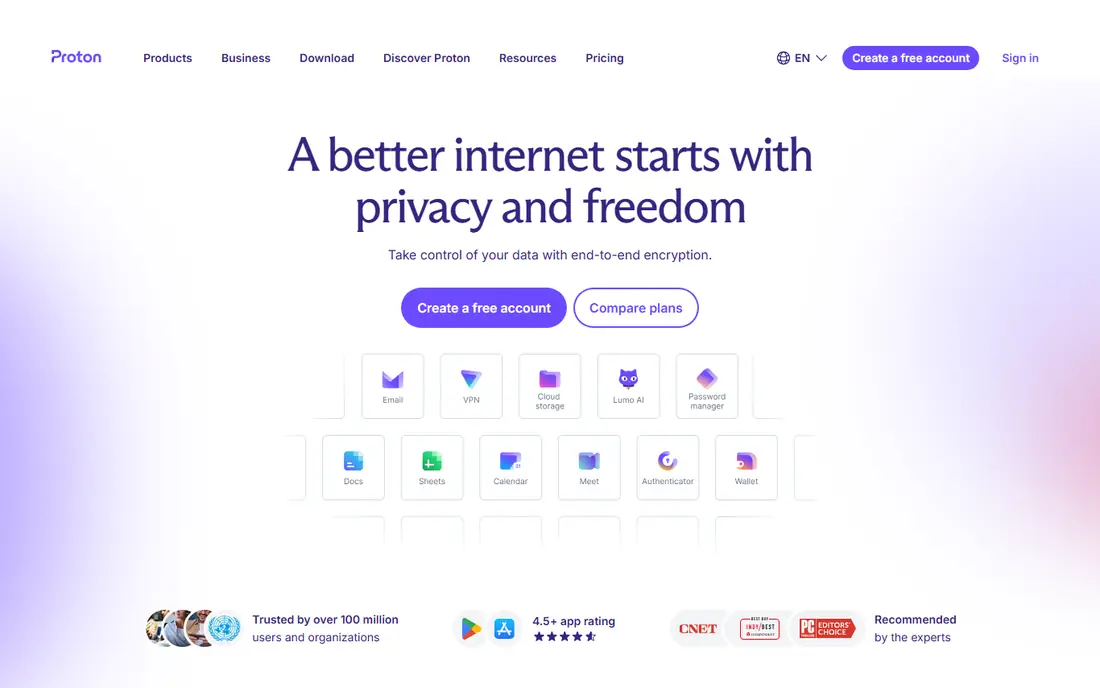
Where Proton Calendar fits: encrypted calendar for privacy. Proton Calendar is the calendar for people who read privacy policies. For everyday use, events are end-to-end encrypted, which means Proton itself cannot see your schedule.
Points against: Fewer integrations than Google or Outlook.
It works across web, iOS and Android, and the free level is genuinely free forever, funded by premium upgrades across the Proton suite. Encryption has practical costs. Deep integrations with external services are restricted since sharing data would defeat the purpose. The feature set is more straightforward than Google Calendar's. Proton Calendar does not show a starting price in this comparison, so check the vendor site for current pricing. Free access exists with Proton Calendar.
- End-to-end encrypted so only you can read your schedule
- Part of the wider Proton privacy suite
- Sharing is more restricted by design
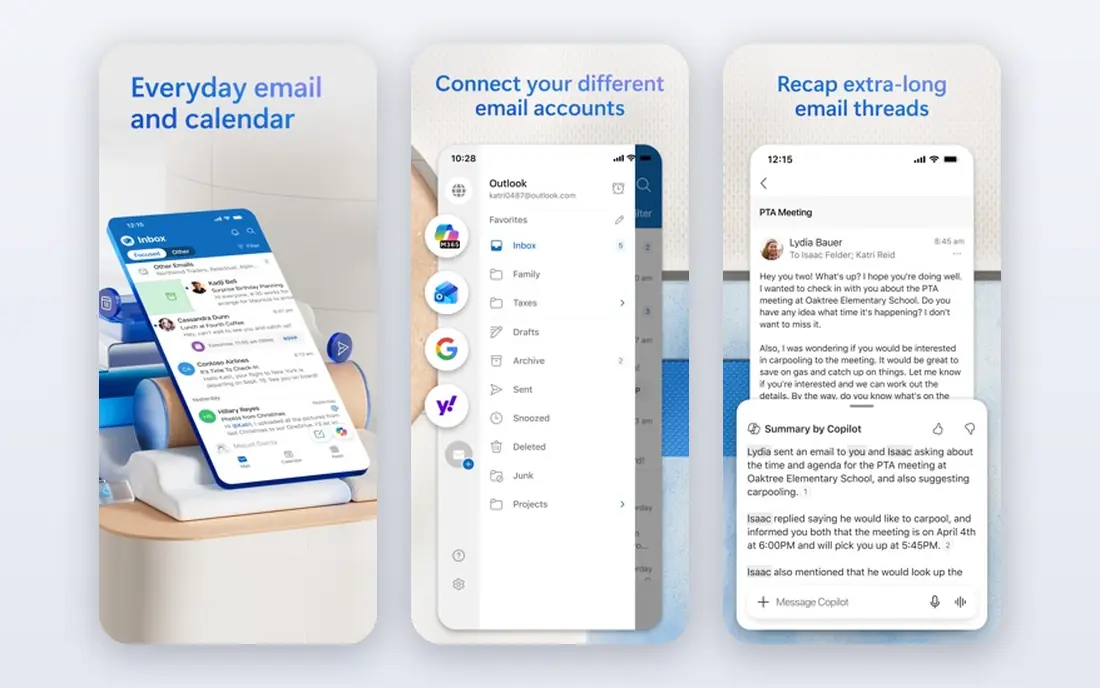
Microsoft Outlook is built with calendar inside the Microsoft world in mind. The interface carries the weight of decades of enterprise features, and personal users frequently find Google Calendar more straightforward. But if your work runs on Outlook and Teams, fighting that gravity with an external calendar builds more friction than it removes.
Also, outside the Microsoft world the appeal fades. The mobile apps are solid across iOS and Android. More specifically, Outlook's calendar is the work world's default. It is free with any Microsoft account, and inside a Microsoft 365 organization it becomes genuinely capable: scheduling assistants, room booking, Teams meeting integration and shared calendars that the whole company actually uses. Microsoft Outlook starts at: Free. You can start on Microsoft Outlook without paying.
The main drawbacks: Interface can feel heavy.
- Deep integration with Outlook email and Teams
- Free with a Microsoft account
- Best experience needs the Microsoft ecosystem
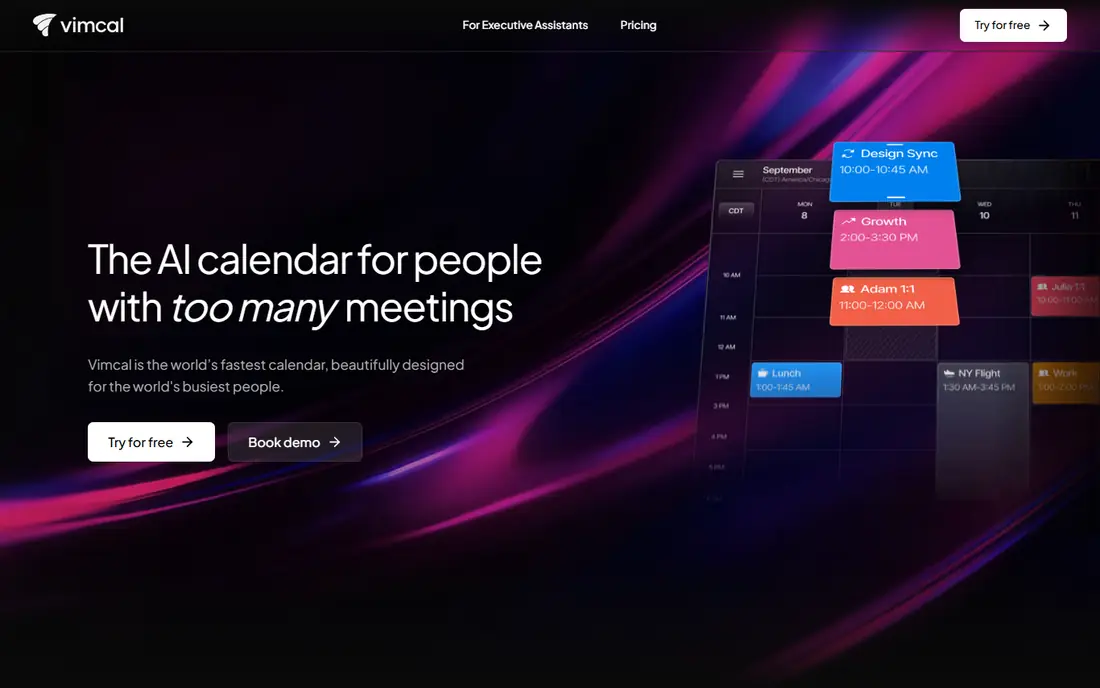
Where Vimcal fits: speed-obsessed scheduling for busy people. Vimcal is the Superhuman of calendars: a premium layer on top of Google Calendar and Outlook aimed at people drowning in meetings.
Trade-offs to know: Works on top of Google and Outlook instead of replacing them.
More specifically, the price is the entire conversation. It also does not replace your underlying calendar; it is an interface on top of Google or Outlook. Starting cost for Vimcal: $35/month. Free plan details: Free trial.
- Blisteringly quick with keyboard-first design
- Very good time zone handling
- $35 a month is serious money for a calendar
Thunderbird works best for free open source desktop calendar. The interface is functional instead of beautiful, and setup takes more effort than signing into Google.
As for the details, Thunderbird is the free software answer to the calendar question. On cost, Thunderbird starts like this: Free. Thunderbird includes a free tier.
What Thunderbird does well: No ads. Where it is weaker: Desktop-first.
- Calendar plus email and contacts in one app
- No tracking
- Design is utilitarian
Google Calendar was built for the free default that works everywhere. The cost is the familiar one: your schedule lives inside Google's data ecosystem.
Where it falls short: Design is functional instead of delightful.
If your email is Gmail, your calendar decision is effectively made: the integration with Gmail, Meet and Tasks removes all friction. Google Calendar starts at: Free. Google Calendar includes a free tier.
- Free with any Google account
- Plugs into Gmail
- Privacy tradeoff of the Google ecosystem
TimeTree was built for shared calendars for families and groups. It is widely used with couples, parents and hobby groups precisely since it asks nothing technical of its users. The free level is genuinely handy, with Premium at $4.49 per month removing ads and adding attachments, vertical view and pinned events.
Points against: Less suited to solo power users.
Solo users who want power features should look elsewhere. But if your problem is "nobody in this house knows the plan," TimeTree is the answer. TimeTree starts at: $4.49/month. TimeTree offers a free plan.
- Free level includes families well
- Chat built into each calendar
- Ads on the free level
Selection criteria
ProMapRanker looked at what each vendor publishes: pricing, plan limits, feature coverage for cross platform calendar and stated drawbacks. No hands-on testing is claimed. Where a vendor does not publish a price, the entry says quote. Where a price depends on seats or billing term, the entry says so. Order on the page follows fit for the typical buyer first, then price transparency and free access. Your own requirements should decide the final pick.
Things to verify first
- Ask Proton Calendar for a written quote, since no starting price is shown.
- Read the fine print on the free plans from Proton Calendar, Microsoft Outlook, Thunderbird and others; seat, project and feature caps differ.
- Use real work to test the free trial from Vimcal, rather than a demo project.
- Before choosing Proton Calendar, weigh its main limit: fewer integrations than Google or Outlook.
- Map your must-have features to a specific Proton Calendar plan before you compare prices.
- Ask the daily users to test Microsoft Outlook on a live task before you roll it out to everyone.
Frequently asked questions
Which calendar is a good match for families?
Proton Calendar is the pick this page puts first, mainly for encrypted calendar for privacy. If your situation differs, Microsoft Outlook suits calendar inside the Microsoft world, and Vimcal suits speed-obsessed scheduling for busy people. Compare price and limits before you decide.
Which options for cross platform calendar have a free plan?
On this list, Proton Calendar, Microsoft Outlook, Thunderbird, Google Calendar and TimeTree include a free plan. Caps on seats, usage or features are common, so test the free plan against your real workload. One other tool offers a trial instead.
Can I try these tools before paying?
Often, yes. Proton Calendar, Microsoft Outlook, Thunderbird and others have a free plan and Vimcal offers a free trial. Use your own data and a real task during the test, and check what the free tier or trial limits before you rely on it.
What is the cheapest option for cross platform calendar in this list?
On published monthly entry prices, TimeTree is the lowest here at $4.49/month. Entry price is only part of the cost, because seats, add-ons and billing terms can change the total.
How are the tools for cross platform calendar ordered?
Proton Calendar sits first and TimeTree last because the order follows typical fit for cross platform calendar, then price clarity and free access. It is a judgement call, so read each profile for fit and limits.
Sources
See where you really rank - block by block
ProMapRanker scans Google Maps across a grid of your service area. Simple monthly plans from $19, white-label on every plan.
Start freeKeep reading
 zscaler alternatives
Best Zscaler Alternatives in 2026
Looking for zscaler alternatives? We compare 9 SASE and zero trust platforms on architecture, data protection, pricing, and fit for your network and team.
Read → zapier alternatives free
Best Zapier Alternatives Free in 2026
Nine automation tools for zapier alternatives free in 2026, all with genuinely free tiers, plus free plan limits, starting prices and upgrade paths explained.
Read → which platform is best for online reputation
Which Platform Is Best for Online Reputation in 2026
Wondering which platform is best for online reputation? We compare 8 review, listing, and response tools for small and multi-location businesses and agencies.
Read →