 ProMapRanker
Best Cross Platform App Development in 2026

Key takeaways
- Flutter and React Native are the safest default choices for most consumer apps, thanks to large ecosystems and strong hiring pools.
- Kotlin Multiplatform suits Android teams that want to share logic with iOS while keeping native user interfaces.
- .NET MAUI fits Microsoft shops, while Ionic and Capacitor fit web teams that want to reuse HTML, CSS, and JavaScript skills.
- NativeScript, Expo, and Uno Platform fill narrower gaps, from direct native access to React Native tooling and .NET cross-device UI.
- All nine tools below are free and open source at the core, so the real cost is team skill, hiring, and long-term maintenance.
Quick comparison
| Pick | Great for | Pricing starts at | Free tier | |
|---|---|---|---|---|
 Flutter | Consistent custom UI | Free | Yes | Visit |
 React Native | React and web teams | Free | Yes | Visit |
 .NET MAUI | Microsoft and .NET teams | Free | Yes | Visit |
 Ionic | Web teams shipping mobile | Free | Yes | Visit |
 Capacitor | Turning web apps into native apps | Free | Yes | Visit |
 Kotlin Multiplatform | Sharing logic from Android | Free | Yes | Visit |
 NativeScript | Direct native access with JavaScript | Free | Yes | Visit |
 Expo | Faster React Native development | Free | Yes | Visit |
 Uno Platform | .NET UI across devices | Free | Yes | Visit |
The best cross platform app development tools
Here are nine tools that help one team ship to iOS and Android from a shared codebase.
Cross-platform tools let one team ship to iOS and Android from a shared codebase, but they differ in how they draw the interface, which language they use, and how much native work remains. The list below focuses on tools that are live and maintained in October 2026. We excluded discontinued frameworks such as Xamarin, which .NET MAUI replaced, and PhoneGap, which Capacitor largely replaced.

Flutter, from Google, draws its own widgets with its own rendering engine, so an app can look the same on iOS and Android, web, and desktop. That consistency helps brand-led products, animation-heavy designs, and teams that want one design system across platforms. Hot reload also speeds up UI work, since changes appear quickly during development.
The main drawback is hiring. Dart is a smaller language community than JavaScript, Kotlin, or C#, so finding experienced Flutter developers can take longer. App size can also be larger than a native build, though that matters less for most consumer apps. For a custom, design-led product, Flutter remains a top pick.
- One UI across platforms
- Fast hot reload
- Strong widget library and animation tools
- Dart hiring pool is smaller than JavaScript
- App size can be larger than native
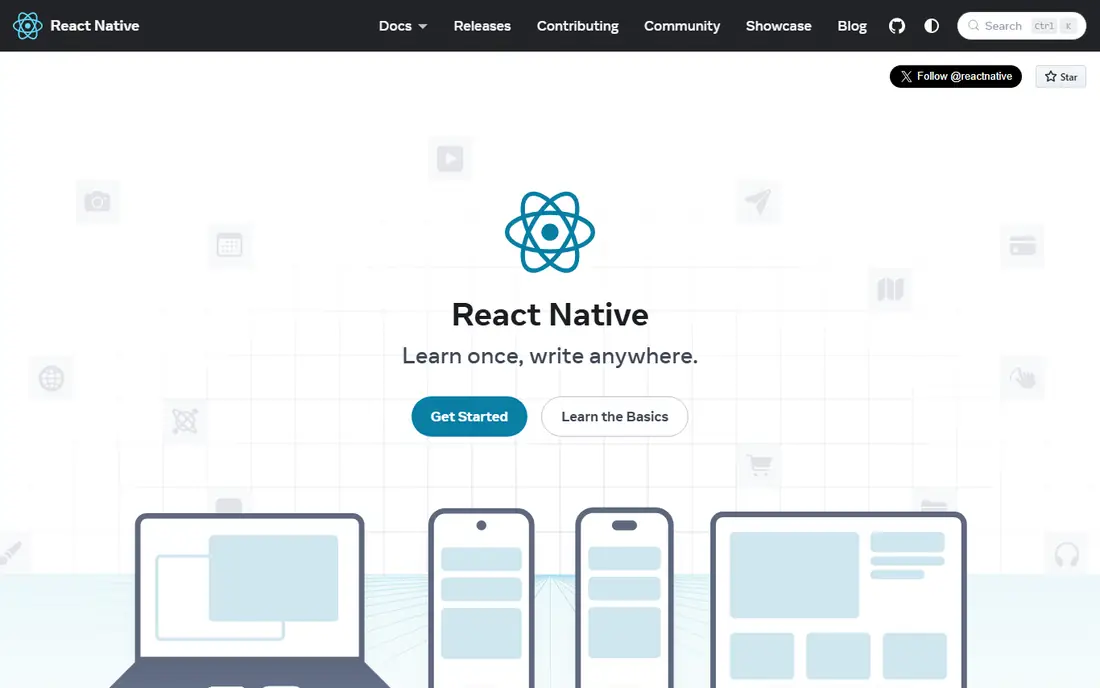
React Native lets teams write in JavaScript or TypeScript with React, while rendering with the platform own views on iOS and Android. That model gives apps a native feel, and it lets web teams reuse skills, tooling, and sometimes logic from a React website. The community is very large, with many libraries, hiring options, and support resources.
Native work does not disappear. Heavy animations, device-specific features, or new OS APIs may need custom native modules in Swift or Kotlin, so a team still needs some native skill. Upgrades also need testing, since library versions move fast. For most consumer apps, though, React Native offers the best balance of speed, hiring, and native feel.
- Large community and hiring pool
- Platform-native views
- Shared skills with React web teams
- Complex native features may need custom modules
- Version upgrades need planning
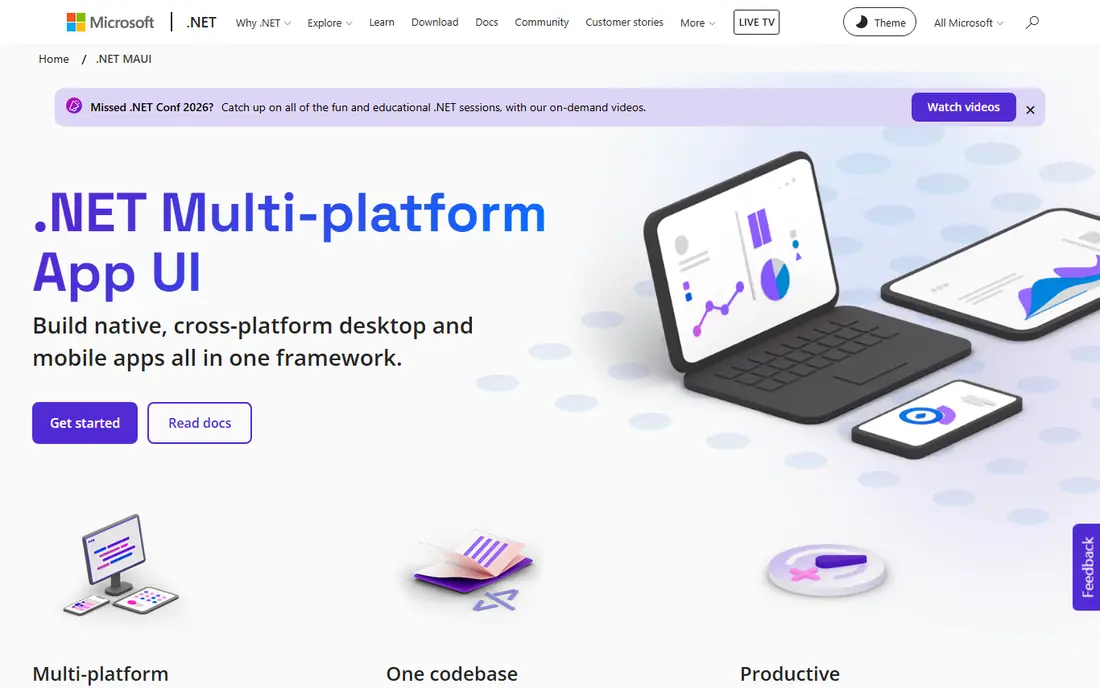
.NET MAUI, from Microsoft, lets .NET teams build mobile and desktop apps from a single project using C# and XAML, with native controls on each platform. That fit is strong for enterprises that already use .NET for backends, Windows apps, or internal tools, since skills and code can be shared across the stack. It is also the direct replacement for Xamarin, which was discontinued in 2024.
The community is smaller than Flutter or React Native, so some libraries and answers take longer to find. Teams outside the Microsoft ecosystem gain less from the fit. For a .NET shop that needs mobile plus Windows, .NET MAUI is the natural choice.
- Single project for mobile and desktop
- C# and XAML skills reuse
- Strong Microsoft ecosystem
- Smaller community than Flutter or React Native
- Fewer third-party libraries
Ionic is a UI framework for building mobile apps with HTML, CSS, and JavaScript or TypeScript, often with Angular, React, or Vue. Web teams can reuse skills and code, and the same project can target mobile apps and the web. That speed suits content, form, and business apps where the interface is mostly lists, forms, and detail pages.
Performance is the limit. Since the UI runs in a web view, graphics-heavy games or demanding animations will not match native or Flutter performance. For straightforward business and content apps, that trade-off is easy to accept. For a high-performance consumer app, Flutter or React Native will serve better.
- Uses web skills
- Ships to mobile and web from one codebase
- Large component library
- Web-view performance limits for graphics-heavy apps
- Native feel is less exact than native views
Capacitor, from the Ionic team, packages a web app as a native iOS or Android app and provides plugins for camera, storage, push, and other device features. It is the modern replacement for Cordova for most teams, and it works with Ionic or with any web framework. That path is ideal when a working web app already exists and a mobile app is the next step.
The same web-view limits apply as with Ionic. Capacitor does not turn a web app into a native app in the UI sense, since the interface still runs in a web view. For a web-first team, though, it is the fastest, lowest-risk route to the app stores.
- Turns a web app into a native app
- Access to device features through plugins
- Works with Ionic or any web UI
- Still web-view based
- Complex native features need plugin work
Kotlin Multiplatform takes a different approach from Flutter and React Native. By default, it shares business logic, such as networking, data, and rules, while each platform keeps its own native interface. Teams can also share UI with Compose Multiplatform where that fits. That flexibility suits firms with existing native apps that want to stop writing the same logic twice.
Adoption needs planning. iOS developers need some Kotlin familiarity, and the shared-code library ecosystem is younger than the React Native world. For an Android-led team expanding to iOS, or a firm with existing native apps, Kotlin Multiplatform offers a gradual path without a full rewrite.
- Shares business logic while keeping native UI
- Gradual adoption
- Strong JetBrains and Google support
- IOS teams need Kotlin familiarity
- Library ecosystem is younger than React Native
NativeScript lets JavaScript and TypeScript developers build apps with direct access to native APIs and true native user interfaces, without a web view. That model suits teams that want native performance and platform controls, but prefer to stay in JavaScript rather than learn Dart, Kotlin, or Swift. It also works with Angular, Vue, and plain JavaScript.
The community is smaller than the top two frameworks, so plugin coverage and hiring take more effort. For a team that already knows NativeScript, or for an app that needs direct native API access from JavaScript, it remains a valid choice. For a new team, Flutter or React Native will usually offer more support.
- Direct access to native APIs
- True native UI
- JavaScript and TypeScript support
- Smaller community
- Fewer ready-made plugins than React Native or Flutter
Expo is a set of tools and services built around React Native, not a separate framework. It speeds up setup, testing, and sharing, with a managed workflow for common apps and a development client for apps that need custom native code. Over-the-air updates also help teams ship fixes without a full store release in some cases.
The limit is that Expo does not remove native complexity for advanced apps. Teams that need custom native modules must use a development build, which brings back some of the setup Expo simplifies. For most React Native apps, though, Expo saves time and reduces tooling friction, especially for startups and small teams.
- Fast setup and testing
- Over-the-air updates
- Strong React Native tooling
- Some advanced native features need a custom dev client
- Tied closely to React Native
Uno Platform lets .NET teams build a single UI with C# and XAML that runs on iOS, Android, Windows, macOS, Linux, and the web. That breadth suits enterprises that need one product across many devices, especially where a Windows or web version already exists in .NET. It also offers a pixel-perfect rendering option for consistent design.
The community is smaller than the top frameworks, and teams outside .NET gain little from the fit. For a Microsoft shop that wants one UI codebase across mobile and desktop, Uno Platform is worth comparing with .NET MAUI. For a web or JavaScript team, Flutter or React Native will usually be easier to staff.
- Single .NET UI across mobile, web, and desktop
- XAML and C# reuse
- Strong for enterprise apps
- Smaller community than Flutter or React Native
- Learning curve for non-.NET teams
How we picked these
We compared official documentation, maintenance status, language, UI model, and community support for cross-platform tools in October 2026. We kept only tools that are actively maintained and that can ship to both iOS and Android from a shared codebase. We excluded discontinued tools, and where a tool is free at the core but offers paid services, we listed the core as Free and noted the paid services in the text where relevant.
How to choose a cross-platform tool
Start with your team skills, not with a feature list. A React team will move faster with React Native and Expo, a .NET team with .NET MAUI or Uno Platform, a web team with Ionic and Capacitor, and an Android team with Kotlin Multiplatform. A new team with no strong pull should compare Flutter and React Native first, since both have large ecosystems and hiring pools.
Next, test the UI and performance needs. A brand-led, animation-heavy app favours Flutter, while a platform-native feel favours React Native, Kotlin Multiplatform, or NativeScript. A content or form app can use Ionic and Capacitor with far less effort. Build a small prototype with your hardest screen, such as a complex list, a map, or an animation, before committing to a full build.
Finally, plan for maintenance. Check release cadence, upgrade guides, library support, and how the tool handles new OS versions. A tool that is easy to start but hard to upgrade can cost more over three years than a tool with a slower start. Ask how your team will handle native modules, store releases, and testing on real devices, since those tasks remain even in a shared codebase.
Frequently asked questions
What is the best cross platform app development tool?
Flutter and React Native are the best default choices for most apps, with Flutter best for consistent custom UI and React Native best for React teams and native feel. The best tool for your project depends on your team skills and UI needs.
What is the best cross platform app development company?
This article covers tools, not firms, so the best company depends on which tool fits your project and whether the firm shows similar past work. Ask any firm which tool it recommends, why, and what native work it expects, since that answer reveals real experience.
Is Flutter or React Native better?
Flutter is better for a consistent, custom UI across platforms, while React Native is better for teams with React skills and for apps that should use platform-native controls. Both are strong, and hiring, library support, and team experience should decide the choice.
Can cross-platform apps match native performance?
For most consumer and business apps, yes, the difference is small. Games, heavy graphics, and apps that need day-one OS features still favour native Swift and Kotlin, so test your hardest screens before choosing a shared codebase.
Are cross-platform tools free?
Yes, at the core. Flutter, React Native, .NET MAUI, Ionic, Capacitor, Kotlin Multiplatform, NativeScript, Expo, and Uno Platform are all free and open source, though some offer paid cloud, support, or enterprise services on top.
Sources
See where you really rank - block by block
ProMapRanker scans Google Maps across a grid of your service area. Simple monthly plans from $19, white-label on every plan.
Start freeKeep reading
 zscaler alternatives
Best Zscaler Alternatives in 2026
Looking for zscaler alternatives? We compare 9 SASE and zero trust platforms on architecture, data protection, pricing, and fit for your network and team.
Read → zapier alternatives free
Best Zapier Alternatives Free in 2026
Nine automation tools for zapier alternatives free in 2026, all with genuinely free tiers, plus free plan limits, starting prices and upgrade paths explained.
Read → which platform is best for online reputation
Which Platform Is Best for Online Reputation in 2026
Wondering which platform is best for online reputation? We compare 8 review, listing, and response tools for small and multi-location businesses and agencies.
Read →