 ProMapRanker
Best CRM to Improve Customer Service in 2026


Large omnichannel support teams · Pricing starts at: $19 per agent per month
Key takeaways
- A service CRM improves support mainly by giving agents full customer history, so customers stop repeating their story.
- HubSpot and Zoho Desk offer the lowest-cost starts, while Salesforce and Zendesk suit larger, more complex operations.
- Automation helps most with routing, follow-ups, and SLA alerts, not with replacing human judgment on hard cases.
- Customer records hold personal data, so set access limits and retention rules before you import your contact list.
Quick comparison
| Pick | Great for | Pricing starts at | Free tier | |
|---|---|---|---|---|
| Zendesk | Large omnichannel support teams | $19 per agent per month | Free trial | Visit |
 HubSpot Service Hub | CRM-driven service in one system | Free | Yes | Visit |
 Salesforce Service Cloud | Complex enterprise service operations | $25 per user per month | Free trial | Visit |
 Freshdesk | Fast setup for growing teams | $15 per agent per month | Free trial | Visit |
 Zoho Desk | Budget multichannel ticketing | $7 per user per month | Free trial | Visit |
 Help Scout | Lean email-first teams | $25 per user per month | Free trial | Visit |
 Kustomer | Chat-heavy high-volume teams | See website | No | Visit |
 Front | Shared inbox collaboration | $25 per seat per month | Free trial | Visit |
The best CRM tools to improve customer service
We compared official feature pages, pricing pages, app store listings, privacy policies, and public reviews to build this list. Each tool keeps customer history, tickets, and conversations together, which is the core change that lifts service quality.
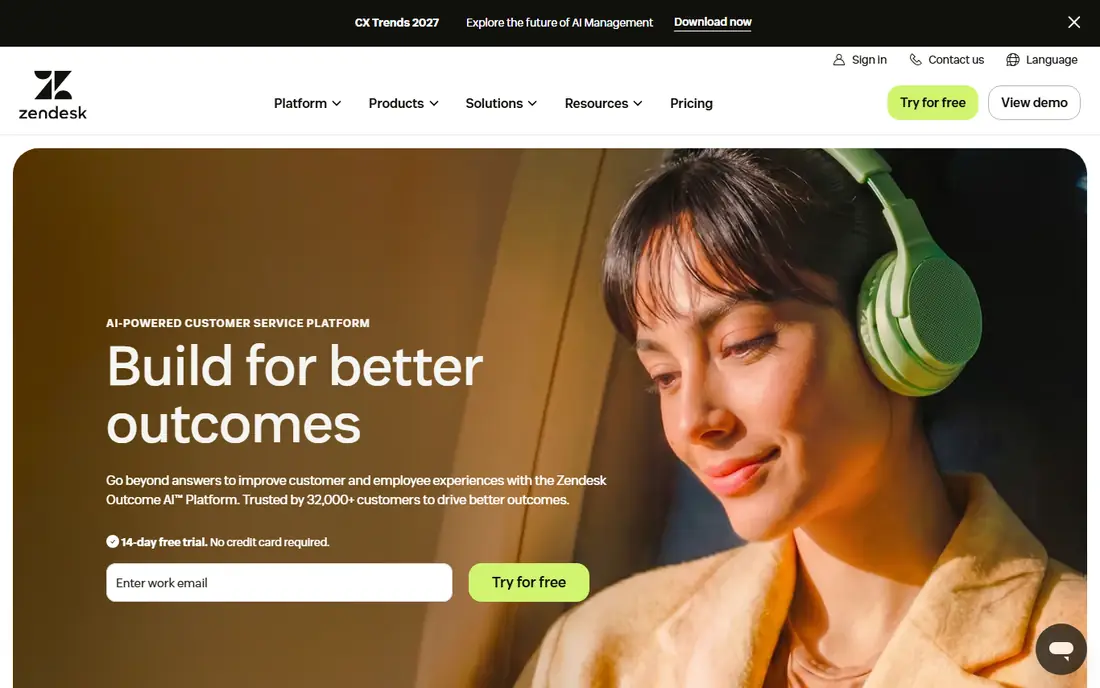
Zendesk improves service by turning scattered messages into trackable tickets with owners, priorities, and deadlines. Agents can see past tickets and customer details in one workspace, while managers can route by skill, language, or tier. That structure matters most when volume is high and several teams share the queue.
The cost is the honest catch. Entry plans cover the basics, while full suite pricing climbs for advanced automation and reporting. Teams with fewer than ten agents may get similar results from a lighter tool at a lower price.
- Strong ticketing, routing, and SLA tools
- Omnichannel inbox
- Deep reporting and marketplace
- Costs and admin work rise with scale
- Entry suite tiers limit advanced features
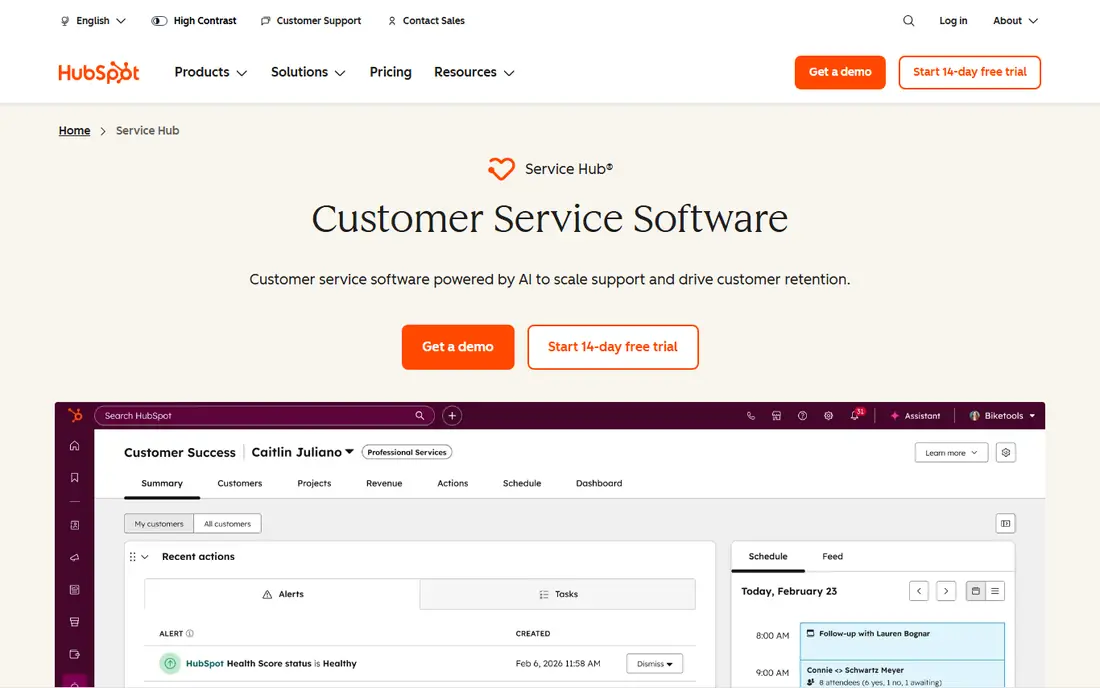
HubSpot improves service through context. When a ticket arrives, agents can see past purchases, emails, and deals on the same contact record, so the customer does not have to explain their history again. Free ticketing, live chat, and feedback tools make it a practical start for small teams.
Larger operations may hit limits in routing and workforce tools on lower tiers. But for a business that wants sales, marketing, and service in one CRM, HubSpot removes the sync work that often causes service gaps.
- Free ticketing and live chat
- Service history sits next to sales and marketing records
- Easy to learn
- Advanced service features need paid tiers
- Less suited to very complex routing
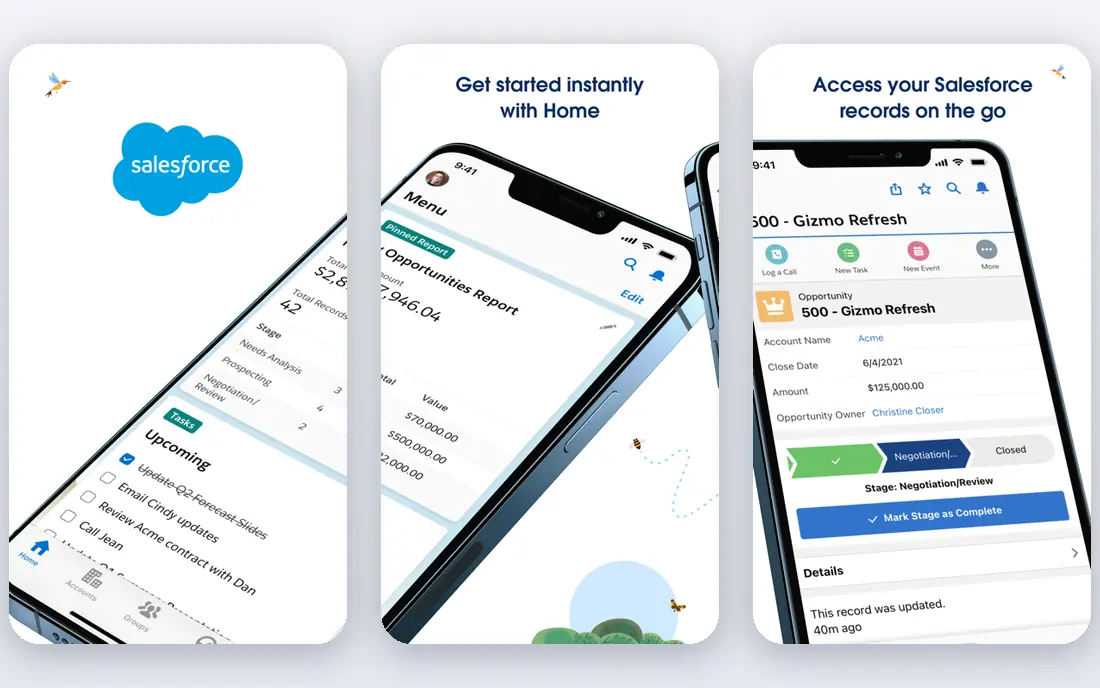
Salesforce Service Cloud suits enterprises with complex service rules, multiple brands, or strict compliance needs. Its console brings cases, knowledge articles, and customer history together, and its automation can handle routing, approvals, and escalations at scale. AI tools can suggest replies and summarise cases for agents.
That power comes with effort. Implementation often needs admin time or a partner, and pricing varies by edition and add-ons. Small teams will likely find it heavier than needed, while large teams with dedicated admins can shape it closely to their process.
- Deep case management and automation
- AI and knowledge tools
- Highly customisable for large operations
- Setup and admin effort is high
- Total cost rises with add-ons and implementation
Freshdesk appeals to teams that want a working help desk quickly without a long project. Tickets arrive from email, chat, phone, and social channels into one queue, and automation can assign, prioritise, and remind agents before SLA deadlines. Its knowledge base helps customers solve common issues without waiting for an agent.
The entry price looks friendly, but AI and advanced reporting need higher tiers. Check the current plan details on the vendor site, since published comparisons differ on entry pricing. For a growing team that values speed of setup, Freshdesk is a balanced pick.
- Quick deployment
- Multichannel ticketing and knowledge base
- SLA and automation tools
- AI features sit on higher plans
- Some published starting prices vary by billing term
Zoho Desk gives small teams multichannel ticketing at a lower entry price than most rivals in this list. It covers email, chat, phone, and social tickets, with automation, SLAs, and a help center for self-service. Teams already using Zoho CRM or other Zoho apps get extra value from shared customer data.
The interface can feel busy at first, and the best automation features sit above the entry tier. For a budget-conscious team that will use the tool daily, the low price and broad feature set make the learning curve worth it.
- Low entry price
- Multilingual help center and workflows
- Wide Zoho ecosystem
- Interface feels dense to some new users
- Advanced AI needs higher tiers
Help Scout improves service by keeping support human and organised. Its shared inbox shows who is handling each conversation, prevents duplicate replies, and keeps customer history beside the message. A built-in docs tool lets teams publish help articles without a separate system.
It is not the best fit for a large call center with complex routing needs. For a lean team that answers mostly by email and chat and wants a calm, clear workspace, Help Scout is one of the easiest tools to run well.
- Clean shared inbox
- Strong for email plus chat and docs
- Customer profiles with history
- Less suited to very large omnichannel operations
- Higher entry price than Zoho Desk
Kustomer builds service around a single customer timeline, pulling chat, email, and other channels into one view. That helps high-volume teams that handle many short, chat-led conversations, since agents can see orders, past issues, and notes without switching tools. Automation can route and prioritise by customer value or issue type.
The quote-based pricing and enterprise focus make it less suited to very small teams. If your support is chat-heavy and volume is rising, Kustomer is worth a demo, but ask for clear pricing against your expected conversation count.
- Customer timeline across channels
- Strong for chat and messaging volume
- Automation and AI tools
- Pricing is quote-based
- Best for larger teams with steady volume
Front suits teams that live in email but need teamwork that plain email cannot provide. Agents can assign messages, leave internal comments, set rules, and see who replied, all without forwarding threads or losing context. It also connects to CRMs and other tools, so customer data can sit nearby.
Front is not a full CRM on its own, so teams that need deep sales pipelines or case analytics may pair it with another system. For support teams that want email to feel collaborative rather than chaotic, Front is a practical choice.
- Email-like shared inbox with teamwork built in
- Assignments, comments, and rules
- Broad integrations
- Less of a full CRM than HubSpot or Salesforce
- Costs rise with seats
How we picked these
We compared official feature pages, pricing pages, app store listings, privacy policies, and public reviews. We kept only tools that still operate in October 2026, combine customer records with support tickets or conversations, and publish current pricing or a clear quote model. We favoured tools that reduce repeat explanations, support routing and SLA tracking, and offer self-service options.
How a CRM actually improves service
The biggest gain is rarely a new dashboard. It is that the next agent can see what happened before, including past orders, tickets, and promises made. That single change cuts repeat explanations, shortens handling time, and makes follow-up reliable. A CRM also makes ownership visible, so tickets stop sitting unassigned in a shared mailbox.
Automation should support that gain, not replace it. Use routing to send tickets to the right team, use SLA alerts to catch at-risk cases early, and use templates for common replies. Keep complex, emotional, or high-value cases with experienced agents, and review automation regularly so customers do not get trapped in loops.
Privacy and consent for customer data
A service CRM centralises personal data, including contact details, order history, and conversation transcripts. Limit access by role, set retention periods for closed tickets, and train agents not to paste sensitive details into notes. Review each vendor privacy policy for data storage, sub-processors, and deletion controls, and get consent where your local rules require it for marketing or tracking. Never use support data for unrelated purposes without a clear lawful basis.
Frequently asked questions
What is a customer service CRM?
It is a system that stores customer records alongside support tickets, chats, and emails, so agents can see history and context in one place. It usually adds routing, SLAs, automation, and reporting. The goal is faster, more consistent service, not simply a larger contact list.
Will a CRM reduce response times?
It can, mainly through routing, templates, and self-service, plus clearer ownership of each ticket. It will not fix slow replies on its own if staffing or processes are the real bottleneck. Pair the tool with staffing plans, SLA targets, and regular review of slow queues.
Which CRM is best for a small business?
HubSpot Service Hub and Zoho Desk suit many small teams, with free or low-cost starts and simple setup. Freshdesk and Help Scout also fit small teams that want a dedicated help desk. Pick based on your current tools, ticket volume, and whether you need a full CRM or mainly a shared inbox.
Do I need Salesforce or Zendesk for a small team?
Usually not at first. Both suit larger, more complex operations, and their full value needs admin time and budget. Start with a lighter tool, and move up when routing, reporting, or compliance needs exceed what the smaller tool handles well.
How do I protect customer privacy in a CRM?
Limit access by role, set retention rules, and avoid storing passwords or full payment details in tickets. Review vendor privacy policies and data controls, and train staff on what not to record. Delete or anonymise old records when they are no longer needed for service or legal reasons.
Can a CRM help with self-service?
Yes, most tools in this list include a help center or knowledge base, and some add AI answers drawn from those articles. Good self-service reduces routine tickets and frees agents for harder cases. Keep articles current, and always offer a clear path to a human when self-service fails.
Sources
See where you really rank - block by block
ProMapRanker scans Google Maps across a grid of your service area. Simple monthly plans from $19, white-label on every plan.
Start freeKeep reading
 worlds best local seo company
8 Worlds Best Local SEO Companies for Map Pack Growth in 2026
Compare the worlds best local seo company options for Google Business Profile work, citations, reviews, and multi-location rankings and reporting in 2026.
Read → world's best web hosting company
World's Best Web Hosting Company in 2026
Searching for the world's best web hosting company? We compared 10 hosts on price, renewal rates, speed, and support to help you choose well today in 2026.
Read → who's got the best nanny tax services
Who's Got the Best Nanny Tax Services in 2026
We answer who's got the best nanny tax services, comparing full filing, back taxes, software, and pricing so families can handle nanny taxes correctly.
Read →