 ProMapRanker
Best CRM Software for Construction in 2026


Custom builders wanting CRM through to accounting · Pricing starts at: $225 per month
Key takeaways
- Buildern, JobTread, and Buildertrend lead for builders who want CRM connected to estimating and project delivery, not just a sales pipeline.
- FollowUp CRM suits commercial subcontractors with sales teams, while JobNimbus suits roofing and exterior trades.
- Contractor Foreman is the budget pick for small contractors, with a low starting price and a wide feature set.
- HubSpot and Pipedrive work when marketing or a simple visual pipeline matters more than construction-specific project tools.
- Client portals, change orders, and QuickBooks integration often matter more in daily use than the CRM pipeline itself, so test those workflows first.
Quick comparison
| Pick | Great for | Pricing starts at | Free tier | |
|---|---|---|---|---|
| Buildern | Custom builders wanting CRM through to accounting | $225 per month | Free trial | Visit |
 JobTread | Remodelers wanting transparent per-user pricing | $199 per month | Free trial | Visit |
 Buildertrend | Established residential builders | See website | Free trial | Visit |
 Contractor Foreman | Budget-conscious small contractors | $49 per month | Free trial | Visit |
 FollowUp CRM | Commercial subcontractors with sales teams | $99 per user per month | Free trial | Visit |
 JobNimbus | Roofing and exterior contractors | See website | Free trial | Visit |
 Houzz Pro | Remodelers wanting marketplace leads | See website | Free trial | Visit |
 HubSpot | Marketing-led firms needing a general CRM | Free | Yes | Visit |
 Pipedrive | Simple visual pipeline on a small budget | $14 per seat per month | Free trial (14 days) | Visit |
The best CRM software for construction
Construction CRM is different from a general CRM, because a lead becomes an estimate, then a contract, then a job with schedules, change orders, and payments. We compared official pricing pages and published feature lists, and we favored tools that keep that whole path in one system, or that integrate cleanly with estimating and accounting tools.
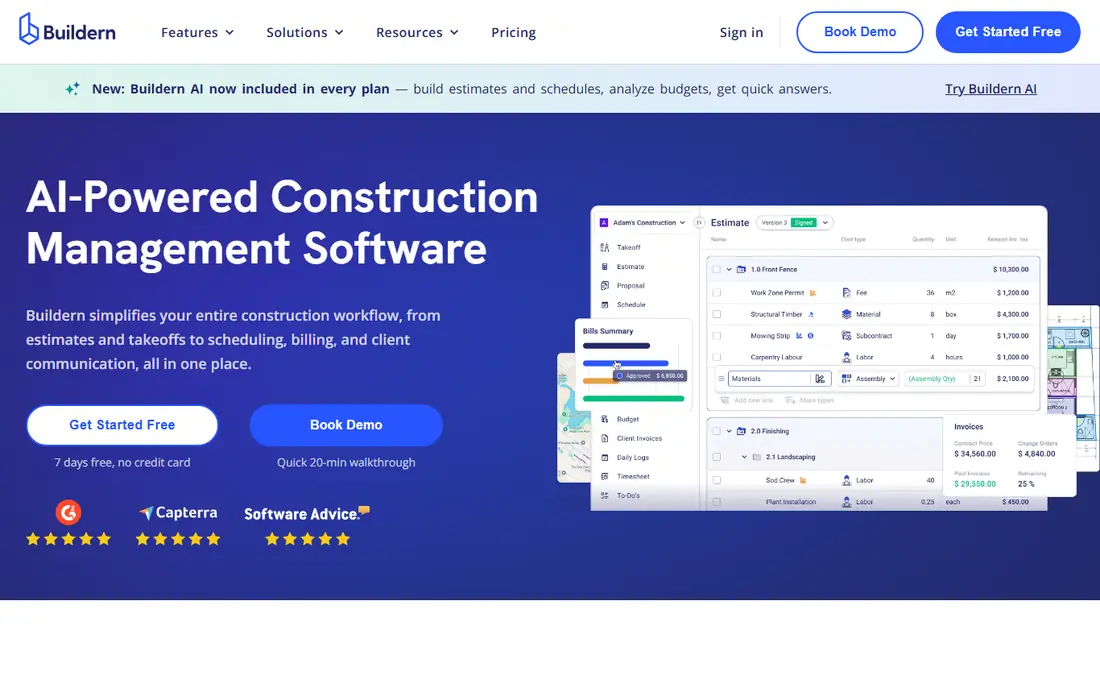
Buildern suits custom home builders and general contractors who want one system from first lead to final invoice. Leads and deals feed into estimating, scheduling, budgeting, and accounting, which cuts down on retyping the same job data in three tools. The client portal is included, and clients, subcontractors, and field users do not count as paid seats on the starting plan, which helps a growing team control cost.
The starting price is higher than Contractor Foreman or Pipedrive, and a full setup rewards careful work on templates, cost codes, and workflows. For a builder doing several custom projects a year, that investment makes sense, because the CRM stays useful after the sale closes. For a one-person trade business, a simpler tool will be faster to adopt.
- CRM through estimating, project management, and accounting
- Client portal included
- Free seats for clients, subs, and field users
- Higher starting price than budget tools
- Setup takes time for a full build
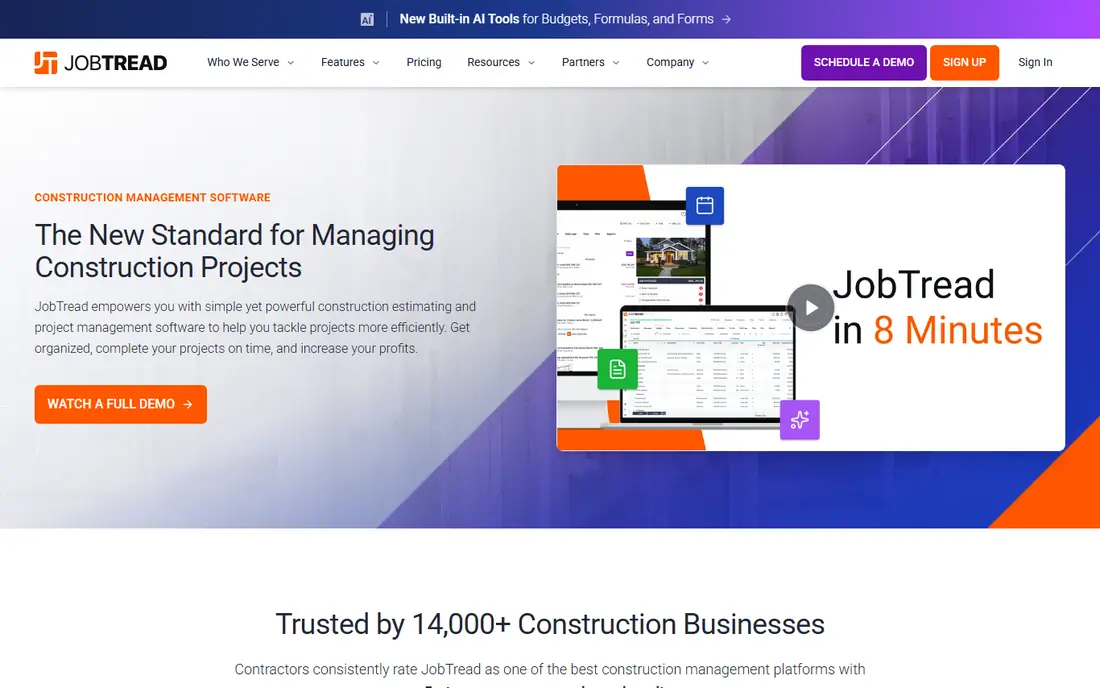
JobTread fits remodelers and small builders who want clear pricing and a CRM that stays connected to the job. The base plan plus per-user pricing is published openly, which makes budgeting easier than quote-only tools. Leads move into estimates, budgets, schedules, and invoices, and clients can follow progress through a portal without constant phone updates.
Larger teams should model the total, since per-user fees stack on top of the base price. JobTread is also strongest for residential remodeling and small building work, rather than large commercial general contracting. For a remodeler who wants one system for sales and delivery, with pricing they can forecast, JobTread is a strong pick.
- Transparent base plus per-user pricing
- CRM linked to estimating and job costing
- Client portal included
- Base price plus per-user fees add up for larger teams
- Less suited to large commercial GC work
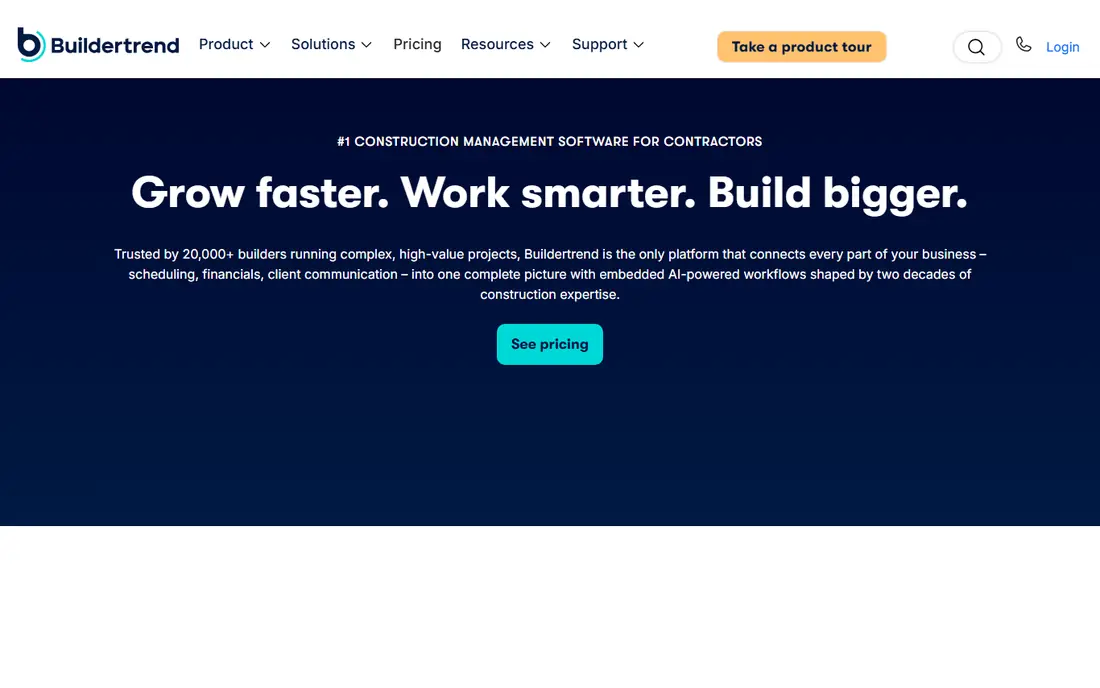
Buildertrend is the established name for residential builders doing several projects a year. Its CRM captures leads from web forms, scores and tracks them, and hands a won lead into scheduling, selections, change orders, and payments. The client portal keeps homeowners informed, which reduces the daily update calls that eat into a project manager's week.
Pricing is quote-based, and reported prices vary widely, so get a written quote for your project volume and user count. The platform is also broad, and a very small team may use only a fraction of it at first. For an established builder who wants a proven residential system and can commit to setup and training, Buildertrend remains a safe choice.
- Mature residential builder platform
- Lead management, scheduling, and client portal
- Wide integration list
- Pricing is quote-based and reported prices vary
- Feature depth can overwhelm a very small team
Contractor Foreman is the budget pick, and its value is hard to ignore for a small contractor. The starting plan covers CRM basics plus estimates, invoices, online payments, scheduling, time tracking, expenses, and daily logs, with QuickBooks integration to avoid double entry. That breadth at 49 dollars per month suits a crew that needs one system, not five subscriptions.
The interface is functional rather than beautiful, and some workflows need more clicks than in Buildern or JobTread. Onboarding help also depends on plan. If your team values low cost and broad coverage over polish, Contractor Foreman is the best place to start, and it scales well enough that many small firms never need to move.
- Lowest starting price in this list
- Estimates, invoices, scheduling, and daily logs in one place
- QuickBooks integration
- Interface feels less polished than premium rivals
- Support and onboarding vary by plan
FollowUp CRM is a construction-specific sales CRM, not a general tool with a construction label. It gives commercial subcontractors visibility into estimator and salesperson activity, tracks bids and follow-ups, and converts a won opportunity into a project without losing data. Reporting helps managers see which bids are stalled and which team members need support.
The pricing model is built for teams, with a per-user rate and a minimum user count on annual plans in published pricing, which makes it expensive for a solo contractor. There is also no client portal as standard, so homeowner communication needs another tool. For a commercial sub with a real sales team, FollowUp CRM fits the sales process better than a general CRM.
- Built specifically for construction sales
- Pipeline visibility and reporting for sales teams
- Won jobs convert to projects cleanly
- Five-user minimum on annual plans in published pricing
- No client portal as standard
- Price is high for a solo operator
JobNimbus suits roofing, siding, gutters, and other exterior trades that run many short jobs from a board view. Leads, estimates, jobs, and tasks sit on visual boards, and integrations cover estimating, measurement, and supplier ordering for common roofing workflows. That trade focus means less setup than forcing a general CRM to understand a roofing job.
Pricing is quote-based, so get a written quote for your team size and job volume. The client portal is also more limited than Buildertrend or Buildern, which matters if homeowners expect a full progress portal. For an exterior contractor who lives on boards and fast job turnover, JobNimbus is a natural fit.
- Trade-focused CRM and job management
- Boards for leads, jobs, and tasks
- Integrations with estimating and supplier tools
- Pricing is quote-based
- Client portal is limited compared with Buildertrend
Houzz Pro combines lead generation from the Houzz marketplace with CRM, estimates, takeoffs, 3D floor plans, selections, invoicing, and a client portal. For remodelers and designers, that combination is useful: a homeowner can find you on Houzz, then follow the same project through estimate, selections, and payment in one system. QuickBooks integration keeps accounting in sync.
The catch is local market value. Houzz lead flow varies by city and trade, so a remodeler in a strong Houzz market will get more from the bundle than one in a weak market. Pricing also varies by plan and business size. If you already get work from Houzz, Houzz Pro is worth a trial. If you do not, compare Buildern or JobTread on project tools alone.
- Marketplace lead generation plus business management
- Estimates, 3D floor plans, selections, and client portal
- QuickBooks integration
- Pricing varies and is quote-based in many cases
- Marketplace value depends on your local market
HubSpot fits construction firms where marketing drives growth and the CRM mainly needs to track leads, deals, and follow-up. The free CRM covers contacts, deals, pipelines, forms, and landing pages, which is enough for a firm that already uses separate estimating and project tools. Paid plans add automation, lead scoring, and reporting that help a marketing-led team nurture leads over months.
HubSpot does not include construction estimating, change orders, or job costing, so a builder will still need a project tool alongside it. Integrations can bridge that gap, but data will live in two systems. Choose HubSpot when marketing and pipeline visibility matter most, and choose a construction platform when the job itself must live in the CRM.
- Free CRM with contacts, deals, and pipelines
- Strong marketing automation
- Wide integration list
- No construction-specific estimating or job costing
- Advanced automation needs paid plans
Pipedrive suits a small contractor or a sales-focused sub who wants a pipeline they can read at a glance. Deals move across stages by drag and drop, activities and follow-ups sit on each deal, and the Lite plan keeps the per-seat cost low. A team that has been tracking leads in a spreadsheet will find Pipedrive an easy step up.
Like HubSpot, Pipedrive is a general CRM, so estimating, scheduling, and change orders need other tools or integrations. Automation and reporting depth also sit on higher plans. If your main problem is lost follow-ups and a messy pipeline, Pipedrive solves it cheaply. If your main problem is job delivery, start with a construction platform instead.
- Clear visual pipeline
- Easy to learn
- Low per-seat price on the Lite plan
- No construction-specific project tools
- Reporting and automation depth need higher plans
How we picked these
We compared official pricing pages and published feature lists for tools that manage construction leads, deals, and client relationships, including both construction-specific platforms and general CRMs used by construction firms. We favored tools with a client portal, estimating or project links, and clear pricing or a trial, and we noted where pricing is quote-based so readers can budget accurately.
How to choose a construction CRM
Start with the handoff from sale to job. A good construction CRM should move a won lead into an estimate, a contract, and a schedule without retyping client details, job address, and scope. Test that handoff with a real past job during a trial, including a change order and a client message, since those steps reveal gaps that a pipeline demo hides.
Check field use, not just office use
Your field team will use the CRM on a phone, often with poor signal, so test mobile access, photo uploads, daily logs, and offline behavior before you buy. A CRM that only works well at a desk will be ignored on site, and the office will end up chasing updates by text anyway. Ask how subcontractors and clients access the portal, and whether those seats cost extra.
Price the whole system, including accounting
Add the CRM price to any estimating, scheduling, and accounting tools you still need, then compare that total against an all-in-one platform such as Buildern or JobTread. A cheap CRM plus three other subscriptions often costs more than one construction platform, and it creates more places for data to go stale. Check QuickBooks or Xero integration early, since accounting sync saves hours every month.
Frequently asked questions
What is the best construction CRM software?
Buildern, JobTread, and Buildertrend lead for builders who want CRM linked to estimating and project delivery. FollowUp CRM leads for commercial subcontractors with sales teams, and Contractor Foreman leads on budget. The best choice depends on whether you build custom homes, remodel, roof, or run commercial sub work.
What are the best construction CRM tools for small contractors?
Contractor Foreman is the best budget pick for small contractors, with a wide feature set from 49 dollars per month. Pipedrive is best for a simple pipeline on a small budget, while JobTread suits remodelers who want CRM plus job costing. Start with the tool that covers your biggest daily pain, whether that is follow-up, estimating, or scheduling.
Is HubSpot good for construction companies?
HubSpot is good for marketing-led construction firms that need contacts, deals, and automation, especially on its free CRM. It lacks construction estimating, change orders, and job costing, so builders usually pair it with a project tool. If your sales process is long and marketing-driven, HubSpot works well. If job delivery is the main need, choose a construction platform.
How much does construction CRM software cost?
Published starting prices in this guide range from free for HubSpot CRM and 14 dollars per seat per month for Pipedrive Lite, to 49 dollars per month for Contractor Foreman, 199 dollars per month for JobTread, and 225 dollars per month for Buildern. Buildertrend, JobNimbus, and Houzz Pro use quote-based pricing in many cases, so get a written quote for your team size.
Do construction CRMs include estimating and project management?
Many construction-specific tools do, including Buildern, JobTread, Buildertrend, Contractor Foreman, and JobNimbus, which link leads to estimates, schedules, and invoices. General CRMs such as HubSpot and Pipedrive do not, and need integrations or separate tools for that work. Check the estimating and change-order workflow during a trial, not just the pipeline view.
What is FollowUp CRM best for?
FollowUp CRM is best for commercial subcontractors with sales teams who need pipeline visibility, bid tracking, and reporting on estimator activity. It converts won opportunities into projects without losing data, which suits firms that bid many jobs and need to follow up systematically. Solo operators will find its team pricing harder to justify.
Sources
See where you really rank - block by block
ProMapRanker scans Google Maps across a grid of your service area. Simple monthly plans from $19, white-label on every plan.
Start freeKeep reading
 zscaler alternatives
Best Zscaler Alternatives in 2026
Looking for zscaler alternatives? We compare 9 SASE and zero trust platforms on architecture, data protection, pricing, and fit for your network and team.
Read → zapier alternatives free
Best Zapier Alternatives Free in 2026
Nine automation tools for zapier alternatives free in 2026, all with genuinely free tiers, plus free plan limits, starting prices and upgrade paths explained.
Read → which platform is best for online reputation
Which Platform Is Best for Online Reputation in 2026
Wondering which platform is best for online reputation? We compare 8 review, listing, and response tools for small and multi-location businesses and agencies.
Read →