 ProMapRanker
Best CRM Software Comparison in 2026


Scaling sales and service teams · Pricing starts at: $25 per user per month
Key takeaways
- HubSpot, Zoho and Freshsales offer the easiest free starts, while Salesforce and Dynamics 365 suit larger, more complex teams.
- Pipedrive suits sales teams that want a clear visual pipeline, while monday CRM suits teams that already like board-style work.
- Entry prices cluster around $9 to $25 per user per month, but higher tiers, add-ons and seat minimums change the real total.
- This comparison is based on published pricing and product descriptions, not a verified ranking, so trial each shortlisted CRM with real deals before buying.
- Clean contact data matters more than the CRM brand, so plan data cleanup and ownership rules before migration.
Quick comparison
| Pick | Great for | Pricing starts at | Free tier | |
|---|---|---|---|---|
| Salesforce | Scaling sales and service teams | $25 per user per month | Free trial | Visit |
 HubSpot CRM | Free start that scales | Free | Yes | Visit |
 Zoho CRM | Value and automation | $14 per user per month | Yes | Visit |
 Pipedrive | Visual sales pipelines | $14 per user per month | Free trial | Visit |
 monday Sales CRM | Board-style team work | $12 per user per month | Free trial | Visit |
 Freshsales | Simple setup on a budget | $9 per user per month | Yes | Visit |
 Microsoft Dynamics 365 | Microsoft-based sales teams | $65 per user per month | Free trial | Visit |
 Close | Outbound sales and calling | $9 per user per month | Free trial | Visit |
The best CRM software platforms compared
A CRM should help a team track contacts, deals, tasks and conversations in one place, without adding work. The platforms below differ in price, ease of setup, automation depth and ecosystem size. The best choice depends on team size, sales style and the tools you already use, not on which CRM has the longest feature list.
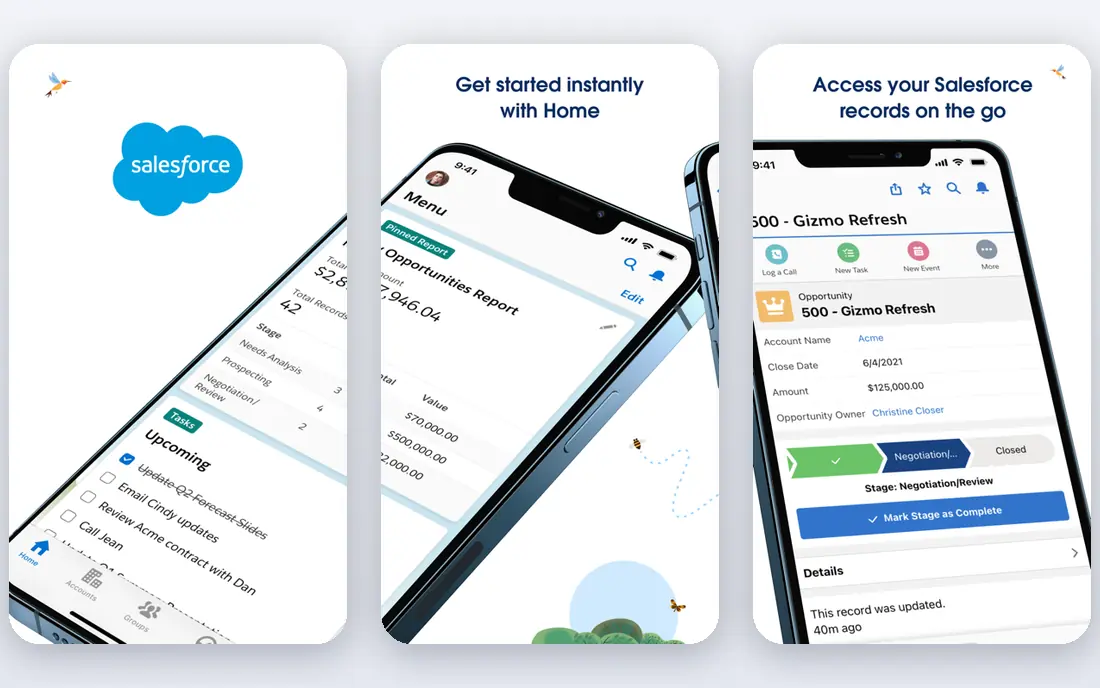
Salesforce is the most widely used CRM for scaling teams, and its strength is depth. Sales, service, marketing and reporting can run from the same customer record, and a large marketplace of apps fills gaps for industry needs. For a team that plans to grow from five sellers to fifty, Salesforce offers a path without switching systems.
Starter pricing is listed at $25 per user per month, with higher tiers for deeper automation, reporting and AI features. The honest catch is total cost. Add-ons, support plans and admin time raise the bill, and teams without a clear data owner can end up with messy records. Salesforce suits teams with a dedicated admin or partner, and a clear growth plan.
- Very large ecosystem and app marketplace
- Strong sales, service and reporting tools
- Scales to global teams
- Costs rise with higher tiers and add-ons
- Setup needs admin time
- Free tier is limited to a trial
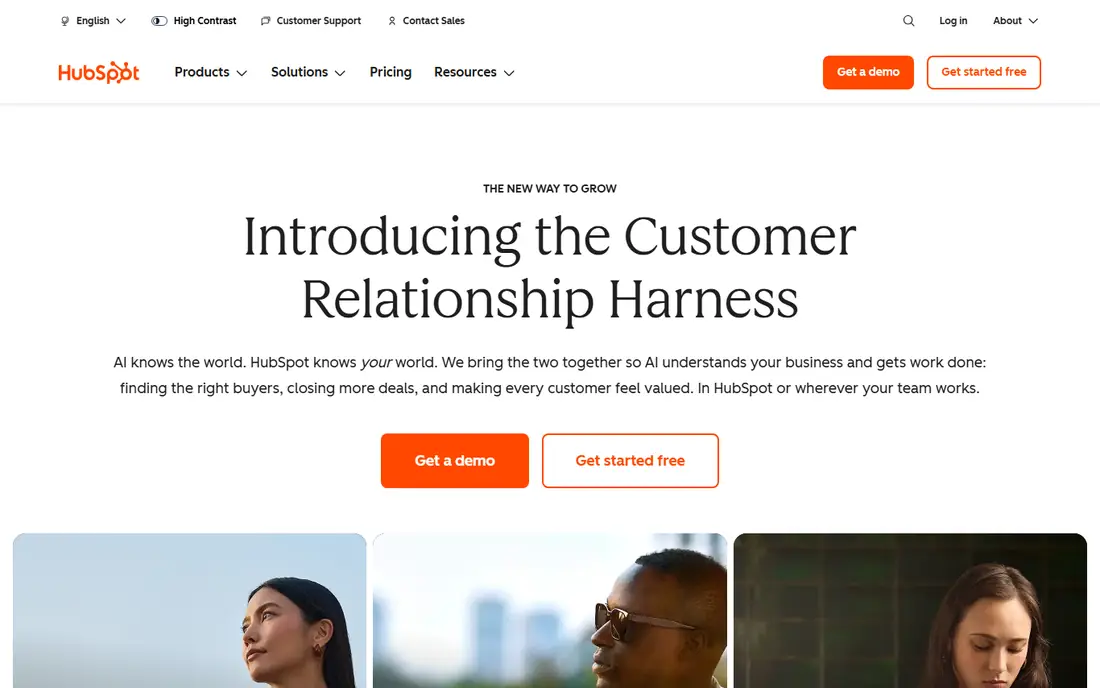
HubSpot CRM is the easiest low-risk start, because its free plan covers contacts, deals, tasks, live chat and email tracking with no time limit. That lets a small team build a real pipeline before paying, and then scale into marketing, sales and service hubs as needs grow. The interface is also easier to learn than Salesforce for many small teams.
Paid Starter plans are listed around $20 per user per month, with Professional and Enterprise tiers costing much more. The catch is that the most useful automation and reporting features sit on higher tiers, so a growing team should price the tier it will actually need, not just the free plan. For inbound-led teams, HubSpot remains a strong first CRM.
- Generous free CRM
- Contacts, deals, tasks and live chat included
- Scales into marketing and service hubs
- Paid tiers rise quickly
- Some features need higher hubs
- Contact limits can matter on free plans
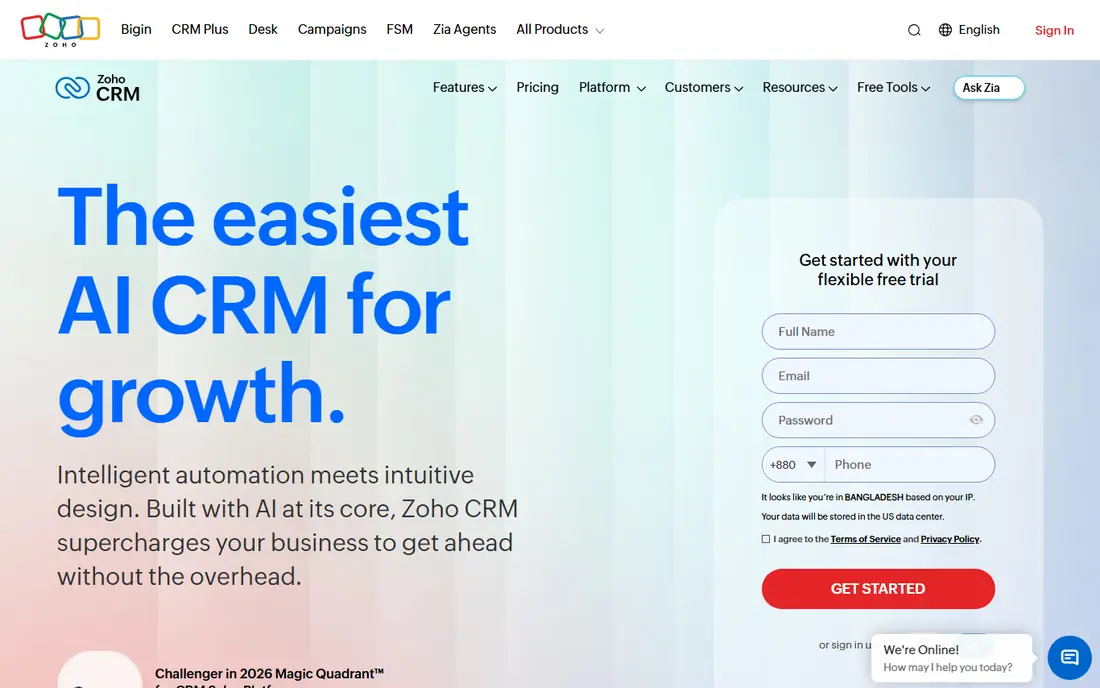
Zoho CRM offers strong value for small and mid-size teams. Its free plan covers up to 3 users, and Standard pricing is listed at $14 per user per month billed annually. Automation, workflows and custom fields are available at prices lower than Salesforce or HubSpot, which makes Zoho a good pick for teams that want control without a large budget.
The interface can feel dense at first, and the most advanced AI features sit on Enterprise tiers. Zoho also works best for teams that use other Zoho apps, such as Books, Campaigns or Desk, since the shared ecosystem saves integration work. For budget-conscious teams that want automation, Zoho is hard to beat.
- Free plan for up to 3 users
- Strong automation at budget prices
- Large Zoho app ecosystem
- Interface can feel dense
- AI features sit on higher tiers
- Learning curve for advanced automation
Pipedrive is built around one idea: a clear visual pipeline that sales reps actually use. Deals move across stages, activities and reminders keep follow-ups visible, and the interface stays simple even as deal volume grows. That focus helps adoption, because reps do not need to learn a complex system to log a call or move a deal.
Pricing starts at $14 per user per month billed annually, with a 14-day trial and no free plan. Lead generation add-ons and other extras cost more, so teams should check the full price. Pipedrive suits sales-led teams that live in the pipeline, and it suits less well teams that need deep marketing automation or service ticketing in the same tool.
- Clearest visual pipeline for many teams
- Easy for reps to adopt
- Activity reminders keep deals moving
- No free plan, only a trial
- Marketing and service tools are lighter
- Add-ons raise the total
monday Sales CRM builds on the monday work platform, with boards, timelines and automations that many teams already know. Sales teams can track leads, deals and activities on boards, while project teams can manage delivery in the same workspace. That shared view helps small and mid-size teams that sell and deliver work together.
Pricing is listed around $12 per user per month, with a three-seat minimum on many plans and a trial instead of a free plan. Basic plans limit contacts, so growing teams should check the next tier. monday CRM suits teams that value flexibility and visual work management, rather than teams that need the deepest sales reporting.
- Familiar board views
- Flexible workflows and automations
- Good for teams that also manage projects
- Three-seat minimum on many plans
- Contact limits on Basic
- CRM features feel lighter than Salesforce
Freshsales, from Freshworks, is a simple CRM with a fast setup and a free plan for up to 3 users. Paid Growth pricing is listed around $9 per user per month, with Pro and Enterprise tiers adding automation, AI insights and a built-in phone system. For a small sales team that wants to start quickly, Freshsales offers a low-friction path.
The limits are ecosystem and free-plan integrations. Teams that need many third-party apps or deep marketing tools may find Freshsales lighter than HubSpot or Salesforce. For teams that want contacts, deals, email and calling in one simple tool, Freshsales is a strong budget pick.
- Free plan for up to 3 users
- Fast setup
- Built-in phone and AI lead insights on higher tiers
- Integrations are limited on free plan
- Higher tiers cost more
- Smaller ecosystem than Salesforce or HubSpot
Dynamics 365 Sales suits companies already using Microsoft 365, because it shares data with Outlook, Teams and Excel. Sales Professional is listed at $65 per user per month paid yearly, with Enterprise and Premium tiers for deeper features. A free trial lets a team test pipeline views and Outlook integration before committing.
The entry price is higher than HubSpot, Zoho or Pipedrive, and licensing gets confusing when apps and add-ons are combined. Implementation often needs a partner, which adds cost. Dynamics 365 fits mid-size and larger teams with a Microsoft base, rather than a two-person team looking for a free start.
- Native Outlook, Teams and Excel integration
- Published per-user prices
- Covers sales, service and field work
- Higher entry price than small-business CRMs
- Licensing can be confusing
- Implementation often needs a partner
Close is built for outbound sales teams that call, email and text prospects all day. Built-in calling and SMS mean reps do not need a separate phone tool, and the interface stays focused on leads, deals and next actions. Pricing is listed from around $9 per user per month for solo plans, with higher team plans for more features.
The catch is scope. Close is not a full marketing automation platform, and phone lines can add extra cost. Teams that need deep marketing, service ticketing or complex reporting should pair Close with other tools or choose a broader CRM. For outbound teams that live on the phone, Close offers a focused, efficient workspace.
- Built-in calling and SMS
- Simple interface for outbound teams
- Fast deal and lead handling
- No free plan, only a trial
- Less suited to complex marketing automation
- Phone lines can add cost
How we picked these
We compared official pricing pages and recent CRM pricing guides, and we focused on platforms with a free plan or trial, a clear sales use case and a current product in 2026. We used published starting prices where available, and we noted seat minimums and free-plan limits where they change the real cost. We did not rank by sales or invented scores, and we did not claim hands-on use of every platform.
How to compare CRMs on total cost
Compare the price at your real team size, not the headline price. Multiply the per-user price by your user count, add the tier you will actually need for automation and reporting, and add any seat minimums, add-ons and support plans. A CRM that looks cheap at $9 per user can cost more than a $25 CRM if it needs three add-ons to do the same job.
Next, trial with real data. Import a sample of contacts and deals, run a week of real sales work, and export a report a manager would actually use. Check email sync, mobile access and integration with your calendar, accounting and marketing tools. If reps will not log deals in the trial, they will not log them after you pay, so adoption matters as much as features.
Frequently asked questions
What is the best CRM software comparison for small business?
For small business, HubSpot, Zoho and Freshsales offer the best free starts, Pipedrive offers the clearest pipeline, and monday CRM suits board-style teams. Salesforce and Dynamics 365 fit larger teams better. Trial two options with real deals before you choose.
What are the best CRM platforms compared by price?
Entry prices in this comparison run from free to $65 per user per month. Freshsales and Close start around $9, monday around $12, Zoho and Pipedrive around $14, HubSpot free with paid Starter around $20, Salesforce around $25, and Dynamics 365 Sales Professional at $65. Check annual billing and seat minimums.
Is there a free CRM that is actually useful?
Yes. HubSpot offers a generous free CRM, Zoho and Freshsales offer free plans for up to 3 users, and other tools offer trials. Free plans cover contacts, deals and tasks well, though automation, reporting and integrations often need a paid plan.
Which CRM is best for sales teams?
Pipedrive suits visual pipeline teams, Close suits outbound calling teams, Salesforce suits scaling teams, and HubSpot suits inbound-led teams. Match the CRM to your sales style, not just to price, and check how easily reps can log calls and move deals.
How long does CRM setup take?
Simple CRMs like Freshsales, Pipedrive and HubSpot can be set up in days for a small team, while Salesforce and Dynamics 365 often take weeks with an admin or partner. Data cleanup, import and training usually take longer than the software setup itself, so plan for that time.
Sources
- https://www.salesforce.com
- https://www.hubspot.com
- https://www.zoho.com/crm/
- https://www.pipedrive.com
- https://www.monday.com
- https://www.freshsales.com
- https://www.microsoft.com/en-us/dynamics-365
- https://www.close.com
- https://prospeo.io/s/best-sales-crm-tools
- https://www.business.com/categories/best-crm-software-for-law-firms/
See where you really rank - block by block
ProMapRanker scans Google Maps across a grid of your service area. Simple monthly plans from $19, white-label on every plan.
Start freeKeep reading
 zoho inventory alternatives
6 Alternatives to Zoho Inventory, Compared on Price and Fit
Zoho Inventory alternatives: 6 tools compared on price, free plans and fit. Katana leads the list for manufacturers. Fit and flaws are laid out for each entry.
Read → zoho crm alternatives
Best Zoho CRM Alternatives (2026)
Need Zoho CRM alternatives? We compare 7 tools on cost, free access and who each suits. Every pick gets a straight assessment. Built for quick decisions.
Read → zelle alternatives
Best Zelle Alternatives in 2026
Compare the best Zelle alternatives for sending money to friends, paying sellers and moving funds abroad, with honest notes on fees, speed and safety in 2026.
Read →