 ProMapRanker
Best CRM for Staffing Companies in 2026

Key takeaways
- Staffing CRM means two pipelines in one system: candidates on one side and clients and job orders on the other.
- Bullhorn suits larger firms that need back-office depth, while Manatal, Recruit CRM and Crelate suit smaller firms that want clear per-user pricing.
- Published prices in October 2026 ranged from $15 per user per month at Manatal to $149 at Loxo, with several tools quote-only above that.
- Sourcing, outreach and back-office tools are often separate add-ons, so price the full workflow, not just the seat.
- Trial the system with real candidate records and a real job order before signing a multi-year contract.
Quick comparison
| Pick | Great for | Pricing starts at | Free tier | |
|---|---|---|---|---|
 Bullhorn | Large staffing firms | $99 per user per month | No | Visit |
 JobDiva | Automated staffing workflows | See website | No | Visit |
 Recruit CRM | Small and mid-size agencies | $95 per user per month | Free trial | Visit |
 Recruiterflow | Search and staffing firms | $119 per user per month | No | Visit |
 Crelate | Boutique and mid-size agencies | $85 per user per month | Free trial | Visit |
 Loxo | Talent sourcing at scale | $149 per user per month | Free trial | Visit |
 Manatal | Budget-conscious agencies | $15 per user per month | Free trial | Visit |
 Vincere | ATS, CRM and back office in one | See website | No | Visit |
 Ceipal | AI-led staffing operations | See website | No | Visit |
The best CRM for staffing companies
We compared staffing CRMs on candidate and client pipelines, sourcing, automation, back-office reach and published pricing, focusing on tools built for agencies rather than general sales CRMs.
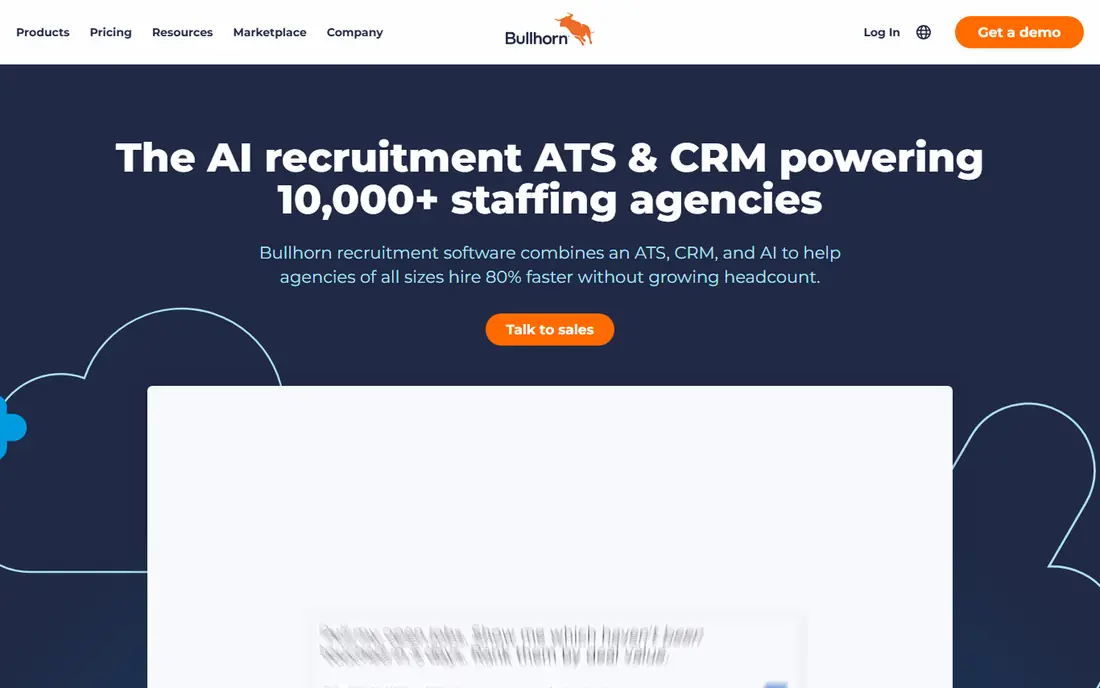
Bullhorn remains the best-known staffing CRM for a reason. It covers candidate tracking, client management, job orders, timesheets, billing and credentialing in one system, with a large integration marketplace. Larger firms that run contract staffing often need that back-office depth, and Bullhorn One bundles it into a fuller suite.
The cost and complexity are real. Starter is published at $99 per user per month and Core at $165, while higher tiers are quote-only, so a full setup can cost far more than the entry price. Smaller firms that mainly need sourcing and outreach may pay for back-office features they rarely use. For mid-size to large firms, Bullhorn is still the benchmark.
- Deep staffing feature set
- Candidate, client and job order tracking
- Back-office options through Bullhorn One
- Costs rise with higher tiers and add-ons
- Implementation can take time
- Interface feels dated to some users
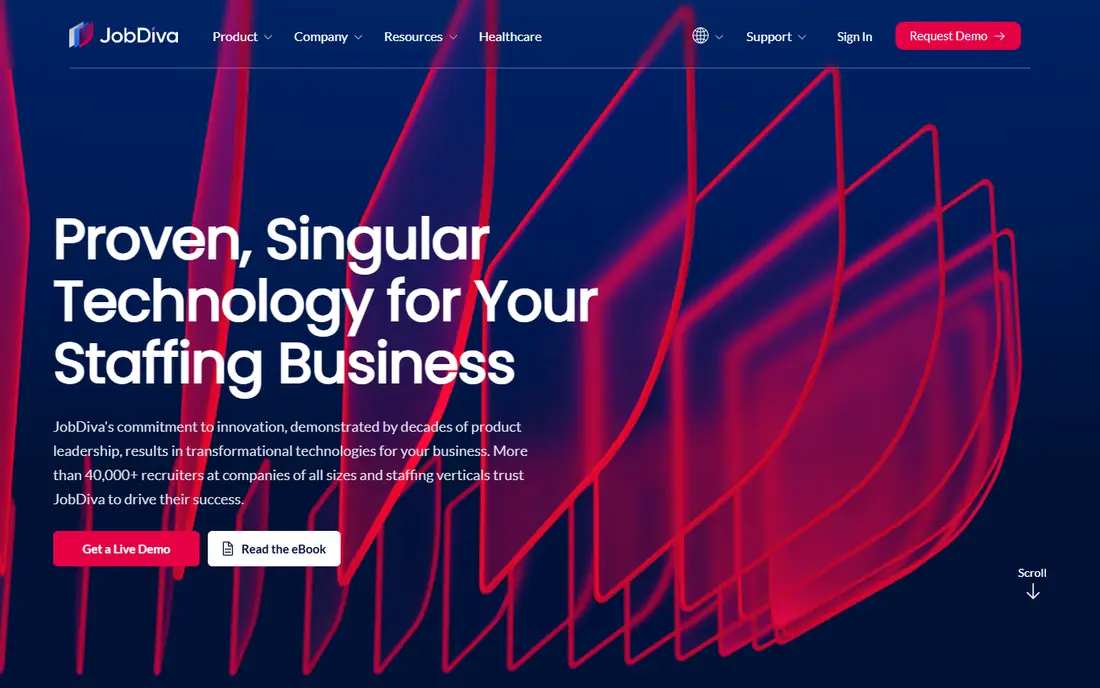
JobDiva is built for staffing firms that want automation across the hiring workflow, from sourcing and job posting to candidate tracking and client records. Its configurable workflows help teams standardise steps across desks, which matters when several recruiters work the same accounts. Firms with high volume often value that consistency.
Pricing is not published, so budgeting needs a sales conversation and a clear list of required modules. Setup can also feel heavy for a very small team. Ask for a demo using your own job types and check how reporting works for placements and client activity. For firms that want automation at scale, JobDiva is a serious contender.
- Strong automation across sourcing and workflows
- Configurable pipelines
- Built for staffing firms
- Pricing is quote-only
- Interface can feel busy
- Smaller firms may find setup heavy
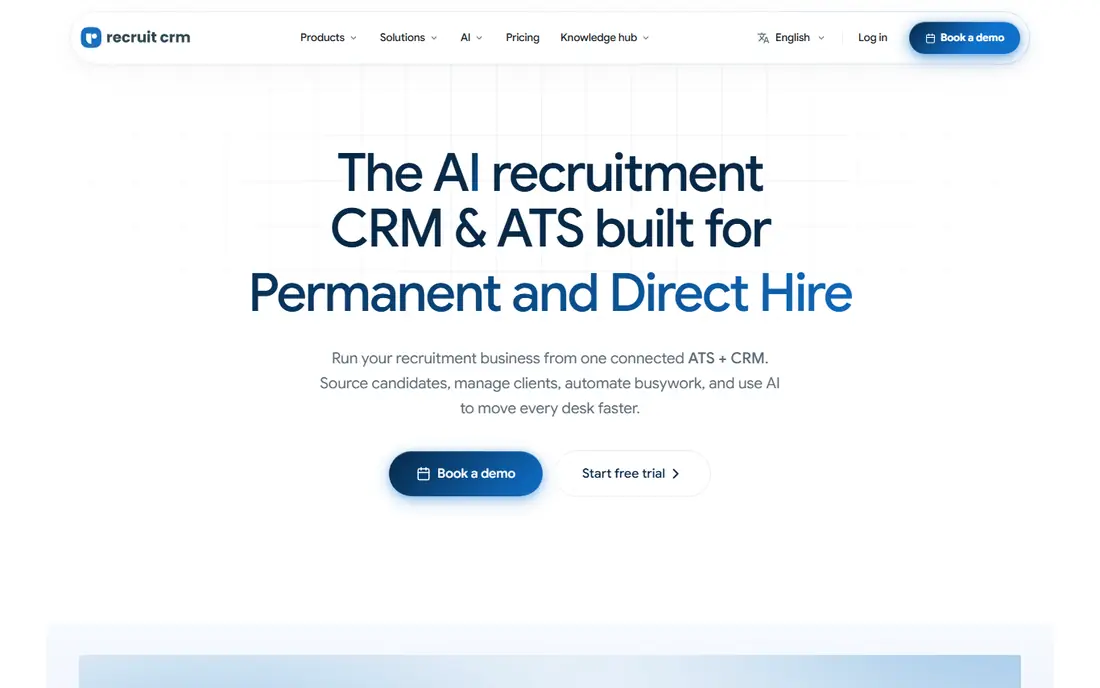
Recruit CRM suits small and mid-size agencies that want predictable pricing and a system built for agency work. Published pricing in October 2026 guides lists Pro at $95 per user per month billed annually, with Business higher, and a trial period for testing. The system covers candidate pipelines, client records, job orders and outreach without a long enterprise sales cycle.
Contract staffing firms that need timesheets, pay and bill should check those features carefully, since Recruit CRM is mainly a front-office tool. Higher tiers add features that smaller teams may not need at first. For agencies that want a clear price and a fast start, Recruit CRM is an attractive choice.
- Clear published pricing
- Candidate and client CRM in one
- 30-day trial in published guides
- Back-office depth is thinner than Bullhorn
- Advanced features sit on higher tiers
- Sourcing add-ons cost extra
Recruiterflow is popular with search and staffing firms that want a modern front-office system. It covers candidate sourcing, pipelines, client records, email sequences and reporting, with an AI assistant suite on higher tiers. Teams that run permanent and contract search often like its clean workflow and automation options.
The platform price in recent published guides is $119 per user per month billed annually, with the AI suite quoted separately, so the full cost needs a quote. Back-office depth is also thinner than Bullhorn One. Trial the pipeline with a live search and check how it handles client submissions. For search-led firms, Recruiterflow is a strong fit.
- Clean search and staffing workflows
- Automation and outreach tools
- AI assistant on higher tiers
- Published platform price is $119 billed annually in recent guides
- AI suite is quote-only
- Back-office tools are limited
Crelate suits boutique and mid-size agencies that want a flexible ATS and CRM without enterprise pricing. Published pricing lists Essentials at $85 per user per month and Business at $119, with a trial in published guides. The system handles candidate records, client contacts, job orders and placements, and it works well for direct-placement and executive search desks.
Teams that rely heavily on sourcing databases may need separate tools, since Crelate is not primarily a sourcing platform. Onboarding and compliance features are also add-ons rather than core. If you want a configurable, fairly priced agency CRM, Crelate is a good option to trial.
- Published pricing from $85 per user per month
- Flexible candidate and client tracking
- Onboarding add-ons
- Sourcing depth is thinner than Loxo
- Some features need higher tiers
- Back-office tools are add-ons
Loxo combines a talent sourcing platform with an ATS and CRM, which appeals to firms that spend much of their day finding candidates. Core is published at $149 per user per month billed annually, with Professional and Enterprise quoted. Its sourcing graph, outreach tools and AI features help recruiters build pipelines without juggling several separate tools.
Cost is the main barrier for small agencies, and the most advanced AI features sit on quoted tiers. Check how many sourcing credits each seat includes and what happens when you exceed them. For firms where sourcing is the bottleneck, Loxo can justify its price.
- Large talent sourcing database
- ATS, CRM and outreach in one
- AI search and agents on higher tiers
- Core price is high for small teams
- Higher tiers are quote-only
- Annual billing is paid upfront in published guides
Manatal is the budget pick in this list, with Professional published at $15 per user per month and a 14-day trial. It covers candidate tracking, client records, job posting to many boards, career pages and a candidate portal, plus AI recommendations for matching. Small agencies and solo recruiters often choose it because the price is clear and the setup is fast.
The limits show at scale. Back-office tools, advanced permissions and the full AI suite sit on higher tiers, and support is mainly chat and email rather than phone. Test reporting, permissions and job board posting with your real workflow. For small agencies that need a capable, low-cost CRM, Manatal is hard to beat on price.
- Very low entry price
- 14-day trial
- Candidate portal and career pages
- AI recommendations
- Back-office depth is limited
- Advanced AI sits on higher tiers
- Support is mainly chat and email
Vincere aims to cover the full agency workflow, from candidate and client CRM to timesheets, invoicing and back-office reporting. That breadth suits contract staffing firms that want fewer separate systems. Its workflows are customisable, which helps firms with specific placement and billing steps.
Pricing is quote-only, so small firms should get a full quote including modules before comparing it with published-price tools. Implementation also needs time and training. Ask for a demo that follows a contract placement from job order to invoice. For firms that want one system for front and back office, Vincere is worth a detailed quote.
- Front-office plus back-office in one platform
- Strong for contract staffing
- Customisable workflows
- Pricing is quote-only
- Module costs can stack
- Implementation needs planning
Ceipal offers an AI-led staffing platform covering candidate sourcing, CRM, applicant tracking and workforce management. Its AI features are meant to help with matching, automation and reporting, and it integrates with job boards and vendor management systems. Larger firms with complex workflows often value that breadth.
Quote-only pricing makes early budgeting harder, and smaller firms should check which edition includes the features they need. Ask for a demo with your own candidate data and a clear module list. If AI-led automation across the full staffing workflow is a priority, Ceipal belongs on the shortlist.
- AI tools across sourcing and workflows
- Broad staffing feature set
- Integrations with job boards and VMS tools
- Pricing is quote-only
- Feature depth varies by edition
- Setup can be complex for small teams
How we picked these
We compared vendor pricing pages, product documentation and published October 2026 pricing guides for staffing CRMs. We favoured tools built for agencies, with both candidate and client pipelines, and we noted where pricing was published versus quote-only. We did not claim hands-on testing, and we used See website where the vendor does not publish a starting price. Prices change, so confirm the current price and trial terms before signing.
How to choose a staffing CRM
Start with your placement mix, not the feature list. Contract, permanent and executive search desks need different depth, and the wrong fit costs time every day.
Front office, sourcing and back office
List the jobs you actually run: candidate sourcing, client submissions, interviews, placements, timesheets and invoicing. Check whether each tool covers those steps natively or needs an add-on. A front-office CRM plus a separate back-office system can work, but the total cost and data handoffs need pricing too.
Pricing, trial and migration
Compare annual cost for your real team size, including add-ons, sourcing credits and implementation fees. Use the trial with real records, and test reporting for placements, client activity and recruiter performance. Ask how data migration works, what training is included and what happens to your data if you leave.
Adoption and support
A CRM only helps if recruiters use it daily. Check mobile access, email and calendar sync, browser extensions and permission controls. Ask about onboarding time, support hours and whether training is live or recorded. A simpler system that the whole team uses beats a powerful system that half the team avoids.
Frequently asked questions
What is the difference between a staffing CRM and a general CRM?
A staffing CRM tracks both candidates and clients, with job orders, submissions, placements and talent pipelines built in. A general sales CRM tracks deals and contacts but lacks resume parsing, job board posting and placement tracking. Staffing firms usually need the agency-specific features to run desks efficiently.
How much does a staffing CRM cost?
Published prices in this guide range from $15 per user per month at Manatal to $149 at Loxo, with Bullhorn, Recruit CRM, Recruiterflow and Crelate in between. Several tools, including JobDiva, Vincere and Ceipal, are quote-only. Always price add-ons, sourcing credits and back-office modules for your team size.
Can a small agency use Bullhorn?
Yes, Bullhorn offers a Starter tier, but small firms should check whether they need its back-office depth. If your main need is candidate and client tracking with clear pricing, Recruit CRM, Crelate or Manatal may cost less. Trial each system with a real search before deciding.
Do staffing CRMs include back-office tools?
Some do, and some do not. Bullhorn One and Vincere cover timesheets, billing and back-office reporting more fully, while many front-office tools focus on sourcing and placements. If contract staffing is a large share of revenue, price back-office tools as part of the decision.
How long does it take to implement a staffing CRM?
Simple front-office tools can be live in days or weeks, while full back-office setups can take months, especially with data migration and training. Ask each vendor for a realistic timeline based on your team size and data. Plan training and a data-cleaning step before go-live.
Should I choose a CRM with built-in sourcing?
Built-in sourcing helps if finding candidates is your main bottleneck, as with Loxo. If you already have sourcing tools or rely on referrals, a simpler CRM may cost less. Compare sourcing quality for your specific roles, since database coverage varies by industry and location.
Sources
See where you really rank - block by block
ProMapRanker scans Google Maps across a grid of your service area. Simple monthly plans from $19, white-label on every plan.
Start freeKeep reading
 zoro.to alternatives
Best Zoro.to Alternatives in 2026
We compare the best zoro.to alternatives in 2026, listing only legal licensed anime streaming services, from Crunchyroll to free options for fans today.
Read → zip alternatives
Best Zip Alternatives in 2026
We compare the best zip alternatives for buy now, pay later in 2026, covering pay-in-4 plans, fees, spending limits, and credit reporting options today.
Read → yesware alternatives
Best Yesware Alternatives in 2026
Compare the best yesware alternatives for sales email tracking, templates, and sequences, with current pricing and honest tradeoffs for small sales teams.
Read →