 ProMapRanker
Top 6 CRM for Service Based Business Picks for 2026, Compared

Direct answer
HubSpot CRM leads the list, best for free pipeline and client records. Look at Salesforce for complicated multi team service orgs, and at ServiceTitan for large multi crew operations. The remaining 3 options are covered below with prices and limits.
Key takeaways
- HubSpot CRM is the opening pick, best for free pipeline and client records.
- A fair warning about ServiceTitan: no published pricing, quoted per technician with implementation on top, multi week onboarding, monthly bills reported in the high hundreds and beyond for even modest operations.
- Pipedrive fits sales led service businesses.
- For the cheapest start, look at Jobber: $49 per month.
- HubSpot CRM stands alone as the one tool in this list with a free plan.
Quick comparison
| Pick | Great for | Pricing starts at | Free tier | |
|---|---|---|---|---|
 HubSpot CRM | Free pipeline and client records | Free | Yes | Visit |
 Salesforce | Complicated multi team service orgs | See website | No | Visit |
 ServiceTitan | Large multi crew operations | See website | No | Visit |
 Housecall Pro | Residential trades marketing | $59 a month | No | Visit |
 Jobber | Home service companies overall | $49 per month | No | Visit |
 Pipedrive | Sales led service businesses | See website | No | Visit |
Every option for CRM for service based business explained
This ProMapRanker guide covers 6 options for CRM for service based business. Each profile lists a starting price, free plan details, strengths and drawbacks, so you can drop poor fits quickly.

HubSpot CRM is a good fit for free pipeline and client records. The trade is the missing operations layer. For everyday use, HubSpot's free CRM is the starting point for service businesses whose work is sold and managed from a desk: agencies, consultancies, clinics with admin staff.
It holds the client record, the pipeline and the communications history properly, at no cost. It teaches a small team CRM habits before money is involved. HubSpot does not schedule crews or run job costing, so a field business ends up pairing it with something else or migrating within per year, a pattern industry comparisons note commonly. HubSpot CRM pricing: Free. A free plan is available with HubSpot CRM.
Where it falls short: No quoting to job to invoice field workflow, so trades bolt on other tools.
- A genuinely free CRM with contacts, deals
- Tickets and email tools
- Some service features sit behind the Service Hub paywall
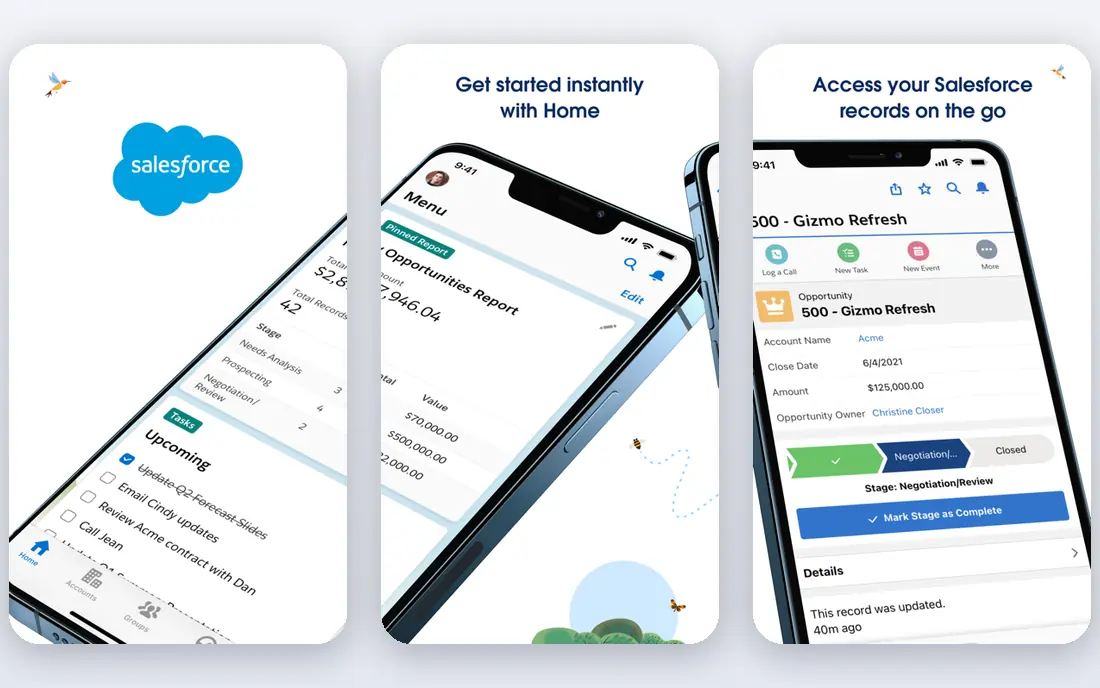
Salesforce is built with complicated multi team service orgs in mind. Salesforce is the answer when a service business has outgrown straightforward categories: several brands, regions, a contact centre, field crews and a sales team all needing one customer record.
Highlights: sales and field service products under one roof.
Drawbacks to consider: field service depth comes through separate products and configuration.
Its field service product deals with scheduling and mobile work at enterprise depth, and the product bends to almost any process. This comparison lists no price for Salesforce; ask the vendor. No free plan comes with Salesforce.
- Multi brand service operations
- Deals with multi region
- Licence plus implementation costs put it beyond small businesses
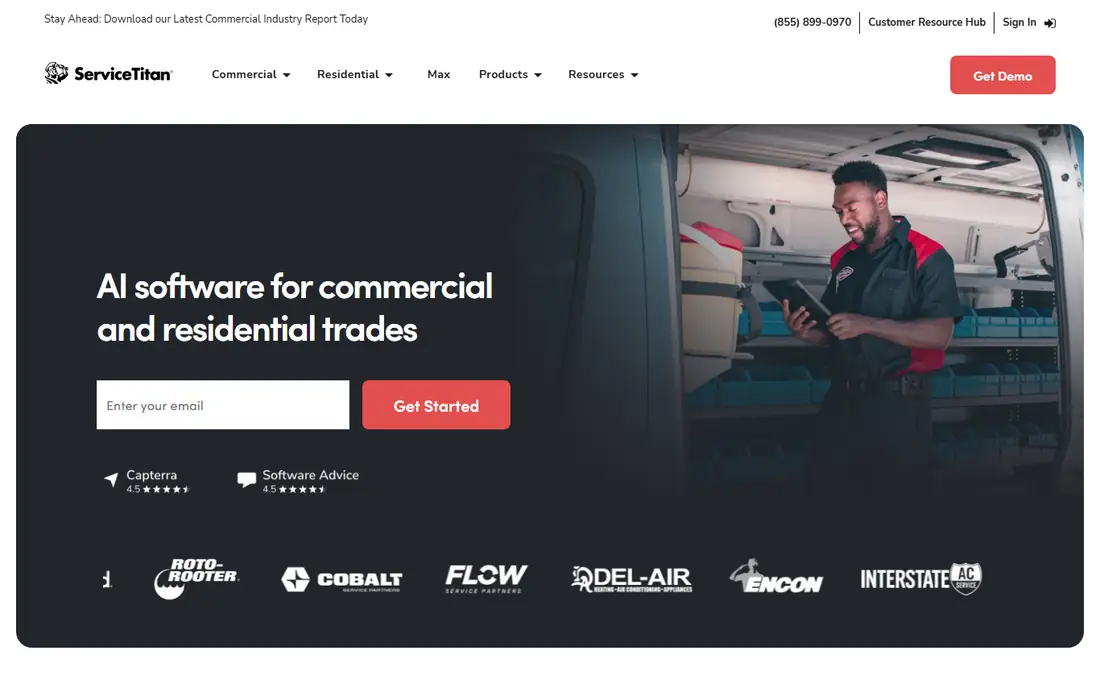
Think of ServiceTitan for large multi crew operations. For a thirty truck operation it links marketing spend to booked jobs to technician performance in a way the smaller systems cannot. Its pricebook and dispatch tooling are designed for complexity the others ease away.
More specifically, the trade is everything about buying it: no public price, a sales and implementation process, per technician billing and a product that needs an office team to run it. Below that, Jobber and Housecall Pro will do more of what you use. Check the vendor site for ServiceTitan pricing; none is listed in this comparison. No free plan comes with ServiceTitan.
Limits to weigh: monthly bills reported in the high hundreds and beyond for even modest operations.
- Designed for HVAC
- A large training and community ecosystem
- Quoted per technician with implementation on top, multi week onboarding
In short, Housecall Pro is for residential trades marketing. Housecall Pro runs the same result in invoice flow as Jobber and then keeps going into retention: review requests after the job, email and postcard campaigns, and customer segmentation for repeat work. Beyond that, entry-level is $79 billed monthly or $59 annually for one user, Essentials includes up to five users, and MAX reaches $299 per month, with items like the price book and vehicle GPS billed on top.
Watch-outs: Feature gating pushes expanding businesses toward the $299 MAX plan; reported real costs for a small multi truck shop run well above the sticker.
For residential trades that live on repeat visits and referrals, that marketing layer is the reason to choose it. Add your add ons before comparing against Jobber. Housecall Pro cost at the entry level: $59 per month. No free plan comes with Housecall Pro.
- Field service core plus stronger built in marketing, with review requests and campaigns
- Plans from $59 per month billed yearly for one user
- Add ons like proposals
Jobber was built for home service companies overall. Jobber is the baseline for a business that sends people to homes and sites. On top of that, core at $49 per month for one user handles the basics, but automatic follow ups, fuller quoting and the tools that save office hours live in Grow and Plus territory at multiple hundred dollars per month.
Where it is weaker: per user costs rise as crews grow.
Reasons to shortlist it: online booking and automatic follow ups on higher levels. A request becomes a quote, the quote becomes a scheduled job, the job becomes an invoice. The client hub keeps the entire history visible to the customer. Price the level you will actually run, including add ons, before the entry price persuades you. Jobber starts at: $49 per month. There is no free plan with Jobber.
- Quote, schedule, job
- Invoice and client history in one system made for services
- The features numerous trades actually need sit in the $199 and $399 levels
Where Pipedrive fits: sales led service businesses. Pipedrive fits the service business whose bottleneck is winning work rather than delivering it: the agency, the commercial services firm, the consultancy with a pipeline of proposals.
Highlights: decent email and calendar integration.
What to check first: dispatch or invoicing depth for field work; service delivery needs other tools beside it.
Also, as the only system for a trades business, it does not. This comparison lists no price for Pipedrive; ask the vendor. Pipedrive has no permanent free option.
- Clean activity and follow up management for quotes and renewals
- A pipeline first CRM that sales driven businesses learn in a day
- Reporting is lighter than Zoho or Salesforce
How the list was put together
ProMapRanker used vendor pricing pages and product documentation as the base, then compared plans, free access and documented limits for 6 tools. Figures are shown as the vendors publish them. Billing terms, seat minimums and add-ons can change the real cost. The ranking is editorial: typical fit first, then clear pricing, then free access. If your needs are unusual, read the profiles rather than relying on position.
A buyer's checklist
- Get a written quote from Salesforce, ServiceTitan and Pipedrive; the list shows no starting price for them.
- Test the free plan from HubSpot CRM against your real workload before relying on it.
- Read the limits listed for HubSpot CRM first: no quoting to job to invoice field workflow, so trades bolt on other tools, premium levels climb steeply per seat, some service features sit behind the Service Hub paywall.
- Before rolling out ServiceTitan, verify the integrations your workflow depends on.
- Check the support hours and onboarding help Housecall Pro offers; smaller vendors vary a lot here.
Frequently asked questions
Is HubSpot CRM the right pick for everyone comparing CRM for service based business?
No single tool suits every team. HubSpot CRM comes first because it fits free pipeline and client records, while Salesforce suits complex multi team service orgs and ServiceTitan suits large multi crew operations. Match the tool to your own size, budget and workflow before deciding.
How are the tools for CRM for service based business ordered?
The order follows typical fit for CRM for service based business, with HubSpot CRM first and Pipedrive last, then price clarity and free access. It is editorial judgement, not a score, so another team could rank the tools differently.
Can a general CRM like HubSpot work for a plumbing business?
It can hold the customer records and marketing, and some firms start there. Most operators who try it move to Jobber or Housecall Pro within per year, per industry comparisons.
What is the cheapest option for CRM for service based business in this list?
On published monthly entry prices, Jobber is the lowest here at $49 per month. Entry price is only part of the cost, because seats, add-ons and billing terms can change the total.
How much should a small service business pay for a CRM?
Published entry points here run from free levels to about $49 to $79 per month for one user on the field systems, but realistic spend for a small multi crew business, with the right level and add ons, lands around $150 to $400 per month. Enterprise systems quote per technician on top of that.
What is the difference between a field service platform and a CRM?
A field service product is a CRM plus operations: scheduling, dispatch, job records, crew apps and invoicing. Trades and home services normally need the system; desk based services can thrive on the CRM alone.
Sources
See where you really rank - block by block
ProMapRanker scans Google Maps across a grid of your service area. Simple monthly plans from $19, white-label on every plan.
Start freeKeep reading
 zoho inventory alternatives
6 Alternatives to Zoho Inventory, Compared on Price and Fit
Zoho Inventory alternatives: 6 tools compared on price, free plans and fit. Katana leads the list for manufacturers. Fit and flaws are laid out for each entry.
Read → zoho crm alternatives
Best Zoho CRM Alternatives (2026)
Need Zoho CRM alternatives? We compare 7 tools on cost, free access and who each suits. Every pick gets a straight assessment. Built for quick decisions.
Read → zelle alternatives
Best Zelle Alternatives in 2026
Compare the best Zelle alternatives for sending money to friends, paying sellers and moving funds abroad, with honest notes on fees, speed and safety in 2026.
Read →