 ProMapRanker
Best CRM for Landscape Company in 2026

Key takeaways
- Jobber suits most growing grounds-care firms, while Yardbook suits solo operators who need a free starting point.
- Price by route, by user, and by crew all look different, so compare the total for your actual team size.
- Quotes, scheduling, invoicing, and payments in one system save more time than a contact list alone.
- Test a real recurring job and a one-off project in a trial before you move customer records.
Quick comparison
| Pick | Great for | Pricing starts at | Free tier | |
|---|---|---|---|---|
 Jobber | Growing grounds-care firms | $29 per month | No | Visit |
 Housecall Pro | Booking, dispatch, and payments | $59 per month | No | Visit |
 ServiceTitan | Large multi-crew operations | See website | No | Visit |
 GorillaDesk | Route-based grounds-care work | $49 per month | No | Visit |
 Yardbook | Solo operators on a budget | Free | Yes | Visit |
 Service Autopilot | Automated recurring billing | See website | No | Visit |
 SingleOps | Tree and high-value project work | See website | No | Visit |
 Arborgold | Tree care and grounds-care crews | See website | No | Visit |
 LMN | Estimating and job costing | See website | No | Visit |
The best CRM for grounds-care companies
We compared customer and job management tools used by grounds-care firms in the United States, looking at scheduling, quotes, invoicing, payments, routes, and price.
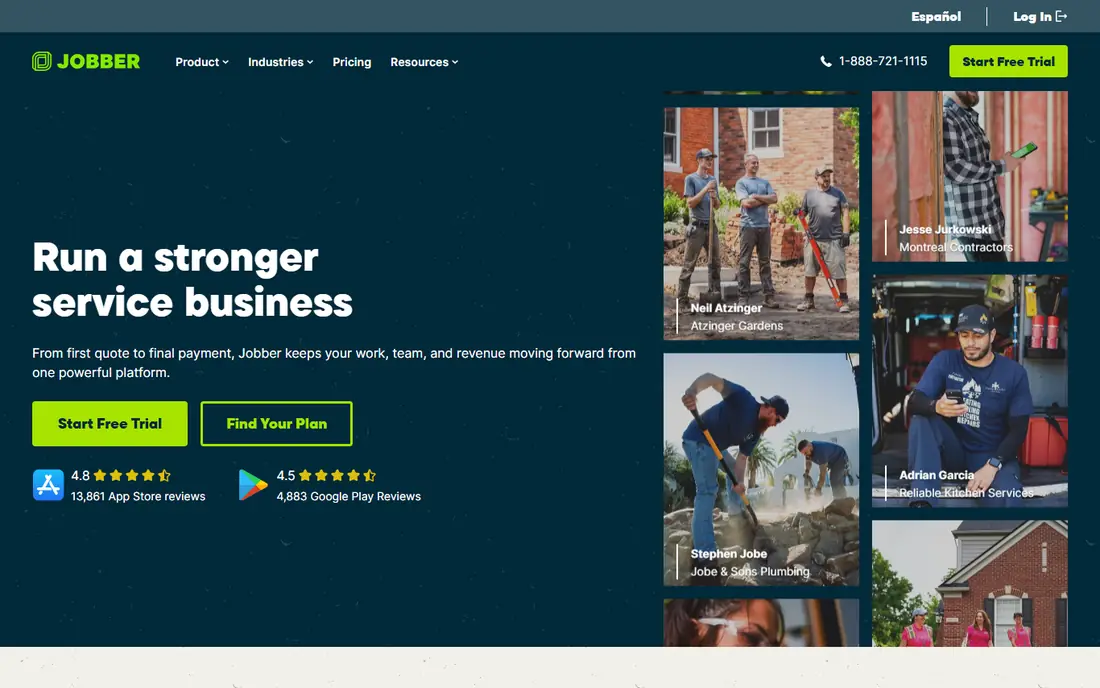
Jobber is our pick for most growing grounds-care firms because it covers the full job cycle without a steep learning curve. Owners can send a quote, turn it into a scheduled job, invoice on completion, and take payment through a client hub. The mobile app gives crew leads job details, photos, and checklists in the field.
The trade-off is user pricing. The Core plan starts near $29 per month for one user on annual billing, with extra users billed per month, so a larger crew costs more than a flat-rate tool. Higher tiers also gate route optimization and some automation. For a small to midsize firm moving off spreadsheets, Jobber is still the easiest solid upgrade.
- Quotes, scheduling, invoicing, and payments in one flow
- Strong mobile app
- QuickBooks and Xero sync
- Per-user pricing adds up as the team grows
- Deeper estimating sits on higher tiers
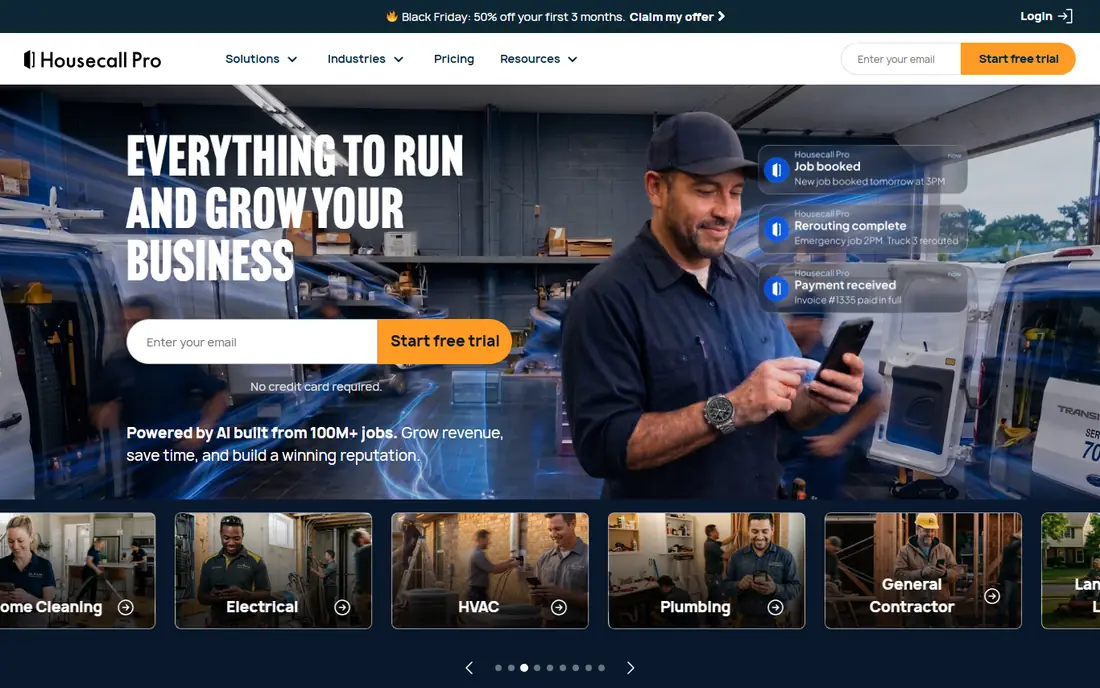
Housecall Pro suits firms that want booking to feel easy for customers and dispatch to feel clear for the office. Online booking, estimates, invoices, and payments run in one system, and the dispatch board helps a small office team assign jobs by day and crew. Consumer financing options can also help close larger one-off projects.
The catch is tier gating. Route optimization and some advanced features sit on higher plans, with entry pricing near $59 per month on annual billing for one user in recent checks. Compare the tier that includes the features you actually use, not just the entry price. For firms that prize a smooth booking experience, Housecall Pro is a strong choice.
- Online booking and dispatch in one system
- Consumer financing options
- QuickBooks sync
- Route optimization sits on higher tiers
- Per-plan feature gaps need checking

ServiceTitan is built for larger firms with several crews, a dispatcher, and office staff who manage sales and marketing in one place. Its dispatch board, capacity planning, estimate tools, and reporting go deeper than lighter tools, and multi-location support helps firms with more than one branch. That depth suits firms with structured sales processes and high job volume.
The drawback is cost and setup. Pricing is quote-based and per-technician, setup can take weeks, and contracts often run for a year or more. A solo operator or a two-crew firm will likely find it heavy and costly. For a large firm that has outgrown lighter tools, ServiceTitan is the step up that matches its complexity.
- Deep dispatch, sales, and marketing tools
- Strong reporting
- Multi-location support
- Quote-based pricing
- Longer setup time
- More than a small firm needs
GorillaDesk suits firms where recurring routes are the core work, such as weekly mowing and scheduled maintenance visits. Its Basic plan is priced per route, near $49 per month, with recurring billing and saved-card autopay for repeat customers. That model can be cheaper than per-user pricing when several crew members share one route.
The catch is counting. A route and a user login are different units, so compare GorillaDesk with per-user tools by counting independent crews, not office logins. Firms that do many one-off design or install projects may also find estimating lighter than in specialist project tools. For route-heavy firms, GorillaDesk is a focused and fair-priced pick.
- Per-route pricing suits recurring routes
- Recurring billing and autopay
- No long contracts stated on many plans
- A route is not the same as a user login, so team math differs
- Project estimating is lighter
Yardbook is the best starting point for a solo operator or a very small firm that needs scheduling, invoicing, and customer records without a monthly bill. Its Starter plan is free, with paid plans near $34.99 and $49.99 per month, all with unlimited users on the published comparison pages. That flat structure is simple to understand.
The limit is depth. Reporting, automation, and customer communication tools are lighter than in Jobber or Housecall Pro, and firms with several crews may outgrow Yardbook as volume rises. For a new firm testing whether software helps at all, Yardbook removes the cost barrier and still covers the daily basics well.
- Free Starter plan
- Unlimited users on listed plans
- Built for lawn and grounds work
- Lighter reporting and automation than paid rivals
- Payment and support depth differ
Service Autopilot suits firms that want recurring work to run with less manual chasing. Its automation covers routes, billing, follow-ups, and dispatch, which helps when dozens of repeat customers need service on a set cycle. That depth makes it popular with established firms that have outgrown simple scheduling.
The trade-off is onboarding. Pricing is quote-based with tiered plans, and setup takes more time than a tool like Yardbook. Firms should plan a trial with real routes and billing cycles, not just a demo with sample data. For firms where automation is the main pain point, Service Autopilot is worth the setup effort.
- Strong automation for recurring routes and billing
- Follow-up and dispatch tools
- Built for lawn and grounds firms
- Quote-based pricing
- Setup and learning time are higher than lighter tools
SingleOps suits tree care and grounds firms that sell high-value, complex projects rather than simple repeat visits. Its estimating and proposal tools handle multi-part jobs, materials, and crew time with more detail than a basic quote tool. Job costing then shows whether a project made money, not just whether it was invoiced.
The catch is fit and price. Pricing is demo-led and quote-based, and a firm that mainly runs weekly mowing routes may not use the estimating depth. Test a real complex proposal in a demo, including materials and crew hours, before committing. For project-heavy firms, SingleOps is a specialist pick that lighter tools cannot match.
- Strong estimating for complex tree and project jobs
- Job costing and proposal tools
- Crew scheduling
- Quote-based pricing
- More than a simple mowing firm needs
Arborgold suits tree care firms and grounds-care crews that want a system built around their job types. Scheduling, proposals, invoicing, and customer history sit in one place, with job details that reflect tree and outdoor work rather than generic service calls. That focus can shorten setup for firms in this niche.
The limit is breadth. A firm that also runs plumbing, cleaning, or other trades will find a general field-service tool broader. Arborgold is best when tree and outdoor work is the core business and the team wants a specialist workflow. Ask for a demo with your actual job types to confirm fit.
- Built for tree care and related outdoor work
- Scheduling, proposals, and invoicing in one system
- Customer history
- Quote-based pricing
- Narrower focus than general field-service tools
LMN suits firms that need to know true job cost before quoting, not just invoice totals after the work. Its estimating and budgeting tools help owners price labor, materials, and overhead with care, and time tracking feeds back into job costing. That discipline matters for firms bidding larger maintenance contracts and install projects.
The drawback is setup time. Full estimating needs clean labor rates, material costs, and overhead figures, so the first month takes work. Firms that only need simple scheduling may find LMN heavy. For firms that lose money on underpriced jobs, LMN can pay for itself through better quotes.
- Strong estimating, budgeting, and job costing
- Time tracking and scheduling support
- Built for outdoor firms
- Quote-based pricing
- Learning curve for full estimating setup
How we picked these
We compared official feature pages, pricing pages, and public reviews for customer and job management tools used by grounds-care firms in the United States in October 2026. We kept only tools with a working official homepage and current service for outdoor firms, and we wrote See website where pricing is quote-based. We favored tools that combine quotes, scheduling, invoicing, and payments, since a contact list alone does not run a service firm.
We also weighed pricing units, since per-user, per-route, and quote-based models change the total for the same team. We checked route tools, project estimating, and accounting sync, so the list covers solo operators through large multi-crew firms.
How to choose a CRM for a grounds-care firm
Start with your job mix, not a feature list. A route-heavy firm needs recurring scheduling, route order, and autopay. A project-heavy firm needs estimating, materials, and job costing. A mixed firm needs both, and should test both job types in a trial before buying.
Count the true cost for your team. Per-user tools charge for each login, per-route tools charge for each independent crew route, and quote-based tools need a written quote for your crew size. Add payment processing fees and any add-ons for marketing, phone, or reporting, since those change the monthly total.
Test with real work
Run one recurring customer and one one-off project through the trial, from quote to invoice to payment. Check whether customer notes, photos, schedule changes, and payments stay attached to the right job. Ask crew leads to use the mobile app for a day, since they are the main daily users.
Plan the move
Export customer records, job history, and open balances before switching, and keep the old system readable during the first month. Train the office team first, then crew leads, and set a single owner for schedule changes. A clean move matters more than a fast move, since lost job history hurts billing and customer trust.
Frequently asked questions
What is the best CRM for a small grounds-care firm?
Jobber suits most growing small firms, while Yardbook suits solo operators who want a free start. The right pick depends on crew size, job mix, and whether you need route tools or project estimating. Test both job types in a trial before deciding.
How much does CRM software cost for a grounds-care firm?
Entry prices range from free for Yardbook Starter to near $29 per month for Jobber Core and near $59 per month for Housecall Pro Basic, with larger and specialist tools priced by quote. Add extra users, routes, and payment fees to get the true monthly total for your team.
Does a CRM replace accounting software?
No, a CRM manages customers, jobs, quotes, and invoices, while accounting software manages books, taxes, and payroll. Many CRMs sync with QuickBooks or Xero, which keeps invoices and payments aligned. Use both, with the CRM for daily jobs and accounting software for the books.
Can crew members use a CRM on a phone?
Yes, most tools on this list offer a mobile app for crew leads, with job details, photos, checklists, and time tracking. Check offline behavior for areas with weak signal, since field coverage varies. A crew-friendly app is essential, since the office system alone does not finish jobs.
How long does it take to set up a CRM?
A light tool can be set up in a day or two from spreadsheets, while a specialist tool with estimating and automation can take several weeks. Allow time for customer import, route setup, and crew training. Keep the old system running until the new one handles real jobs well.
Sources
See where you really rank - block by block
ProMapRanker scans Google Maps across a grid of your service area. Simple monthly plans from $19, white-label on every plan.
Start freeKeep reading
 worlds best local seo company
8 Worlds Best Local SEO Companies for Map Pack Growth in 2026
Compare the worlds best local seo company options for Google Business Profile work, citations, reviews, and multi-location rankings and reporting in 2026.
Read → world's best web hosting company
World's Best Web Hosting Company in 2026
Searching for the world's best web hosting company? We compared 10 hosts on price, renewal rates, speed, and support to help you choose well today in 2026.
Read → who's got the best nanny tax services
Who's Got the Best Nanny Tax Services in 2026
We answer who's got the best nanny tax services, comparing full filing, back taxes, software, and pricing so families can handle nanny taxes correctly.
Read →