 ProMapRanker
Best CRM for Construction Company in 2026

Key takeaways
- Construction CRMs differ from general CRMs because they link leads to estimates, schedules, change orders and job costs in one place.
- Roofing and exterior teams often fit JobNimbus or AccuLynx best, while custom home builders often fit Buildertrend, JobTread or Buildern.
- General CRMs such as HubSpot, Salesforce, Zoho CRM and Pipedrive work well for sales tracking, but they usually need extra setup for job costing and field work.
- Quote-only pricing is common in this market, so ask for the full seat, add-on and onboarding cost in writing before you sign.
- Our pick for most small to mid-size builders is JobTread for clear pricing and a wide job workflow, with Buildertrend as the fuller client-facing option.
Quick comparison
| Pick | Great for | Pricing starts at | Free tier | |
|---|---|---|---|---|
 JobNimbus | Roofing and exterior contractors | See website | Free trial | Visit |
 Buildertrend | Residential builders and remodelers | See website | No | Visit |
 JobTread | Remodelers and small builders | $199 per month | No | Visit |
 AccuLynx | Roofing companies with insurance work | See website | No | Visit |
 Buildern | Custom home builders | $225 per month | No | Visit |
 Contractor Foreman | Small contractors on a budget | $49 per month | Free trial | Visit |
 HubSpot | Marketing-led construction firms | Free | Yes | Visit |
 Salesforce | Large contractors needing custom setup | See website | Free trial | Visit |
 Zoho CRM | Small firms wanting low cost | See website | Yes | Visit |
 Pipedrive | Simple visual sales pipelines | $14 per user per month | Free trial | Visit |
The best CRM for construction company teams
A good construction CRM does more than store names and phone numbers. It should follow a lead from first call to signed contract, then into scheduling, production and payment, without forcing your office to retype the same job details in three systems. The tools below cover that range, from trade-specific platforms to general sales CRMs that can be shaped for construction.
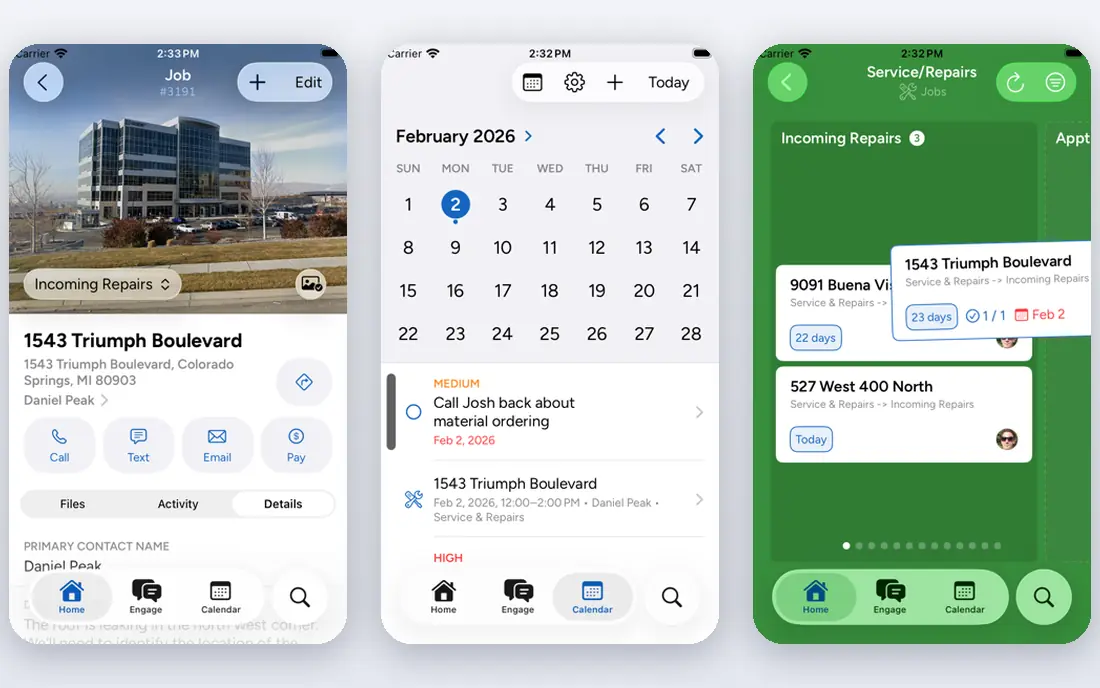
JobNimbus suits roofing and exterior contractors who live on leads, inspections, estimates and production boards. The CRM side tracks contacts, jobs and sales activity, while estimating and invoicing keep the same job record moving forward. That single job record is the main appeal for teams tired of separate spreadsheets for sales and field work.
The catch is cost clarity. Plans are tiered by user count and priced by quote, with role-based pricing for office, sales and field users. Ask exactly what each role costs, what the communications bundle adds, and what happens when you cross a tier limit. Teams that fit its roofing focus will find it practical, but general builders should compare it with JobTread or Buildertrend first.
- Built for roofing workflows
- Combines CRM, estimating and job boards
- QuickBooks integration
- Pricing is quote-only
- Per-role seat costs can add up
- Texting is a paid add-on
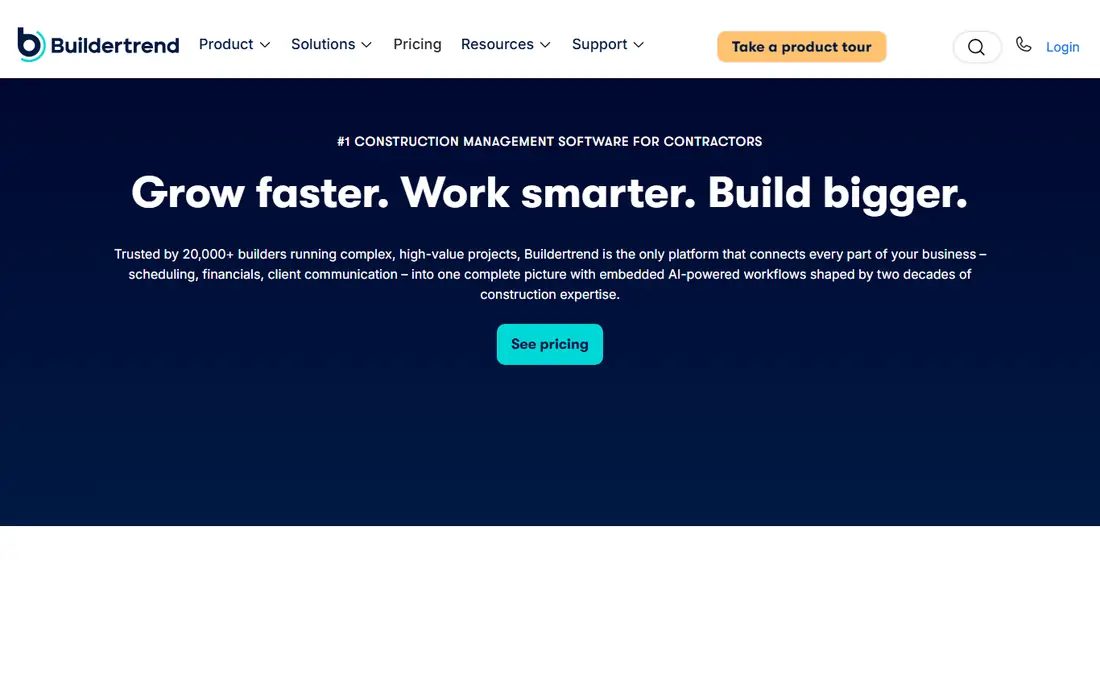
Buildertrend is built for residential builders and remodelers who run several projects at once and need clients to see progress without constant phone calls. Scheduling, daily logs, messages, budgets, change orders and payments sit around the same project record. The client portal is a real strength for firms that want a polished, professional client experience.
Pricing is now quote-based and linked to annual construction volume, so two firms can pay different amounts for similar access. That makes a written quote and a clear list of included features essential. If you run only one or two small jobs at a time, the depth and cost may feel heavy. For builders with steady volume, the breadth often replaces two or three separate tools.
- Client portal and scheduling in one system
- Unlimited users on quoted plans
- QuickBooks and Xero links
- No published price
- Onboarding can take weeks
- May be more than small remodelers need
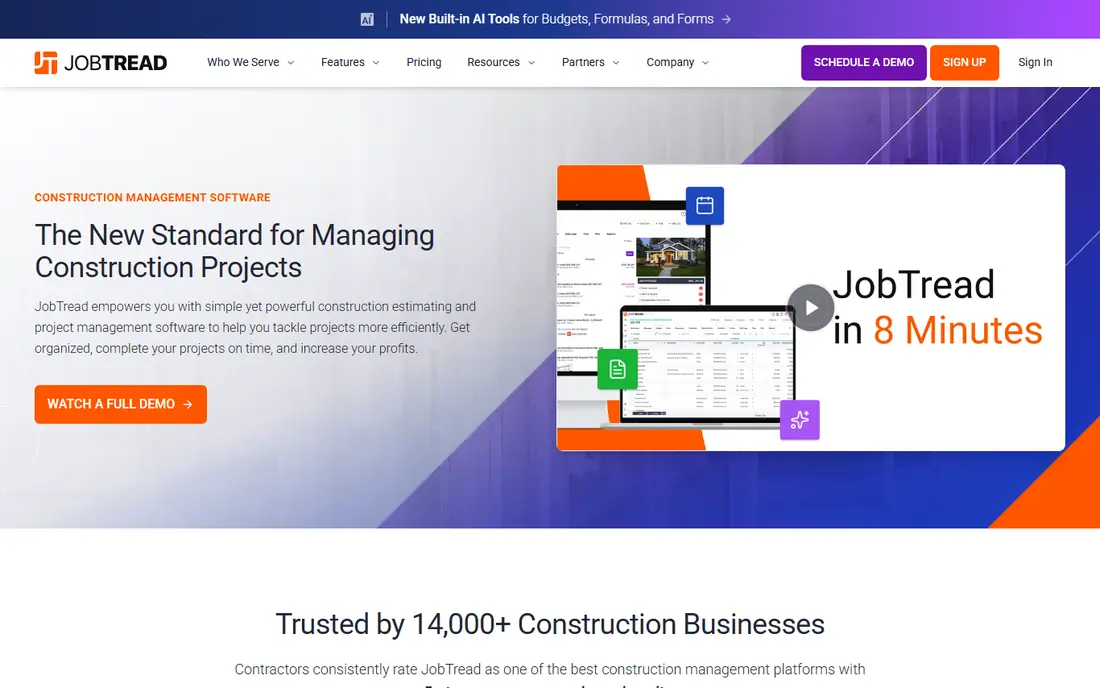
JobTread gives remodelers and small builders a single path from lead to estimate to schedule to invoice. Its pricing is easier to model than quote-only rivals, with a base monthly plan plus a per-user charge for internal users. Client portal users and vendor portal users are free, which helps when subs and homeowners need access without adding seats.
The trade-off is seat math. A growing office and field team will see the monthly total climb as users are added, even though the per-user rate can fall at larger sizes. Still, for firms that want estimating, scheduling, job costing and CRM without a sales call just to learn the starting price, JobTread is a strong, honest shortlist option.
- Clear per-user pricing model
- CRM through to job costing
- Free client and vendor portal users
- Bill rises with each internal user
- Smaller firms may not use every feature
- Setup still takes effort
AccuLynx is a roofing specialist, and it shows in the way it handles leads, estimates, production and insurance claims. For established roofing firms, the ability to track a job from lead through supplement and completion in one system can save office time and reduce missed steps. It is a production tool first and a sales CRM second, which fits larger roofing operations.
Smaller roofing shops should weigh cost and onboarding carefully. Entry pricing has been reported around a monthly base, with higher tiers by quote, and some users report onboarding fees. Get the full first-year cost, including onboarding and any required training, before you commit. General contractors will likely find JobTread or Buildertrend a better fit.
- Deep roofing production tools
- Insurance and supplement workflows
- Strong job tracking
- Quote-only higher tiers
- Onboarding fees reported by users
- Less suited to general building
Buildern targets custom home builders and general contractors who want CRM, estimating, project delivery and accounting connected. The starting plan covers two seats, with clients, subcontractors and field users free, which keeps the wider project team in the loop without a seat charge for every person. That model suits builders who coordinate many outside parties.
The main question is fit and familiarity. Buildern is newer to many US buyers than Buildertrend, so check its integrations, reporting and support hours against your current accounting setup. For a builder moving from spreadsheets and a general CRM, the all-in-one path can be simpler than stitching tools together. For a one-person remodeler, it may offer more than needed.
- CRM through to accounting in one platform
- Free client, sub and field users
- Clear starting price
- Less well known than Buildertrend
- Depth may exceed very small teams
- Pricing rises with seats
Contractor Foreman appeals to small contractors who need CRM, estimating, scheduling and job tracking without a large monthly commitment. The entry price is low for this market, and the feature list covers many daily tasks, from lead records to daily logs and invoices. Field teams can check schedules and job details from a phone, which matters on active sites.
Low cost does not mean no compromise. Some users find the interface busy, and the most useful depth sits in higher tiers. It is best viewed as a value all-rounder for small teams, not as a specialist for large custom home building or complex insurance roofing. Test the mobile workflow with a real job before you move your whole pipeline into it.
- Low entry price
- Broad job management features
- Mobile access for field teams
- Interface can feel crowded
- Support and depth vary by plan
- Larger firms may outgrow it
HubSpot is a general CRM, and it is the easiest starting point for a construction firm that mainly needs lead capture, follow-up and pipeline visibility. The free CRM covers contacts, deals and basic tracking, and paid tiers add marketing, automation and service tools. Firms that win work through content, ads and referrals often like its reporting and email tools.
The limit is construction depth. HubSpot does not ship with estimating, change orders, production boards or job costing for builders. You will need integrations or custom setup to connect it to project delivery. Choose HubSpot when sales and marketing are the gap, and pair it with a job tool when production tracking is just as important.
- Free CRM to start
- Strong marketing and pipeline tools
- Large integration library
- No construction job costing built in
- Paid tiers rise with seats and contacts
- Field workflows need setup
Salesforce fits large contractors and multi-division firms that need a CRM shaped exactly to their sales process, regions and reporting needs. It can track leads, opportunities, accounts and service cases, and it connects to many construction, accounting and field tools through its app marketplace. For firms with an operations team, that flexibility is hard to match.
Cost and effort are the honest drawbacks. Licenses are only part of the bill, since implementation, add-ons and ongoing admin can push the yearly total well above a trade-specific tool. Small and mid-size builders usually get faster value from JobTread, Buildertrend or Buildern. Choose Salesforce when custom process and enterprise reporting justify the setup work.
- Highly configurable
- Strong reporting and automation
- Large partner and app ecosystem
- High total cost with implementation
- Needs admin time
- Overkill for small teams
Zoho CRM gives small construction firms a low-cost way to track leads, contacts, deals and follow-up tasks. The free tier suits very small teams, and paid plans add automation, forecasting and more users. Because Zoho also offers books, projects and forms, a firm already in that family can keep billing and project notes close to the sales record.
It is still a general CRM, so estimating, scheduling and job costing will need custom fields, integrations or a separate job system. The interface can also take time to learn, and the best support sits on higher plans. For a budget-conscious firm that mainly needs disciplined sales follow-up, Zoho CRM is a practical, low-risk place to start.
- Low-cost entry and free tier
- Workflow automation
- Wide Zoho app family
- Construction features need configuration
- Interface takes learning
- Support quality varies by plan
Pipedrive suits small construction sales teams that want a visual pipeline and nothing more complicated. Deals move across stages, activities and reminders keep follow-up on track, and the entry price per seat is low. A remodeler or trade contractor who loses leads in email and notes will notice the difference quickly.
Pipedrive does not handle estimates, schedules, production or job costing on its own. It works best as a sales front end, paired with a job management tool or accounting system for delivery. If your main problem is lost follow-up rather than messy production, Pipedrive is a simple, affordable fix. If production is the mess, start with a construction-specific platform instead.
- Clear visual pipeline
- Easy to learn
- Affordable entry per seat
- No construction project tools built in
- Reporting depth is limited on entry plans
- Add-ons add cost
How we picked these
We compared official feature pages, pricing pages and app listings for construction-specific CRMs and general CRMs that construction firms commonly use. We kept only tools that exist and work in October 2026 and that fit lead tracking plus job or project work, either directly or through a clear integration path. Where a vendor does not publish a price, we wrote See website rather than repeating a third-party estimate as a vendor price. We did not claim hands-on testing, and we weighed trade focus, client access, pricing clarity and the cost of moving a real pipeline into each tool.
What to check before you buy a construction CRM
Start with your bottleneck. If leads slip through the cracks, a sales-focused CRM may be enough. If estimates, schedules and change orders cause the most rework, a construction platform will save more time even at a higher monthly price. Map one recent job from first call to final payment, then check that each step has a home in the tool you are testing.
Next, check seats, portals and integrations. Ask who counts as a paid user, whether clients and subs get free portal access, and how the tool connects to QuickBooks, Xero or your accounting system. Also ask about mobile use in the field, offline limits and photo documentation, since office-only software fails on active sites. Finally, get onboarding, training and add-on costs in writing, and run a trial with a live job, not a demo project, before you sign an annual plan.
Frequently asked questions
What is the best CRM for construction companies?
There is no single best option for every firm, since roofing, remodeling and custom home building have different workflows. Roofing teams often fit JobNimbus or AccuLynx, remodelers often fit JobTread or Buildertrend, and sales-led firms may fit HubSpot or Pipedrive. Match the tool to your main bottleneck, then test it with a real job.
What is the best CRM for construction companies on a budget?
Contractor Foreman, Pipedrive and Zoho CRM offer the lowest entry costs in this list, with free tiers or trials to test first. Contractor Foreman covers more job work at a low price, while Pipedrive and Zoho CRM focus on sales tracking. Budget buyers should still check seat costs and add-ons, since those can change the yearly total.
Do construction CRMs include estimating and scheduling?
Many construction-specific tools do, including JobTread, Buildertrend, Buildern and JobNimbus. General CRMs such as HubSpot, Salesforce, Zoho CRM and Pipedrive do not include full construction estimating and scheduling by default. If you need those features, choose a construction platform or plan for integrations and setup.
Is HubSpot good for a construction company?
HubSpot is good for lead capture, pipeline tracking, marketing and follow-up, especially for firms that win work online. It is less strong for job costing, production boards and change orders without extra setup. It works best as a sales system, or paired with a construction job tool for delivery.
How much does a construction CRM cost?
Prices in this list range from free entry tiers to quote-only enterprise plans, with published starting prices from $14 per user per month to $225 per month. Quote-only tools can cost more once seats, texting, onboarding and add-ons are included. Always ask for a full first-year quote before comparing headline prices.
Should a small contractor use a general CRM or a construction CRM?
A small contractor with a simple sales problem can start with a general CRM such as Pipedrive or Zoho CRM. A contractor who also needs estimates, schedules, client updates and job costs will usually save time with a construction CRM such as JobTread or Contractor Foreman. The right choice depends on where work currently breaks down.
Sources
See where you really rank - block by block
ProMapRanker scans Google Maps across a grid of your service area. Simple monthly plans from $19, white-label on every plan.
Start freeKeep reading
 zscaler alternatives
Best Zscaler Alternatives in 2026
Looking for zscaler alternatives? We compare 9 SASE and zero trust platforms on architecture, data protection, pricing, and fit for your network and team.
Read → zapier alternatives free
Best Zapier Alternatives Free in 2026
Nine automation tools for zapier alternatives free in 2026, all with genuinely free tiers, plus free plan limits, starting prices and upgrade paths explained.
Read → which platform is best for online reputation
Which Platform Is Best for Online Reputation in 2026
Wondering which platform is best for online reputation? We compare 8 review, listing, and response tools for small and multi-location businesses and agencies.
Read →